Why Multi-Language Matters More Than You Think
Your Shopify store isn't truly global until shoppers can browse in their native language. Here's the issue: adding 5 languages doesn't multiply your revenue by 5. It multiplies your operational complexity by 10.
The merchants who win treat language not as a cosmetic feature but as a conversion driver. Baymard Institute found that 72% of shoppers prefer purchasing in their native language, even if they speak English fluently. That's not preference—that's psychology. Your checkout form in Portuguese isn't just nice-to-have. It's the difference between a 2.1% conversion rate and a 3.8% conversion rate.
But here's where most brands fail: they slap Google Translate on their store and call it global. That's a conversion killer. Machine translation for e-commerce is still mediocre—it misses tone, cultural context, and product positioning nuance. A "luxury skincare brand" translated literally becomes "expensive face cream." You've destroyed your positioning.
Shopify Markets vs. Manual Multi-Language Setup
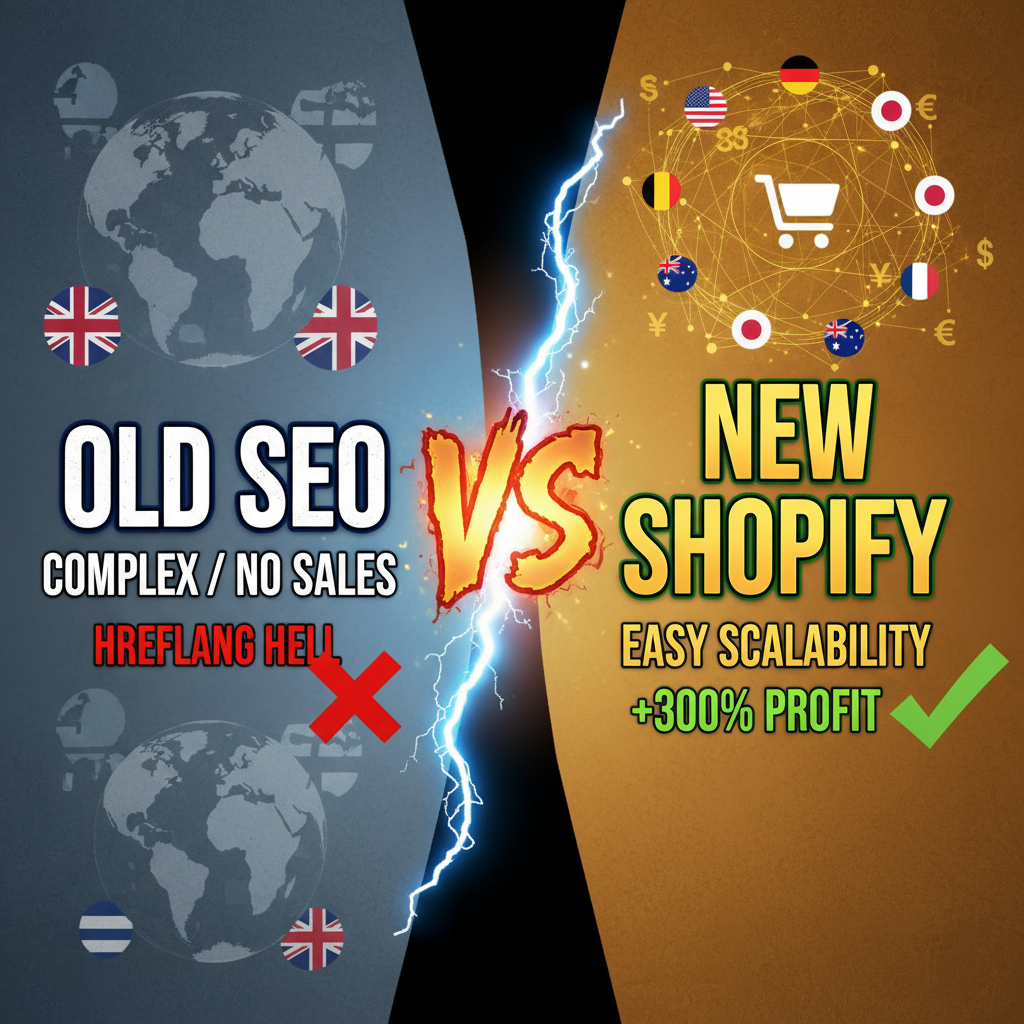
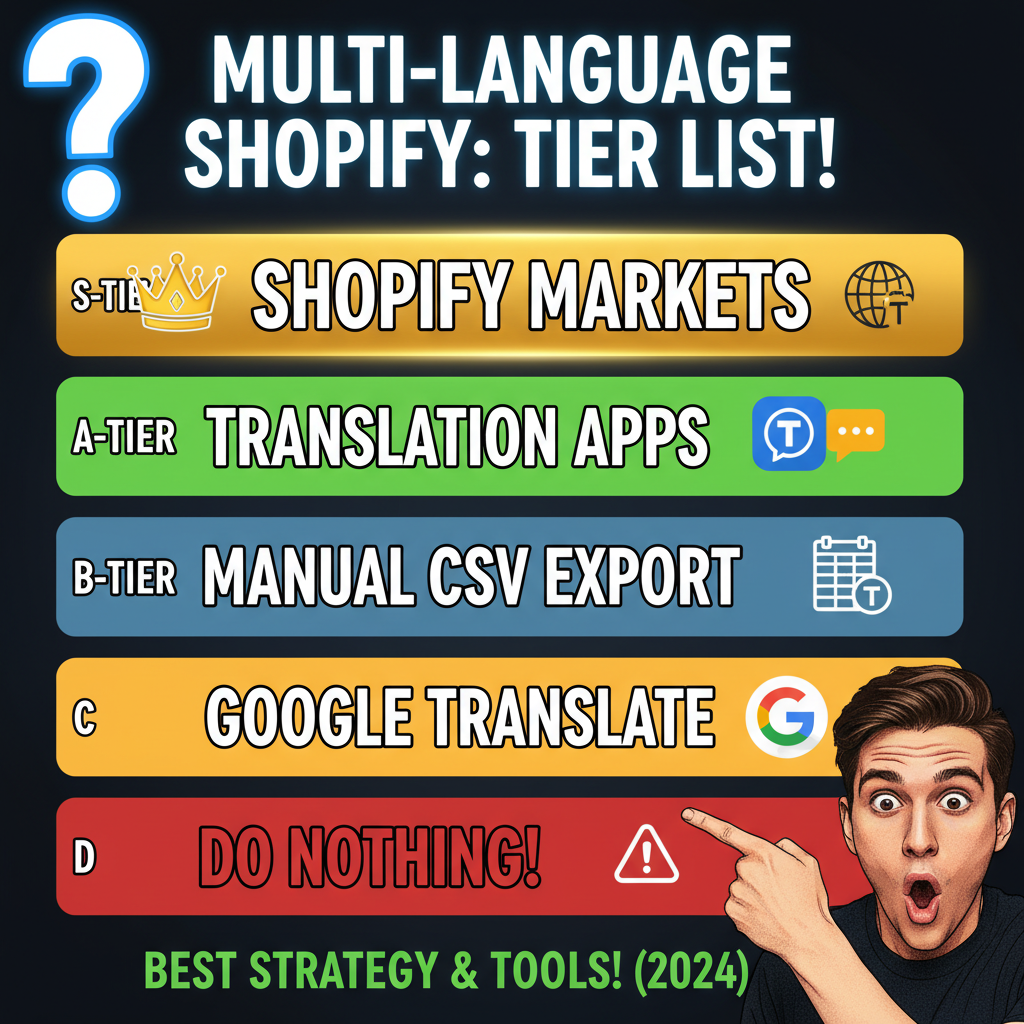
Shopify Plus gives you Shopify Markets, which handles currency, language, and geography. For smaller stores, you'll use apps. The choice matters because it affects your technical foundation, SEO, and maintenance burden.
| Feature | Shopify Markets (Plus) | Multi-Language App (Hreflang) |
|---|---|---|
| Currency handling | Native, automatic | Manual or app-driven |
| Hreflang tags | Automatic generation | Must configure correctly |
| Inventory sync | Yes, per market | App-dependent |
| Customer locale detection | Yes | Partial/third-party |
| Admin complexity | Higher setup, lower maintenance | Lower setup, higher maintenance |
| Cost | Included in Plus | $20-100/month |
| SEO control | Medium (locked into Shopify's implementation) | High (full hreflang control) |
The operator's take: Shopify Markets is worth it if you're on Plus and selling to 3+ regions with significant volume. For brands testing 2 languages, an app like weglot or Langify is cheaper and faster. But once you hit serious international revenue, Markets' native currency routing and inventory sync save you from data synchronization hell.
One critical detail: Shopify Markets' hreflang implementation is correct but opinionated. You can't customize it. If you're an SEO-obsessed founder who wants full control over alternate language links, you'll hate it. If you want "set and forget," it's perfect.
The Translation Problem Nobody Talks About
Here's where brands stumble. You have three translation paths:
- Machine translation only (worst, but cheapest)
- Machine + human review (good, moderate cost)
- Professional translation + localization (best, expensive)
Most e-commerce brands start with path 1, realize their conversion rate drops in non-English markets, then scramble to path 2 or 3. You'll save months of pain by planning for path 2 from the start.
Use machine translation (Google Translate API via apps like Langify or Weglot) as a first draft, then route all copy through human review. Shopify product descriptions, homepage, and checkout copy require real translators. Blog posts can live with machine translation—they don't drive conversion directly.
Budget guidance: Budget $0.05-0.15 per word for professional translation. A 100-word product description costs $5-15. Your entire product catalog across 5 languages might cost $3K-8K. That's less than one mediocre marketing hire and pays back in 3-6 months.
Hreflang: The SEO Foundation You Can't Ignore
Hreflang tags tell Google which language version of a page is meant for which audience. Mess this up, and Google gets confused about which version to rank.
Correct hreflang structure for e-commerce:
<!-- English (US) -->
<link rel="alternate" hreflang="en-US" href="https://store.com/products/widget" />

<!-- French (Canada) -->
<link rel="alternate" hreflang="fr-CA" href="https://store.ca/products/widget" />

<!-- Spanish (Mexico) -->
<link rel="alternate" hreflang="es-MX" href="https://store.mx/products/widget" />

<!-- Fallback: default language -->
<link rel="alternate" hreflang="x-default" href="https://store.com/products/widget" />
If you use Shopify Markets, these are generated automatically. If you use an app, verify they're correct using Google Search Console's "International Targeting" report. Wrong hreflang = Google ranks the wrong language version in the wrong region = your Portuguese customer sees English = bounce.
Test your hreflang with Google's Rich Results Test. It takes 2 minutes and prevents 6 months of SEO pain.
The Hidden Complexity: Currency, Pricing, and Taxes
Language is visible. Currency implementation is the invisible nightmare.
You have three pricing strategies:
-
Static conversion — Convert USD price to CAD at a fixed rate. Simple. Wrong. USD $50 = CAD $67.50. But your competitors list it at CAD $64.99. You lose.
-
Dynamic pricing by currency — Adjust margins per region. CAD $64.99, EUR €45, GBP £39. Requires manual review and maintenance.
-
Let Shopify Markets handle it — Markets can auto-convert with margin adjustments. You set rules like "add 8% to EUR pricing." It handles the rest.
Smart brands use a mix: Markets for currency conversion, manual review for competitive positioning. Check your competitors' CAD/EUR/GBP prices every quarter. If you're consistently 10% higher, you're leaving conversions on the table.
Tax gets worse. Canadian sales are subject to 5% GST/HST, plus provincial tax. EU sales are subject to VAT (19-25% depending on country). UK has 20% VAT plus post-Brexit complexity. This isn't optional. If you ship physical goods, you must charge correct tax or face legal trouble.
Shopify's TaxJar integration handles US/CA/UK tax. For international tax complexity, hire a tax accountant or use specialist apps. Don't cheap out here. One audit from Revenue Canada costs more than a year of tax software.
Multi-Language Content: The Blog Strategy
Blog content is one of your best multi-language opportunities. A blog post about "how to choose athletic shoes" ranks globally. Translate it to French, and you own search in Quebec and France.
Strategy: - Write pillar content in English first - Translate 20-30% of your blog to secondary languages - Prioritize high-traffic, high-intent posts (buying guides, case studies, comparison articles) - Use machine translation for first draft, then light human review (30 min per post, $25-50 cost) - Build internal links in each language version to related content
This is where most brands miss opportunity. You probably publish 4 blog posts per month. Translate 1 per month to French. That's 12 French posts per year. In 18 months, you have search traction in French-speaking markets with minimal extra cost.
Building Your Translation Stack: Tool Recommendations
For copy/product descriptions: - Weglot ($10-50/mo) — Auto-detects language, handles hreflang, includes light AI translation review. Good for stores with <500 products. - Langify ($15-75/mo) — Focuses on automatic translation with human review option. Better UX for product managers. - Professional translator — $0.05-0.15/word for critical copy. Non-negotiable for homepage, checkout, and brand voice.
For hreflang and technical setup: - Shopify Markets (if Plus) - Apps handle this automatically, but verify with Google Search Console
For blogs and content: - Use Google Translate API for first draft - Use Deepl API for higher quality (costs more, worth it) - Route through human review (contractors on Upwork, $15-25/hour)
For international payments: - Shopify Payments works in 20+ countries - Stripe International for additional coverage - Wise for payouts in multiple currencies
The Real Cost of Going Global
Be honest with yourself: translating a 500-product store into 5 languages is a $15K-30K project, plus $500-1000/month ongoing maintenance.
That's not a barrier. That's an investment. And it returns 2.5-4x faster than paid ads in new markets because you're addressing the #1 friction point: language.
The mistake isn't translating too much. It's translating poorly, then blaming "the market doesn't want our products." No—the market doesn't want your products in broken English.
FAQ
Q: Can I use Google Translate for everything? A: Technically yes. Strategically no. Machine translation works for blog posts and UI text (15-20% conversion loss). For product descriptions and checkout copy, add human review. You'll recover the review cost in 60 days.
Q: Do I need separate domains for each language (example.com vs. example.fr)? A: No. Subfolders (example.com/fr/) work just as well and are easier to manage. Use hreflang to signal language to Google. Subdomains are older tech and harder to maintain.
Q: How long before I see ROI on a French market launch? A: 4-6 months for initial traction. 12-18 months for mature growth. Test with 10-15% of your ad spend in a secondary language. If CAC is reasonable, scale. If not, pivot.
Q: What about currency fluctuation—do I need to update prices weekly? A: No. Set price bands quarterly. If USD/CAD moves 5% in a quarter, adjust. Daily micro-adjustments are overhead for minimal benefit. Shopify Markets can do this automatically if you enable it.
Q: Should I translate my blog immediately? A: Start with your top 3-5 pillar posts (highest traffic). See how they rank in 6 months. If you get traction, expand. Don't translate everything upfront—you'll waste $2K on dead pages.
CTA
Building a global store means thinking beyond translation tools. You need a strategy for currency, inventory, tax, and brand voice across languages. That's where most brands hit friction.
Ready to expand internationally? Tenten has built multi-language Shopify experiences for brands entering France, Canada, Germany, and Asia. We handle the technical setup (Shopify Markets, hreflang, currency routing) and translation coordination. Contact us to discuss your global expansion strategy.
Editorial Note: Multi-language Shopify stores often fail silently—they rank for the keyword, but bounce because of poor translation quality. The brands that win invest in professional translation upfront and use automation for the rest. Language isn't a feature. It's your most underrated conversion lever.
Frequently Asked Questions
What's the best way to test if multi-language is worth it for my store?
Run a test with your top 3 product descriptions in French. Track conversion rate for French visitors over 30 days. If it's within 0.5% of English conversion rate, expand. If it's 20%+ lower, you have a translation quality problem.
Do I need Shopify Markets or will an app work?
Apps work great for smaller brands (under $2M annual revenue). Shopify Markets makes sense at scale because currency and inventory sync automatically. Choose based on your revenue and language count—if 2 languages, app. If 5+, Plus + Markets.
How do I handle customer service in multiple languages?
Hire bilingual support staff or use apps like Langify that offer translation overlays for customer emails. Don't ignore this—poor support in a customer's language creates churn faster than anything else.
Should I hire translators or use apps?
Use apps for initial translation, then hire humans for review. A professional translator costs $0.05-0.15/word to review and fix machine-translated copy. That's 10x cheaper than hiring a full-time translator and catches quality issues.
What languages should I prioritize?
Pick by revenue potential: French/Spanish (North America), German (EU), Japanese (Asia). Avoid rare languages until you have $10M+ revenue. Focus depth over breadth.
How do I ensure product images aren't region-specific?
Use clean product photography without text or region-specific signage. If your product box says "MADE IN USA," that might resonate with US shoppers but alienate Canadian buyers. Consider multilingual packaging imagery if possible.