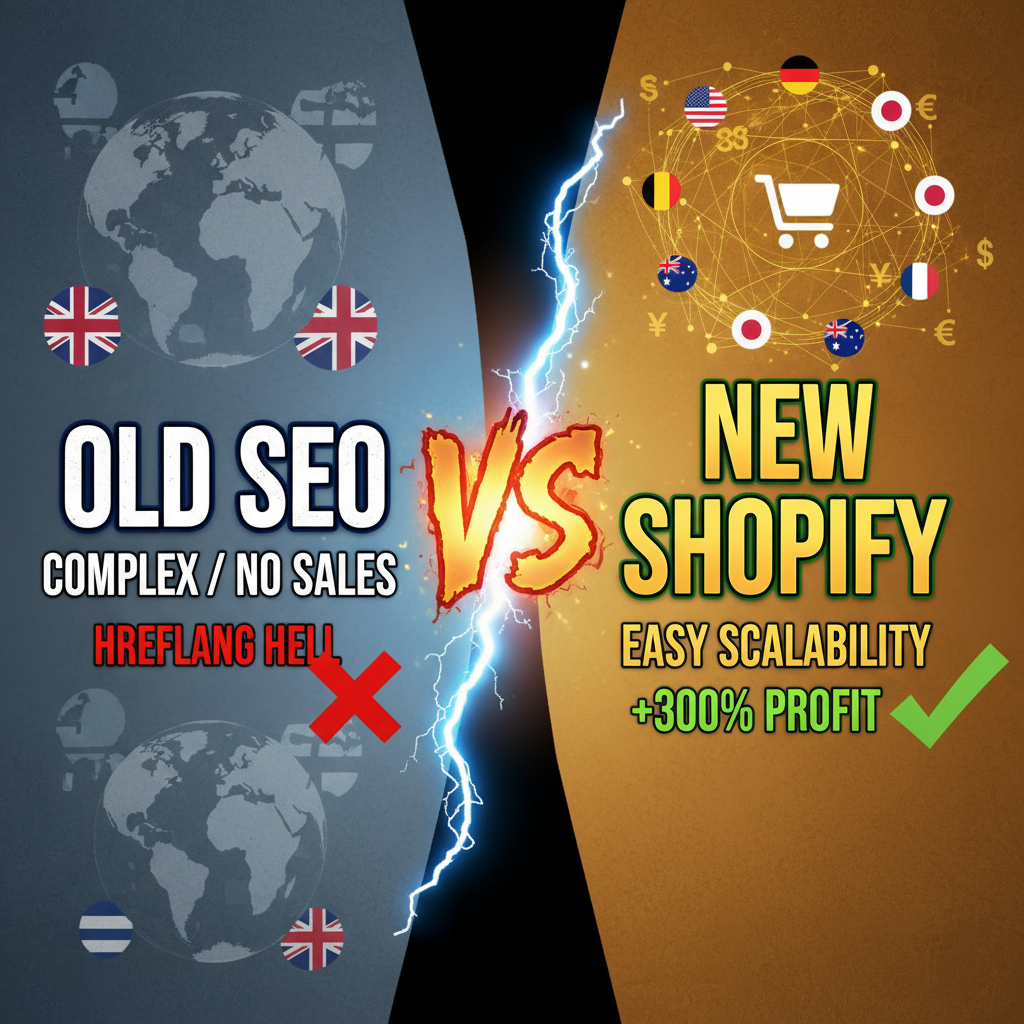
The Hidden Cost of Getting International Shopify SEO Wrong
You decide to expand your Shopify store globally. You open markets in Canada, UK, Australia, and Germany. You translate product pages. You ship internationally.
Six months later, traffic doesn't grow. You're ranking for nothing in these markets. You ask a consultant. They find the problem: duplicate content penalties. Google is confused—identical product pages for US, UK, and Canada are competing with each other. Google ranks none of them well.
Or worse: you're ranking in the UK for a US product page (wrong language, wrong currency). Traffic is high, but conversions are zero.
These are self-inflicted wounds. They happen when merchants set up Shopify's Markets feature (good) but skip hreflang implementation (critical).
International SEO is complex, but it's systematic. Get it right, and you unlock massive growth in new geographies. Get it wrong, and you waste infrastructure on confused search engines.
Part 1: Understanding Hreflang Tags
Hreflang is an HTML tag that tells Google: "This page targets this country/language. Here's the alternate version for another country."
Without hreflang, Google guesses. It might think your US English page is German. It might rank your Canada site instead of US site for US queries. It might penalize you for duplicate content.
With hreflang, you control the narrative.
Basic hreflang syntax:
<!-- US English page (en-US) -->
<link rel="alternate" hreflang="en-US" href="https://example.com/products/shoes" />
<link rel="alternate" hreflang="en-GB" href="https://example.co.uk/products/shoes" />
<link rel="alternate" hreflang="de" href="https://example.de/products/shoes" />
<link rel="alternate" hreflang="x-default" href="https://example.com/products/shoes" />
Breakdown:
- hreflang="en-US" — English (United States)
- hreflang="en-GB" — English (United Kingdom)
- hreflang="de" — German (any German-speaking country)
- hreflang="x-default" — Fallback for unspecified regions
Critical rule: Every hreflang tag must reference itself AND all alternates.
On your US page, you list: US, UK, Germany versions. On your UK page, you list: US, UK, Germany versions.
If you miss one, Google ignores the entire hreflang cluster. It won't work.
Part 2: Shopify Markets Setup (The Foundation)
Hreflang only works after you set up Shopify Markets correctly.
In Shopify admin, go to Settings → Markets. Here you define:
- Markets: Geographic regions (US, UK, Canada, etc.)
- Domains: Which domain serves each market (example.com for US, example.co.uk for UK)
- Language: Which language for each market
- Currency: Which currency for transactions
Best practice setup:
| Market | Domain | Language | Currency | URL Structure |
|---|---|---|---|---|
| United States | example.com | English | USD | /products/shoes |
| United Kingdom | example.co.uk | English | GBP | /products/shoes |
| Germany | example.de | German | EUR | /produkte/schuhe |
| France | example.fr | French | EUR | /produits/chaussures |
| Canada | example.ca | English | CAD | /products/shoes |
Key decisions:
- Domains vs. subdomains vs. subdirectories?
Options: - Separate domains (example.co.uk, example.de) — Strongest SEO, highest cost - Subdomains (uk.example.com, de.example.com) — Medium, less preferred by Google - Subdirectories (/uk/, /de/) — Weakest for international SEO, but cheapest
Recommendation: Separate domains if budget allows. CCTLDs (country-code TLDs like .co.uk, .de) signal strong local relevance to Google. If cost is prohibitive, subdirectories are acceptable (use proper hreflang to compensate).
-
Language pages or market pages?
-
Language-first: example.com/en-US (language first, market second)
- Market-first: example.com/us (market first, language second)
Market-first is clearer for users and for Google. Use market-first.
Part 3: Implement Hreflang in Shopify
Shopify doesn't auto-generate hreflang tags (yet). You need to add them manually or via an app.
Option 1: Hreflang app (easiest)
Install an app like SEO Manager or Hreflang Generator. These auto-generate hreflang tags based on your Markets setup.
Install app → Configure your markets → app generates tags automatically.
Cost: $10-50/month. Time: 30 minutes.
Option 2: Manual hreflang tags (for technical merchants)
Add hreflang tags in Shopify admin:
- Go to Online Store → Themes
- Click Edit code on your active theme
- Open
theme.liquid(main template) - Add this snippet in the
<head>section:
{% if request.page_type == 'product' %}
  <!-- Product hreflang tags -->
  <link rel="alternate" hreflang="en-US" href="https://example.com{{ page.url }}" />
  <link rel="alternate" hreflang="en-GB" href="https://example.co.uk{{ page.url }}" />
  <link rel="alternate" hreflang="de" href="https://example.de{{ translated_url }}" />
  <link rel="alternate" hreflang="x-default" href="https://example.com{{ page.url }}" />
{% endif %}

{% if request.page_type == 'collection' %}
  <!-- Collection hreflang tags -->
  <link rel="alternate" hreflang="en-US" href="https://example.com{{ collection.url }}" />
  <link rel="alternate" hreflang="en-GB" href="https://example.co.uk{{ collection.url }}" />
  <link rel="alternate" hreflang="de" href="https://example.de{{ translated_url }}" />
  <link rel="alternate" hreflang="x-default" href="https://example.com{{ collection.url }}" />
{% endif %}
This requires Liquid knowledge. If you're not comfortable editing theme code, use an app (Option 1).
Option 3: XML sitemaps with hreflang
Create separate sitemaps for each market. Google reads hreflang from sitemaps too.
Example (sitemap_us.xml):
<?xml version="1.0" encoding="UTF-8"?>
<urlset xmlns="http://www.sitemaps.org/schemas/sitemap/0.9"
        xmlns:xhtml="http://www.w3.org/1999/xhtml">
  <url>
    <loc>https://example.com/products/shoes</loc>
    <xhtml:link rel="alternate" hreflang="en-US" href="https://example.com/products/shoes" />
    <xhtml:link rel="alternate" hreflang="en-GB" href="https://example.co.uk/products/shoes" />
    <xhtml:link rel="alternate" hreflang="de" href="https://example.de/produkte/schuhe" />
  </url>
</urlset>
Submit all market sitemaps to Google Search Console. Google uses these as a source of truth for hreflang relationships.
Part 4: Geo-Targeting and Language Signals
Hreflang tells Google the relationship. Geo-targeting tells Google where you want to rank.
In Google Search Console:
For each market (each domain or subdomain), add the property and set geo-targeting.
- Add property (https://example.co.uk) to Google Search Console
- Go to Settings → Geographic targeting
- Select target country (United Kingdom)
- Set preferred language (English)
Now Google knows: this property targets UK, English queries.
In your page content:
Use local language and currency naturally.
- Page title: "Leather Shoes UK – Buy British Made"
- Content: Mention UK-specific shipping, returns, VAT policies
- Currency: Show prices in GBP, not USD converted to GBP
Content localization matters. A page titled "Shoes" (generic) ranks nowhere. A page titled "Handmade Leather Shoes UK" ranks for local queries.
Part 5: URL Structure and Language Paths
Your URL structure signals market/language.
Good: - example.com/products/shoes (US English) - example.co.uk/products/shoes (UK English) - example.de/produkte/schuhe (German)
Separate domains. Clear language separation.
Poor: - example.com/products/shoes (no market signal) - example.com/en/products/shoes (same domain for all markets—confuses Google)
If you must use subdirectories, be explicit:
- example.com/us/en/products/shoes (market/language/path)
- example.com/uk/en/products/shoes
- example.com/de/de/produkte/schuhe
But this is complex and suboptimal. Separate domains are cleaner.
Part 6: Canonical Tags and Duplicate Content
Canonical tags prevent duplicate content penalties.
On every page, self-reference:
<link rel="canonical" href="https://example.com/products/shoes" />
For UK version:
<link rel="canonical" href="https://example.co.uk/products/shoes" />
This tells Google: "I am the canonical version of this page for my market."
Common mistake: Using the same canonical across markets.
Bad: US page, UK page, and Germany page all have <link rel="canonical" href="https://example.com/products/shoes" />
This tells Google they're all duplicates of the US version. Google penalizes. Avoid.
Good: Each market's page self-references.
| Page | Canonical |
|---|---|
| example.com/products/shoes | https://example.com/products/shoes |
| example.co.uk/products/shoes | https://example.co.uk/products/shoes |
| example.de/produkte/schuhe | https://example.de/produkte/schuhe |
Part 7: Translation Strategy and Local Content
Hreflang gets Google to recognize alternate markets. Translation gets users to convert.
Machine translation is risky.
Google Translate is free but creates clunky prose. Users notice. Bounce rate increases. Rankings suffer.
Better: Use human translation or high-quality machine translation (like DeepL).
Localization goes beyond translation.
Translation: "Free Shipping" → "Versand kostenlos" Localization: "Free Shipping over $50 USD" → "Kostenloser Versand ab 50 EUR" + mention German VAT policies
Localization means adapting to local norms. Currency, measurements, holidays, colors (avoid red in China—bad luck). Payment methods (Germans love SEPA transfers).
Partial translation is fine.
You don't need to translate every page. Translate high-traffic pages first (homepage, top products, blog posts). Translated content ranks. Untranslated content doesn't rank in that market, but it doesn't hurt.
Part 8: Shopify Markets Auto-Pricing and Currency
Shopify Markets auto-converts prices to local currency. This is good for UX, critical for international SEO.
When a German customer visits example.de, they see prices in EUR, not USD converted. Psychology: local currency feels safer.
This happens automatically if you set up Markets correctly. Just verify:
- Markets configured with correct currencies
- Product prices set for base market
- Prices auto-convert via Shopify's exchange rates
Pro tip: Set pricing strategically.
US price: $100 UK price: £85 (not £76, which is pure conversion)
UK price is lower (accounts for VAT already included in UK prices, different local expectations). Customers see local pricing, feel it's fair, convert better.
Part 9: Schema Markup for International
Add schema markup for product and organization data. This helps Google understand you're international.
{
  "@context": "https://schema.org",
  "@type": "Product",
  "name": "Leather Shoes",
  "offers": {
    "@type": "Offer",
    "price": "99.99",
    "priceCurrency": "USD",
    "availability": "InStock",
    "seller": {
      "@type": "Organization",
      "name": "Example Shoes",
      "url": "https://example.com"
    }
  }
}
For international, add AggregateOffer to list prices across markets:
"offers": {
  "@type": "AggregateOffer",
  "priceCurrency": "USD",
  "lowPrice": "89",
  "highPrice": "110",
  "offerCount": "3",
  "offers": [
    {"price": "99", "priceCurrency": "USD", "url": "https://example.com"},
    {"price": "85", "priceCurrency": "GBP", "url": "https://example.co.uk"},
    {"price": "95", "priceCurrency": "EUR", "url": "https://example.de"}
  ]
}
This tells Google your product is available across markets at different prices.
Part 10: Testing and Monitoring
After setup, test hreflang implementation.
Test hreflang tags:
Use Google Search Console → Enhancement → International Targeting. It shows your hreflang configuration, errors, and coverage.
Look for: - Hreflang errors (missing alternates, broken links) - Unlocalized pages (pages without hreflang) - Crawl issues
Monitor rankings by market:
Use Google Search Console → Performance and filter by country.
After 3 months, you should see: - US queries showing US domain - UK queries showing UK domain - Germany queries showing German domain
If not, hreflang is misconfigured.
Track conversion rate by market:
Set up GA4 custom events for each market. Monitor conversion rate, AOV, refund rate by geography.
If UK converts at 1% but US at 3%, you have a localization problem (translation quality, pricing, shipping policy).
| Metric | Target |
|---|---|
| Impressions by market | Primary domain ranks in its market |
| Click-through rate by country | >2% within 3 months |
| Conversion rate by market | >0.5% (varies by vertical) |
| Bounce rate by market | <70% for non-brand traffic |
Avoiding Common Mistakes
-
Hreflang without proper domain setup — Hreflang is useless if you're using /en/, /de/ subdirectories on one domain without geo-targeting.
-
Forgetting x-default hreflang — x-default is the fallback. If a user visits from a market you don't target, they land here. Don't forget it.
-
Inconsistent currency/language across pages — If your UK site shows USD, users bounce. Localization must be complete.
-
Duplicate content without hreflang — Worst case scenario. Google penalizes heavily.
-
Not verifying hreflang in GSC — Just because you added tags doesn't mean they're correct. Verify in Search Console that Google recognizes them.
Editorial Note
We've seen Shopify stores expand from US-only to 5+ markets and see search traffic triple within 6 months. The playbook is always the same: hreflang, geo-targeting, and localization.
Frequently Asked Questions
Do I need a separate domain for each market?
No, but it's best practice for SEO. Subdirectories (/en/, /de/) work if properly hreflang-tagged, but separate domains rank faster and stronger in local markets.
What's the difference between hreflang="en" and hreflang="en-US"?
hreflang="en" targets all English-speaking markets. hreflang="en-US" targets specifically the United States. Use country codes when you have market-specific content.
Can I use hreflang if I'm only translating some pages?
Yes. Hreflang only works on translated pages. Untranslated pages don't need hreflang tags. Google won't penalize you for partial translation.
How long before Google recognizes my hreflang tags?
Usually 2-4 weeks. Verify in Google Search Console (International Targeting section) after 2 weeks. If not recognized, check for errors (broken links, duplicate tags).
Should I use Google Translate for localizing product descriptions?
Not for paid traffic or important pages. Machine translation is okay for less-trafficked content. For high-conversion pages, invest in professional translation or high-quality machine translation (DeepL, Claude).