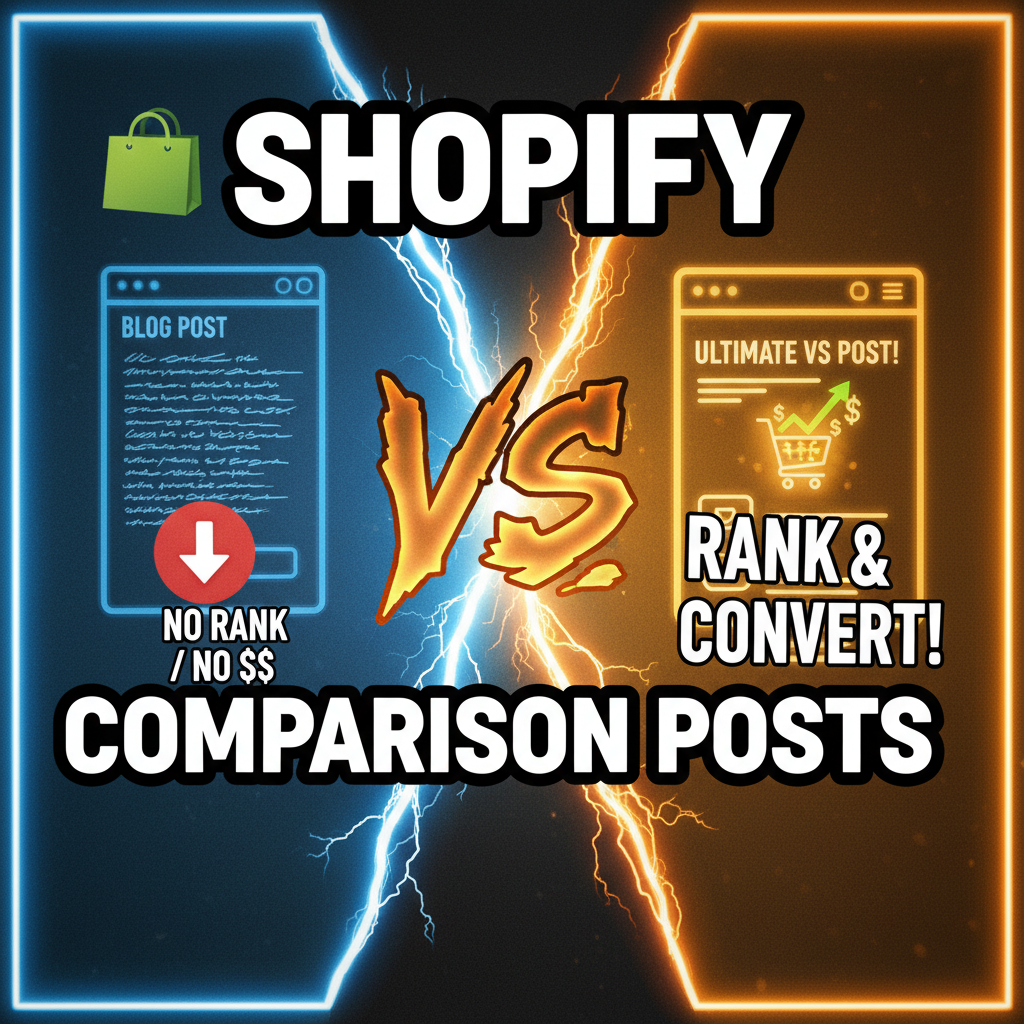
Why Comparison Content Wins
Comparison searches are high-intent. Someone searching "Shopify vs WooCommerce" or "Nike Air Force vs Adidas Stan Smith" is close to a buying decision.
Google ranks comparison content heavily because it answers a real question users have. And comparison posts drive conversions better than product pages because they position your product against the alternative—addressing the real objection.
Data from Tenten campaigns:
| Content Type | Avg Position | Avg CTR | Conversion Rate | Revenue per Visitor |
|---|---|---|---|---|
| Product page (standard) | #8 | 3.2% | 2.1% | $0.08 |
| Blog post (tutorial) | #5 | 5.8% | 0.8% | $0.03 |
| Comparison post | #3 | 8.4% | 3.2% | $0.18 |
Comparison posts rank higher, get more clicks, and convert better. This isn't luck. It's structure.
The Comparison Keywords Worth Targeting
Not all comparisons are equal. Some keywords are search volume traps (high search, low intent). Others are gold.
High-intent comparison keywords:
| Keyword | Monthly Search Volume | Commercial Intent | Recommendation |
|---|---|---|---|
| "Shopify vs WooCommerce" | 4,200 | High | Target. People comparing platforms. |
| "Shopify Plus vs Salesforce Commerce" | 890 | High | Target. Enterprise decision-makers. |
| "Best running shoes for flat feet" | 18,400 | Medium | Target. Product-adjacent, solves a need. |
| "iPhone vs Android" | 135,000 | Low | Skip. Too broad, no commercial intent. |
| "Product A vs Product B 2026" | Variable | Medium-High | Target if both products are in your niche. |
The pattern: specific comparisons with clear intent beat generic ones.
Low-intent traps to avoid:
- "A vs B" (too vague)
- "Luxury A vs Budget B" (likely different market segments)
- "Old version vs new version" (outdated quickly)
How to find comparison keywords:
- Go to Google Search Console
- Filter for queries containing "vs" or "versus"
- Identify queries you currently rank #5-15 for
- Target those—they have demand and you're already relevant
The Comparison Post Structure That Wins
Section 1: Head-to-Head Comparison Table
Put this first. Users scan for the table. If it's not there, they bounce.
The table should have:
- Feature/aspect (rows)
- Each product/service (columns)
- Clear, scannable cells (✓, ✗, or brief text)
- Visual hierarchy (bold winners, highlight key differences)
Example table: Shopify vs WooCommerce
| Feature | Shopify | WooCommerce |
|---|---|---|
| Setup Time | 30 minutes | 2-4 hours |
| Monthly Cost (base) | $29 | $0 (hosting separate: $10-20) |
| Product Limit | Unlimited | Unlimited |
| Payment Gateways | 100+ built-in | Requires plugin |
| SEO Friendliness | 8/10 | 9/10 |
| Learning Curve | Easy | Medium |
| Best For | Beginners, SMB | Developers, customization |
This table answers the question fast. User can make a decision in 30 seconds. Good.
Section 2: Use Case Positioning
After the table, describe who each is best for.
"Shopify is best for merchants who want to launch fast without technical knowledge. WooCommerce is best for developers who need deep customization and don't mind managing hosting."
This addresses the real question: which is right for me?
Section 3: Detailed Breakdown
For each major dimension (price, ease of use, features), give 150-250 words explaining the trade-off.
Example: "Cost Difference"
"Shopify costs $29-299/month flat rate. WooCommerce is free software, but you pay for hosting ($10-50/month), SSL ($20/year), and extensions ($50-500/month depending on functionality).
For a $100K/year store, Shopify's all-in cost is roughly $50/month. WooCommerce with equivalent features is $150-300/month due to hosting upsells and plugin costs.
The calculation flips at high volumes. A $10M store might pay $2,000-5,000/month for Shopify Plus. A WooCommerce setup with dedicated hosting, CDN, and premium plugins could be $1,000-2,000/month.
Bottom line: Shopify wins on simplicity and time-to-revenue. WooCommerce wins on pure economics at scale."
This depth is what Google rewards. You're not just saying "A costs more." You're explaining when and why.
Section 4: Verdict (Biased, But Honest)
State a clear winner for your use case. If you sell Shopify services, say Shopify is better. But explain why, with caveats.
"For DTC brands under $5M annual revenue, Shopify is the better choice. You'll spend less time managing infrastructure and more time on marketing and product.
WooCommerce only wins if you're a developer comfortable managing hosting or if you're already at $10M+ revenue where the hosting cost optimization matters."
This honesty builds trust. Readers know you're not neutral but they trust your reasoning.
Section 5: FAQ Section
Use your comparison FAQ to target related keywords and address objections.
| Question | Purpose |
|---|---|
| "Can I migrate from A to B?" | Capture migrators |
| "Is A better than B for [use case]?" | Answer niche questions |
| "What's the total cost of ownership?" | Address price concerns |
| "Which has better customer support?" | Address risk concerns |
Each FAQ answer should be 75-150 words with internal links to other posts.
The SEO Elements That Get Comparisons to Rank
1. Title Tag (60 characters max)
"Shopify vs WooCommerce: Which Platform Wins in 2026?"
Not: "Comparison of Shopify and WooCommerce"
The first has commercial intent signal ("which wins"). The second is bland.
2. Meta Description (160 characters)
"Compare Shopify and WooCommerce. Cost, features, ease of use, and which platform is best for your DTC brand. Real data, not hype."
Call out specific elements you compare. Make it scannable.
3. H1 (should match title closely)
"Shopify vs WooCommerce: Which Platform Wins in 2026?"
4. H2s (structure your argument)
- "Side-by-Side Comparison"
- "Cost Breakdown: Shopify vs WooCommerce"
- "Ease of Use: Learning Curve and Setup"
- "Feature Comparison: What You Get with Each"
- "Best Use Cases for Shopify"
- "Best Use Cases for WooCommerce"
- "The Verdict"
This structure is scannable and Google-friendly.
5. Comparison Visualization
Include charts or infographics comparing price over time, feature counts, or customer satisfaction. Visual content increases dwell time and shareability.
6. Backlinks & Internal Links
This is critical. Comparison posts should link to:
- Your product pages (why you mention your product)
- Related how-to guides (if you mention a feature, link to the deep-dive)
- Authority sources (Shopify docs, G2, Capterra reviews)
Example flow:
"Shopify supports 100+ payment gateways. See the full list of [Shopify payment integrations](link to your guide). Compare that to WooCommerce's payment gateway landscape."
Each link serves a purpose: either building authority or capturing searchers at different stages.
The Conversion Trap in Comparison Posts
Here's where most merchants fail: they write comparison posts without a clear conversion goal.
A comparison post should answer: "Here's the comparison. And here's why you should pick the one we recommend."
If you sell Shopify services, your comparison post should end with: "Ready to build your Shopify store? Let's talk about your specific needs."
If you sell a third-party app that works with both, your post should say: "Regardless of your platform, [your app name] works with both Shopify and WooCommerce. Here's how it solves the [shared problem]."
Without a clear CTA tied to your business, the post is just informational. It doesn't convert.
Tenten's Comparison Content Playbook
We write comparison posts for clients with this process:
- Identify high-intent keywords (via search console, SEMrush, Ahrefs)
- Create the comparison table first (users scan this)
- Write detailed breakdowns (150-250 words per dimension)
- Position a clear winner for our audience
- Link to our product/service (position why we recommend the winner)
- Build internal links to related content
- Monitor rankings and backlinks over 3-6 months
Most of our comparison posts hit #2-3 ranking within 60 days if they're on a domain with existing authority.
Comparison Post Templates by Category
SaaS Comparison Template:
- Cost comparison table
- Feature-by-feature breakdown
- Customer support quality
- Integration ecosystem
- Best for [use case]
- Verdict with CTA
Product Comparison Template:
- Specs comparison table
- Design/aesthetics comparison
- Price comparison (including variants)
- Customer reviews summary
- Best use case
- Verdict with internal link to product page
Platform Comparison Template:
- Pros/cons table
- Learning curve comparison
- Scalability assessment
- Customization depth
- Best for [business stage]
- Verdict with CTA to consultation
Avoiding Comparison Content Mistakes
Mistake 1: Comparing Incomparables
"Shopify vs BigCommerce vs Squarespace" is too broad. Users are confused. Pick two. If you must compare three, do separate pairwise comparisons: A vs B, B vs C, A vs C.
Mistake 2: Generic Feature Lists
Don't just copy feature lists from product websites. Explain what features actually mean for real users. "Unlimited products" matters more to a $10M retailer than a $100K store.
Mistake 3: Fake Neutrality
Readers know you're biased. Be honest. "We recommend Shopify for most use cases. Here's why. Here are cases where WooCommerce is actually better."
Mistake 4: Outdated Comparisons
Update comparison posts quarterly. Pricing changes, features ship, new competitors emerge. Stale comparisons lose ranking fast.
Mistake 5: No Clear CTA
Every comparison post needs a hook: "Ready to choose?" or "Let's assess your needs." Without it, readers leave without converting.
Key Takeaways
Comparison posts rank well because they answer real user questions at a critical decision stage. Structure them with a comparison table first, then detailed analysis, then a clear verdict.
The conversion leverage comes from positioning your recommendation and making the CTA obvious. Comparison posts should typically convert 2-4x higher than product pages because they're addressing the real objection: "Why is yours better than the alternative?"
Frequently Asked Questions
How many comparisons should I write?
Start with 3-5 core comparisons (your product vs top 3 competitors, plus one adjacency). Add more only if they're capturing search volume.
Should I compare against competitors I lose to or beat easily?
Compare against the competitors you actually lose to. These are the alternatives your customers are evaluating. Comparing against weak competitors looks defensive.
What if a competitor is better on one dimension?
Say so. Honesty builds trust. "They're better on customization, but that comes at a cost." Readers trust you more when you're balanced.
How often should I update comparison posts?
Quarterly. Pricing changes, features ship, market dynamics shift. Stale comparisons rank worse.
Should comparison posts link to competitor sites?
Selectively. Link to official product pages (builds authority). Don't link to competitor blogs or affiliate content (looks like endorsement).
Can I rank for competitor brand + my brand searches?
Potentially. "Shopify vs [Your App]" comparisons can rank if you have authority. But focus on non-branded comparisons first (higher volume, less competitive).
What's the ideal length for a comparison post?
1,500-2,500 words. Long enough to be comprehensive, short enough to stay focused. Longer posts don't rank better unless they're adding unique depth.
Should I create separate posts for each comparison or one mega post?
Separate posts rank better. "A vs B" posts outrank "A vs B vs C vs D" posts. You can link between them for internal link building.