
Zapier Connects Shopify to 5,000+ Apps (Without Code)
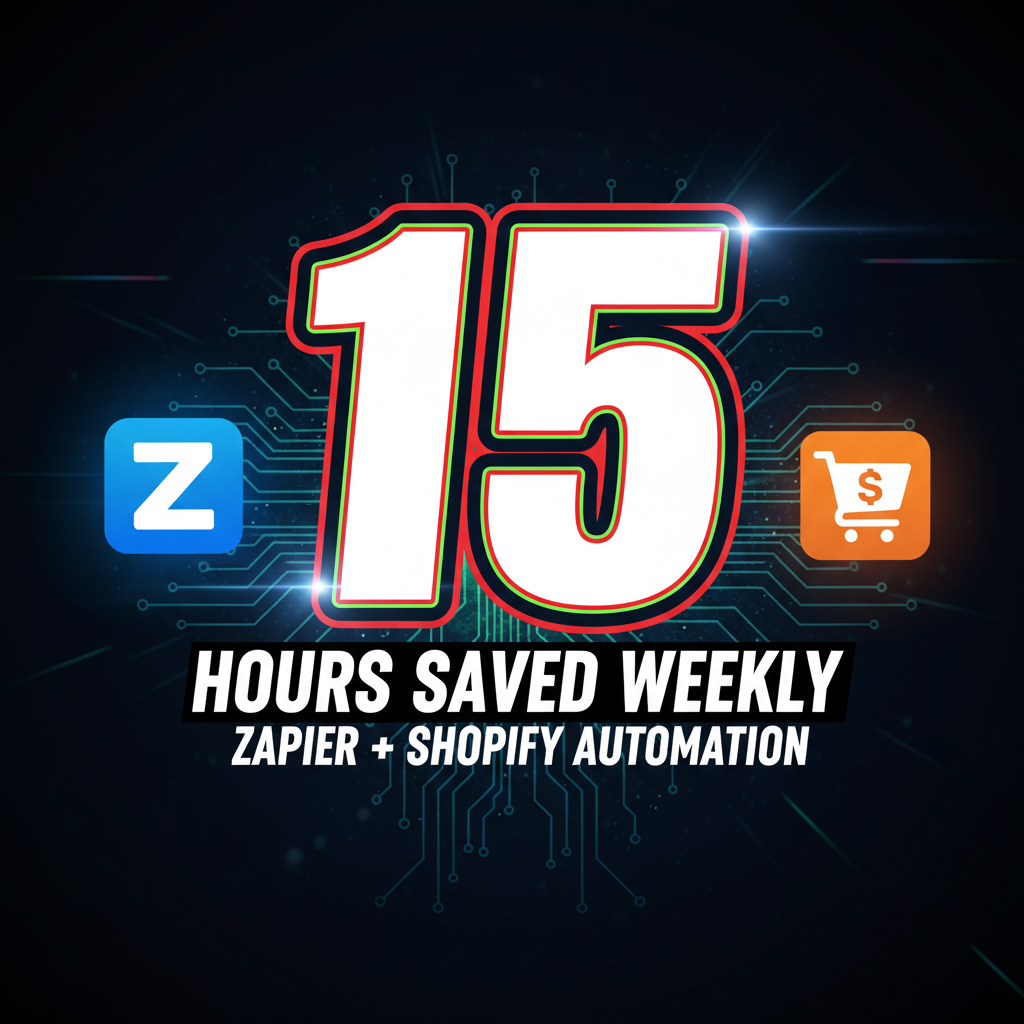
Zapier is one of the most underutilized automation layers in DTC. Most Shopify stores manually enter data across their tech stack—CRM, email, analytics, accounting, support tools. Zapier eliminates that friction by connecting Shopify to apps your team already uses, automating repetitive tasks that drain 3-5 hours per week for mid-size stores.
Unlike Shopify Flow (which is native but limited), Zapier supports deeper integrations with specialized SaaS tools. Unlike custom development, Zapier requires zero code and costs $20-50/month depending on volume.
This guide covers 15 integration patterns we've deployed across DTC brands, ranked by ROI.
What Zapier Does (And Doesn't)
Zapier works through a trigger-action model. A trigger (an event in Shopify, like "new order") automatically fires an action in another app (like "create a row in Google Sheets" or "send a Slack message"). Zapier calls these workflows "Zaps."
Strengths: - 5,000+ app integrations (far more than Shopify's native app store) - No coding required - Multi-step workflows (trigger one event, run 5 sequential actions) - Conditional logic ("if order value > $500, do X; else do Y")
Limitations: - Triggers fire with 1-5 minute delay (not real-time) - Limited to 100-200 tasks/month on free plan (paid plans scale to 750+/month) - No callback webhooks back to Shopify (data flows out, not back in) - Not ideal for high-volume stores (1,000+ orders/day may hit rate limits)
When to use Zapier: Mid-market DTC brands ($500K-$10M ARR) with 100-500 orders/month. Below that, Shopify Flow often suffices. Above that, consider custom API integration.
The 15 Highest-ROI Zapier Integrations for Shopify
1-3: Lead Capture & Email Automation
1. Save Form Leads to CRM (HubSpot, Pipedrive, etc.)
Trigger: New order in Shopify Actions: - Create contact in HubSpot (email, first name, last name, phone from order) - Tag with "Customer" and purchase date - Add to automation workflow (e-commerce nurture sequence)
Impact: Eliminates manual CRM entry. 30-second task per order automated. For 50 orders/week, that's 25 hours saved per year.
Cost: Free Zapier tier (100 tasks/month) covers stores with <25 orders/week.
2. SMS Follow-Up for High-Value Orders
Trigger: Order exceeds $500 Action: Send SMS via Twilio or SMS Bump ("Your order shipped! Track it here: [tracking URL]")
Data point: Klaviyo reports that SMS follow-ups boost repeat purchase rate by 12-18%.
Implementation: Takes 3 minutes to configure. SMS cost is $0.01-0.02 per message.
3. Abandoned Cart Recovery (Multi-Channel)
Trigger: Customer abandons cart (via Zapier + Shopify's cart data) Actions: - Send email via ConvertKit 5 minutes after abandonment - If no action in 24h, send SMS - If no action in 48h, re-target via Facebook pixel
Reality check: Abandonment rate is 70% for most e-commerce stores. Recovery email CTR averages 20-25%. A $200 AOV store with 100 weekly carts recovers $4,000-5,000/month.
4-7: Inventory & Operations
4. Real-Time Inventory Alerts to Slack
Trigger: Inventory drops below reorder point Action: Post to Slack channel (#inventory): "SKU-123 now has 15 units. Reorder threshold: 20."
Benefit: Your fulfillment team sees alerts in real-time, no need to log into Shopify Admin. For stores with 50+ SKUs, this prevents stockouts that cost $200-1,000+ in lost sales per occurrence.
5. Sync Shopify Inventory to Google Sheets
Trigger: Daily scheduled sync (every morning at 9 AM) Action: Update master Google Sheet with current inventory counts for all products
Why this matters: Excel-based forecasting and demand planning requires live inventory data. Shopify's built-in forecasting is basic. This Zap powers your planning workflow.
6. Auto-Generate SKU in Shopify from Product Name
Trigger: New product created in Shopify Action: Auto-populate SKU field with formula (e.g., "TENTEN-[product-id]")
Benefit: Prevents duplicate SKUs, enforces naming convention across your catalog. Saves 30 seconds per product added.
7. Sync Orders to Accounting Software (Xero, QuickBooks)
Trigger: New order marked as "Paid" Action: Create invoice in Xero with order total, line items, customer details
Impact: Your accountant no longer manually enters orders. Reduces monthly reconciliation time by 2-4 hours. Critical for audit trails and tax prep.
8-10: Customer Communication & Support
8. New Order Notification to Internal Slack
Trigger: New order placed Action: Post to #sales: "New order from [Customer Name] - $[Order Value] - [Product List]"
Why: Sales team sees orders in real-time, can spot trends, follow up on upsell opportunities. Team stays synced without checking Shopify manually.
9. Customer Service Ticket Auto-Creation
Trigger: Order contains a specific product (e.g., "Custom Engraving") OR customer leaves a note Action: Create ticket in Zendesk or Intercom with order details, customer contact, order notes
Benefit: Support team immediately knows a customer has a custom request. No missed follow-ups. Response time improves by 2-4 hours.
10. Send Post-Purchase Survey
Trigger: Order marked as "Fulfilled" (shipped) Action: Wait 2 days, then send email via Typeform: "How was your experience? [Survey Link]"
Data: NPS surveys sent post-purchase have 15-20% response rate. Responses feed back to product and marketing decisions. Statista data shows brands that collect post-purchase feedback improve repeat rate by 8-12%.
11-13: Marketing & Analytics
11. Add Customers to Email Segmentation List
Trigger: Customer purchases product in Category X (e.g., "Apparel") Action: Add to Klaviyo/ConvertKit list "Apparel Buyers" with segment tags
Why: Email marketing ROI depends on segmentation. Customers who buy apparel respond better to apparel promotions. This automates list building.
12. Log Orders to Google Analytics 4 (Custom Events)
Trigger: New order
Action: Send custom event to GA4: purchase_event{value, currency, product_ids}
Impact: Your analytics dashboard tracks e-commerce events. You can segment by product, revenue, customer cohort. Without this, GA4 data is incomplete.
13. Create Auto-Responder for Out-of-Stock Items
Trigger: Customer emails support about out-of-stock product Action: Auto-reply: "Item will restock on [Date]. Notify me when available: [Link]"
Benefit: Reduces support team load for common inquiry. Customer re-engages when product is back in stock.
14-15: Finance & Reporting
14. Weekly Revenue Summary to Email/Slack
Trigger: Every Friday at 5 PM Action: Send email/Slack summary: "This week's revenue: $X. Orders: Y. AOV: $Z. Top product: [Name]"
Value: Leadership sees weekly performance without logging into Shopify. Enables quick decision-making on campaigns, discounts, etc.
15. Sync Returns/Refunds to Spreadsheet (for RMA tracking)
Trigger: Refund issued in Shopify Action: Log to Google Sheet with: Refund date, amount, reason, customer, order number
Why: Returns tracking is critical for DTC profitability. Spikes in returns signal product quality issues, unclear descriptions, or fit problems. Tracking data powers product improvements.
Implementation Roadmap: Prioritize by Impact
Week 1 (Quick wins, 30 min setup): 1. New order Slack notification (#8) 2. Lead to CRM (#1) 3. Inventory alerts (#4)
Week 2-3 (Medium complexity): 4. Abandoned cart recovery (#3) 5. Weekly revenue summary (#14) 6. Customer service ticket creation (#9)
Week 4+ (Advanced workflows): 7. Post-purchase survey (#10) 8. Accounting sync (#7) 9. Analytics event tracking (#12)
Most mid-market stores will use 4-6 of these 15 integrations. Start with the three that save the most labor in your business.
Avoiding Common Zapier Mistakes
Mistake 1: Overloading a single Zap with too many actions
Bad: One Zap that creates HubSpot contact, sends Slack message, adds to email list, and logs to Google Sheets. Good: Separate Zaps by function. One Zap for CRM, one for Slack, one for email. Easier to debug when something breaks.
Mistake 2: Not testing with real data
Always run a test order (or use Zapier's test button) before activating. A misconfigured email field means thousands of failed messages.
Mistake 3: Ignoring task limits
Free Zapier = 100 tasks/month. One Zap with 5 actions uses 5 tasks per trigger. 20 orders/month = 100 tasks (maxed out). Upgrade to Starter ($20/month) for 750 tasks.
Mistake 4: Assuming Zapier is real-time
Zapier has 1-5 minute delays. If you need sub-second responses (like fraud detection), use Shopify Flow or custom webhooks instead.
Cost Breakdown
| Scenario | Monthly Zaps | Zapier Plan | Cost |
|---|---|---|---|
| 50-100 orders/month | 50-300 | Free/Starter | $0-20 |
| 200-400 orders/month | 200-800 | Starter | $20 |
| 500-1,000 orders/month | 500-2,500 | Professional | $50 |
| 2,000+ orders/month | 2,000+ | Team (custom) | $200+ |
For most DTC brands, Zapier stays under $50/month and delivers $5,000-10,000 in labor savings annually.
When to Go Beyond Zapier
Zapier excels for 80% of DTC workflows. Three scenarios where you should consider alternatives:
- Real-time syncing: If you need sub-second data flow, build a custom webhook or use Shopify Flow.
- Two-way data syncing: Zapier pushes data out but doesn't listen for updates from external apps. Custom APIs do both.
- High-volume stores (5,000+ orders/month): Task counts and rate limits become expensive. Dedicated integrations (built in-house or via an agency) are cheaper at scale.
Ready to Grow Your Shopify Store?
Zapier is the fastest way to automate Shopify workflows without engineering. Most DTC brands implement 4-6 core Zaps and see 3-5 hours/week in labor savings within the first month.
If you're drowning in manual data entry—syncing orders to CRM, logging inventory, chasing follow-ups—Zapier is worth the weekend setup. For deeper custom integrations or performance optimization, Tenten's Shopify development team builds scalable automation layers that integrate Zapier, Flow, APIs, and custom webhooks into a unified workflow.
Editorial Note Zapier is one of the most ROI-positive tools DTC brands underutilize. Most stores either don't know it exists or assume it's only for tech-savvy users. This guide demystifies the 15 integrations that move the needle on labor, data accuracy, and revenue. Start with one integration this week.
Frequently Asked Questions
Does Zapier charge per Zap or per action?
Per action (task). Each Zap can contain multiple actions. A 3-step Zap uses 3 tasks/trigger. Pricing scales with total monthly tasks, not the number of Zaps.
Can Zapier push data back into Shopify?
No—Zapier is one-way (Shopify → apps). To sync data back to Shopify, use Shopify Flow, webhooks, or a custom API.
How long does Zapier data take to sync?
1-5 minutes depending on load. Not real-time. For instant syncing, use Shopify Flow or custom webhooks.
Is Zapier cheaper than hiring a developer?
Yes. Zapier's cost is $0-50/month. A developer costs $5,000-15,000+ to build custom integrations. Zapier pays for itself in weeks.
Will Zapier integrations break if Shopify updates?
Rarely. Zapier maintains compatibility with Shopify's API. But always test new Zaps before deploying to live store.