Personalization on Shopify: Showing the Right Product to the Right Customer
Your homepage shows the same products to everyone. First-time visitor. Repeat customer. Cart abandoner. Price-sensitive buyer. All see identical products.
That's leaving 30-40% conversion on the table.
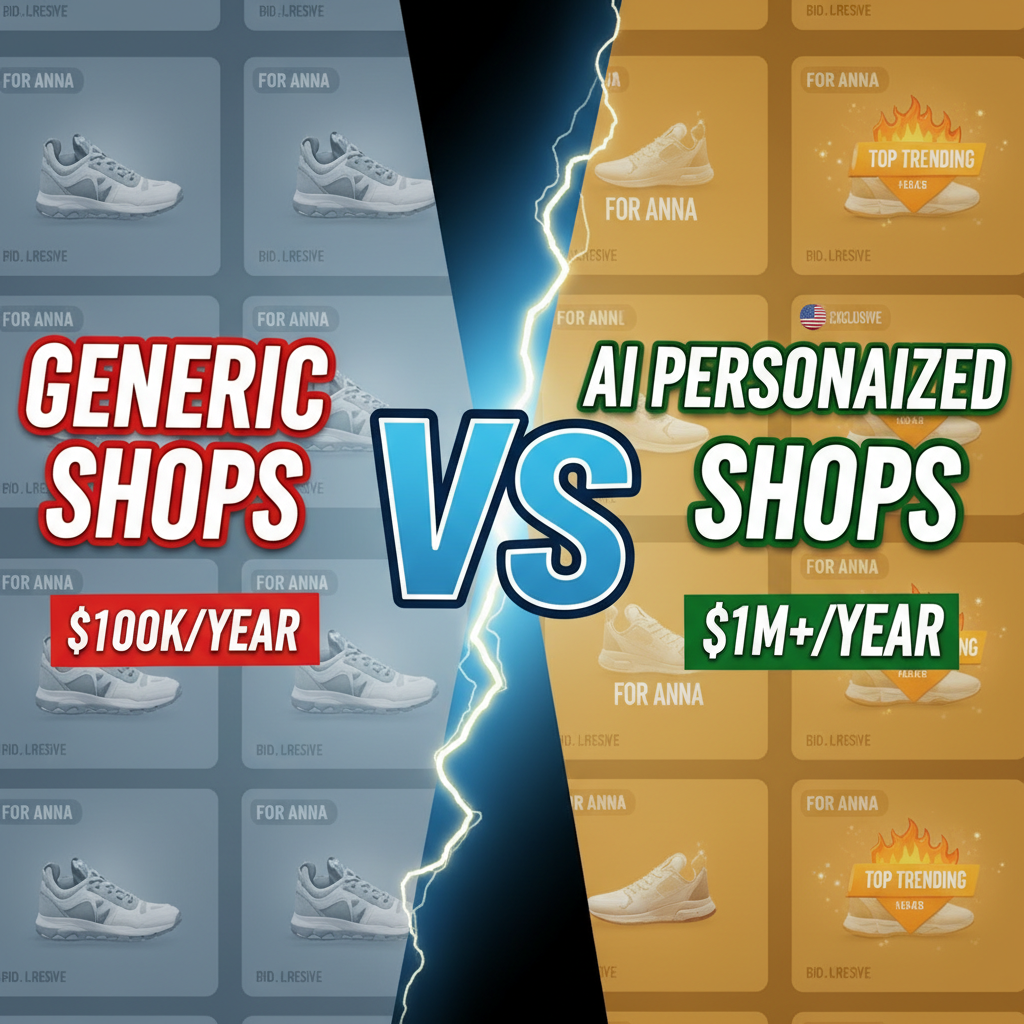
The shift is real: Stores that personalize product displays see 5-8% conversion rates. Stores that don't see 1-2%. That's not incremental. That's 3-5x better outcomes.
But here's what most stores get wrong: they treat personalization as "recommendations algorithm." They think the magic is in the ML model. It's not.
The magic is in behavior-driven segmentation. You don't need a fancy algorithm. You need to understand who your customer is, what they've done, and what they're likely to buy next. Then show them that product.
We've worked with 35+ Shopify stores building personalization layers. The winners weren't the ones with the fanciest algorithms. They were the ones with the clearest segmentation strategy.
Here's the framework.
Why Personalization Works (and Why Most Fail)
Personalization works because it solves the problem of choice overload. A customer lands on your homepage. They see 200 products. Paralyzed. They leave.
But if they see 5 personalized products, the choice is simple. "This one is for me." Conversion happens.
Why do most personalization attempts fail? Because brands personalize to themselves, not to customers.
Example: Your store sells running shoes. A customer visits. Your algorithm shows them:
- "Bestsellers" (products with highest margin)
- "New Arrivals" (products you want to clear)
- "Bundle Deals" (products you're trying to cross-sell)
That's personalization to your business, not to the customer. The customer was looking for lightweight trail shoes. You showed them high-margin road shoes. No conversion.
Real personalization is: "This customer has bought trail shoes twice. They're looking at performance specs. Show them our new ultralight trail shoe."
That's customer-centric.
Segmentation: The Foundation
Before you code anything, segment your customer base. These segments drive all downstream personalization.
Common segments:
| Segment | Identifier | Motivation | Show Them |
|---|---|---|---|
| New Visitor | First session, no purchase history | Discover best entry product | Best-selling, beginner-friendly, hero product |
| Repeat Customer | 2+ purchases, known preferences | Relevant follow-ups | New products in their category, complementary items |
| Cart Abandoner | Viewed product, didn't buy | Price, indecision | Same product (if in stock), similar products (if out of stock), social proof |
| High-Value | Top 10% by LTV | Premium offerings | Exclusive products, early access, limited editions |
| Price Sensitive | Mostly views discounted items | Value | Sales, bundles, value bundles |
| Cross-Sell Candidate | Bought A, likely to want B | Relevant combinations | Complementary products (e.g., shoes → socks) |
| At-Risk Churner | Historically active, now silent | Win-back | Incentives, new products in their niche, VIP treatment |
These segments are your north star. Everything personalizes against these.
How to segment on Shopify:
-
Use Shopify's native customer groups (Shopify Plus feature). Tag customers programmatically based on purchase history.
-
Use a CDP (Customer Data Platform) like Segment or mParticle. Centralize data, sync to Shopify.
-
Use your analytics platform (Mixpanel, Amplitude, Klaviyo). Segment customers there, sync audience tags to Shopify via API.
For most stores: start with Shopify customer groups + Liquid templating. No fancy tools needed. Just logic.
{%# Segment-based personalization in Liquid #%}
{% if customer %}
  {% if customer.orders_count == 0 %}
    {%# New customer #%}
    {% assign segment = 'new' %}
  {% elsif customer.orders_count > 5 %}
    {%# High-value customer #%}
    {% assign segment = 'vip' %}
  {% elsif customer.total_spent > 500 %}
    {%# Regular customer #%}
    {% assign segment = 'loyal' %}
  {% endif %}
{% else %}
  {% assign segment = 'anonymous' %}
{% endif %}

{%# Show different products based on segment #%}
{% if segment == 'new' %}
  {%# Show beginner products #%}
{% elsif segment == 'vip' %}
  {%# Show premium products #%}
{% endif %}
That's enough to get started.
Behavior-Driven Recommendations
Once you've segmented, personalize based on recent behavior.
Framework: The Three Recommendation Types
1. Browse-Based (what they just looked at)
"They viewed Product X. Show them similar products."
Example: Customer looked at "Trail Running Shoe – Size 10." Show them:
- Other trail shoes in size 10
- Complements (socks, insoles, shoe care)
This is the easiest recommendation. It's just filtering. No ML needed.
// JavaScript: fetch similar products (client-side)
function getRelatedProducts(productId) {
  return fetch(`/api/related?product=${productId}`)
    .then(r => r.json())
    .then(data => renderRecommendations(data.products));
}
2. Purchase-Based (what they bought before)
"They bought running shoes in March. Show them seasonal running products."
Example: Customer bought winter running tights. Show them:
- Seasonal running wear
- Complementary gear (base layers, jackets)
- Seasonal transitions (spring shorts, summer tops)
This requires knowing their purchase history. Query your order data:
// Fetch customer's past purchases from Shopify GraphQL API
const customerOrders = await fetch('/graphql', {
  method: 'POST',
  headers: {'Content-Type': 'application/json'},
  body: JSON.stringify({
    query: `
      query {
        customer {
          id
          orders(first: 10) {
            edges {
              node {
                id
                lineItems {
                  productTitle
                  variant { id product { id } }
                }
              }
            }
          }
        }
      }
    `
  })
});

// Analyze past purchases, predict next likely category
const categories = extractCategories(customerOrders);
const predictedNextCategory = predictNextCategory(categories);
showProductsInCategory(predictedNextCategory);
3. Cohort-Based (what similar customers bought)
"Customers like them bought Product Z. Show it to them."
Example: Customer profile matches "marathon runners who spend $200+." Show them:
- Products bought by similar high-spend customers
- Trending products in their cohort
- New releases in their niche
This is where simple ML shines. Use a collaborative filtering approach:
# Article FAQ

Q: Does personalization violate privacy?
A: Not if you're transparent. Use first-party data (their purchase history, browsing on your site). Get consent for tracking. Follow GDPR, CCPA rules. Most customers prefer relevant recommendations—they understand the trade-off.

Q: How long should I wait before personalizing a new customer?
A: Start immediately. Use segment-based rules (new customer profile). After 2-3 purchases, switch to purchase-based rules. After 10+ purchases, use cohort-based ML.

Q: Can I personalize on Shopify Free or Basic plans?
A: Partially. You can use Liquid templating + JavaScript for simple rules. Third-party apps may have plan restrictions. Shopify Plus gives you full flexibility.

Q: What if I have 100K SKUs?
A: Use collaborative filtering or embeddings-based recommendations. Amazon Personalize handles scale well. For in-house solutions, use approximate nearest neighbor search (Milvus, Pinecone) instead of brute-force similarity.

Q: How do I A/B test personalization?
A: Show 50% of traffic personalized, 50% static. Track conversion separately. Use a stats tool (Statsig, LaunchDarkly) to ensure statistical significance. Run for 2-4 weeks minimum.