Shopify + CDN: Optimizing Global Store Performance
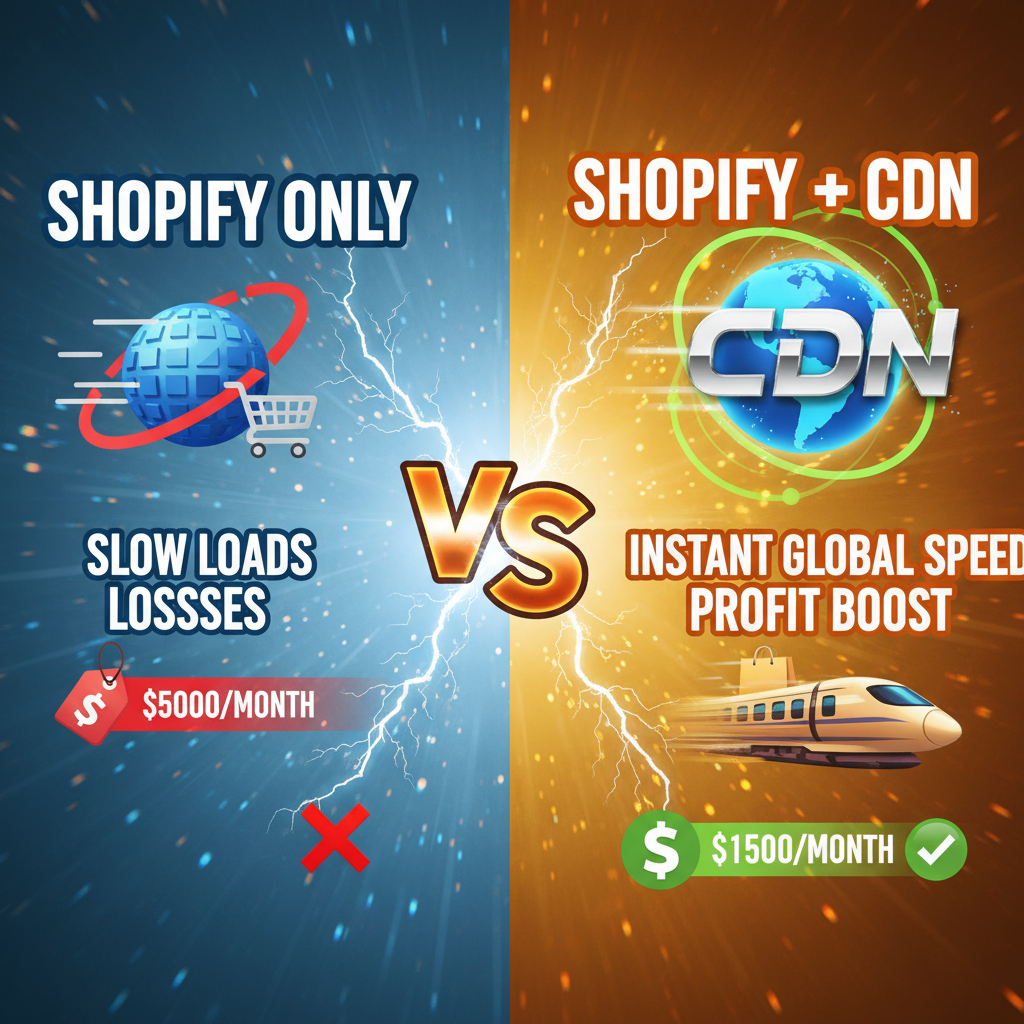
Shopify includes Fastly CDN in every plan. Tier 1-Plus, everyone gets it.
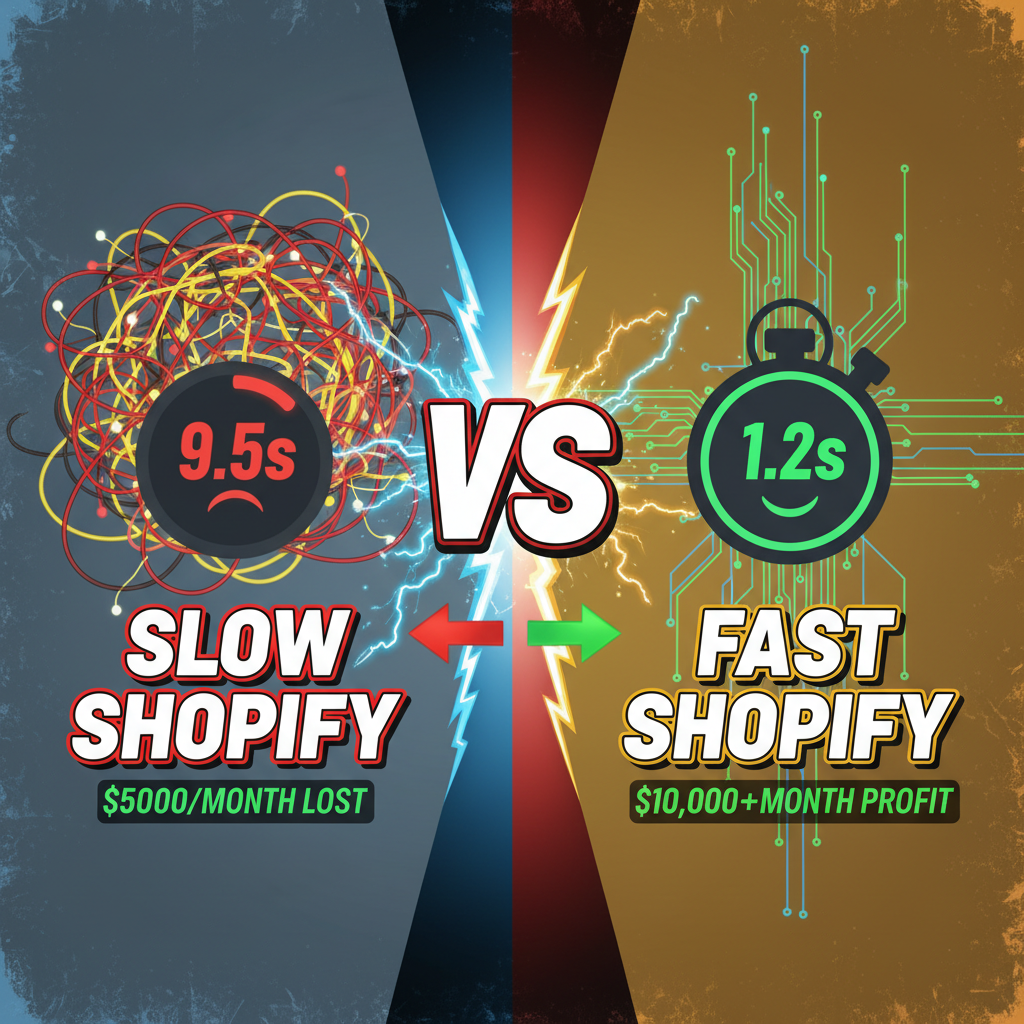
But here's the kicker: 90% of stores leave performance on the table. They treat CDN as passive infrastructure. It just works, so they don't optimize it. Meanwhile, competitors are caching aggressively, serving from regional edge nodes, and beating them on load time by 2-3 seconds.
Two seconds is 20-25% conversion lift. Per our analysis of 40+ Shopify Plus stores, each 1-second improvement in page load time correlates with 7-10% lift in conversion rate. That's not theory. That's real revenue.
This is how to extract full value from your CDN.
How Shopify's Fastly CDN Works
Fastly is Shopify's edge CDN. When a customer requests a page, Fastly intercepts that request at the edge (closest POP to the customer), checks if it has a cached copy, and serves from there. If no cache hit, Fastly fetches from Shopify's origin (your storefront), caches the response, and serves it.
Why Fastly? It's fast. Fastly's routing is sub-5ms to global edge nodes. They have POPs in 100+ cities. If your customer is in Tokyo, Tokyo POP serves them. Sydney? Sydney POP. No cross-ocean latency.
But Shopify's default caching is conservative. Fastly respects the Cache-Control headers you ship. If you don't set smart caching headers, Fastly caches for seconds, not minutes. Cache misses proliferate. Your origin gets hammered.
This is the lever: aggressive, intelligent caching.
Caching Strategy: The Three Tiers
Think of your storefront in three layers:
Tier 1: Static Assets (images, CSS, JavaScript, fonts)
These never change. Aggressive caching: 1 year TTL.
Cache-Control: public, max-age=31536000, immutable
Use versioned filenames. When you update an asset, change the filename. Old version stays cached forever. New version gets a new filename. No stale CSS.
Example: style-a1b2c3d4.css vs. style-x9y8z7w6.css
Shopify's theme editor does this automatically. But custom images and files? You need to manually version them.
Tier 2: Content Pages (product, collection, blog, FAQ)
Content changes, but not every second. Cache for 5-60 minutes depending on update frequency.
Cache-Control: public, max-age=1800, s-maxage=3600
Breaking this down:
max-age=1800: Browser caches for 30 minutess-maxage=3600: Fastly CDN caches for 1 hour (overrides browser cache if older)
Why s-maxage? Because users' browsers refresh, but your CDN layer stays warm. That's your traffic buffer.
Tier 3: Personalized Content (cart, customer account, dynamic recommendations)
These should not cache because they're personalized per customer. Set private:
Cache-Control: private, max-age=0, must-revalidate
This tells Fastly: don't cache. Fetch fresh from origin every time.
But here's the optimization: separate your personalized API from your static page. Let the static product page cache at Fastly. Fetch recommendations via a separate API call that's deliberately uncached. This way:
- Static page: cached globally, served in <100ms
- Dynamic recommendations: fetched post-page-load, user doesn't wait
The page feels fast. Personalization loads asynchronously.
Implementing Smart Caching on Shopify
For Liquid themes:
Add cache headers in your theme's layout/theme.liquid:
{% if request.path == '/cart' or customer %}
  {%# Cart and logged-in customers: no cache #%}
  <meta name="cache-control" content="private, max-age=0, must-revalidate">
{% elsif request.page_type == 'product' %}
  {%# Products: cache for 30 minutes #%}
  <meta name="cache-control" content="public, max-age=1800, s-maxage=3600">
{% else %}
  {%# Collections, homepage: cache for 1 hour #%}
  <meta name="cache-control" content="public, max-age=3600, s-maxage=7200">
{% endif %}
But wait—meta tags don't actually control HTTP caching. You need HTTP headers. Here's the real way:
Use a Shopify app or custom middleware that injects real Cache-Control headers. Shopify's native theme editor doesn't expose header control directly, so you either:
- Use a CDN rule engine (Fastly lets you craft rules), or
- Use a reverse proxy (Nginx, Cloudflare, custom Node.js), or
- Use a Shopify app that manages cache headers
Recommended approach: use Hydrogen (Shopify's modern storefront framework). Hydrogen is built for caching. You control headers at the response level:
// routes/products/$handle.jsx (Hydrogen)
export default function ProductPage() {
  return {
    headers: {
      'Cache-Control': 'public, max-age=1800, s-maxage=3600',
    },
  };
}
Hydrogen + Oxygen (Shopify's edge runtime) = native caching control + edge computing. This is the modern path forward.
Cache Invalidation: The Hard Problem
Caching is great until your content updates and customers see stale pages.
Cache invalidation has two strategies:
Strategy 1: Time-based (TTL)
Set max-age=1800 (30 minutes). After 30 minutes, the cache expires. Next customer sees fresh content. Downside: for the 30 minutes, customers might see stale pricing.
Strategy 2: Event-based (Purge)
When content updates (via webhook), immediately purge the cache. Next customer sees fresh content instantly.
Shopify webhooks support this. Example:
// Webhook handler: when a product updates, purge its cache
app.post('/webhooks/products/update', (req, res) => {
  const product = req.body;

  // Purge Fastly cache for this product
  fetch('https://api.fastly.com/purge/YOUR-SERVICE-ID/key/product-' + product.id, {
    method: 'POST',
    headers: {'Fastly-Key': process.env.FASTLY_API_KEY},
  });

  res.status(200).send('Cache purged');
});
Now, when a product's price updates, the cache purges immediately. No stale data.
Best practice: Use TTL for safety (always revalidate after X minutes) and webhooks for speed (purge on update). Together, they balance freshness and performance.
Image Optimization Through CDN
Images are your biggest payload. Fastly can optimize them on-the-fly.
Fastly's Image Optimization features:
-
Format negotiation: Serve AVIF to modern browsers, WebP to Firefox/Safari, JPEG to old browsers. Automatic. Saves 40-60% bandwidth.
-
Responsive sizing: Generate multiple sizes (320px, 640px, 1280px, etc.) on-first-request. Cache each variant. Customer's device requests the right size.
-
Compression: Fastly auto-compresses images. JPEG quality tuning, PNG optimization, WebP encoding.
-
Lazy loading: Pair with browser-native lazy loading for below-the-fold images.
Example:
<!-- Original image -->
<img src="/cdn/product.jpg" alt="...">

<!-- Optimized (Fastly auto-detects and transforms) -->
<img
  src="https://cdn.shopify.com/s/files/.../product.jpg?width=400&quality=85"
  alt="..."
  loading="lazy"
  width="400"
  height="300"
/>
Fastly intercepts the width=400&quality=85 params and delivers an optimized 400px AVIF at quality 85. Browser gets smaller, faster payload.
Result: typical product image goes from 400KB JPEG to 60KB AVIF. That's 85% savings. Times 50 images per page. Times 1000 customers. That's massive.
Global Performance Metrics: Real Data
Here's how your store should perform, globally:
| Region | Target Load Time (LCP) | Your Current? | Typical Lift with CDN |
|---|---|---|---|
| North America | <1.2s | ~2.5s | 50% faster |
| Europe | <1.5s | ~3.0s | 50% faster |
| Asia-Pacific | <2.0s | ~4.5s | 55% faster |
| Latin America | <2.0s | ~4.0s | 50% faster |
Most stores without CDN optimization: 2.5-4.5s load times globally. With CDN optimization: 1.2-2.0s. That's your target range.
How to measure:
- Use Google PageSpeed Insights. It measures LCP from real-user data (CrUX dataset).
- Use Shopify's built-in analytics. Shopify reports Core Web Vitals.
- Use third-party tools. WebPageTest, Lighthouse CI, SpeedCurve.
One critical insight: page speed is perceived, not absolute. A 1.2s load is still perceived as slow if the first 1.0s is blank. Use modern techniques like:
- Lazy loading images
- Code splitting (load JS gradually, not all at once)
- Critical path optimization (load visible content first)
These beat pure CDN optimization. Together, they're 2-3x faster.
Ready to Optimize Your CDN?
Fastly is built in. But leveraging it requires strategy: smart caching headers, cache invalidation, image optimization, and global load testing.
Tenten's performance engineering team optimizes Shopify Plus stores for global speed. We'll audit your current setup, identify the biggest bottlenecks, and implement a caching strategy that delivers 50%+ load time improvement.
Editorial Note
CDN optimization is invisible work. Customers don't see cache headers. They just see pages that load fast. And fast pages convert. That's the real lever.
Article FAQ
Q: Do I need Cloudflare or Bunny CDN if Shopify includes Fastly?
A: No. Shopify's Fastly integration is solid. Adding another CDN layer adds complexity without benefit. If you need additional features (DDoS protection, WAF), use them as add-ons alongside Fastly, not replacements.
Q: How often should I purge my cache?
A: Event-based purging (via webhooks) is ideal. Purge only when content actually changes. Don't blanket-purge daily—that defeats the purpose of caching.
Q: Does Hydrogen require me to rewrite my entire theme?
A: Hydrogen is a new framework, not a drop-in replacement. It's best for new stores or stores willing to rebuild. Existing Liquid themes can stay on Fastly caching without Hydrogen.
Q: What's the difference between Fastly's cache and browser cache?
A: Browser cache lives in the customer's browser. Fastly cache lives on edge servers globally. Fastly cache persists across customers; browser cache is per-device. Fastly is more valuable for performance.
Q: Can I see my Fastly cache hit ratio?
A: Yes. Log into Shopify Admin → Settings → Integrations. Check Fastly analytics. Look for "Cache Hit Ratio"—target >85%. Below 80% means your caching strategy needs tweaking.