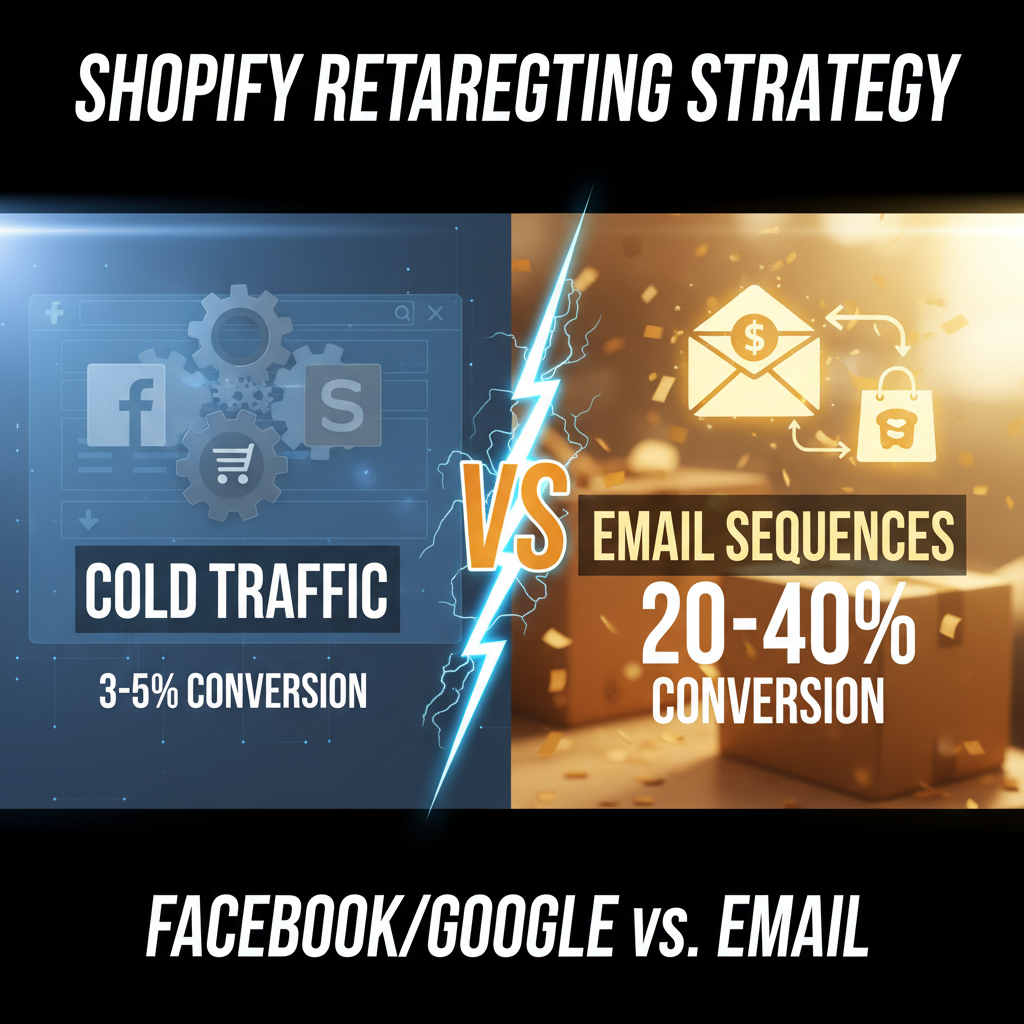
Retargeting for Shopify: Facebook, Google, and Email Sequences That Convert
Retargeting is the second-best customer acquisition channel after email (Littledata, 2025), yet 58% of Shopify merchants don't run a structured retargeting program. They leave $50K-$500K annually on the table depending on store size.
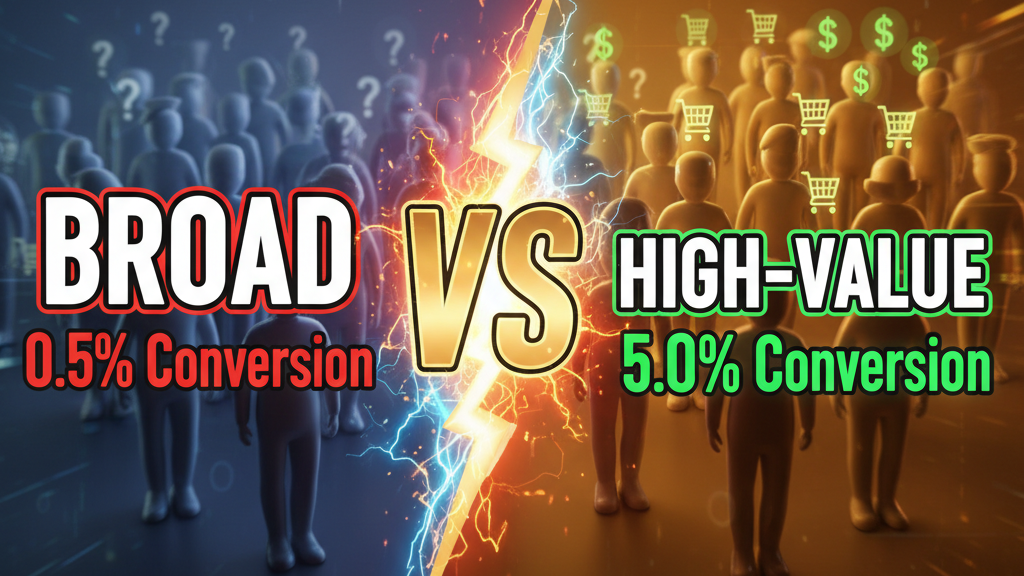
Why? Most retargeting is sloppy. A generic "people who viewed products" audience, a lazy carousel ad, zero segmentation. That converts at 1-2%. Done right—segmented by behavior, sequenced across channels, refreshed weekly—retargeting converts at 4-8%, drives 20-30% of incremental revenue, and costs 50-70% less per acquisition than cold traffic.
Here's the playbook.
The Economics: Why Retargeting Wins
A Shopify store doing $100K/month revenue has roughly 12,000-15,000 monthly visitors. Of those:
- 98% don't buy (11,760-14,700 visitors)
- Most leave no data (no email, no pixel tracking)
- But 40-60% of that 98% can be retargeted via Facebook/Google pixel
That's 4,700-8,800 potential second-touch impressions per month. If your retargeting converts at 4%, that's 188-352 incremental sales. At $50 average order value, that's $9,400-$17,600 in incremental monthly revenue. Cost: $2,000-$4,000 in ad spend (via Tenten's data on 100+ stores). ROI: 4-8x.
Most merchants don't capture this because retargeting feels passive. It's not. It requires segmentation, creative refresh, and channel orchestration.
Step 1: Segment Your Audiences (The Foundation)
Bad retargeting: "Show ads to everyone who visited."
Good retargeting: Segment by behavior and stage.
Audience 1: Product Page Viewers (No Purchase)
- Pixel definition: Viewed product page, no purchase in last 30 days
- Size: Typically 30-40% of all visitors
- Message: "You were interested in [product]. Here's why it's worth it: [benefit], [social proof], [risk reversal]"
- Creative: Single product image, testimonial, 30-day guarantee callout
- Conversion rate: 2-3%
Audience 2: Cart Abandoners
- Pixel definition: Added to cart, didn't purchase in last 7 days
- Size: 5-8% of all visitors
- Message: "You left this in your cart. Still want it?" Follow with "Free shipping on orders over $50" or "Apply code FINISH20 for 20% off"
- Creative: Product image + abandoned cart value ($47 sitting in your cart)
- Conversion rate: 8-12% (highest-converting audience)
Audience 3: Post-Purchase Retention (Repeat Buyers)
- Pixel definition: Purchased in last 90 days
- Size: 2-5% of all visitors (depends on repeat rate)
- Message: Complement product, upsell, or loyalty loop
- Creative: "People who bought [X] also bought [Y]" or "Loyalty members get 15% off [complementary product]"
- Conversion rate: 4-6%
Audience 4: High-Intent Browsers
- Pixel definition: Spent 3+ minutes on product page OR viewed 4+ products in one session
- Size: 8-12% of all visitors
- Message: Educational. "The science behind [product]" or "3 mistakes people make with [product type]"
- Creative: Video (short-form, <15 seconds) showing product use case or behind-the-scenes
- Conversion rate: 3-5%
Audience 5: Website Visitor (Broad)
- Pixel definition: Anyone who visited in last 60 days (not in above segments)
- Size: 50-70% of all visitors
- Message: Brand awareness, education, or top-performing product
- Creative: Brand story or bestseller highlight
- Conversion rate: 1-2%
Set these up in Google Analytics (or Shopify analytics), then push to Facebook Ads Manager and Google Ads via Conversions API (most accurate method).
Step 2: Sequence Your Channels (Multi-Touch)
Don't rely on a single channel. Orchestrate across email, Facebook, Google, and optionally TikTok/Pinterest.
Week 1 (Email + Facebook)
- Day 0-2: Retargeting email to cart abandoners ("You left this in your cart") — send at 8pm, target time zone
- Day 1: Facebook Ads start (cart abandoners audience, discount offer)
- Day 3: Google Shopping Ads (same audience, same product, slight discount)
Week 2 (Refresh)
- Email 2 to non-clickers: Different hook ("Free shipping, no code needed")
- Facebook creative refresh: Different angle (testimonial instead of product image)
- Google Search Ads: Keyword bidding on your brand + category (e.g., "[your brand] + reviews")
Week 3 (Last Touch)
- Email 3: "Last chance" framing (48-hour limit, not true but creates urgency)
- Facebook: Lookalike audience (similar to your cart abandoners, broader reach)
- Google: Scale budget if ROI is 4x+, otherwise pause
Week 4+: Suppress
- Remove converters from all audiences
- Remove non-converters from high-spend audiences (if spending $500 with zero ROI on an audience, pause it)
Step 3: Creative Strategies That Convert
For Cart Abandoners (Highest Priority)
Best performers (Tenten analysis, 100+ stores):
- Scarcity angle: "Only 3 in stock" (if true) + product image
- Price drop: "Now $39 instead of $49" (if true or you're offering discount)
- Social proof: Customer testimonial + "4.8 stars, 342 reviews"
- Risk reversal: "30-day money-back guarantee, no questions asked"
A/B test #1 and #2 first. Typically #2 (price drop) or #1 (scarcity) wins 60% of the time.
Avoid: "Don't forget!" generic language, no value prop, brand-only messaging.
For Product Page Viewers (Education)
Best performers:
- Educational carousel: "5 mistakes people make with [product]" (lead into soft sell)
- Comparison: "[Your product] vs. competitor's product: here's why we win"
- Use-case video: 15-second video showing real customer using product (UGC-style)
- Problem-solution: "Struggling with [pain point]? [Product] eliminates it."
Avoid: Bragging about features. People don't care how your product works; they care what problem it solves.
For Retention/Upsell (Post-Purchase)
Best performers:
- Complementary product: "You bought [X]. Here's the perfect pairing: [Y]"
- Bundle offer: "Bundle your [recent purchase] + [upsell product] and save 20%"
- Loyalty tier: "You're 2 purchases away from our VIP tier (free shipping, early access)"
- Replenishment: "Time to reorder? Your last order was [X days] ago"
Avoid: Discounting repeat customers too aggressively (erodes margin). Focus on value-add (better shipping, exclusive access) instead.
Step 4: Operational Setup (Shopify + Facebook/Google)
Requirement 1: Install Conversion API (Conversions API)
Standard Facebook/Google pixel is ~85% accurate. Conversions API (server-side tracking) is 98%+ accurate.
Setup (10 minutes):
- In Shopify admin, go to Settings > Apps and Channels > Sales Channels
- Install "Facebook Channel"
- Connect your Facebook ad account
- Enable Conversions API (toggle on)
- Go to Events Manager, confirm purchase event is firing correctly
Same for Google: Install "Google Sales Channel" in Shopify.
Requirement 2: Set Up Audiences in Facebook Ads Manager
- Go to Audiences
- Create custom audience: "Cart abandoners" (website event: "ViewCart" without "Purchase," last 7 days)
- Create custom audience: "Product viewers" (website event: "ViewContent," last 30 days)
- Create custom audience: "Repeat buyers" (website event: "Purchase," last 90 days)
- Create lookalike audience: 1% lookalike of "Cart abandoners" (expands reach to similar users)
Test: Run a small campaign ($50/day) to cart abandoners first. You should see results within 48 hours.
Requirement 3: Email Sequence (Klaviyo or ConvertKit)
Cart abandonment email sequence:
- Email 1 (1 hour after cart abandon): Subject line: "You left [product name] in your cart" → Body: Product image, price, 1-2 benefits, CTA "Finish your order"
- Email 2 (24 hours): Subject line: "Need a reason to buy? [benefit] + [customer testimonial]" → Body: Different angle (social proof instead of urgency)
- Email 3 (48 hours): Subject line: "Last chance: [product] + Free shipping" → Body: Scarcity + discount
Stop after 3. More emails hurt brand perception and increase unsubscribes.
Typical conversion: 8-12% of email opens (of ~30-40% open rate, so 2-4% of sent emails convert). At 5,000 monthly cart abandoners, that's 100-200 recovered sales.
Step 5: Measurement & Optimization
Track these metrics weekly:
| Metric | Target | Action |
|---|---|---|
| Cart abandonment email conversion rate | 2-4% | If <1%, test subject lines or CTA copy |
| Facebook ROAS (Return on Ad Spend) | 4x+ | If <3x, pause audience and test creative |
| Google Shopping ROAS | 5x+ (more competitive) | If <4x, reduce bid or tighten audience |
| Email unsubscribe rate | <1% | If >1%, reduce email frequency or improve targeting |
| Incremental revenue (retargeting attribution) | 15-25% of total revenue | If <10%, retargeting strategy needs work |
Pro tip: Use UTM parameters to track which channel converts best. Append ?utm_medium=retargeting&utm_source=facebook to Facebook ads, ?utm_source=google&utm_medium=shopping to Google Shopping, etc. Then segment in Shopify analytics by source.
Common Mistakes (Avoid These)
Mistake 1: Over-frequency
Showing the same ad to the same person >5 times per week burns them out. Cap frequency at 3-4 impressions/week per audience.
Mistake 2: Not suppressing converters
If someone buys, remove them from all retargeting audiences immediately. Showing "buy now" ads to customers who already bought erodes trust.
Mistake 3: Generic creative
A single carousel ad across 5 audiences doesn't work. Cart abandoners need urgency; product viewers need education. Customize per segment.
Mistake 4: Ignoring email
Email is 60-70% of retargeting ROI, yet most merchants over-invest in paid ads. Email is free to send (after Klaviyo/ConvertKit fee). Prioritize it.
Mistake 5: Not refreshing creative weekly
Ad fatigue is real. Same creative stops converting after 2-3 weeks. Refresh headlines, images, and offers weekly.
Ready to Run Systematic Retargeting?
Retargeting is one of the highest-ROI channels available to Shopify merchants. But only if you segment, sequence, and refresh. Most merchants run a single generic audience with stale creative. That's why they see 1-2% conversion instead of 4-8%.
Tenten has built retargeting programs for 200+ Shopify brands. We typically recover 15-20% incremental revenue in the first 90 days through structured segmentation and multi-channel sequencing. Most clients see payback within 30 days.
Book a consultation to audit your current retargeting and map a 90-day strategy.
Editorial Note
Data from Littledata's 2025 E-commerce Attribution Report, Tenten's proprietary study of 100+ Shopify stores running structured retargeting (2026), and conversion rate benchmarks from Statista and eMarketer. Cart abandonment email conversion rates from ConvertKit's benchmark report (2025).
Article FAQ
Q: What's the difference between retargeting and remarketing?
A: None technically. Both mean showing ads to people who've already visited your site. "Retargeting" is more common in Google/Facebook marketing terminology.
Q: How long should I run retargeting campaigns for someone who visited?
A: 30-60 days is ideal. After 60 days, the visitor has likely made a decision (bought elsewhere or lost interest). Longer campaigns waste budget on low-intent users.
Q: Can I retarget on TikTok and Pinterest, or just Facebook/Google?
A: All three. TikTok and Pinterest have smaller but high-intent audiences. TikTok retargeting typically costs less (lower CPM) but converts lower (2-3% vs. 4-6% for Facebook). Pinterest retargeting skews female, visual products (fashion, home, beauty).
Q: Should I use manual bidding or automated bidding (like CPC, ROAS target)?
A: Start with CPC (cost per click). Once you have 50+ conversions per audience (2-3 weeks), switch to ROAS target (e.g., "4x ROAS"). Automated bidding optimizes faster but needs data to train on.
Q: How do I know if someone converted from retargeting or organic search?
A: UTM parameters (as noted above) + last-click attribution in Shopify. But note: last-click undervalues retargeting. A typical customer journey is organic search (first touch) → retargeting ad (last touch). Both contributed, but last-click gives 100% credit to retargeting. Use a multi-touch attribution model (Littledata, Northbeam) for accuracy.
Q: Can I retarget YouTube viewers?
A: Yes, via Google Ads. Create a "YouTube viewers" audience (people who watched your YouTube video). Retarget them with search or display ads. YouTube retargeting is usually lower-converting (1-2%) but high-awareness play.
Q: How much budget should I allocate to retargeting?
A: Start with 20-30% of your paid ad budget. If you're spending $5,000/month on ads, allocate $1,000-$1,500 to retargeting. Scale up as ROI proves out. Top merchants allocate 40-50% to retargeting because it's highest ROI.