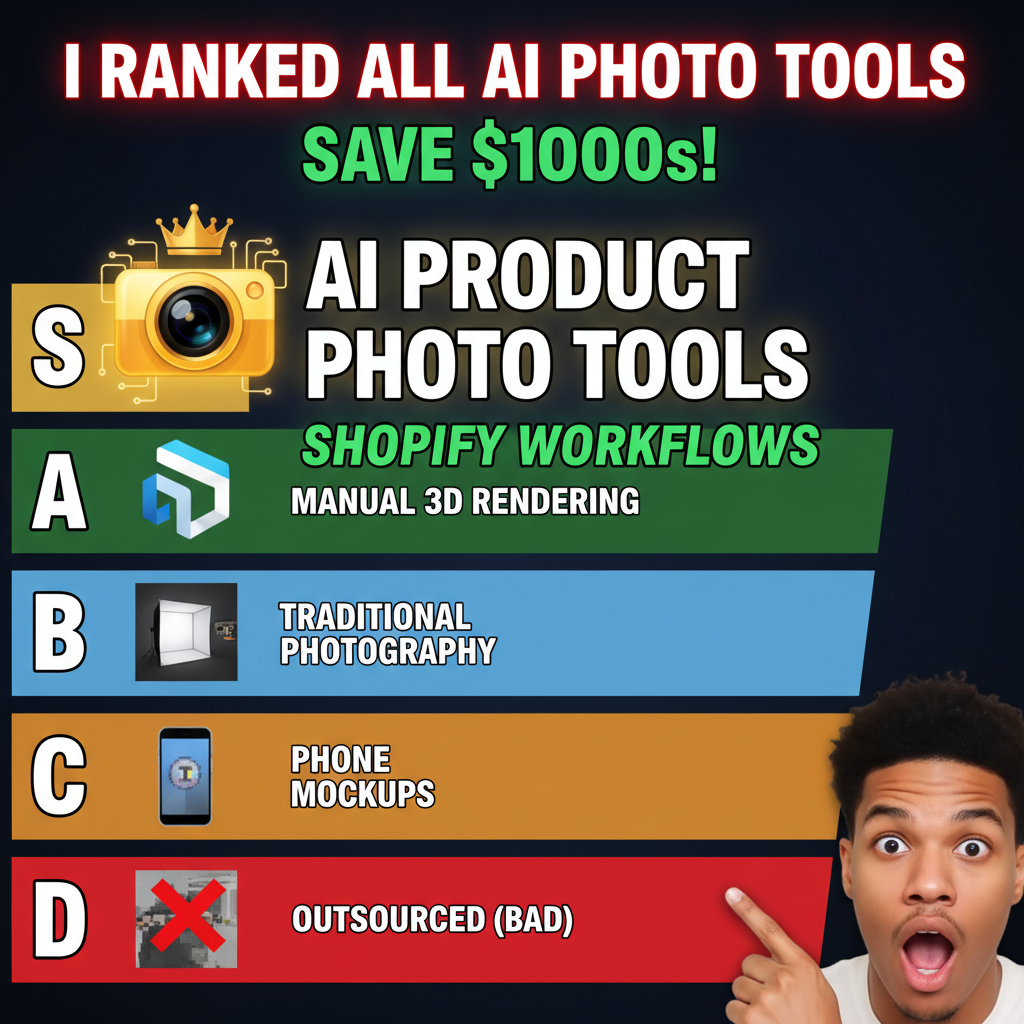
The Studio Photography Problem (2026)
A professional e-commerce photoshoot costs $3,000–$15,000 per product. Setup, lighting, styling, and post-production take 2-4 weeks. For a brand with 50+ SKUs, that's $150K–$750K and 6 months of lead time.
By 2024, AI image generation had reached quality parity with lower-tier studio photography for specific use cases: lifestyle shots, multiple angles, seasonal backgrounds, color variants. It's not ready to replace hero product shots (yet), but it's excellent for secondary images, lifestyle context, and variant displays.
The non-obvious shift: Brands aren't replacing all photography with AI. They're using AI for the 70% of images that are commodity shots (product on white background, product in lifestyle setting, variant displays) and reserving human photographers for hero shots, influencer content, and brand-specific aesthetic work.
Which AI Photography Tools Actually Work
1. Runway Gen-3 (Best for Product Lifestyle Video)
What it does: Generates photorealistic video from text prompts. You can create a 5-second lifestyle video (product in context) from a single product image.
Example prompt:
"A minimalist white ceramic mug sitting on a wooden desk. Morning sunlight streams in from the left. Shot from above at 45 degrees. Warm, airy, calm."
Runway renders a 5-second video. You extract frames as static images.
Strengths:
- Photorealistic output: Quality is consistently 8-9/10 for lifestyle imagery
- Video generation: Can create short lifestyle videos for TikTok/Instagram Reels
- Control: You can specify lighting, angles, backgrounds, mood
- No training required: Works from text or image reference
Weaknesses:
- Pricing: $15-$50/month for creators tier; $150+/month for commercial use
- Generation time: Takes 1-3 minutes per video (slower than static image tools)
- Editing constraint: Hard to do minor edits after generation (you have to regenerate)
- Artifacts: Occasionally generates weird artifacts (extra fingers, distorted logos)
Best for: Lifestyle context images, video content, variant displays.
2. Midjourney (Best for Style Variations)
What it does: Generates static images from text prompts. Fast, controllable, high-quality output.
Example prompt:
"Product photography: white wireless earbuds. Minimalist, clean background. Shot from above. Sharp focus. Studio lighting. High resolution."
Midjourney renders 4 images in 15-30 seconds.
Strengths:
- Speed: Fastest tool (15-30 sec per batch of 4 images)
- Consistency: You can lock image parameters (aspect ratio, style, quality) across batches
- Variations: Easy to generate 20 variants (different backgrounds, colors, angles) from one base prompt
- Community: Massive community sharing prompts and techniques
- Upscaling: Built-in upscaler produces 2K-4K images
Weaknesses:
- Subscription model: $10–$120/month (no per-image pricing). Unlimited at $120/month.
- Text accuracy: Sometimes misses text-heavy prompts (hard to render specific logos or copy)
- Discord-based: Interface is Discord (not intuitive if you're not familiar)
- Commercial license: Requires pro plan ($120/mo) for commercial use
Best for: Bulk variant generation, color/background variations, rapid iterations.
3. Adobe Firefly (Best for Beginners)
What it does: Integrates with Adobe Creative Suite (Photoshop, InDesign). Generate images without leaving your existing workflow.
Strengths:
- Ease of use: No prompt engineering required. Describe what you want in plain English.
- Adobe integration: Works inside Photoshop. You can edit the AI image directly afterward.
- Expansion fill: Use Generative Fill to extend backgrounds, remove distracting elements.
- Pricing: Included with Creative Cloud subscription (no extra cost)
Weaknesses:
- Quality variance: Output is good but less consistent than Midjourney
- Slower generation: Takes 30-60 seconds per image
- Limited customization: Fewer control parameters than Midjourney
- Community: Smaller user base, fewer shared prompts
Best for: Beginners, existing Photoshop users, background removal/extension.
4. Synthesized Studios (Purpose-Built for E-Commerce)
What it does: AI product photography specifically for e-commerce. You upload a product image and specify variables (background, angle, lighting, clothing variant). It generates photorealistic product shots.
How it works:
- Upload a product image (sneaker, shirt, etc.)
- Specify variables: "5 color variants, 3 angles, white + lifestyle background"
- Synthesized generates 15 product images (5 colors × 3 angles)
- Automatic background removal, shadow consistency, lighting match
Strengths:
- E-commerce specific: Built for product photography (not generic image gen)
- Batch generation: Generates 50-100 variants in one job
- Consistency: All images use the same lighting, shadow, and perspective
- Low setup: Literally: upload image, select options, download results
Weaknesses:
- Pricing: $200–$500/month per SKU tier. Expensive for large catalogs.
- Limited control: Fewer customization options than Midjourney
- Output quality: Very good but not photorealistic (7-8/10 vs. 9/10 for human photography)
- Clothing-focused: Works better for apparel/accessories than hard goods
Best for: Fashion/apparel brands generating color and size variants at scale.
The Photography Workflow: When to Use AI vs. Human
| Image Type | Best Method | Why |
|---|---|---|
| Hero product (main listing image) | Human photography | AI still has visible artifacts; human remains gold standard |
| Color variants | AI (Midjourney/Synthesized) | 10x faster, identical lighting, scale-friendly |
| Lifestyle context (product in use) | AI (Runway/Midjourney) | Photorealistic, controllable, no shoot needed |
| White background shots | AI (Firefly/Midjourney) | Fast, cheap, consistent |
| Seasonal backgrounds | AI (Midjourney) | Generate new backgrounds instantly |
| Influencer/brand aesthetic | Human photography | Requires specific brand look and authenticity |
Real Workflow Example: Apparel Brand (100 SKUs)
Scenario: A DTC apparel brand with 100 SKUs needs 3 images per SKU: white background, lifestyle, lifestyle alternate.
Old workflow (human photography):
- Cost: $1,500 × 100 = $150,000
- Timeline: 8 months (shoots, styling, post-production)
- Quality: Consistent, branded, authentic
New hybrid workflow (AI + human):
- Shoot 20 hero products (authentic brand aesthetic) — 2 weeks, $10K
- Use AI to generate lifestyle and white-background variants from hero shots — 1 week, $2K (Runway + Midjourney)
- Curate and post-process AI output — 3 weeks, $5K (editor time)
- Total cost: $17K (88% savings)
- Timeline: 6 weeks (87% faster)
- Quality: 7.5-8/10 (hero shots are 9/10 human quality; lifestyle/variant shots are 7-8/10 AI quality)
The trade-off is acceptable for most brands. You sacrifice some aesthetic consistency but gain speed and cost efficiency.
Quality Checklist: When AI Output is Ready for Live Shopify
Before uploading AI images to your Shopify store, run through this checklist:
Visual Quality:
- [ ] No visible artifacts (distorted edges, mismatched lighting, extra fingers)
- [ ] Product is sharp and in focus
- [ ] Colors are accurate (compare to product or reference image)
- [ ] Lighting is consistent with your brand aesthetic
- [ ] Background is clean (no weird blobs, smudges, or text artifacts)
Technical Requirements:
- [ ] Image is at least 1024x1024px (Shopify recommends 2560x2560px for best quality)
- [ ] File size is <1MB (smaller images load faster)
- [ ] Background is consistent with adjacent product images
Brand Consistency:
- [ ] Image style matches your existing photography
- [ ] Lighting temperature is consistent (warm vs. cool)
- [ ] Product positioning is consistent with brand guidelines
Common Mistakes (And How to Avoid Them)
Mistake 1: Using AI for hero shots without curation
Hero shots are the first image customers see. Even 1 artifact ruins trust. Always:
- Generate 5-10 variants per SKU
- Have a human review each
- Only use 9-10/10 quality outputs
Mistake 2: Mismatched lighting across images
If your white-background shot is cool-toned and your lifestyle shot is warm, it reads as amateur. Solution: Specify lighting parameters in your prompts. "Studio lighting, 5600K color temperature, soft key light."
Mistake 3: Over-relying on AI without human curation
Raw AI output is 70-80% ready. The final 20-30% is post-production: color correction, shadow placement, background cleanup. Budget editor time: 15-30 min per image.
Mistake 4: Using branded elements (logos, text) in AI images
AI struggles with text rendering. If your product has a brand logo, use human photography or heavy post-production. If your product is blank (commodity item), AI is fine.
FAQ
Q: Is AI product photography as good as human photography?
A: For primary hero images: no (85% quality). For lifestyle and variant shots: yes (95% quality). Most brands use AI for the 70% of images that are commodity shots and reserve humans for the 30% that are brand-defining.
Q: Can I legally use AI-generated images on my Shopify store?
A: Yes. Midjourney, Adobe Firefly, and Runway all allow commercial use with their paid plans. Synthesized is specifically built for e-commerce.
Q: How much editor time do AI images need?
A: 15-30 minutes per image for professional curation (color correction, artifact removal, shadow placement). Budget: 2-3 hours for a set of 10 images.
Q: Can I generate lifestyle videos for TikTok using Runway?
A: Yes. Runway's Gen-3 can create 5-15 second lifestyle videos. Quality is 7-8/10. Great for rapid content creation.
Q: What if I don't like the first batch of AI outputs?
A: Regenerate. Midjourney and Runway take seconds. You can iterate 20-30 times cheaply until you get the right aesthetic.
Q: Should I disclose that images are AI-generated?
A: Not legally required (in most jurisdictions). But if you're targeting transparency-conscious customers, disclosing can build trust. Consider: "Product photo (AI-assisted)."
Ready to Scale Your Product Photography?
If you're shooting all 100+ SKUs manually, AI can handle 70% of that work. You'll cut costs 80%, reduce timeline 70%, and maintain quality for hero shots.
Tenten helps Shopify merchants build hybrid photography workflows combining human shoots with AI generation. We'll audit your current workflow, identify which images can move to AI, and set up a scaled production system.
Contact us at tenten.co/contact
Editorial Note
AI product photography is production-ready for lifestyle, variant, and white-background shots. Hero images still require human photography. A hybrid workflow (70% AI, 30% human) saves 80% of costs while maintaining brand quality.