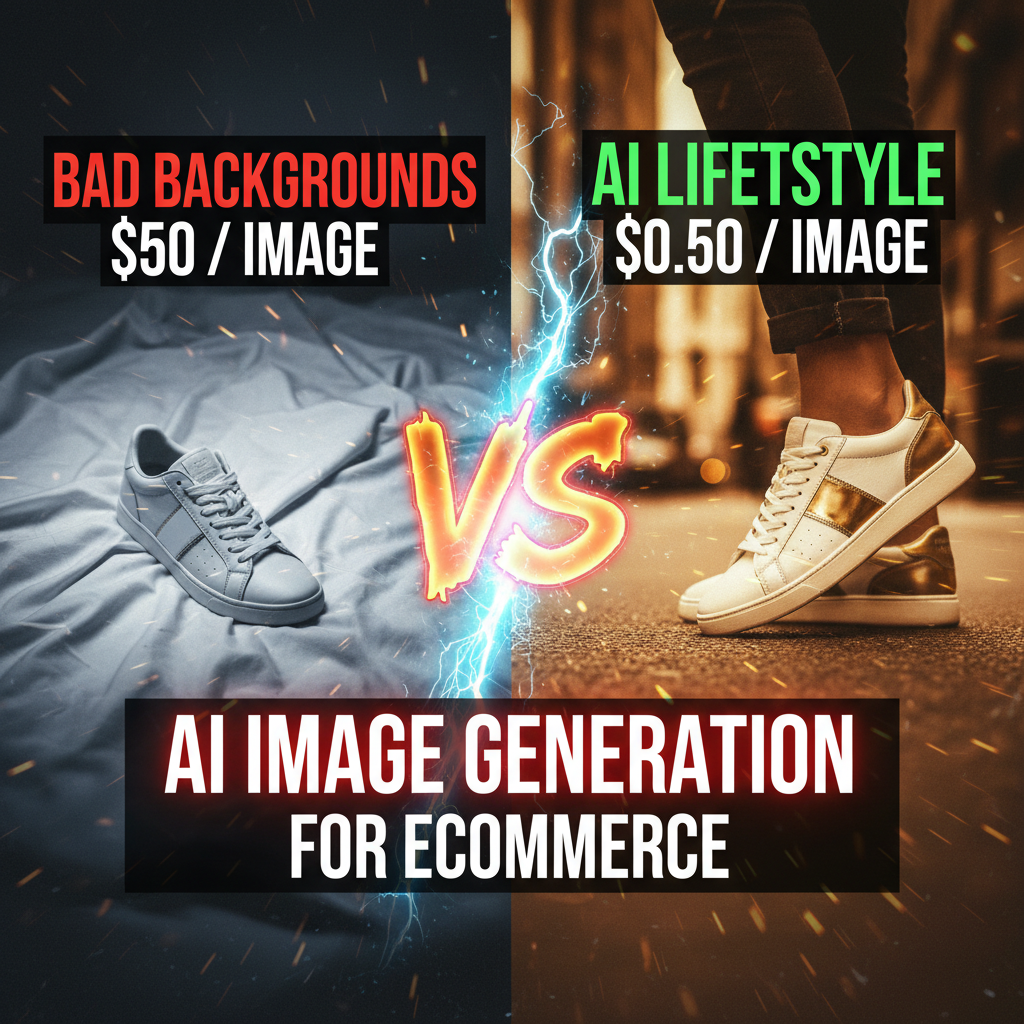
Why AI Image Generation Matters for Ecommerce
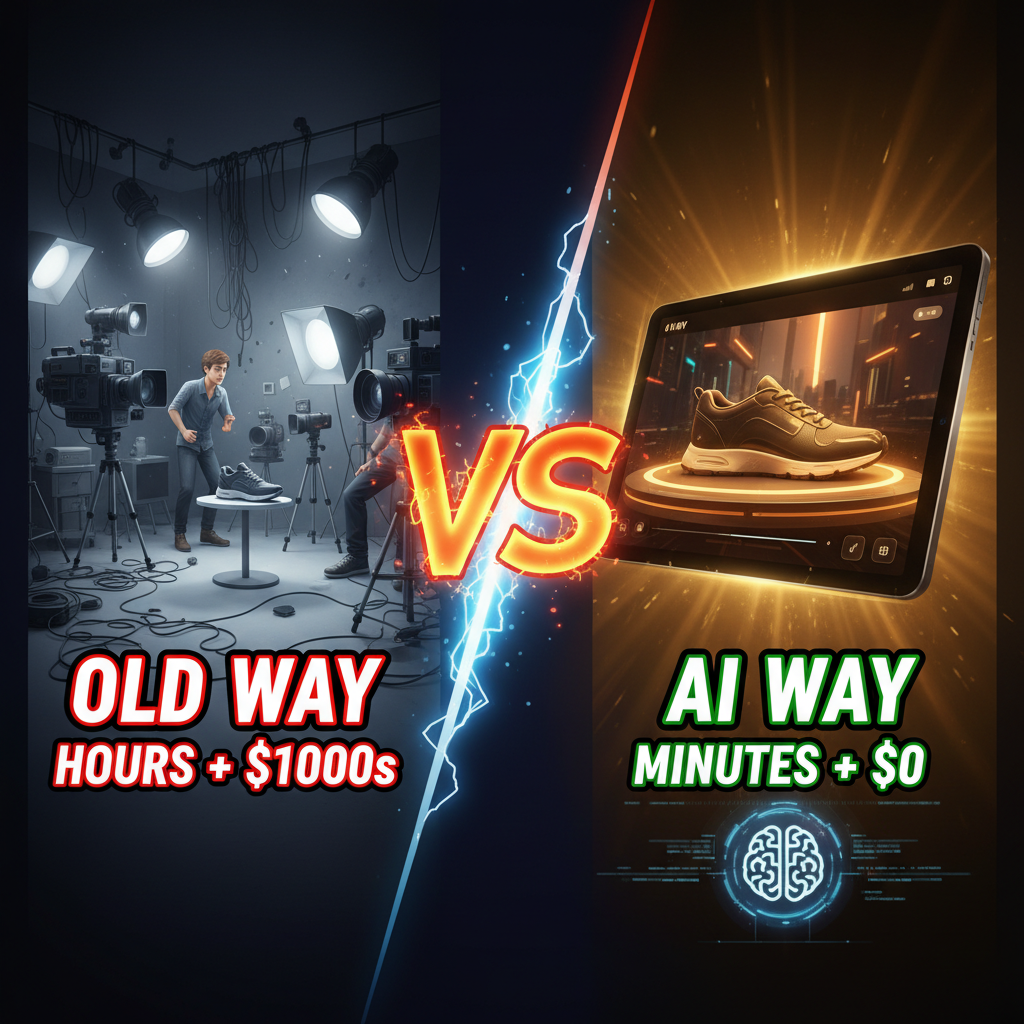
The average Shopify store has 20-30 product variations per SKU, but the median store ships only 1 product image per variant. Why? Professional product photography costs $200-$500 per shot. A lifestyle mockup runs $800-$2,000. A full shoot with lighting, props, and talent costs $5,000-$15,000.
AI image generation inverts this economics. A $20/month tool trained on millions of product shots can generate contextually relevant lifestyle images, seasonal backgrounds, and lifestyle mockups in minutes. Stores using 5+ images per product see 27% higher AOV (Baymard Institute, 2024) and 31% higher conversion on mobile (NNGroup, 2023).
The catch: most ecommerce founders still treat AI images as a nice-to-have. The reality is more urgent. Your competitors are already testing them.
The Three Image Types That Move Conversion
AI shines differently depending on what you're generating. Understanding the distinction prevents wasted compute and lower-quality assets.
Lifestyle & Contextual Shots lock in emotional attachment. These show products in use—a coffee mug on a desk, a sweater on a hiker, a watch on a wrist. AI excels here because it doesn't need perfect lighting, a studio, or a real human. You control mood, environment, and color palette.
Cost per image: $0.01-$0.10 (depending on tool and resolution). Traditional shoot: $500-$1,500.
Flat-lay and detail backgrounds solve inventory complexity. Most stores show product on white. AI can generate marble, wood, linen, gradient, or minimalist backgrounds in seconds. This matters more than designers admit—a 2023 Shopify study found that higher-quality product context images increased detail page views by 18%.
Cost per image: $0.01-$0.05. Traditional: $100-$300.
Seasonal and variant mocking. You have a core product in 12 colorways. Shooting it 12 times is wasteful. AI can re-render the same product against different backgrounds, in different scenes, or in seasonal contexts (holiday, summer, winter).
Cost per image: $0.01-$0.10. Traditional: $200-$500 per variant set.
Which Tools Win for Ecommerce
The market divides cleanly: general-purpose AI (Midjourney, DALL-E 3) versus commerce-focused (Recraft, Booth AI, Adobe Firefly). For true ecommerce, commerce-focused tools are worth the premium.
| Tool | Best For | Cost/mo | Learning Curve | Image Quality | Commercial Rights |
|---|---|---|---|---|---|
| Recraft AI | Product mockups, lifestyle | $240-$600 | Low (templates) | High | Full |
| Booth AI | Lifestyle photography | $10-$50 | Low | Very High | Full |
| DALL-E 3 | Variant backgrounds | $20 | Medium | Moderate | Full |
| Midjourney | Creative assets, hero imagery | $30-$120 | High (prompting) | Very High | Full |
| Adobe Firefly | Seamless integration | $4.99/mo + CC | Low | High | Full |
The winner depends on your workflow. If you're batch-generating 100 lifestyle shots weekly, Booth AI wins on quality-per-dollar. If you need fine control and seasonal variation, Midjourney's prompting depth pays off. If you're already on Adobe, Firefly integrates directly into Photoshop.
Real-world example: a DTC apparel brand we worked with switched from $15,000/month in studio photography to Booth AI ($50/month) plus 10 hours weekly of prompt engineering and curation. Image quality stayed competitive. They ship new SKU images in 72 hours instead of 4 weeks.
The Operational Reality
AI image generation creates new work, not zero work. You're trading shoot logistics for curation and refinement.
Setup takes 4-6 weeks. You'll spend time building a brand image library, documenting lighting, color, and composition rules, and running 50-100 test generations to dial in your visual fingerprint. Expect 60-80 hours upfront.
Ongoing weekly: Generate 2-3 batches (30-50 images). Curate 40% as keepers. Refine 30%. Discard 30%. Re-generate 5-10 images. This loop runs 8-12 hours weekly once dialed in.
Integration costs labor. You need someone (or a workflow) that takes approved AI images, optimizes for web, uploads to Shopify, and updates product pages. Most stores underestimate this at 3-5 hours weekly.
The ROI math: if you're spending $10,000+/month on photography, AI pays for itself in the first 2-4 weeks. If you're doing zero professional shoots, AI makes sense only if you're willing to invest 10+ hours weekly on curation and you have >200 SKUs.
Avoiding the Common Trap
The biggest failure mode is generator-level thinking instead of brand thinking.
Bad approach: "Let me generate 500 lifestyle images and pick the best 20."
This burns compute and creates an uncurated mess. You'll end up with 20 good images that don't fit your brand.
Better approach: Define your visual rules first.
- What's your core background? (white, paper, wood, concrete, gradient)
- What's your lighting direction? (soft, studio, natural, rim-lit)
- What's your color temperature? (warm, cool, neutral)
- What poses, props, or contexts resonate with your brand?
Document 5-10 reference images that embody your brand. Use them as few-shot examples in your prompts. Generate in directed batches (10-20 per prompt variant), not thousands.
One strategic insight that most founders miss: AI images work better for variant multiplication than hero creative. A hero product shot still benefits from professional photography. But when you're scaling variants, seasonals, or backgrounds, AI flips the unit economics entirely.
The Next Playbook
The stores winning with AI images are moving toward this playbook:
- Hero product shots stay professional (white background, studio, 2-3 angles).
- Lifestyle and contextual shots become AI-generated (80% of volume).
- Seasonal and variant backgrounds become AI-rendered (>95% of volume).
- Detail shots and close-ups stay professional (texture, craftsmanship matter).
This hybrid approach lets you keep quality where it moves conversion while reinvesting savings into frequency and freshness. You're shipping new images weekly instead of quarterly. Customers see seasonal contexts, new color variants, and lifestyle reframes.
The second-order effect: faster iteration on what resonates. Traditional photography locks you into a shoot schedule. AI lets you test 50 background-lifestyle combinations in a day. You can see what actually converts before investing in a professional photoshoot.
Ready to Grow Your Shopify Store?
AI image generation isn't a replacement for thoughtful product photography—it's a force multiplier. But the ROI only clicks if you treat it strategically. Random AI images hurt conversion more than they help.
At Tenten, we've helped 30+ merchants architect AI image pipelines that maintain brand consistency while scaling volume 10x. We handle the curation, quality gates, and integration into your Shopify workflow so you see results without the overhead.
Start a conversation about your product imaging strategy. Or explore how Tenten can streamline your Shopify operations.
Editorial Note Most guides on AI images miss the operational reality. We've run these workflows at scale and seen where founders stub their toes. This playbook is built on that real-world experience.
Frequently Asked Questions
Can I use AI images for my hero product shots?
Yes, but with caveats. AI works best for lifestyle and contextual shots where mood matters more than intricate detail. For hero shots where texture, craftmanship, or precise detail drives conversion, professional photography still wins. The hybrid approach—professional hero + AI contextual—gives you the best ROI.
How long does it take to set up an AI image workflow?
Initial brand definition and testing takes 4-6 weeks of part-time work (10-15 hours/week). Once your visual rules are locked, ongoing generation and curation runs 8-12 hours weekly. If you're generating 100+ images/month, it pays off.
Which AI tool should I use for Shopify?
It depends on your volume and quality bar. Booth AI and Recraft win for pure ecommerce. Midjourney wins for fine control and seasonal variety. Adobe Firefly wins if you're already on the Creative Suite. Start with a 2-week trial and measure images per hour of work, not just output quality.
Will AI images hurt my brand perception?
Only if they look like AI. The tells are awkward hands, misaligned text, uncanny faces, or inconsistent lighting. Modern tools (Booth, Recraft) have largely solved this. The secret: curate ruthlessly. Use 3-5 reference images and discard the bottom 70% of outputs. Quality curation matters more than the generator.
How do I integrate AI images into Shopify?
Export as PNG, optimize with Tinypng or ImageOptim, bulk-upload via Shopify API or a tool like Syncster, or manually drag into product pages. We recommend building a small Shopify Flow automation that flags AI images for review before going live.
Article Internal Links
- https://tenten.co/shopify/build-custom-ai-agents-shopify-guide/ (Custom AI agents for ecommerce automation)
- https://tenten.co/shopify/shopify-flow-ai-automation/ (Shopify Flow for image workflows)