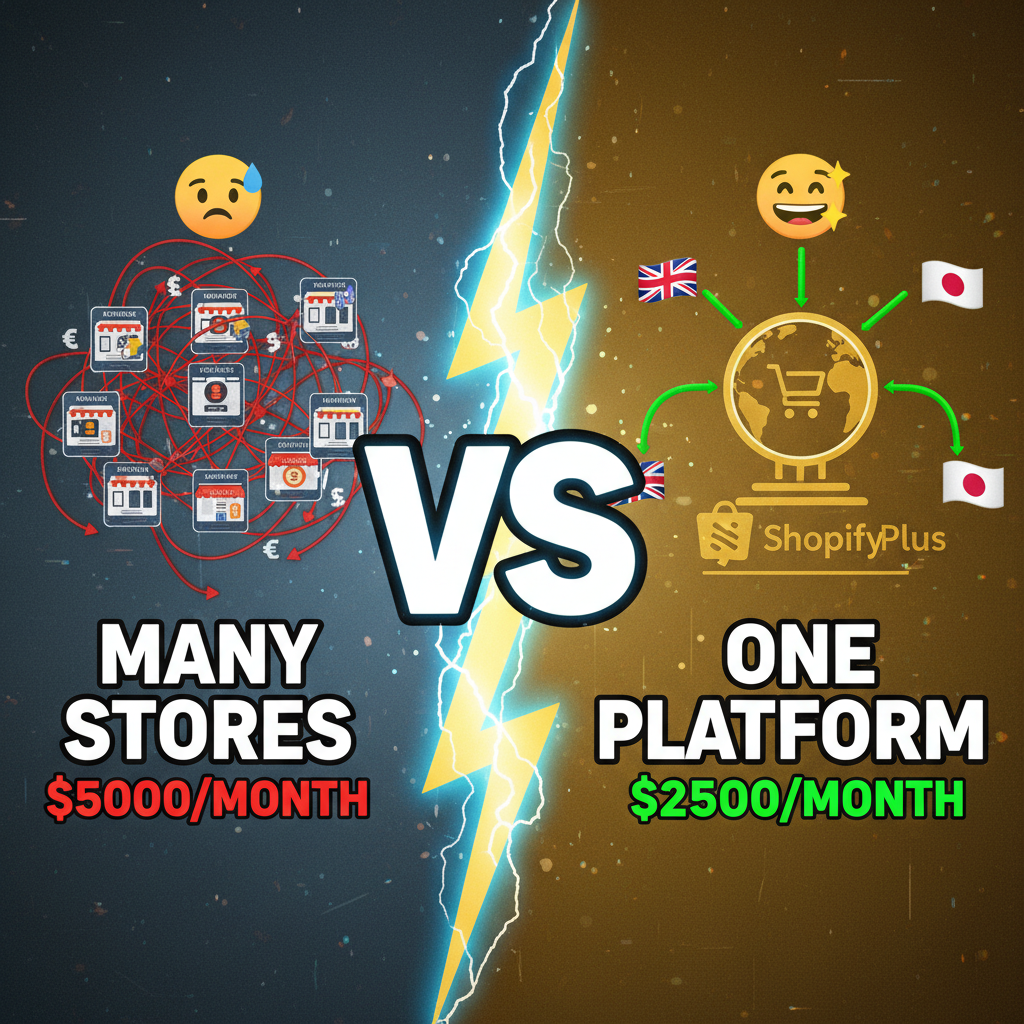
The Multi-Store Problem Nobody Talks About
You've cracked one market. Now you want to scale to three regions, or run five subsidiary brands under one holding company. Shopify Plus seems like the answer—and it is. But operating 4-7 Shopify Plus stores introduces a category of problems that single-store merchants never face.
The real issue: Each Shopify Plus store is a silo. They don't natively share inventory, customer data, or operational workflows. You end up with duplicate customer profiles, inventory conflicts, fragmented analytics, and manual processes that don't scale.
According to Gartner's 2024 retail operations report, multi-brand retailers who fail to unify their backend operations waste 15-20% of operational spend on redundant tools and manual data reconciliation. That's not a feature gap—that's a business problem.
This guide covers strategies used by enterprise e-commerce teams running 4-10 Shopify Plus stores globally.
Part 1: Decide on Your Store Architecture
Before you build, decide: do you want centralized management or decentralized flexibility?
Model 1: Hub-and-Spoke (Centralized)
One parent Shopify Plus store acts as the source of truth. Child stores sync to it via API or middleware.
Pros:
- Single customer identity across all brands
- Unified inventory (real-time sync to source of truth)
- Centralized order management and fulfillment
- One analytics platform for all stores
- Easy A/B testing across brands
Cons:
- Complex API architecture (requires custom integrations)
- Parent store becomes a bottleneck if poorly designed
- More engineering work upfront
- Harder to give regional teams autonomy
Best for: Enterprise brands with global fulfillment, subscription services, or D2C conglomerates (e.g., LVMH running Dior, Fendi, Givenchy as separate brands).
Model 2: Federated (Decentralized)
Each store runs independently with async data sync. Minimal dependencies between stores.
Pros:
- Regional teams have full control
- Lower technical complexity
- Fast time-to-market for new brands/regions
- Easier to scale—add stores without redesigning infrastructure
Cons:
- Fragmented customer view (siloed profiles per store)
- Inventory conflicts if real-time sync fails
- Duplicate data work (marketing, catalogs)
- Harder to leverage shared resources
Best for: Multi-brand holding companies, franchise models, or regional expansion where teams need autonomy.
Hybrid (Recommended):
Centralized customer data and inventory. Decentralized UX and regional campaigns.
Use a Master Data Management (MDM) layer:
- Customer Platform: Segment, or Treasure Data captures customer events from all stores, creates unified profiles, syncs back custom attributes (loyalty tier, regional preferences)
- Inventory System: NetSuite or Shopify Flow auto-syncs stock levels across stores every 15 minutes
- Order Management: Unified OMS (like Flexport, Shopify's native Flow, or Publr) routes orders to the right fulfillment center
This gives you the benefits of both—unified intelligence with operational flexibility.
Real-world example: A heritage fashion brand runs Shopify Plus stores for US, EU, and APAC. Each region has its own template and campaigns. But all three feed into a central Segment warehouse where they track customer lifetime value, cohort retention, and repurchase propensity. This lets HQ run global retention campaigns while regional teams optimize local conversion.
Part 2: Unified Inventory Strategy
This is where most multi-store setups break. Here's the right approach.
Step 1: Choose an Inventory Source of Truth
Option A: Shopify Inventory API + middleware
- Use Inventory Sync (part of Shopify Flow or a custom app) to mirror stock from one Shopify location to all others
- Real-time bidirectional sync ensures no oversells
- Cost: $500-$2,000/month for a solid integration
Option B: External inventory system (ERP or dedicated tool)
- NetSuite, Cin7, or TraceLink becomes the source of truth
- All Shopify stores pull from it via API every 10-15 minutes
- Better for complex operations (manufacturing, wholesale, drop-ship mixes)
- Cost: $1,000-$5,000/month depending on complexity
Option C: Shopify Flow (native automation)
- Use Flow to monitor inventory changes and trigger updates across stores
- Limited for complex scenarios but cheapest option
- Cost: Built into Shopify Plus ($2,000/month plan)
Recommendation: Start with Shopify Inventory API + a middleware layer (like custom Python scripts or Zapier) if you have 2-3 stores. Upgrade to an ERP if you exceed 5 stores or manage >50K SKUs.
Step 2: Manage SKU Consolidation
A common trap: each regional team manages their own product catalog. You end up with duplicate SKUs, inconsistent product data, and syncing nightmares.
Solution: Centralize product management.
- Single Product Catalog: One source of truth for product names, descriptions, images, pricing (use Shopify's Catalog API)
- Regional Pricing & Availability: Use customer attributes or Shopify sales channels to override price and inventory per region
- Language & Localization: Translate product descriptions once, store in a translation management system (Crowdin or Lokalise), sync to all stores
Real metric: Unilever's e-commerce team reduced product sync errors by 87% after centralizing catalog management across 12 regional stores.
Step 3: Prevent Overselling
With multiple stores drawing from the same inventory, you risk overselling unless you're careful.
- Reserve Inventory in Real-Time: Use Shopify's reservation API. When a customer adds an item to cart, reserve it for 10 minutes. Release if checkout abandons.
- Low-Stock Alerts: Automate Slack notifications when SKU drops below reorder point across all stores
- Fallback Logic: If a store runs out, trigger a manual fulfillment from another region's warehouse (add cost/time to order, but better than backorder surprise)
Part 3: Customer Data Unification
The bigger picture: you want to know that a customer who browsed dresses on your EU store, then bought shoes on your US store, is ONE person.
Why This Matters:
A decentralized customer view loses 30-40% of retention opportunity. You can't:
- Recognize repeat buyers across brands
- Trigger loyalty rewards on total lifetime value (not per-store spend)
- Prevent duplicate marketing (customer gets same email from two stores)
- Identify high-value customer segments for VIP programs
Strategy:
-
Use an identity layer (Segment, mParticle, Tealium, or Treasure Data)
- All Shopify stores send customer events (browse, purchase, email signup) to the platform
- The platform creates unified profiles using email, phone, or hashed ID
- Cost: $500-$3,000/month for multi-store setup
-
Sync unified attributes back to Shopify
- Use Shopify's customer attributes API to write back: lifetime value, cohort, loyalty tier, preferred region
- Use these attributes in dynamic discounts, email segmentation, or product recommendations
-
Example: VIP Program Across Stores
- Customer spends $2,000 on US store, $800 on EU store = $2,800 lifetime value
- Tag them as "VIP" in unified platform
- Push VIP tag to all Shopify stores via API
- Offer them early access to new collections, free shipping globally, exclusive discounts
Real Cost-Benefit:
A DTC apparel brand unified customer data across 3 Shopify Plus stores. Result:
- 24% improvement in retention (customers recognized across stores)
- 18% increase in email ROI (stopped sending duplicate offers)
- 22% higher AOV (personalization based on full purchase history)
Part 4: Order & Fulfillment Orchestration
Managing orders from multiple stores to multiple warehouses is a logistical headache. Here's how mature operations do it.
Build a Unified Order Management System (OMS):
Option 1: Shopify Flow + Custom Logic
- Use Flow to capture orders from all stores
- Route to fulfillment center based on inventory location and shipping address
- Cost: ~$0 (Flow is included), but requires custom coding
Option 2: Third-party OMS (Shopify Fulfillment Network, TraceLink, or Publr)
- Automatically routes orders to closest/cheapest fulfillment center
- Tracks shipments across all stores
- Handles returns and exchanges centrally
- Cost: $500-$2,000/month
Recommendation: For <$10M annual revenue, Shopify Flow works. For >$10M or complex fulfillment, invest in a dedicated OMS.
Key Metrics to Track:
| Metric | Target | Why It Matters |
|---|---|---|
| Order-to-Fulfillment Time | <4 hours | Faster shipping = higher CSAT |
| Fulfillment Accuracy | >99.5% | Avoid costly returns and chargebacks |
| Inventory Write-Off Rate | <0.5% | Damaged/misplaced inventory |
| Fulfillment Cost/Order | <12% of AOV | Direct impact on gross margin |
| Cross-Store Transfer Rate | 5-15% | How often orders pull from non-primary warehouse |
Pro Tip: Use a geographic fulfillment algorithm. Don't just route to the nearest warehouse—factor in:
- Shipping cost to customer
- Current warehouse capacity utilization
- Expected demand in that region (don't deplete)
- Return likelihood (some warehouses have higher return rates)
A furniture brand using this approach reduced average shipping cost by $8 per order by routing to less-utilized warehouses, without increasing delivery time.
Part 5: Regional Autonomy vs. Global Control
The tension: your US team wants to run aggressive flash sales. Your EU team prefers evergreen pricing and loyalty. How do you balance this?
Use Shopify's Sales Channels & Variants:
Each Shopify store can have the same product with different:
- Pricing (per region)
- Inventory allocation (per warehouse)
- Fulfillment strategy
- Marketing messaging
Example: A shoe brand sells the same product on US and EU stores.
- US Price: $89 (aggressive, volume-focused)
- EU Price: €89 (premium positioning, lower volume)
- US Inventory: 500 units (high stock, fast shipping)
- EU Inventory: 200 units (controlled scarcity, luxury feel)
- US Messaging: "Free shipping over $100. Free returns."
- EU Messaging: "Premium craftsmanship. Sustainably produced."
Governance Model:
Create a product council:
- Global guidelines: Brand standards, core product descriptions, images, pricing floors, compliance
- Regional flexibility: Launch timing, promotional strategy, inventory allocation, local messaging
- Approval workflow: Regional teams propose changes, global team approves within 48 hours
Use Shopify's Bulk Operations API to push approval decisions to all stores simultaneously.
Part 6: Global Reporting & Analytics
With multiple stores, you need unified analytics. Here's how.
Single Source of Truth Dashboard:
Don't use Shopify Analytics separately for each store. Instead:
- Stream all events (purchase, browse, email) to a data warehouse (Snowflake, BigQuery, Redshift)
- Build one dashboard in Tableau/Looker showing global KPIs by store
- Enable drill-down to individual store metrics
Key Global Metrics:
| Metric | Why Track | Target |
|---|---|---|
| Blended AOV (all stores) | Unit economics | Grow 2-3% YoY |
| Customer Acquisition Cost (CAC) by store | Marketing efficiency | Keep CAC <25% of LTV |
| Cross-store repeat rate | Customer health | 30%+ repeat within 90 days |
| Inventory turnover by store/region | Capital efficiency | 8-12x annually for apparel |
| Fulfillment cost as % of revenue | Logistics health | <12% |
| Return rate by region | Quality/fit issues | <8% for apparel, <3% for electronics |
Pro Insight: Track "regional contribution to lifetime value." EU might have 30% of orders but 40% of profitable customers (higher AOV, lower CAC). This changes investment decisions—you might allocate more marketing spend to EU even if US has higher volume.
Part 7: Common Failure Modes & How to Avoid Them
Failure Mode 1: The Inventory Sync Gap
Symptom: Customer buys product on US store. It ships. 2 hours later, someone buys the same product on EU store. Oversell.
Root cause: Inventory sync delay (not real-time).
Fix: Use an event-driven architecture. When US store confirms order, immediately trigger inventory deduction across all stores via webhook. Use Shopify's Inventory API with <2 second latency.
Failure Mode 2: Duplicate Customer Campaigns
Symptom: Customer gets 5 nearly-identical emails in one week (one from each store).
Root cause: No unified customer view. Each store runs its own email marketing.
Fix: Consolidate to one email platform (Klaviyo, HubSpot) that receives events from all stores. Suppress duplicates based on email address.
Failure Mode 3: Product Data Chaos
Symptom: US store has 500 SKUs, EU store has 480, APAC has 520. No one knows which products are available where.
Root cause: Decentralized catalog management.
Fix: One product management system (use Shopify Catalog API or integrate Salsify) that pushes updates to all stores. All product edits go through this system, not through individual store admins.
Failure Mode 4: Currency & Tax Confusion
Symptom: UK customer charged 20% VAT. US customer charged 8% sales tax. No consistency.
Root cause: Tax logic lives in each store's settings, not centralized.
Fix: Use a tax compliance tool (TaxJar, Avalara) that reads from all stores, calculates correctly, and syncs tax settings back. Centralize pricing in one currency (USD), then apply regional markups and conversions programmatically.
Part 8: Technology Stack for Multi-Store Operations
Here's a reference architecture used by enterprise e-commerce teams:
┌─────────────────────┐
│  Shopify Plus       │
│  Store 1, 2, 3, ... │
└────────────┬────────┘
             │
    ┌────────┴────────┐
    ▼                 ▼
┌──────────────┐  ┌──────────────┐
│ Inventory    │  │ Customer     │
│ Sync Layer   │  │ Data Layer   │
│ (NetSuite,   │  │ (Segment,    │
│ Shopify      │  │ Treasure     │
│ Flow)        │  │ Data)        │
└──────────────┘  └──────────────┘
    │                   │
    ▼                   ▼
┌──────────────┐  ┌──────────────┐
│ Data         │  │ Email        │
│ Warehouse    │  │ Platform     │
│ (Snowflake,  │  │ (Klaviyo)    │
│ BigQuery)    │  │              │
└──────────────┘  └──────────────┘
    │                   │
    └─────────┬─────────┘
              ▼
        ┌──────────────┐
        │ Reporting    │
        │ Dashboard    │
        │ (Tableau)    │
        └──────────────┘
Typical stack cost for 5 stores:
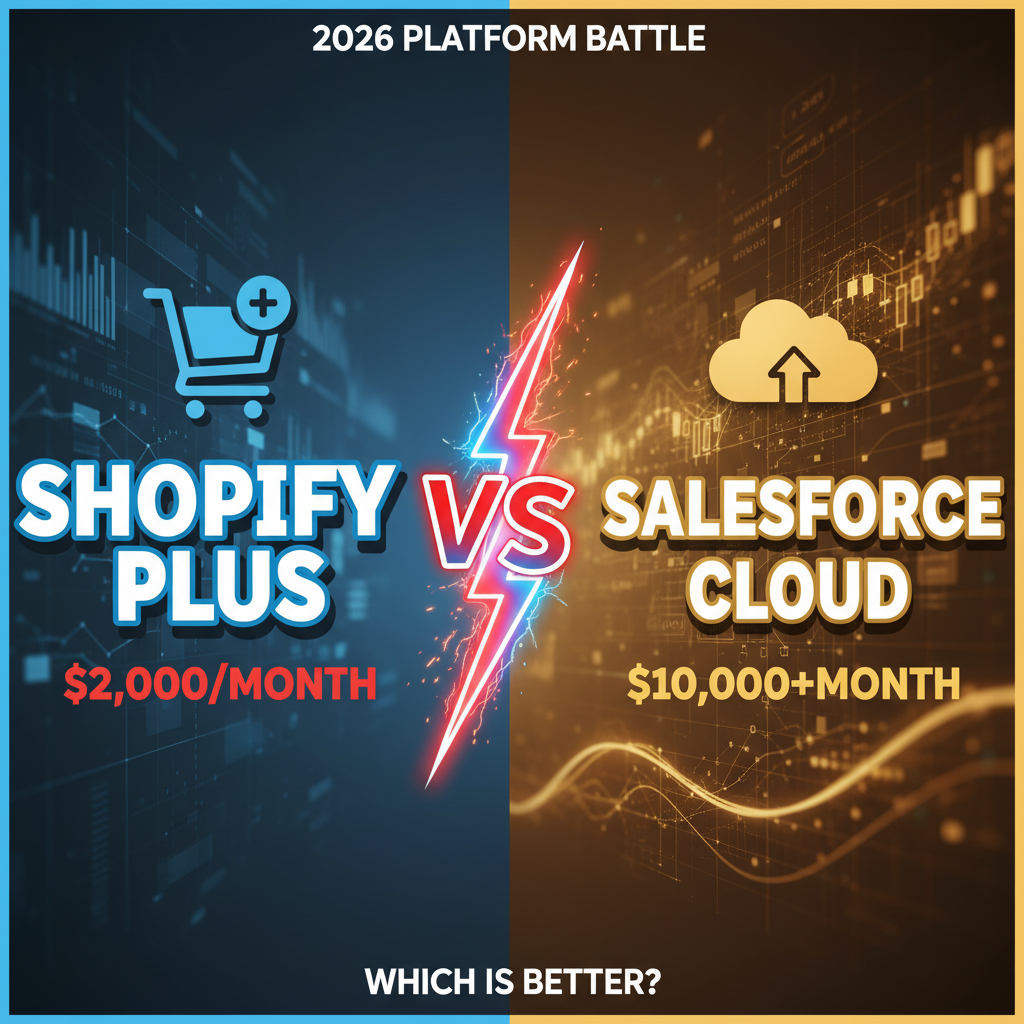
- Shopify Plus (5 stores): $10,000/month
- Inventory sync: $1,000/month
- Customer data platform: $1,500/month
- Data warehouse: $1,000/month
- Email platform: $1,500/month
- OMS (if needed): $1,500/month
Total: ~$16,500/month (~$200K/year). For brands doing $50M+ in global revenue, this is <0.5% of revenue and enables 15-20% efficiency gains.
Ready to Scale Your Multi-Store Operation?
Managing multiple Shopify Plus stores isn't about having more stores—it's about connecting them intelligently. A unified customer view, synchronized inventory, and central orchestration transform multi-brand operations from chaos to competitive advantage.
Whether you're expanding to new regions or consolidating multiple brands under one holding company, the right architecture determines your growth ceiling. Let our team help you build it. Reach out at tenten.co/contact.
Editorial Note
The best multi-store operations are boring from a customer perspective—they feel like one seamless brand. That simplicity is the result of sophisticated backend architecture. Don't skip the unglamorous parts.
Frequently Asked Questions
Is Shopify Plus required for multi-store operations?
Standard Shopify can run 2-3 stores. Beyond that, Shopify Plus is necessary for API capabilities, higher request limits, and dedicated support. You'll hit technical walls on standard Shopify around 3-4 stores.
Can we use the same Shopify Plus store for multiple regions?
Yes, using sales channels and customer attributes. But this gets unwieldy >3 regions. Most mature operations use separate Shopify Plus stores per region, synced via a central data layer.
How long does it take to unify customer data across stores?
6-12 weeks for implementation, depending on data quality and API maturity. Budget 2-3 weeks for discovery, 4-6 weeks for integration, 2-3 weeks for QA and launch.
What's the biggest operational bottleneck for multi-store brands?
Inventory sync. If you don't solve this first, you'll face overselling, customer frustration, and fulfillment complexity that costs more than the infrastructure investment.
Can we migrate from decentralized to a unified model?
Yes, but it requires planning. Start by unifying customer data (lowest risk). Then layer in inventory sync. Don't try to centralize catalog and fulfillment simultaneously—too many moving parts.