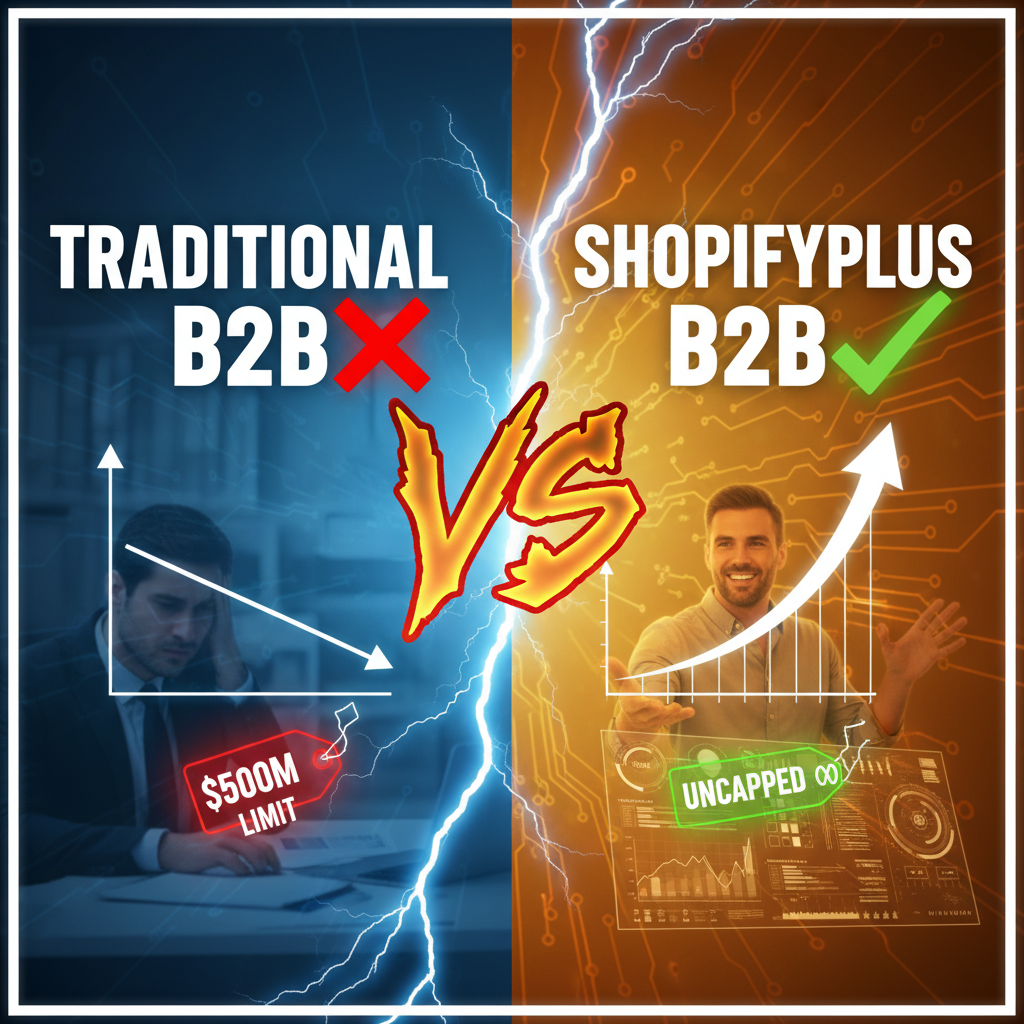
What Is B2B Commerce on Shopify Plus?
B2B commerce and D2C are fundamentally different businesses. D2C optimizes for convenience—one-click checkout, fast shipping, high margins. B2B optimizes for efficiency—bulk ordering, negotiated pricing, payment terms, custom SKUs per buyer.
Generic Shopify can handle basic B2B. Shopify Plus is where it actually works at scale. Plus gives you customer-specific pricing, company hierarchies, approval workflows, and enterprise payment terms. You're not forcing B2B workflows into D2C software anymore.
Here's the economics: A $5M B2B business typically has 50-200 accounts. Each account needs custom pricing, order minimums, assigned sales reps, and invoice payment terms. Generic Shopify's static pricing and single approval workflow will break under this complexity.
Why B2B Is Different from D2C
The table below highlights the structural differences:
| Dimension | D2C (Shopify) | B2B (Shopify Plus) |
|---|---|---|
| Pricing Model | Public, one-price-fits-all | Customer-specific, tiered, discounts by volume |
| Order Minimums | None | Per-account minimum order value ($500–$10K+) |
| Payment Terms | Credit card, immediate | Net 30, Net 60, invoice payment |
| Approval Workflow | None (one-click checkout) | Multi-level approval (buyer → manager → admin) |
| User Hierarchy | Minimal (account owner) | Complex (admin, approvers, multiple buyers per company) |
| Catalog Visibility | Public, all products | Restricted by account (product blacklists, custom SKUs) |
| Integration | Basic (Zapier, webhooks) | Deep (ERP, NetSuite, SAP via APIs) |
| Support Model | Self-service help articles | Dedicated account manager, training |
The moment you cross into B2B operations, Generic Shopify's limitations become expensive. You'll be building workarounds with apps, hiring engineers for custom APIs, and manually managing account structures in spreadsheets.
Shopify Plus B2B Capabilities—What You Actually Get
Shopify Plus has native B2B tools built into the platform. You don't need to cobble together third-party apps.
Customer-Specific Pricing: Set per-account prices in the admin. A wholesale distributor gets 40% off. A retail partner gets 35% off. A VIP account gets custom SKU bundles. This pricing is stored on the customer record and applied automatically at checkout.
Multi-User Account Permissions: Each company gets an account admin, approvers, and buyers. Buyers place orders; approvers sign off (if order exceeds $5K); admins manage users and billing. This mirrors actual corporate procurement workflows.
Approval Workflows: Orders above a threshold go to an approval queue. Approvers review and accept/reject. Once approved, payment processes. No more manual "can you approve this order?" emails.
Tiered Bulk Discounts: Volume discounts apply automatically. Order 10 units = 5% off. Order 50 units = 15% off. The customer sees this in real-time at checkout.
Company Catalog Restrictions: Hide products per account. Some wholesale partners don't need all SKUs. You control which products appear per customer.
B2B Specific Payment Terms: Net 30, Net 60, Net 90 payment terms. Shopify Plus integrates with Celigo, Shopify Payments, and enterprise payment providers to handle deferred payment.
Custom Portal Branding: Each buyer group (wholesale, retail, direct) sees a custom storefront. Wholesale partners see bulk-order pages. Retail buyers see smaller, packaged SKUs. This is crucial for brand positioning.
The Three B2B Channel Architectures on Shopify Plus
Most Shopify Plus merchants running B2B use one of three models:
Architecture 1: Shared Storefront with Buyer Groups
Single storefront. Visitors log in. Their user role determines pricing, product visibility, and approval workflows. This works for 50–300 accounts. It's the simplest to maintain.
Best for: Distributors, resellers, brands with mixed wholesale/retail channels. Examples: beauty supply brands selling to salons + direct-to-consumer.
Architecture 2: Separate B2B Storefront
Two Shopify Plus instances (or one instance with separate domains). D2C lives at storefront.com. B2B lives at wholesale.storefront.com. Separate inventory, separate pricing, separate campaigns.
This isolates the channels. No risk of D2C pricing leaking to wholesale partners. Requires more operational overhead—two inventory systems, two admin teams.
Best for: Brands where B2B and D2C are truly separate business units. Examples: premium apparel brands selling wholesale to boutiques + online to consumers.
Architecture 3: API-First (Hydrogen + Custom Frontend)
Shopify Plus as the backend (GraphQL API). Custom React frontend built with Hydrogen. One codebase. The backend API returns different product sets and pricing based on the user's role.
This requires engineering investment (12-20 weeks) but gives maximum flexibility. You can build custom workflows, integrations, and buyer experiences that generic Shopify can't support.
Best for: Enterprise merchants with complex workflows or high volume (10,000+ accounts). Examples: Fortune 500 retailers moving to Shopify Plus headless.
Setting Up B2B Channels: Step-by-Step (Shared Storefront Model)
Here's what a typical Shopify Plus B2B setup looks like:
Phase 1: Account Structure (Weeks 1–2)
Create the company hierarchy in Shopify Plus:
- Define buyer groups (wholesale partners, retail distributors, VIP accounts)
- Assign accounts to groups
- Set admin, approver, and buyer user roles per account
- Configure order minimum rules (e.g., wholesale minimum = $500)
Phase 2: Pricing Configuration (Weeks 2–3)
Set customer-specific pricing. This is manual in the Shopify Plus admin but can be automated via API:
- Bulk wholesale discount: 40–50% off retail
- Retail distributor discount: 30–35% off retail
- Volume-based tiering: 5% off 10+ units, 15% off 50+
- Seasonal adjustments (e.g., Q4 holiday pricing)
Test prices thoroughly. One mistake scales across all orders.
Phase 3: Approval Workflows (Weeks 3–4)
Configure approval thresholds:
- Orders under $5,000 ship immediately
- Orders $5,000–$20,000 require manager approval
- Orders over $20,000 require CFO sign-off
Build the approval UI into your storefront. Shopify Plus provides the data; you need to render the approval queue.
Phase 4: Payment Terms Integration (Weeks 4–6)
Connect your ERP or payment provider:
- Celigo, Shopify Payments, Stripe Connect
- NetSuite sync for invoice tracking
- Automated payment reminders for Net 30+ invoices
This is where most Shopify Plus B2B projects get complex. Your finance team needs to track unpaid invoices separately from D2C (which is immediate payment).
Phase 5: Testing & Launch (Weeks 6–8)
Load test with pilot customers. Run real orders through the approval workflow. Verify pricing, invoicing, and payment terms work end-to-end.
A typical B2B Shopify Plus project takes 6–8 weeks from kickoff to production launch, assuming you have the infrastructure in place (hosting, domain, SSL certificates).
Common B2B Mistakes on Shopify Plus (and How to Avoid Them)
Mistake 1: Ignoring Payment Terms
Wholesale partners expect Net 30/60/90 payment terms. If you require immediate payment like D2C, you'll lose deals. Shopify Plus supports deferred payment, but you need to integrate with your billing/finance system.
Fix: Implement payment terms early. Set up automated invoice reminders. Sync unpaid invoices to your ERP.
Mistake 2: Forgetting About Inventory Synchronization
If you have a separate ERP (NetSuite, SAP), B2B inventory can diverge from your Shopify inventory. Wholesale orders go through your ERP. D2C orders go through Shopify. Stock levels get out of sync.
Fix: Use a middleware like Celigo or Tenten's custom integrations to sync inventory in real-time. D2C and B2B orders pull from the same pool.
Mistake 3: No Account-Specific Training or Onboarding
B2B buyers are logging into a portal for the first time. If they don't know how to find products, place orders, or check shipping status, they'll call your sales team. That costs you.
Fix: Build video tutorials for each buyer role. Provide dedicated onboarding for high-value accounts. Include a chat widget for portal issues.
Mistake 4: Static Pricing That Never Changes
You negotiated 40% off with a distributor in January. In June, you run a company-wide 20% margin improvement initiative. But you forgot to update the distributor's pricing. Now you're losing margin on every order.
Fix: Document the pricing logic. Set up monthly pricing reviews. Use a custom app or middleware to version pricing changes.
Mistake 5: Mixing D2C and B2B Customer Data
You're running a holiday email campaign targeting D2C customers. You accidentally include wholesale accounts. Now your wholesale partner is getting "$50 holiday coupon" emails meant for individual consumers.
Fix: Segment customer lists by channel before any campaign. Use Shopify's customer tags (e.g., "wholesale," "d2c," "vip") to gate automation.
Integrations That Matter for B2B
If you're serious about B2B on Shopify Plus, you'll need these integrations:
| Integration | Purpose | Examples |
|---|---|---|
| ERP / Accounting | Sync orders, inventory, invoices | NetSuite, SAP, QuickBooks |
| Middleware | Real-time inventory, pricing, order sync | Celigo, Zapier, custom API |
| Payment Terms | Deferred payment, invoicing | Shopify Payments, Stripe Connect, Payoneer |
| Shipping | Multi-carrier, wholesale rates | ShipStation, Flexport, FedEx API |
| Analytics | B2B-specific dashboards | Looker Studio, Tableau, custom API |
| Customer Portal | Account management, order history | Shopify Plus native, custom Hydrogen frontend |
Tenten's B2B implementations typically use a combination of Shopify Plus native tools + Celigo middleware for inventory/order sync + Stripe Connect for payment terms.
Key Metrics to Track for B2B Success
Once your B2B channel is live, monitor these metrics:
- Average Order Value (AOV): B2B AOV should be 3–10x higher than D2C
- Order Approval Time: How long does an order sit in the approval queue? Target: under 24 hours
- Payment Collection Rate: Are you getting paid on time? Track days-sales-outstanding (DSO)
- Account Activation Rate: Of accounts you've onboarded, what percentage are placing orders? Target: 70%+
- Repeat Order Rate: B2B customers should order 4–12 times per year, not once
- Channel Mix (Revenue %): Aim for B2B to be 40–60% of revenue if you're dual-channel
If AOV is too low, you likely have order minimums set too low. If approval time is too long, you need to streamline the workflow. If payment collection stalls, you need better payment terms or payment provider integration.
When to Use Shopify Plus (And When Not To)
Use Shopify Plus for B2B if:
- You have 50+ wholesale accounts or expect to add them
- Accounts need custom pricing or approval workflows
- You need to integrate with an ERP (NetSuite, SAP)
- You're processing $1M+ in B2B revenue annually
- You want to keep B2B and D2C on the same platform for simplicity
Don't use Shopify Plus for B2B if:
- You have fewer than 10 wholesale accounts and minimal custom pricing
- You're willing to manage wholesale as a separate system (e.g., traditional ERP)
- You need hyper-specific workflows that require months of custom development
For small wholesale operations, generic Shopify + Shopify Flow (automation) + some spreadsheet management is sufficient.
The Economic Reality of B2B on Shopify Plus
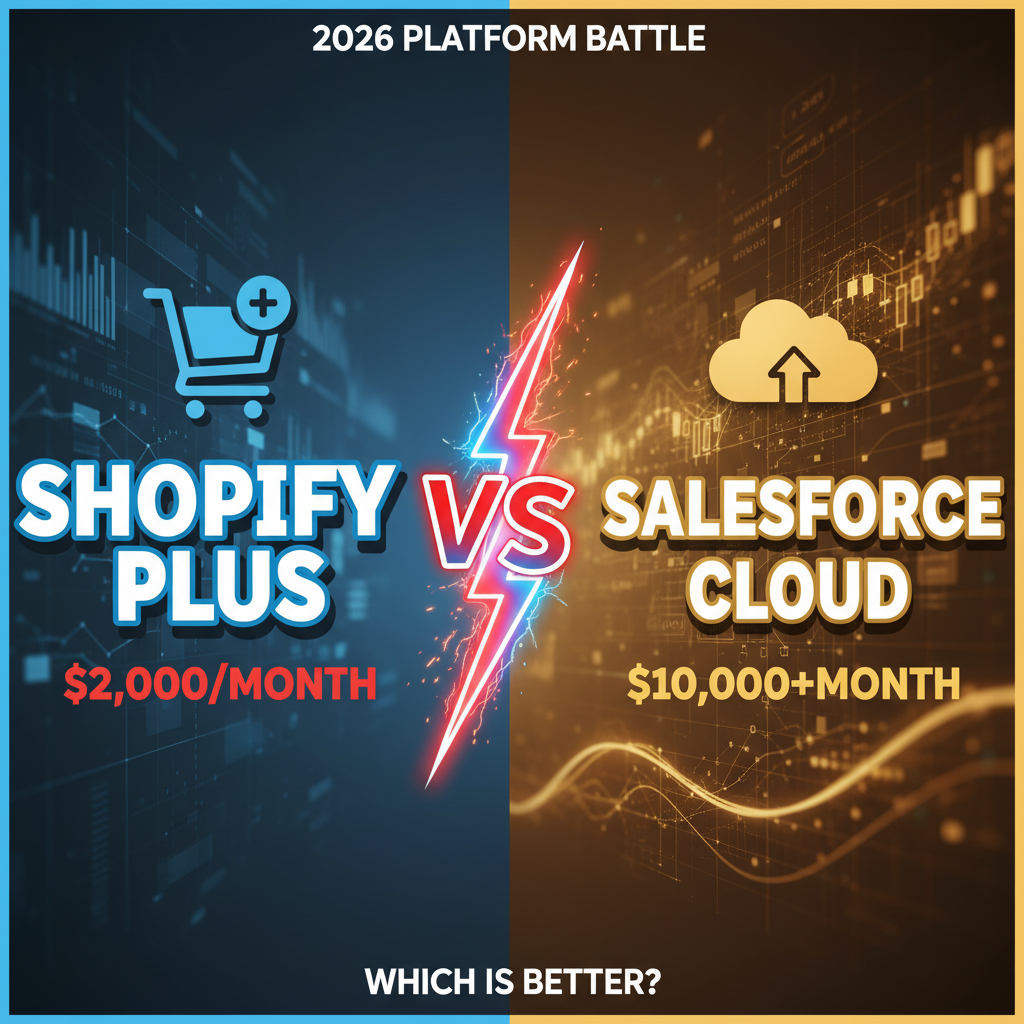
Let's talk money. Shopify Plus costs $2,000–$40,000 per month depending on volume. Build-out (engineering, integrations, design) typically runs $80,000–$250,000 for a mid-market merchant.
When does B2B ROI happen?
- A $3M annual merchant with 100 wholesale accounts doing $1M B2B revenue breaks even on Shopify Plus in 12–18 months
- A $10M merchant with 300+ accounts and $5M+ B2B revenue breaks even in 6–9 months
- A $500K merchant with 20 accounts probably shouldn't move to Shopify Plus (yet)
The payoff: Once B2B is operational, it typically operates at higher margins and lower CAC than D2C. Wholesale partners are repeat customers. They don't need paid ads. Retention is 90%+ because switching costs (retraining, system migration) are high.
Frequently Asked Questions
Can I run B2B and D2C on the same Shopify Plus instance?
Yes. You can use buyer groups to segment users, or separate domains on the same instance. Most Shopify Plus merchants use the shared-storefront model: one storefront, different pricing and product visibility based on the customer's user role.
What payment terms does Shopify Plus support natively?
Shopify Plus supports Net 30, Net 60, and Net 90 payment terms through Shopify Payments and integrated providers like Stripe Connect and Celigo. You'll also need to integrate with your accounting system to track invoices and payment reminders.
How long does a B2B implementation take?
Typically 6–8 weeks for a standard shared-storefront setup. Complex implementations with ERP integrations (NetSuite, SAP) take 3–5 months. Time scales with the number of custom workflows and integrations required.
Do I need a separate domain for my B2B storefront?
No. Most merchants use one domain with buyer groups. High-traffic merchants or those with very different visual identities (wholesale vs. retail) sometimes use separate domains (wholesale.example.com), but it's not required.
What's the typical B2B AOV on Shopify Plus?
B2B AOV is typically $500–$10,000 per order (compared to $50–$200 for D2C). Some enterprise wholesale channels see $50K+ orders, but that's rare. Track AOV by account to spot underperforming relationships.
Author Perspective
We've implemented B2B on Shopify Plus for 20+ DTC brands scaling into wholesale. The pattern is always the same: first 50 accounts are manual (spreadsheets, emails); accounts 50–200 need Shopify Plus native tools; accounts 200+ need custom API integration. The earlier you invest in platform infrastructure, the faster you scale without doubling your ops team.
Want to explore B2B channels on Shopify Plus? Tenten specializes in B2B commerce implementation—from pricing strategy to ERP integration. Book a consultation to discuss your wholesale roadmap.