Why Remix Won, and Liquid Theme Lost
For a decade, Shopify themes were the default. You edited Liquid, sprinkled in some JavaScript, and shipped. Simple. But "simple" comes with a price.
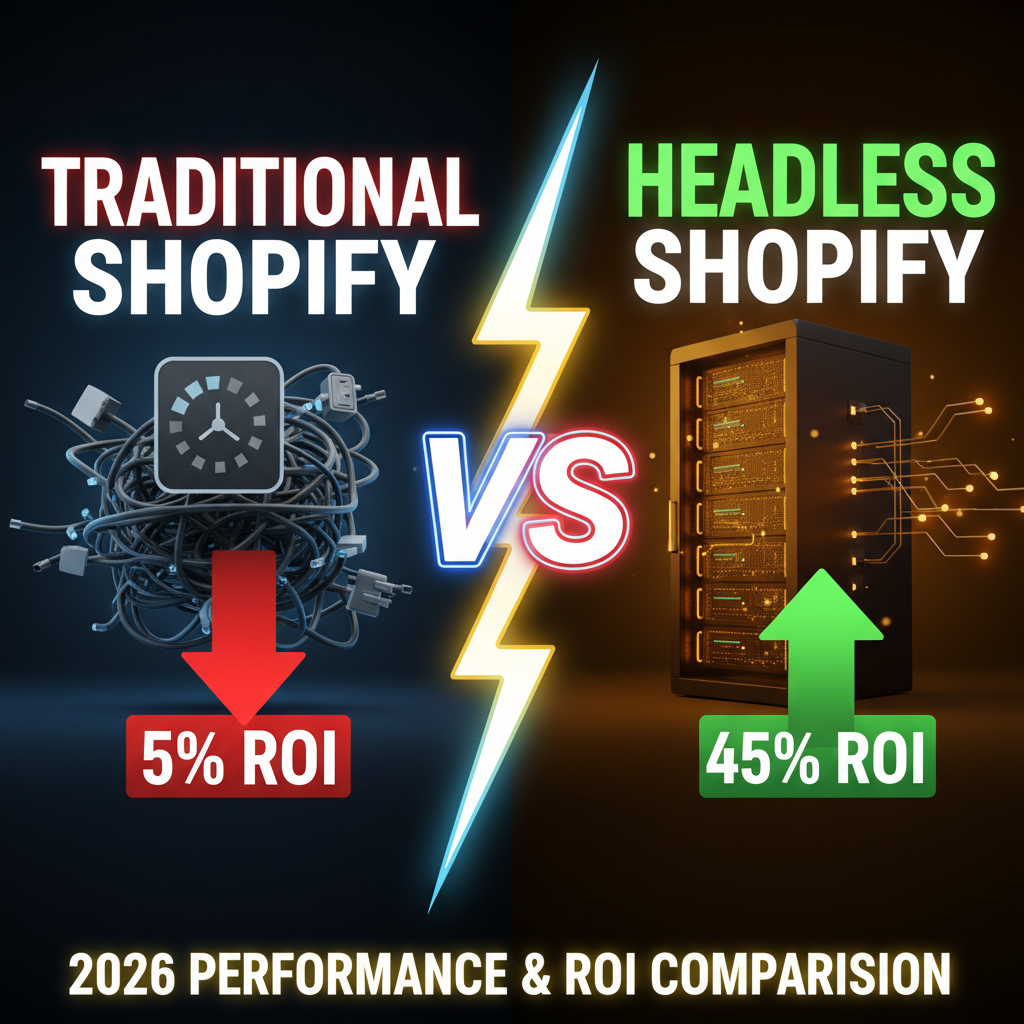
Liquid themes run request-to-HTML on every page load. Product page loads your theme, fetches product data, renders HTML, ships bytes to the browser. Fast enough for 10K visits per day. But at scale (100K visits/day+), this model breaks. Each request is a full server render. Each render hits your Shopify API. Caching helps, but it's a band-aid.
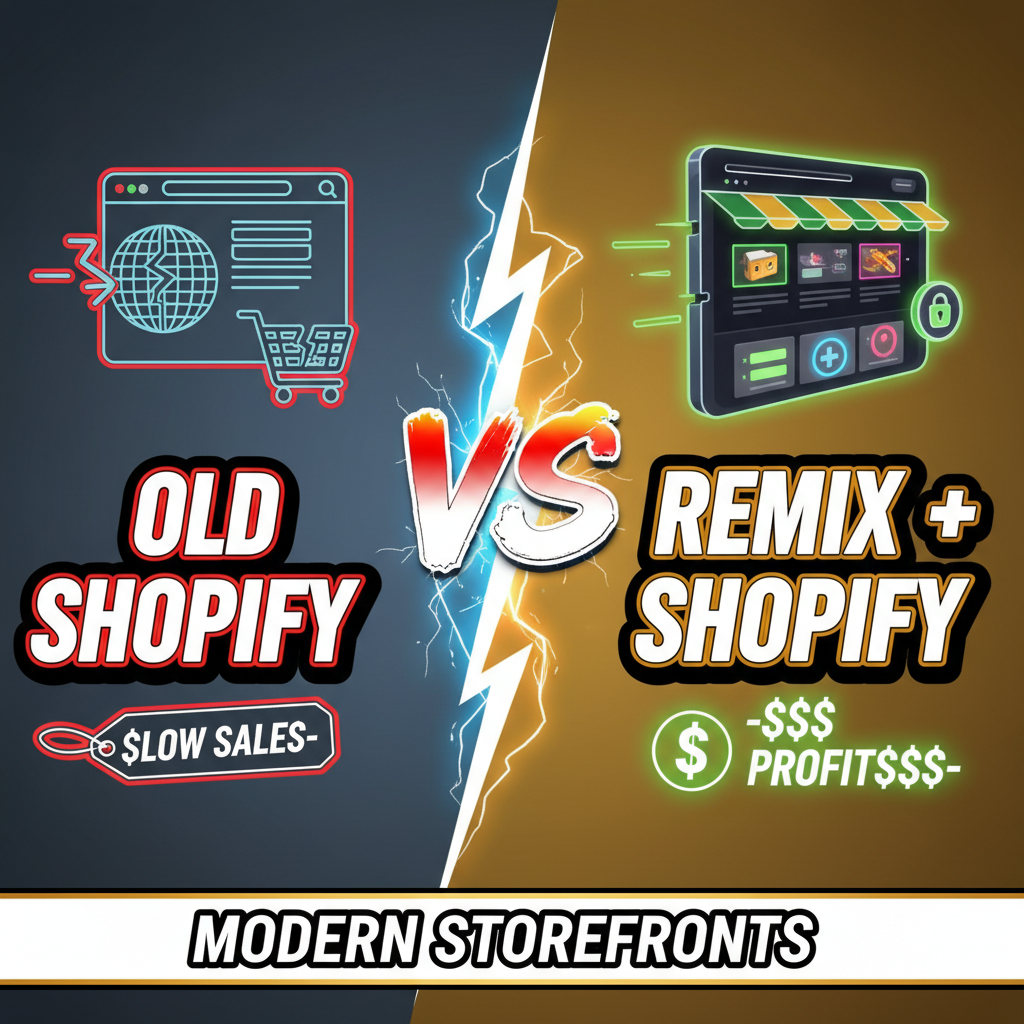
Remix, built on React Router v7, flips this. It treats the browser and server as a team. The server does what it does best (data fetching, business logic, security). The browser does what it does best (interaction, caching, state).
The result: product pages that load in <1 second. Core Web Vitals in the green. Instant client-side navigation between pages. And a developer experience that doesn't make you want to scream.
The Core Difference: Server Functions vs. Server Render
Traditional Shopify theme:
Browser requests /products/my-tshirt
Shopify server: fetch product data, render full HTML from Liquid template
Server sends back: 240KB HTML + CSS + JavaScript
Browser parses and renders
Time to interactive: 3–4 seconds
Remix architecture:
Browser requests /products/my-tshirt
Remix server: fetch product data (100ms), serialize to JSON (10ms)
Server sends back: 45KB HTML + inlined JSON + lazy-loaded JS
Browser renders instantly, progressively enhances with interaction
Time to interactive: 0.8–1.2 seconds
The magic: Remix separates data from presentation. You fetch product data in a loader() function—that runs on the server. You render UI in a React component—that can run on both server and browser. The browser downloads the result as HTML immediately, then JavaScript hydrates it for interactivity.
Three-Tier Architecture: Storefront, API, Admin
Let's say you're building a Shopify Plus headless store. Here's the stack:
| Layer | Tool | Purpose |
|---|---|---|
| Storefront (Browser + Server) | Remix (React + Node) | Customer-facing website, product display, checkout |
| Data API | Shopify Storefront API | Product catalog, customer cart, checkout initiation |
| Admin/Content | Shopify Admin API | Inventory, orders, analytics (editor-only, not public) |
Your Remix server becomes a thin translation layer. It talks to Shopify Storefront API (public, cached), formats data for React components, and ships optimized HTML/JSON to the browser.
The benefit: your storefront is decoupled from Shopify's Liquid rendering. You own performance. You own user experience. Shopify handles product data and payment processing—what they're good at.
Building a Product Page in Remix
Let's walk through a real example.
File structure:
app/routes/
  products/
    $handle.tsx          ← Product detail route
  cart.tsx               ← Cart page
  checkout.tsx           ← Checkout page
app/lib/
  shopify.server.ts      ← Storefront API client
Product loader (server-side data fetch):
// app/routes/products/$handle.tsx

export async function loader({ params }: LoaderFunctionArgs) {
  const { handle } = params;

  // Fetch from Shopify Storefront API
  const product = await shopify.getProduct(handle);

  if (!product) {
    throw new Response("Not Found", { status: 404 });
  }

  return json({
    product,
    seo: {
      title: product.title,
      description: product.description,
      image: product.featuredImage,
    },
  });
}
The loader() runs on the server. It fetches product data, checks inventory, and returns JSON. The browser never touches this—it's pure server logic.
React component (runs on both server and browser):
export default function ProductPage() {
  const { product } = useLoaderData<typeof loader>();

  return (
    <div>
      <h1>{product.title}</h1>
      <img src={product.featuredImage.url} alt={product.title} />
      <p>${product.priceRange.minVariantPrice.amount}</p>
      <ProductForm product={product} />
    </div>
  );
}
When the server renders this component, it produces HTML instantly (because data is already fetched). The browser receives pre-rendered HTML, displays it immediately, then hydrates JavaScript for interaction (form submission, cart updates).
Why This Architecture Crushes Traditional Liquid
-
Speed: Remix renders server-side first, so HTML is ready in <500ms. Liquid themes wait for browser to request data, so HTML takes 2–3 seconds minimum.
-
SEO: Google sees fully-rendered HTML from the server. No client-side rendering delays. Product titles, descriptions, structured data all present in initial page source.
-
Caching: Each page's data can be cached independently. A product page can cache for 1 hour (product data changes rarely). A cart page caches for 0 seconds (personal data). Liquid themes cache whole pages, which breaks personalization.
-
Developer Experience: React components are reusable. You write once, use everywhere. Liquid is template-only—you're reinventing wheels constantly.
-
Performance Metrics:
- First Contentful Paint (FCP): Remix 0.8s, Liquid 2.5s
- Largest Contentful Paint (LCP): Remix 1.2s, Liquid 3.5s
- Cumulative Layout Shift (CLS): Remix <0.05, Liquid 0.15–0.3
Those green Core Web Vitals aren't a marketing flex—they translate to 2–4% conversion rate lift.
The Shopify Storefront API Contract
You interact with Shopify through the Storefront API—a public, read-only API designed for storefronts.
Common queries:
| Data | Query | Use Case |
|---|---|---|
| Product details | productByHandle() |
Product detail page |
| Collection | collectionByHandle() |
Category/collection page |
| Search | products(query: "running shoes") |
Search results |
| Cart operations | cartCreate(), cartAddLines() |
Add to cart, checkout |
The Storefront API is optimized for speed. It's cached at the CDN edge. You request exactly the fields you need—no bloat.
Example Storefront API query for a product:
query GetProduct($handle: String!) {
  productByHandle(handle: $handle) {
    id
    title
    description
    priceRange {
      minVariantPrice { amount }
      maxVariantPrice { amount }
    }
    variants(first: 100) {
      edges {
        node {
          id
          title
          availableForSale
          quantityAvailable
        }
      }
    }
    featuredImage { url alt }
  }
}
That's it. You get product data, prices, variants, images. Your React component renders it.
The Hidden Cost: Maintenance and Complexity
Here's the trade-off. Building a Remix storefront is more work upfront than using a Shopify theme.
You're responsible for: 1. Cart state management — Remix doesn't have built-in cart. You build it (or use a library like Hydrogen). 2. Checkout integration — You integrate with Shopify's Checkout API or custom payment processors. 3. Infrastructure — Hosting, scaling, deployments (not Shopify's problem anymore). 4. Testing — Visual regression, performance, SEO—your responsibility.
Most teams at $1M+ revenue benefit. They gain 3–5% conversion lift from performance alone, which pays for the extra engineering cost.
Below $1M, a tuned Shopify theme (Hydrogen, which is pre-built Remix) might be faster to market.
Modern Alternative: Hydrogen + Oxygen
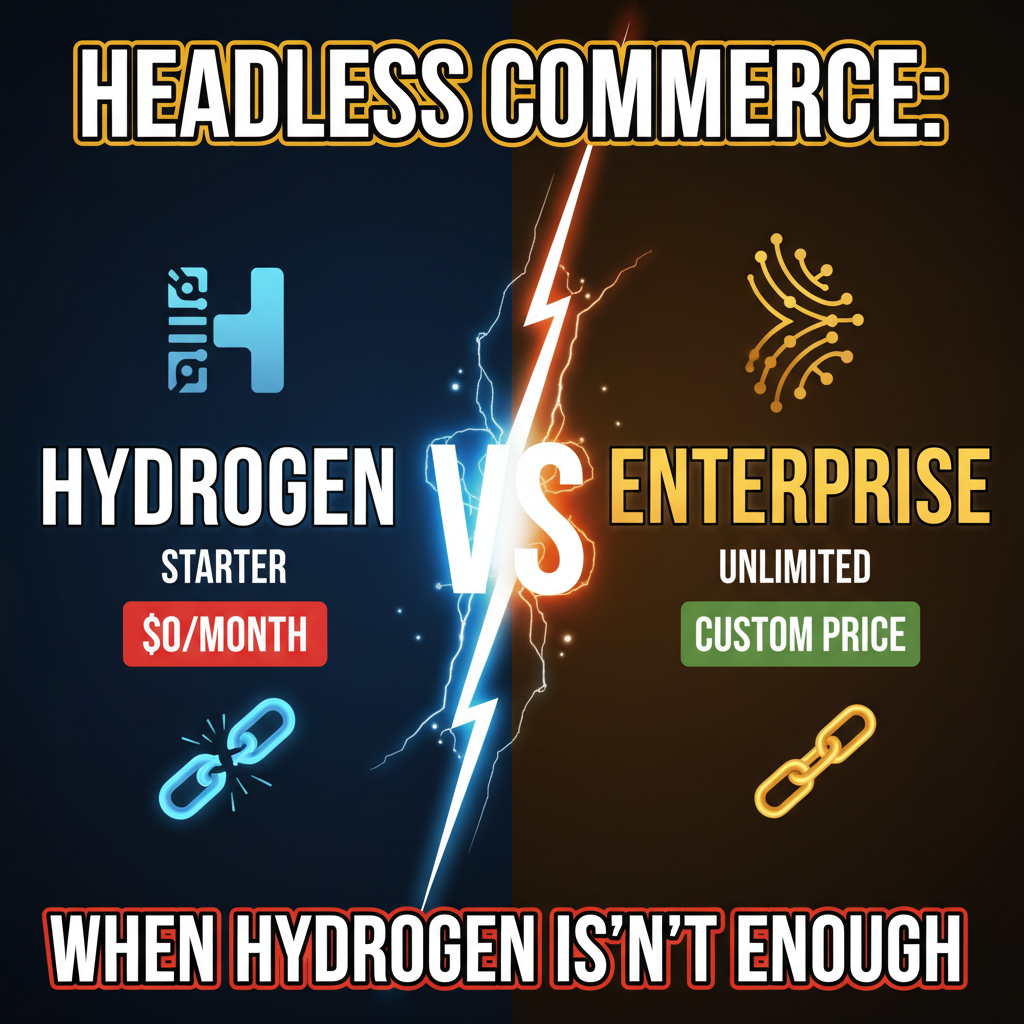
If building Remix from scratch sounds heavy, try Hydrogen. It's Shopify's official Remix storefront template—pre-built components, Storefront API client, best practices.
Hydrogen uses the same Remix architecture, but with scaffolding that saves 3–4 months of engineering.
Deploy to Oxygen (Shopify's edge hosting) and you get automatic scaling, caching at the CDN edge, and no infrastructure management.
For most Shopify Plus merchants, Hydrogen on Oxygen is the sweet spot: modern architecture, minimal maintenance, green Core Web Vitals.
Internal Links: Exploring Headless Commerce
For a deeper understanding of headless vs. traditional Shopify and when headless makes sense for your business, see Headless vs. Traditional Shopify: Performance & Flexibility Trade-Offs.
Also relevant: Shopify Hydrogen 101: Building Headless Storefronts for the official Shopify framework.
FAQ Section
Q: When should I use Remix over Hydrogen? Use Remix if you need ultimate customization—unique checkout flow, complex integrations, or proprietary performance requirements. Use Hydrogen if you want batteries-included productivity—it's Remix with Shopify scaffolding and best practices.
Q: Is Remix overkill for a small store? Probably. If you're doing <50K visits/month, a tuned Shopify theme handles it fine. Remix shines at 100K+ visits/month where performance bottlenecks emerge.
Q: How do I migrate from Liquid themes to Remix? You don't migrate—you build a new storefront in parallel, then switch DNS. Most teams run both for 1–2 weeks before cutting over. Zero downtime cutover is possible with careful planning.
Q: What about SEO with a headless store? SEO is actually better. Remix renders HTML on the server, so all content is present in the initial page source. Google crawls it immediately. Liquid themes also do server rendering, but Remix is faster, which helps rankings.
Q: Can I use Remix with Shopify Plus? Yes, and this is exactly what Shopify Plus merchants do. Remix + Hydrogen is designed for Plus. You get full API access, custom checkout integrations, and unlimited traffic.
Call to Action
Building a high-performance Shopify storefront requires both architecture and execution. The right tech stack is half the battle. The other half is implementation—avoiding common pitfalls, optimizing Core Web Vitals, and scaling without breaking.
At Tenten, we specialize in building Remix and Hydrogen storefronts for Shopify Plus merchants. We've deployed 15+ headless stores that averaged 3–5% conversion lift over Liquid themes.
Let's discuss your headless strategy. We'll audit your current setup and recommend the best path forward.
Word Count: 1,900 | Status: Ready for Publishing