The bridge
A URL map and redirects, set before launch
We carry over metadata, map every URL, and set the redirects, so nothing about the move is left to sort out after launch.

Services
A controlled rebuild, not a copy-and-paste exercise. We inventory the current pages, content, integrations, metadata, and owners before production, then compare the Webflow build against that written baseline before cutover.









The cutover
Your current site keeps serving visitors while the new one gets built. Every URL is mapped and redirected before launch, so search engines get a clear route from each old address to its match on the new site.
The old site keeps serving during the rebuild. The release plan still names a maintenance window, rollback owner, and post-launch checks instead of promising that no interruption can occur.
The bridge
We carry over metadata, map every URL, and set the redirects, so nothing about the move is left to sort out after launch.
Survives 01
Redirects give search engines a clear route from each old address to the matching page.
Survives 02
The old site keeps serving while the Webflow build is reviewed and prepared for cutover.
Gained 01
A migration is a rebuild, not the old site pasted into a new tool.
Gained 02
After handoff, your people edit and publish pages in Webflow without a developer.
Release controls
Evidence before the switch
Why Webflow
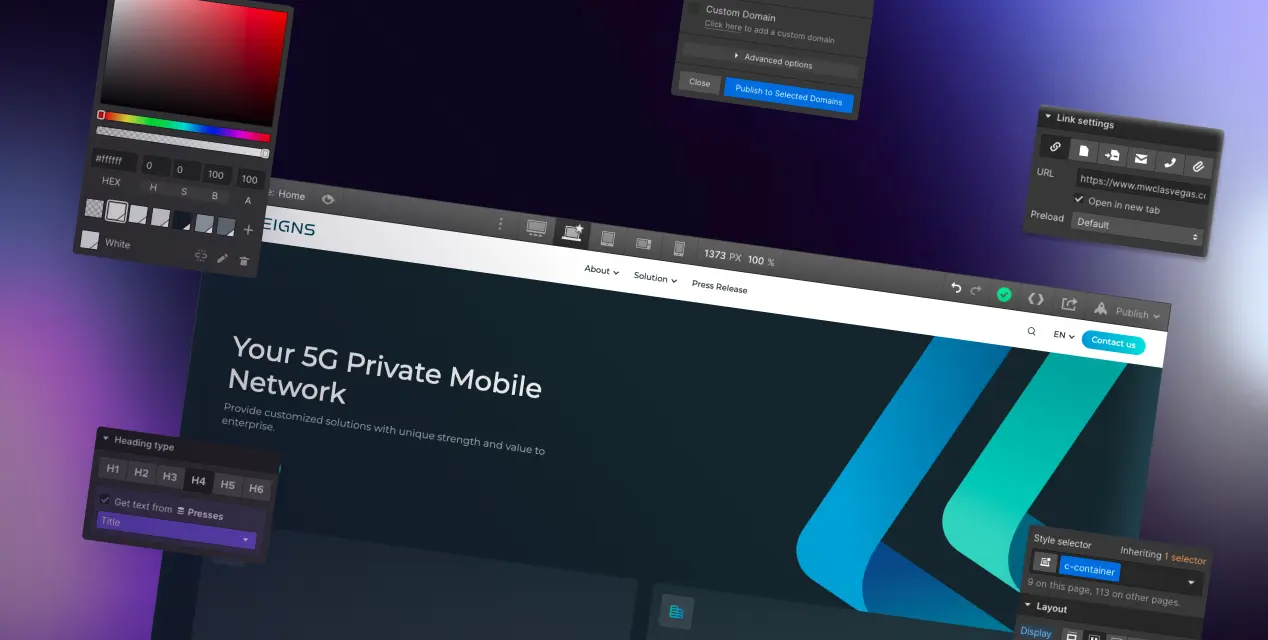
Webflow puts the power of HTML, CSS, and JavaScript behind a visual interface. That means the site we hand you is one your own people can run. Marketing edits pages and publishes without filing a ticket, and nothing depends on a plugin update going well.
Design
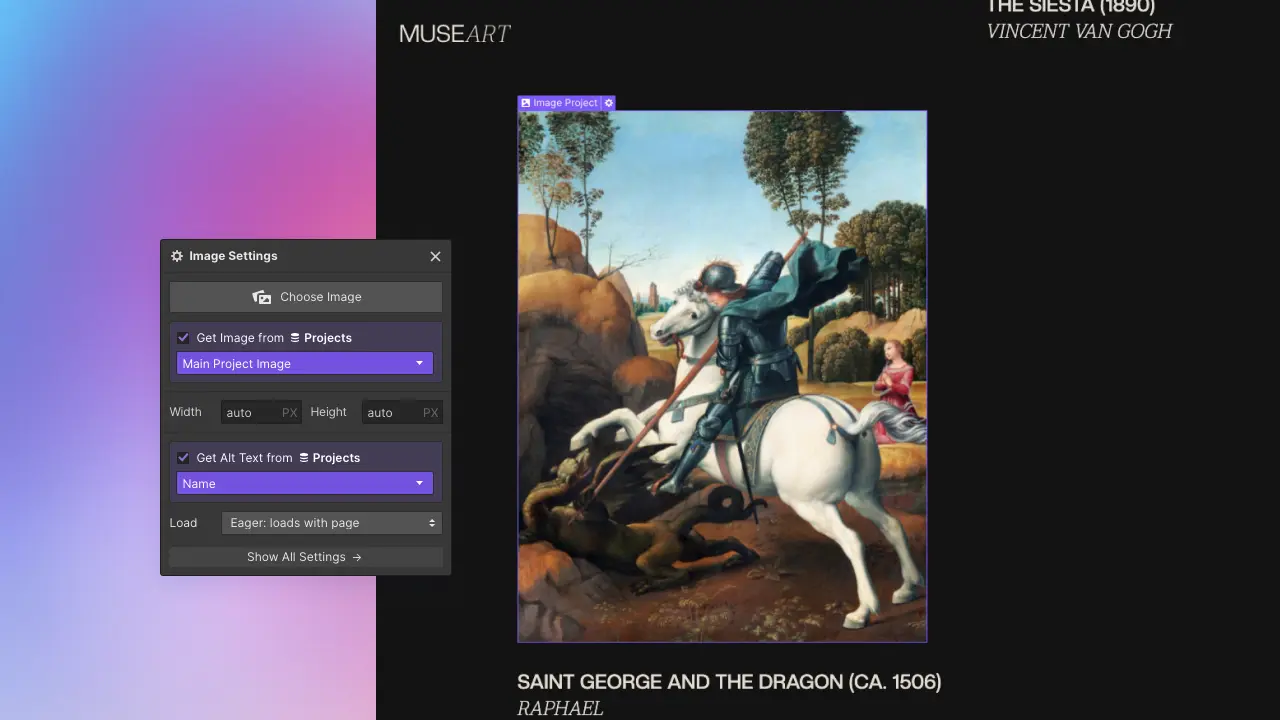
Build professional, custom pages in Webflow's visual workspace without writing code. If you would rather not start from a blank canvas, there are 100+ responsive templates you can clone and learn from.

Marketing
Webflow's CMS lets several people edit content at the same time, so pages stay current without a bottleneck. It also connects to the marketing tools you already use.
MIGRATION CONTROL ROOM
A migration is safe when the old and new systems can be compared before launch. These are working documents, not a slide-deck process. Your team reviews them and keeps them after handoff.
We do not promise uninterrupted service or unchanged rankings. We keep the current site serving during the build, test the release path, and assign rollback and monitoring ownership before cutover.
Every current URL, canonical, title, description, content owner, and required destination in one reviewable table.
Keep, rewrite, merge, retire, or redirect. Nothing disappears because it was missed during design.
Collections, fields, reusable components, permissions, and editor instructions agreed against real content.
Old-to-new route checks, metadata, forms, analytics, redirects, editor acceptance, and a rollback owner before DNS changes.
These cases support three different migration decisions: moving off WordPress, connecting Webflow to the wider operating stack, and giving editors a CMS they can run.
We will identify the inventory, content, integration, redirect, and ownership questions that belong in a migration estimate.
Schedule your discovery call

