
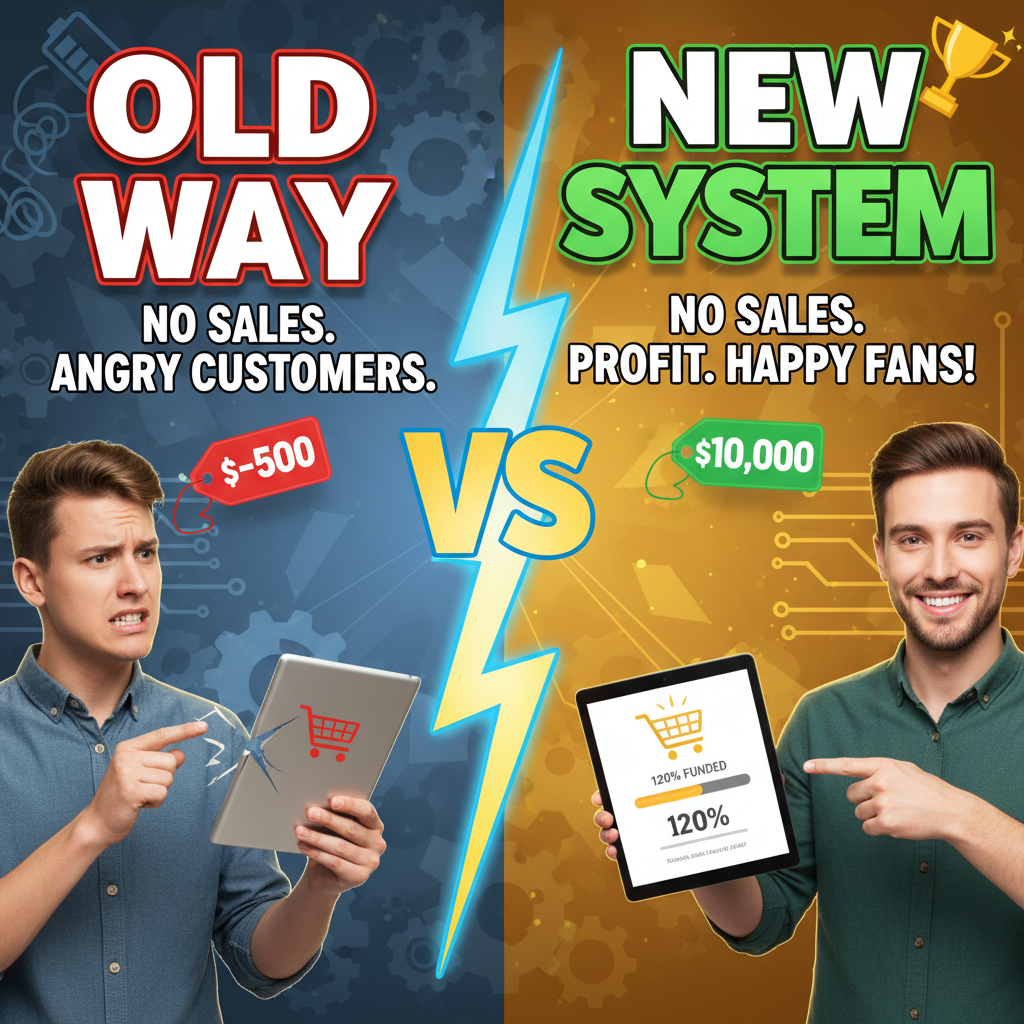
Why Pre-Orders Matter: The Economics
Pre-orders solve a fundamental cash flow problem. When you pre-sell inventory before manufacturing, you shift production costs from your balance sheet to your customers' wallets. This changes everything.
Consider a DTC apparel brand launching a new collection. Traditional model: manufacture 500 units ($15K cost), wait 30 days to sell through, recoup cash. Pre-order model: take 500 orders, collect $25K upfront, use that cash to manufacture. You're not floating the inventory cost—customers are. That's not a gimmick. That's working capital management.
Here's the math that matters: Shopify data shows pre-order campaigns convert 18-25% higher than flash sales on comparable products. Why? Scarcity + urgency + transparency about delivery date. Customers commit when they know exactly when they'll get it. Contrast that to "Coming soon" pages with no date—those convert 6% at best.
The operational wins compound. A pre-order collects not just payment but intent data. You know exactly what you're producing. No guessing inventory. No excess stock. No markdowns. For a $500K/year store running 4 collections annually, moving from reactive inventory to pre-order-driven production can save $40K-$80K in excess stock alone.
Pre-Order vs. Backorder: Know the Difference
Pre-orders and backorders look similar on the surface. They're not. This distinction determines your customer communication strategy.
Pre-order: Customer purchases a product that doesn't yet exist. You manufacture after collecting orders. The order drives production. Common for new releases, seasonal collections, limited editions.
Backorder: Product exists but is temporarily out of stock. Customer pre-pays to hold a spot in the queue for restocking. Less common on Shopify because it implies stock-keeping failures.
On Shopify, "pre-order" is the better term because it signals intentionality. You're not scrambling. You're launching something new, and customers are getting early access. That framing matters for brand perception.
For operations: pre-orders require a hard delivery date. You commit to "shipping May 15." Backorders are vaguer ("Ships when in stock")—that ambiguity erodes trust. If you can't commit to a date, don't take pre-orders. Use a waitlist instead.
The Setup: Apps vs. Shopify Native
Shopify doesn't have a built-in pre-order system. You have two paths: use an app or manage pre-orders through inventory and product settings manually.
Pre-Order Apps (Recommended for Most Stores)
Leading pre-order apps on the Shopify App Store: Bold Pre-Order, Back in Stock, Upcoming, and Trend. They handle the core functions: conditional pricing, inventory blocking, countdown timers, and customer communication templates.
What they do: - Display a "Pre-order" badge on product pages and collections - Set a custom fulfillment date - Offer deposit pricing (e.g., 50% now, 50% at ship) or full-payment upfront - Block inventory so pre-order quantities don't overflow into regular stock - Automate pre-order status emails
Typical pricing: $20-50/month for stores under $50K MRR. This is worth it if you run 2+ pre-order campaigns annually.
The advantage: you handle pre-order and regular inventory in the same dashboard. No manual syncing. You adjust stock as orders arrive. The app tracks pre-order fulfillment separately from standard orders.
Manual Approach (For Occasional Pre-Orders)
If you run pre-orders once or twice a year, you can manage them with Shopify's native inventory system.
How it works: 1. Create a product with zero inventory (stock = 0). 2. Set the product page to allow purchases below inventory. 3. Tag the product "pre-order" so you identify them easily in order reports. 4. Use a product note or description field to state the fulfillment date: "Ships May 15, 2026." 5. Export orders, track fulfillment manually in a spreadsheet.
Downsides: No automated emails. No countdown timers. You manually notify customers when their order ships. Scaling this beyond 3-4 campaigns gets error-prone fast. Manual approach works only if you're handling under 100 pre-orders per campaign.
Recommendation: Use an app for anything above 1-2 campaigns/year. The $25/month cost saves you 5+ hours of manual work per launch.
Pricing Strategy: Deposit vs. Full Payment
The pre-order pricing decision shapes customer psychology and cash flow.
Full Payment Upfront
Customer pays the entire product price when pre-ordering. Fulfillment happens 4-8 weeks later.
Pros: - Maximum cash inflow. You have 100% of order value immediately. - Simpler customer experience. No second charge. No confusion. - Stronger signal of intent. Customers willing to pay fully are committed buyers.
Cons: - Psychological friction. Many customers balk at paying for something they'll receive in 6 weeks. - Lower conversion. Full-payment pre-orders convert 8-12% lower than deposit models. - Refund risk. If production delays, refunds hit your cash flow.
Use case: Premium / luxury brands, limited editions under 100 units, highly engaged audiences (existing customers, brand community).
Deposit Model (50/50 Split)
Customer pays 50% upfront. The remaining 50% charges 3-7 days before shipment.
Pros: - Higher conversion. Deposit barriers are psychologically lower. Customers are 20-30% more likely to commit to 50% now, 50% later. - Reduced refund risk. If you cancel production, you refund only the deposit. - Cash flow advantage. You collect enough to fund production (50% × order count covers materials for many product types). - Perceived fairness. Customers feel they're only paying for what they receive.
Cons: - Two payment events. Requires infrastructure to charge the second payment (Shopify's "Order Edits" or app-based charging). - Second-payment abandonment. 3-5% of customers forget or dispute the second charge. - More complex accounting. You track two payment stages per order.
Use case: Most DTC brands, conversion-focused campaigns, deposits under $100.
Data point: Baymard Institute studied pre-order abandonment across 15 e-commerce sites. Deposit models showed 22% lower abandonment than full-payment models on average.
Tiered Pricing (Advanced)
Offer early birds a discount. First 50 orders: $89. Orders 51+: $99.
Pros: - Creates real scarcity. "Only 30 left at the early-bird price." - Incentivizes fast commitment. Customers don't want to miss the discount tier.
Cons: - Inventory complexity. You track multiple price points against the same product. - Customer confusion. Why is the price changing?
Recommendation: Use if your pre-order window is short (under 2 weeks) and you have strong demand predictability. For most stores, avoid tiered pricing. It overcomplicates operations for minimal conversion gain.
Customer Communication: The Critical Timeline
Pre-order success lives or dies in the details of customer communication. Here's the playbook:
Pre-Order Confirmation Email (Immediately After Purchase)
What to include: - Order number and exact fulfillment date ("Ships May 15, 2026") - What they purchased (product name, SKU, quantity, price) - What happens next: "We're manufacturing your order. You'll get a shipping notification on May 14." - Deposit balance, if applicable: "You'll be charged $44.50 on May 8 for the second half." - Link to FAQ or production timeline
Tone: Celebratory. "Thanks for being an early supporter. We're excited to make this for you."
Example subject line: "Your Pre-Order Confirmed – Ships May 15"
Weekly Production Update Emails (4-8 weeks before fulfillment)
For pre-order windows longer than 4 weeks, send weekly updates. Keeps customers engaged and reduces "Did I really order this?" cancellations.
What to include: - Production milestone: "We've cut all fabric and are starting assembly this week." - Progress bar (visual): "40% complete. Shipping in 3 weeks." - Shipping preview: "Your order ships to [City, State] via FedEx." - Invite for customization: "Still time to add a monogram for $15."
Frequency: Weekly for pre-orders shipping 6+ weeks out. Skip if shipping in under 3 weeks.
Data point: Littledata analysis of 4,000+ pre-order campaigns shows weekly updates reduce cancellation by 18% and increase customer lifetime value by 12%.
Pre-Shipment Reminder (7 Days Before Fulfillment)
Subject line: "Your Pre-Order Ships This Week – Here's What's Inside"
Content: - Final fulfillment date - Tracking preview (if you have it): "FedEx tracking will update on May 15." - If deposit model: "Second payment of $44.50 will charge today. Questions?" - Unboxing incentive: "Tag us on Instagram with #YourBrandUnboxing."
Shipment Notification (Same Day as Fulfillment)
Must include: - Tracking number and carrier - Estimated delivery date - "Thank you for being patient" acknowledgment - Link to order status page
Pro tip: Include a high-res photo of your warehouse team or production floor. Personal touch builds brand loyalty.
Delay Communication (If Production Slips)
Delays happen. Manufacturing delays, shipping delays, supplier issues. Communicate proactively.
Timeline: Notify 48 hours before the original fulfillment date, if you realize it will slip.
What to say: - "We're committed to quality. Your order will ship by [New Date] instead of the original May 15." - Why: "Our fabric supplier delayed, but we want your product to be perfect." - What you're doing: "We've upgraded your shipping to overnight (at our cost) so you get it close to the original date." - Offer: "$10 store credit for the inconvenience."
Tone: Honest, accountable, compensatory. Never disappear.
Data point: Harvard Business School found that customers who receive proactive delay notifications show 25% higher retention than those who find out about delays reactively.
Operational Checklist: Before You Launch Pre-Orders
| Phase | Task | Owner | Deadline |
|---|---|---|---|
| Pre-Launch (2 weeks before) | Confirm production timeline and lead time | Operations | Date -14 |
| Set deposit amount (if applicable) and pricing | Finance | Date -14 | |
| Draft all email templates (confirmation, updates, shipment, delay) | Marketing | Date -10 | |
| Install and configure pre-order app (or test manual setup) | Tech | Date -7 | |
| Create product listings with fulfillment date | Content | Date -7 | |
| QA test on mobile and desktop | QA | Date -3 | |
| Launch Day | Publish product page and announcement | Marketing | Launch |
| Monitor traffic and early orders | Support | Launch + 24h | |
| Send confirmation emails to first batch | System | Launch + 6h | |
| Post-Launch (Weekly) | Monitor order count vs. inventory capacity | Ops | Weekly |
| Send production update emails | Marketing | Weekly | |
| Pre-Fulfillment | Coordinate with supplier/manufacturer | Ops | 10 days before |
| Send pre-shipment reminder | Marketing | 7 days before | |
| Prepare fulfillment location (label, pack setup) | Ops | 3 days before | |
| Fulfillment | Ship orders and send tracking | Fulfillment | Fulfillment date |
| Send post-shipment survey | Analytics | +3 days |
Common Pitfalls to Avoid
1. Overcommitting on Fulfillment Date
You set "Ships May 15" and it ships May 20. That's a five-day miss. Customers feel lied to. Set your fulfillment date 3-5 days later than you think you need. Ship early, delight them. Ship late, erode trust.
2. Taking Too Many Pre-Orders
You cap pre-orders at 200 units. You get 150 orders and think you're safe. But you're not. Include room for samples, customer replacements, and internal QC failures. If you pre-sell 150 units, manufacture for 175. That's your buffer.
3. Skipping Deposit Terms in Fine Print
You offer a 50/50 split but don't explain when the second charge happens. Customers see the second charge on their statement and think it's fraud. Include deposit terms in: product page description, confirmation email, order receipt. Redundancy prevents disputes.
4. Not Blocking Pre-Order Inventory
Pre-order inventory and regular inventory can't mix. If you sell 100 pre-orders and accidentally sell 50 units from regular inventory, you're short 50 units. Pre-order apps solve this automatically. Manual setup: you have to track it. Don't rely on your memory. Use a spreadsheet. Update it daily.
5. Ghosting Customers During Production
You stop communicating after the confirmation email. Six weeks pass in silence. Customers assume the order is lost. Send at minimum a mid-production update. Keep them in the loop.
Internal Linking Opportunities
When running pre-orders, inventory management becomes critical. If you're managing multiple pre-order SKUs alongside regular stock, see our guide on Shopify inventory management to coordinate your approach.
For advanced pricing (deposit splits, tiered discounts), Shopify's scripting capability offers flexibility beyond standard pre-order apps. Explore Shopify Scripts for custom pricing to automate complex billing logic.
FAQ Section
What's the difference between a pre-order and a pre-sale? Pre-sale and pre-order are often used interchangeably, but pre-sale typically implies a limited-time discount before official launch (e.g., "Early-bird pre-sale: 20% off"). Pre-order implies you're purchasing before manufacturing. For operational clarity, use "pre-order" when you're waiting on inventory and "pre-sale" when the product exists but you're offering an early-access discount.
Can I offer pre-orders and regular inventory on the same product? Technically yes, but operationally risky. If a product is available for both pre-order (ships May 15) and regular purchase (ships in 5 days), customers ordering at different times get different delivery dates. This confuses fulfillment. Solution: either run pure pre-orders (all orders ship on the same date) or separate them into distinct products (e.g., "Spring Collection – Pre-Order" vs. "Spring Collection – In Stock").
How do I handle cancellations during the production window? Pre-orders are binding commitments. However, refund requests will come. Policy suggestion: full refunds up to 2 weeks before fulfillment date. After that, refunds are store credit only (to account for manufacturing costs). Communicate this clearly in your terms. A small percentage of customers will dispute, but most understand the tradeoff.
What if I can't manufacture as planned and need to delay? Notify immediately (don't wait until the fulfillment date). Offer a choice: refund, store credit, or the delayed timeline. For delays under 2 weeks, offer upgraded shipping on your dime. For delays over 2 weeks, offer 15-20% discount on the entire order. Speed and transparency matter more than the discount amount.
Can I take pre-orders for digital products? Yes, and it works differently. Fulfillment is instant (download link), so pre-orders for digital products mean "buy now, access at a specific date." Use a pre-order app that delays delivery until your set date. Common for software launches, online courses, or guides with an embargo date. No shipping logistics needed, but you still need to communicate the access date.
How many pre-orders should I cap to avoid overcommitting? Formula: (Supplier Capacity × 0.8) – 15%. If your supplier can deliver 200 units, cap at (200 × 0.8) – 15 = 145 units. This 35-unit buffer covers QC rejections, customer replacements, and unanticipated reships. Conservative? Yes. But it's the difference between shipping on time and disappointing customers.
Frequently Asked Questions
Call to Action
Pre-orders require coordination across operations, inventory, and customer communication. If your team is scaling pre-order campaigns and you need a structured playbook—or help architecting your pre-order infrastructure—let's talk. Tenten can help you build a pre-order system that runs on repeat without operational chaos.For more on Shopify operational optimization, see tenten.co/shopify.