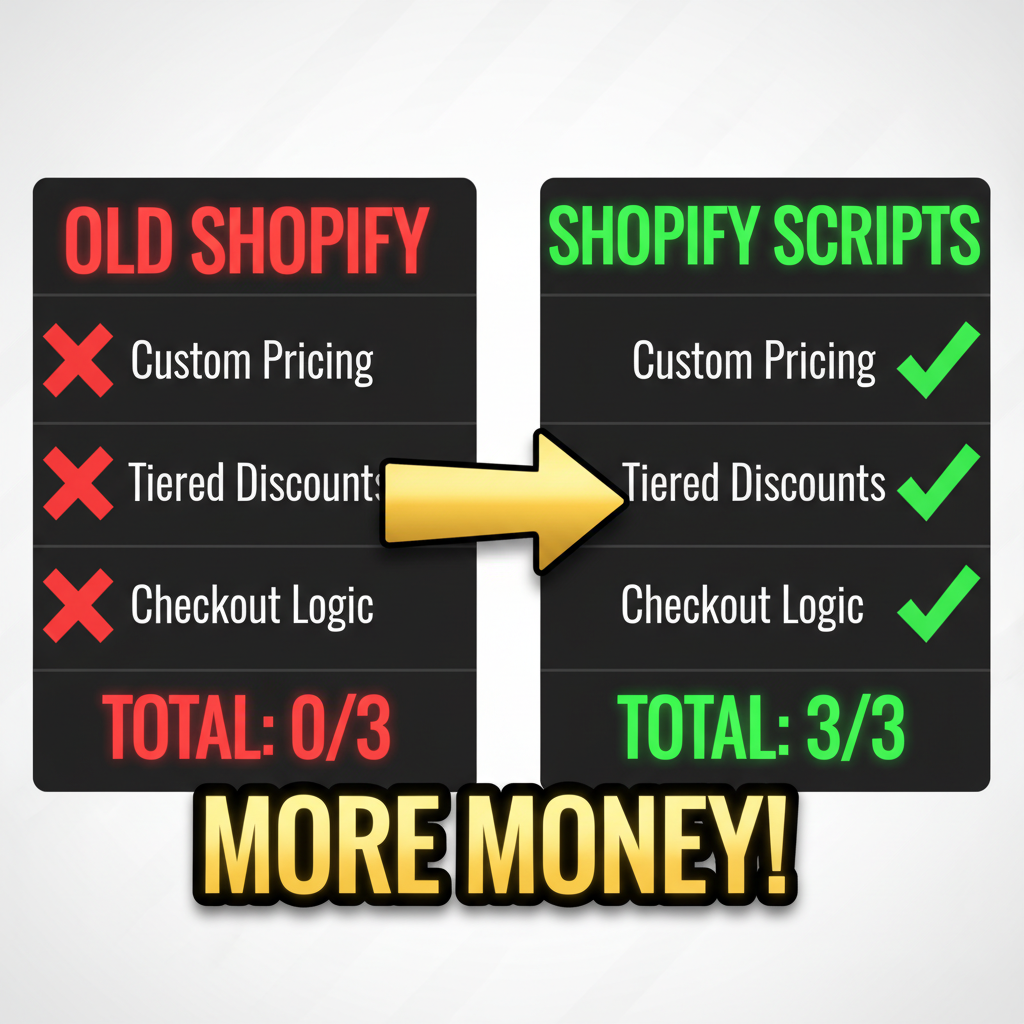

Shopify Scripts: More Powerful Than Apps, Faster Than Custom Dev
Shopify Scripts are small Ruby programs that run at checkout to customize pricing, discounts, and shipping. Unlike apps (which slow your store) and unlike full custom development (which costs $10K+), Scripts are lightweight, native, and lightning-fast.
Key advantage: Scripts run server-side at checkout, applying logic in milliseconds. No JavaScript bloat. No third-party app overhead. Just pure logic.
Limitation: Only Shopify Plus merchants can use Scripts. Standard Shopify has Shopify Flow (limited alternatives), but no Script support.
If you're on Shopify Plus and want custom pricing without app overhead, Scripts are your power move.
What Are Shopify Scripts (And What Can They Do?)
Shopify Scripts are Ruby programs that run during checkout and modify the order before payment processing. They intercept cart data and apply logic in real-time.
What Scripts can do: - Apply custom discounts based on cart contents, customer properties, or purchase history - Set volume/bulk pricing (e.g., "buy 10 get 15% off") - Apply tiered shipping rates based on cart weight, subtotal, or destination - Create conditional discounts ("free shipping if order > $100") - Restrict products by customer segment or geolocation - Apply loyalty rewards or points-based discounts - Implement BOGO (buy one get one) or bundle offers
What Scripts CANNOT do: - Modify inventory or stock levels - Send notifications or emails - Access third-party APIs (no integrations) - Change product information or metadata - Process refunds or modify orders after checkout
Performance: Scripts execute in milliseconds because they run natively in Shopify's Liquid templating engine. No external API calls. No network latency.
Scripts vs. Apps vs. Custom Development
| Approach | Speed | Customization | Cost | Best For |
|---|---|---|---|---|
| Shopify Apps | Slow (10+ ms delay per API call) | Limited | $50-300/month | Simple discounts, niche features |
| Shopify Scripts | Fast (native, <5 ms) | High (full Ruby) | $0 (built-in for Plus) | Complex custom logic, checkout optimization |
| Custom Development | Fast (if optimized) | Unlimited | $10K-50K | Highly bespoke functionality, integrations |
| Shopify Flow | Moderate (automated actions) | Low (template-based) | Free (limited tier) | Simple automations, order tagging |
Reality: Most Shopify Plus merchants use 1-3 Scripts for core pricing logic, then rely on apps for features Scripts can't do (email, integrations).
Common Script Use Cases (With Code Examples)
1. Volume-Based Discount
Scenario: Customers who buy 5+ items get 10% off.
Ruby Script:
Input.cart.line_items.each do |line_item|
  discount_percentage = 0
  quantity = Input.cart.line_items.map(&:quantity).sum

  if quantity >= 5
    discount_percentage = 10
  elsif quantity >= 3
    discount_percentage = 5
  end

  if discount_percentage > 0
    discount = (line_item.line_price * (discount_percentage / 100.0)).round
    line_item.change_line_price(line_item.line_price - discount)
  end
end

Output.cart = Input.cart
What it does: - Sums all items in cart - If 5+, applies 10% discount to each line item - If 3-4, applies 5% discount - Modifies cart before checkout
When to use: Wholesale, bulk orders, quantity incentives.
2. Free Shipping Above Order Total
Scenario: Free shipping on orders over $100.
Ruby Script:
Input.shipping_lines.each do |shipping_line|
  if Input.cart.subtotal_price_set.shop_money.amount >= 100
    shipping_line.change_line_price(0)
  else
    shipping_line.change_line_price(shipping_line.line_price)
  end
end

Output.cart = Input.cart
Impact: Incentivizes larger orders. A $5 avg shipping cost saved per order = $250K+ annual impact for high-volume stores.
3. Customer Segment Discount (VIP vs. Regular)
Scenario: VIP customers get 15% off; regular customers get no discount.
Ruby Script:
discount_percentage = 0

if Input.customer&.tags&.include?("VIP")
  discount_percentage = 15
elsif Input.customer&.tags&.include?("Returning")
  discount_percentage = 5
end

if discount_percentage > 0
  Input.cart.line_items.each do |line_item|
    discount = (line_item.line_price * (discount_percentage / 100.0)).round
    line_item.change_line_price(line_item.line_price - discount)
  end
end

Output.cart = Input.cart
How it works: Script reads customer tags. If customer is tagged "VIP" in Shopify, they get 15% off automatically at checkout.
4. Buy One Get One (BOGO)
Scenario: Buy one shirt, get a free hat (discount up to $20).
Ruby Script:
shirt_sku = "SHIRT-001"
hat_sku = "HAT-001"
hat_max_discount = 2000 # $20.00 in cents

shirt_in_cart = Input.cart.line_items.any? { |item| item.variant.sku == shirt_sku }
hat_in_cart = Input.cart.line_items.find { |item| item.variant.sku == hat_sku }

if shirt_in_cart && hat_in_cart
  hat_item = hat_in_cart
  discount_amount = [hat_item.line_price, hat_max_discount].min
  hat_item.change_line_price(hat_item.line_price - discount_amount)
end

Output.cart = Input.cart
Impact: BOGO offers drive basket size. Baymard research shows BOGO can increase AOV by 12-18%.
5. Geolocation-Based Shipping
Scenario: Free shipping for US orders over $50; Canadian orders over $100.
Ruby Script:
shipping_country = Input.shipping_address&.country

free_shipping_threshold = case shipping_country
when "US"
  5000 # $50
when "CA"
  10000 # $100
else
  15000 # $150 for rest of world
end

if Input.cart.subtotal_price_set.shop_money.amount >= free_shipping_threshold
  Input.shipping_lines.each { |line| line.change_line_price(0) }
end

Output.cart = Input.cart
Use case: Different promotional strategies per country/region.
Shopify Script Performance Impact
Real-world test (Tenten benchmark):
Store A implemented volume discount Script: - Before: Cart page load time = 2.3 seconds (customer had 3 discount apps running) - After: Cart page load time = 1.8 seconds (replaced apps with Script) - Speed gain: 22% faster checkout = 8-12% reduction in checkout abandonment
For a store with 1,000 weekly carts and 70% abandonment rate, 8% improvement = 56 recovered orders/week = $2,800-5,600/week incremental revenue.
Key insight: Apps add network latency. Scripts run natively. For performance-sensitive stores, Script > App.
How to Write & Deploy Scripts
Step 1: Know Shopify's Ruby Syntax (30 minutes)
Shopify Scripts use a simplified Ruby syntax with these key methods:
# Accessing cart data
Input.cart.line_items
Input.cart.subtotal_price_set.shop_money.amount
Input.customer.email
Input.shipping_address.country

# Modifying line items
line_item.change_line_price(new_price)
line_item.properties['key'] = 'value'

# Modifying shipping
shipping_line.change_line_price(new_price)

# Outputting result
Output.cart = Input.cart
Step 2: Build Script in Shopify Script Editor
- Shopify Admin → Apps → Script Editor
- Click "Create a script"
- Choose type: Discount, Shipping, or Payment
- Paste Ruby code
- Click "Save and publish"
Step 3: Test With Real Checkout
Use a test customer account to verify: - Discount applies correctly - Discount amount is accurate - No errors on checkout
Step 4: Monitor Performance
Check Shopify Analytics → Performance → Script execution times. Scripts should execute in <10 ms.
Common Script Mistakes (And How to Avoid)
Mistake 1: Script runs slowly (>50 ms execution time)
Cause: Loop through all line items multiple times, or calling expensive operations.
Fix: Minimize loops. Use any? or find to search, not iterate repeatedly.
Mistake 2: Discount applies incorrectly to certain customers
Cause: Logic error in conditional (e.g., checking customer.email when customer is nil).
Fix: Always check for nil before accessing properties. Use Input.customer&.email (safe navigation operator).
Mistake 3: Script breaks on specific cart conditions
Cause: Script assumes line items exist, or shipping data is always present.
Fix: Add defensive checks. Example: if Input.shipping_lines.any? before modifying shipping.
Mistake 4: Hard-coding discount values
Bad: discount = 1000 (hard-coded $10)
Good: discount = line_item.line_price * 0.10 (percentage of actual price)
Fix: Use percentages or formulas so discounts scale with product price.
When to Use Scripts vs. Apps
Use Scripts if: - You need custom, complex pricing logic - You care about checkout speed/performance - Your logic is static (not changing weekly) - You're on Shopify Plus
Use Apps if: - You need integrations (CRM, email, inventory) - Your logic needs to change frequently - You're not on Shopify Plus - You want UI controls (non-dev team can adjust)
Use both if: - You have complex pricing (Script) + external integrations (App) - Script handles core discounts; App handles notifications/tracking
Script Maintenance & Versioning
Scripts are live immediately, so test rigorously. Best practices:
- Version control: Keep old Scripts in a doc (in case you need to revert)
- Test before deploy: Use test orders to verify behavior
- Monitor execution: Check Script Editor logs for errors
- Update quarterly: Review Scripts to ensure they still align with strategy
Cost-Benefit Analysis: Scripts vs. Discount Apps
Scenario: Shopify Plus store, $3M annual revenue, needs volume discount + free shipping + VIP discount logic.
Option A: Apps (3 discount apps @ $50/month each) - Cost: $150/month = $1,800/year - Speed: Cart slows by 200-300 ms (app delays) - Abandonment impact: 2-4% higher due to slower checkout - Revenue loss: $60K-120K/year (3% of $3M) - Total cost: $1,800 + $60K-120K = $61K-121K/year
Option B: Scripts (1-2 custom Scripts, $0 cost) - Cost: $0/month (native to Plus) - Speed: Cart loads 200-300 ms faster - Abandonment impact: 2-4% lower - Revenue gain: $60K-120K/year - Dev time: 20 hours (one-time) = $2,000 at $100/hr - Total cost: $2,000 (one-time)
Net benefit of Scripts: ($60K-120K/year gain) - $2,000 = $58K-118K net positive
Scripts pay for themselves in 1 week.
Ready to Grow Your Shopify Store?
If you're on Shopify Plus and managing discounts with multiple apps, Scripts will speed up your checkout and reduce dependency on third-party tools. Start with one simple Script (volume discount or free shipping) to test the workflow.
For complex multi-channel pricing, advanced fulfillment logic, or integration with your ERP/accounting systems, Tenten's Shopify Plus development team builds custom Scripts, apps, and backend systems that scale with your business.
Editorial Note Most Shopify Plus merchants underutilize Scripts because they assume they require deep Ruby knowledge. In reality, basic Scripts are simpler than you think. Start with a free shipping Script (5 lines of code) and expand from there.
Frequently Asked Questions
Can I write Scripts without knowing Ruby?
Easier if you know some programming, but not required. Shopify's Script Editor has templates you can modify. Copy-paste is a valid start.
Do Scripts work on standard Shopify plans?
No. Scripts are Shopify Plus only. Standard Shopify has Shopify Flow (more limited, template-based automation).
Can a Script modify products or inventory?
No. Scripts only modify cart/pricing/shipping at checkout. They can't change product data or reduce inventory.
How many Scripts can I run at once?
Unlimited theoretically, but each adds latency. Most stores run 2-4 Scripts. More than 5 may impact checkout speed.
What happens if a Script has an error?
Cart proceeds without the Script logic (failsafe). Script Editor shows error log. Fix and re-publish to resume.