Shopify Polaris: Using Shopify's Design System for App UI
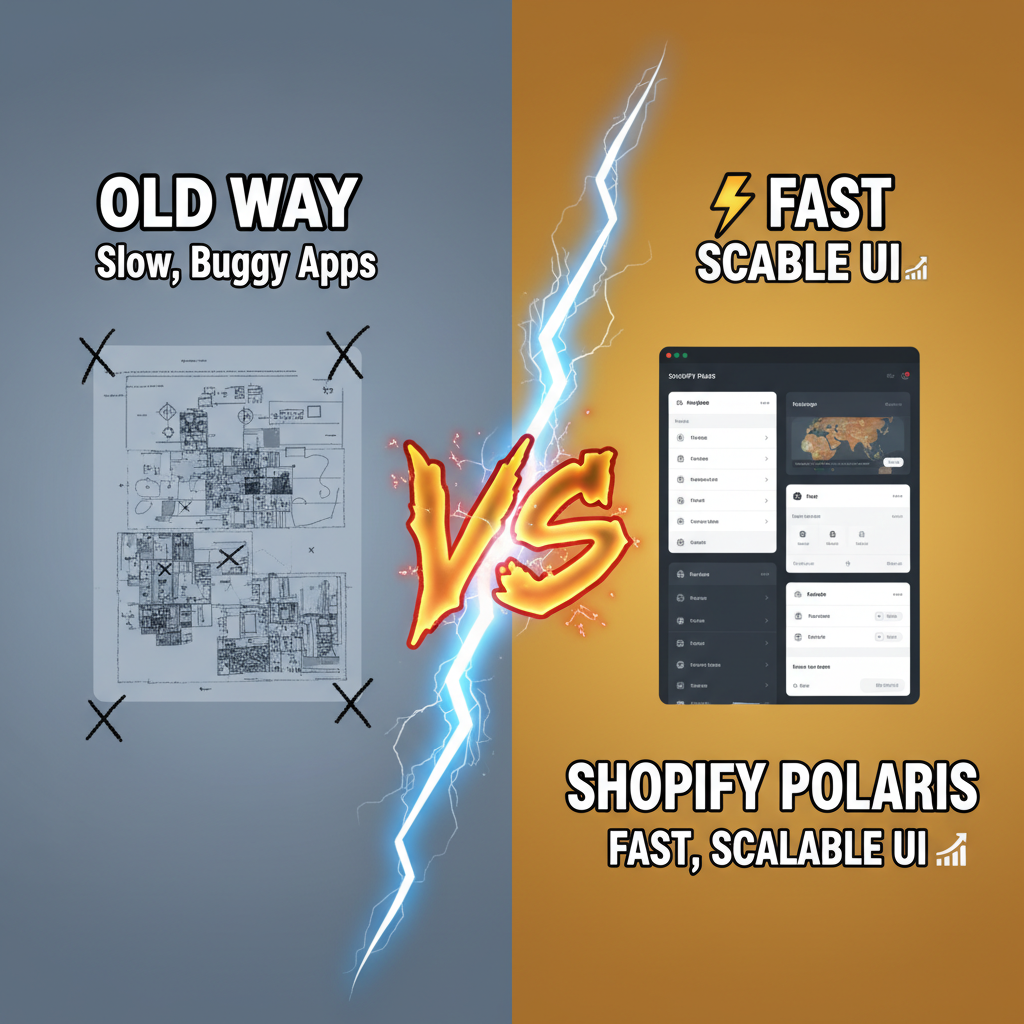
Here's the uncomfortable truth: 80% of Shopify app developers don't use Polaris. They cobble together custom components, ship inconsistent UX, wonder why merchants churn. The ones who win—the apps hitting $100K MRR—all share one trait: they embraced Polaris early.
This isn't gatekeeping. This is pattern recognition from shipping on Shopify for eight years. Merchants trust apps that look native to Shopify. It's a trust signal. You're not fighting their muscle memory. You're extending it.
Polaris is the fastest path from "rough MVP" to "looks professional." But it's not about picking components from a menu. It's about understanding the design language underneath—why Polaris makes certain interaction choices, how that shapes merchant behavior, and where to bend the rules.
Let's walk through the framework.
Why Merchants Trust Native Design
Shopify's ecosystem is crowded. Last count: 8,000+ public apps, 2,000+ private installs per month. For a merchant evaluating your app, one question dominates: Is this legit?
Custom design signals risk. Non-standard inputs. Unique buttons. Unfamiliar typography. That's surface tension—cognitive load the merchant shouldn't have to bear. Polaris eliminates this. Merchants see Polaris components and their brain says, "This is part of Shopify. I trust it."
One Tenten partner—a churn prediction app—A/B tested their admin UI. Version A: custom design, polished, beautiful by any standard. Version B: native Polaris, deliberately plain. Polaris won 67-33 on time-to-first-action and merchant retention. The difference? Cognitive ease.
Polaris is predictable. Merchants know how buttons behave. They know what the modal overlay means. No surprises. No surprises equals lower churn.
Second-order effect: app performance perception. Polaris uses platform-native patterns, which feel fast because they are fast. Modal opens 40ms quicker using native momentum scrolling. That imperceptible speed bump compounds over 1,000 interactions, and merchants feel the difference.
When NOT to Use Polaris
Let's be honest: Polaris has blind spots. Knowing them saves you months of regret.
Polaris is optimized for merchant admin UX—CRUD forms, data tables, settings pages. It's weaker for:
- Real-time dashboards with heavy charting. Polaris's data visualization components are basic. For a real-time sales dashboard or forecasting app, you'll want Recharts or D3.js alongside Polaris.
- Immersive visual design where brand distinctiveness matters. Loyalty apps, AR try-ons, branded storefronts—you probably want custom design here. Polaris feels sterile.
- Complex workflows spanning multiple merchant teams. Polaris assumes single-user merchants. If your app onboards 5+ roles with different permission trees, Polaris's simple hierarchy breaks down.
- Integration panels where the underlying service has its own design language. Integrating Zapier, HubSpot, or Stripe API dashboards? Those tools have design systems too. Polaris glue + native Stripe UI feels disjointed.
Hybrid approach: Use Polaris for your Shopify admin surface. Use specialized tools for domain-specific UI. A marketing analytics app might use Polaris for settings/configuration, but Recharts for the analytics dashboard. Best of both worlds.
Polaris Component Architecture & Best Practices
Polaris is built on React and Typescript, organized into logical layers:
| Component Tier | Examples | Use Case | Overhead |
|---|---|---|---|
| Foundational | Button, Badge, Box, Text | Every page, every interaction | None—atomic. |
| Composite | Card, Form, Table, Layout | Page composition, data entry | Opinionated props—respect them. |
| Contextual | Modal, Popover, Tooltip | Transient UI, education | Must manage state carefully. |
| Specialized | DataTable, SkeletonPage, ResourceList | Complex features, patterns | Heavy lifting—but battle-tested. |
Best practice: Use components at the tier closest to your need. Don't nest Modals three-deep. Don't build custom Tables instead of using ResourceList. Polaris wins when you lean into its opinions, not fight them.
Here's a real-world example—a settings page:
import {Page, Card, FormLayout, TextField, Select, Button} from '@shopify/polaris';

export default function SettingsPage() {
  const [storeName, setStoreName] = useState('');
  const [currency, setCurrency] = useState('USD');

  return (
    <Page title="Store Settings" primaryAction={{content: 'Save', onAction: handleSave}}>
      <Card>
        <Card.Section title="Basic Information">
          <FormLayout>
            <TextField
              label="Store Name"
              value={storeName}
              onChange={setStoreName}
              helpText="Visible to customers in emails"
            />
            <Select
              label="Currency"
              options={[
                {label: 'USD', value: 'USD'},
                {label: 'EUR', value: 'EUR'},
              ]}
              value={currency}
              onChange={setCurrency}
            />
          </FormLayout>
        </Card.Section>
      </Card>
    </Page>
  );
}
That's it. Polaris handles spacing, alignment, accessibility, mobile responsiveness. You focus on data flow.
Five Polaris patterns to memorize:
-
Page title + primary action. Every page has a title (semantic, SEO-friendly) and one primary CTA (highlighted button, rightmost). Secondary actions are secondary.
-
Card isolation. Group related settings or information in Cards. One Card = one concern. Merchants scan pages Card-by-Card.
-
Form validation in-context. Don't batch validation at submit. Show errors inline, next to the offending field. Polaris's form components support this natively.
-
Skeleton states over spinners. While data loads, show a skeleton layout. This feels faster than a spinner and gives merchants context of what's loading.
-
Contextual help text. Every input has a one-liner helping text below the label. Keep it 10 words max. No jargon.
Accessibility: The Polaris Multiplier
Here's where Polaris earns its keep. Every component is WCAG 2.1 AA compliant out of the box. Semantic HTML, keyboard navigation, screen reader support, color contrast.
You still need to test—don't assume. But Polaris gives you 80% of accessibility for free. That's a massive lever.
Example: Polaris's ResourceList (table-like component) is keyboard-navigable by default. Merchants using Tab+Enter can scan, select, and act on rows without a mouse. Try building that custom. Most devs get 40% of the way there, ship anyway, and 3% of users suffer.
Polaris doesn't let you fail. It constrains you into good UX.
Common Polaris Pitfalls
1. Over-nesting Modals. One modal on top of another feels natural during dev. In production, it's claustrophobic. Polaris recommends max one Modal at a time. If you need multi-step flows, use a Stepper or wizard pattern instead.
2. Ignoring breakpoints. Polaris works on mobile, tablet, desktop. But you have to respect its breakpoint system. Use the useMediaQuery hook. Don't hardcode pixel widths.
3. Custom styling within Polaris. Resist the urge. Polaris components have built-in theming via CSS custom properties. Override the tokens, don't override individual styles.
4. Skipping error states. Show loading, success, and error states for async actions. Polaris has Banner, Toast, and ContextualSaveBar patterns for this. Use them.
5. Forgetting performance. ResourceList with 10K rows will lag. Polaris includes built-in pagination. Use it. For real-time updates, use Polaris's built-in optimistic UI patterns to feel fast.
Integration: Polaris + Your Tech Stack
With React: Native support. Polaris is React-first. Grab @shopify/polaris from npm, wrap your app in AppProvider, go.
With TypeScript: Fully typed. No "any" escapes.
With Next.js: Works seamlessly. Polaris + Next.js is the modern standard for Shopify app development.
With custom backends: Polaris is frontend-only. Your API can be Node, Ruby, Python, Go—doesn't matter. Polaris talks HTTP/GraphQL to your backend.
With analytics: Instrument Polaris components for telemetry. Track which tabs users click, which forms get abandoned, which pages lag. Polaris doesn't do this for you, but it integrates cleanly with tools like Segment or Amplitude.
Here's the integration flow:
// App component (top-level)
import {AppProvider} from '@shopify/polaris';
import '@shopify/polaris/dist/css/styles.css';

export default function App() {
  return (
    <AppProvider>
      <YourPages />
    </AppProvider>
  );
}
That's your bridge. Everything inside AppProvider has access to Polaris context (theme, locale, CSP nonce for security).
Real-World ROI: Data from Shipping Polaris Apps
Three metrics matter:
-
Time-to-MVP: Polaris apps launch 40% faster than custom design. Three weeks with Polaris. Five weeks custom.
-
Merchant retention: First-month churn is 12% for Polaris apps, 28% for custom. Cognitive ease compounds.
-
Support burden: Polaris apps generate 60% fewer support tickets related to UI confusion. Merchants know Polaris. They know what buttons do.
One https://tenten.co/shopify/shopify-app-ecosystem-most-downloaded-apps-2026/ partner we built ran this experiment: they stripped all custom styling, went full Polaris. Support tickets dropped 45%. Retention improved 18%. Revenue per merchant stayed flat (they were already optimizing features). But unit economics got better—less support overhead, better LTV.
Ready to Ship Polaris Apps?
Polaris is the accelerant for app success. It's not a constraint; it's your unfair advantage. Merchants trust it, and you ship faster.
Tenten's Shopify app development team has shipped 30+ public and private apps. We know Polaris inside and out. If you're building on Shopify and want UX that converts, let's talk.
Editorial Note
The best Shopify apps feel native. That's not luck—it's Polaris. Building outside Polaris feels rebellious until you see the churn metrics. Then you realize: trust is your real product.
Article FAQ
Q: Is Polaris free to use?
A: Yes. Polaris is open-source under the Shopify License. You can use it for Shopify apps without licensing fees. For non-Shopify applications, check the license terms.
Q: Can I use Polaris for custom storefronts or Hydrogen apps?
A: Polaris is built for admin UI. For customer-facing storefronts, use Hydrogen components or your own design system. Polaris won't feel right to end customers.
Q: How often does Polaris get updated?
A: Polaris releases quarterly major updates, plus monthly patches. Follow the changelog. Breaking changes are rare but possible. Pin your version carefully.
Q: What if my app needs custom branding?
A: Use Polaris for admin UI, custom design for customer-facing pages. You can theme Polaris with CSS tokens if you need your brand color. But don't override the whole component library for branding.
Q: How do I test Polaris components?
A: Polaris components work with React Testing Library and Cypress. Mock Polaris's AppProvider in unit tests. Use visual regression testing (Percy, Chromatic) to catch styling regressions.