
Ecommerce Accounting for Shopify: QuickBooks, Xero & Best Practices
Slug
shopify-accounting-integration-2026
Excerpt
Shopify doesn't integrate accounting natively. Here's the right way to sync orders, payouts, and fees to QuickBooks or Xero without losing data integrity.
SEO Meta Data
- Title: Shopify Accounting Integration: QuickBooks, Xero & Setup Guide
- Description: Connect Shopify to QuickBooks or Xero without data loss. Learn accounting best practices, automation, and profit tracking for e-commerce.
- Canonical URL: https://tenten.co/shopify/shopify-accounting-integration-2026/
Rich Text Content
The Shopify Accounting Problem
Shopify is great at selling. It's terrible at accounting. Most Shopify stores use native Shopify reports to "measure profit," but Shopify's reports show gross revenue, not net profit. Here's the gap:
What Shopify reports shows:
- Total revenue (sales)
- Refunds (shows as negative)
- Gross margin (revenue - COGS)
What it doesn't show:
- Payment processing fees (Shopify Payments + payment gateway, varies 2.9-3.5%)
- Shipping costs (if you're subsidizing or calculating real fulfillment cost)
- Refund processing fees (Shopify charges to reverse charges)
- App subscriptions (Oberlo, PageFly, Gorgias, etc.)
- Customer support labor (Zendesk, Gorgias, etc.)
- Platform fees (Shopify subscription itself)
- Tax liability (sales tax, VAT)
- Marketplace fees (Amazon, eBay, TikTok Shop if you're multi-channel)
For a $1M revenue store, the gap between "Shopify reports $1M sales" and "actual net profit" can be 40-50%. A founder thinks they're doing great; they're actually running thin margins or losing money.
Connecting Shopify to accounting software (QuickBooks, Xero) solves this. But most integrations are broken. This guide walks you through the right setup.
The Accounting Integration Ecosystem (2026)
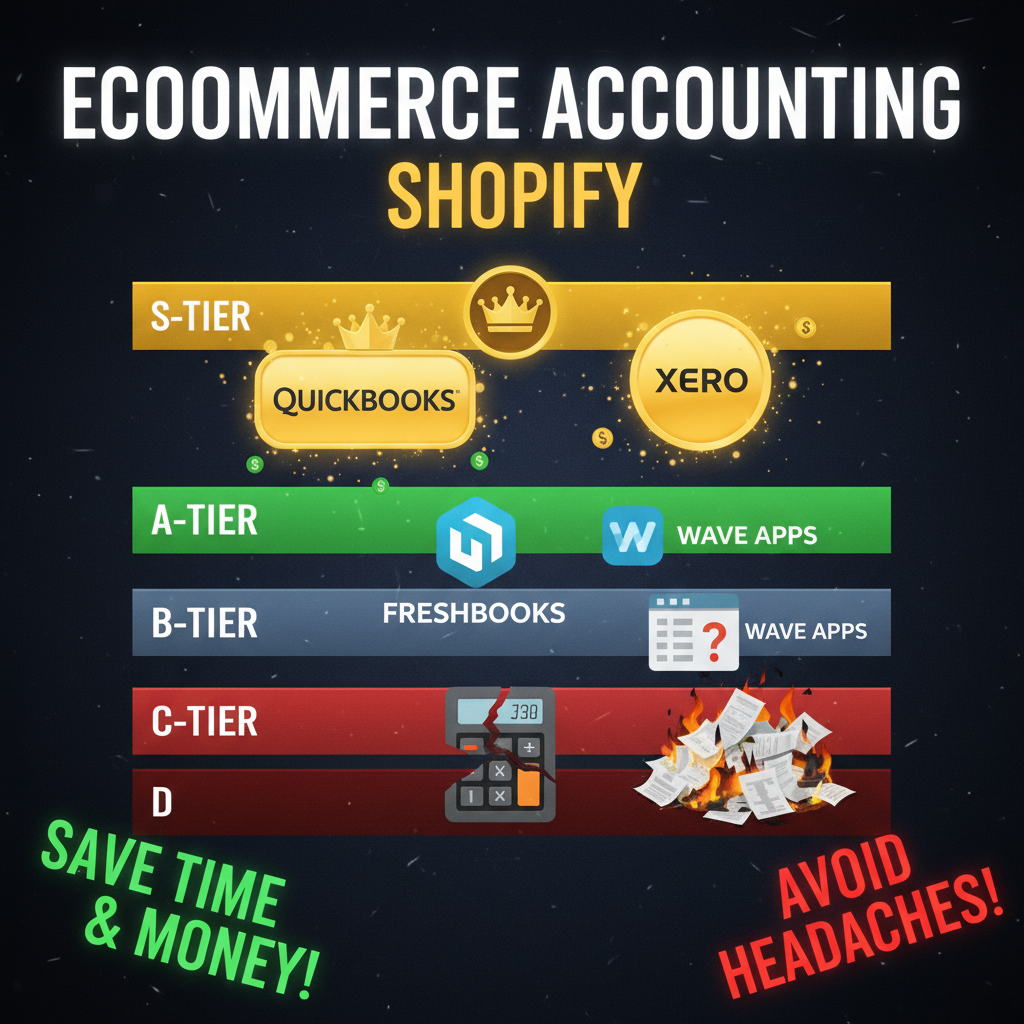
You have three options: QuickBooks Online, Xero, or Wave (free but limited). Here's how they compare:
QuickBooks Online ($30-$155/month)
Pros:
- Industry standard for small/mid-market businesses
- Native Shopify connector (via apps like Shopify Bookkeeper)
- Strong payroll and tax reporting
- Integrates with tax prep services (TurboTax, CPA software)
- Good mobile app
Cons:
- Expensive relative to Xero
- Accounting logic is US-centric (sales tax, payroll)
- Can be buggy (Shopify integration has intermittent sync issues)
- Learning curve is moderate (assumes basic accounting knowledge)
Best for: US-based stores, filing corporate tax returns, payroll integration needed.
Xero ($15-$60/month)
Pros:
- Cheaper than QuickBooks
- Better international support (IFRS, VAT, multi-currency)
- Cleaner UI (easier to navigate)
- Stronger Shopify integrations (via Commerce Connector, native API)
- Better for multi-channel (Amazon, eBay, TikTok Shop)
Cons:
- Weaker US tax reporting (need accountant to file 1040-C)
- Limited payroll (US payroll requires third-party integration)
- More technical setup required
Best for: International stores, DTC brands, multi-channel sellers, SaaS-minded founders.
Wave ($0, free)
Pros:
- Free
- Clean UI
- Decent Shopify integration
- No subscription lock-in
Cons:
- Very limited features
- No payroll
- Weak multi-currency support
- Minimal support for complex scenarios
- Doesn't scale past $5M revenue well
Best for: Pre-revenue or very early (<$200K revenue) stores experimenting with bookkeeping.
For most Shopify stores, the choice is Xero vs. QuickBooks. Xero is better for e-commerce and international. QuickBooks is better if you're hiring employees and need payroll.
The Connectors: Shopify Bookkeeper vs. Native API
There are two ways to connect Shopify to accounting software: app-based connectors or native API integration.
Shopify Bookkeeper (app, $49/month)
- Built by Shopify, now white-labeled by QuickBooks
- Syncs orders, payments, fees, refunds, inventory COGS
- Works with both QB Online and Xero
- Setup: 10 minutes (one-click install)
- Sync frequency: Real-time to hourly
Pros:
- Easy setup
- Opinionated data model (makes accounting decisions for you)
- Handles edge cases (refunds, fees, multi-currency)
Cons:
- $49/month (extra cost)
- Less flexible (can't customize chart of accounts mapping)
- Occasionally falls out of sync (requires manual resyncing)
Native Shopify API (free, but requires technical setup)
- Direct API connection to Shopify's order and payout data
- Requires custom code or third-party middleware (Zapier, Make, custom script)
- Setup: 2-4 hours (or pay developer $500-$1,500)
- Sync frequency: Configurable (hourly, nightly, manual)
Pros:
- Free (no extra subscription)
- Full flexibility (map any data to any account)
- More reliable (direct API is more stable than app connector)
Cons:
- Requires technical skill (or hire developer)
- More setup work upfront
- You own maintenance (Shopify API changes, you update code)
Recommendation: Use Shopify Bookkeeper ($49/month) if you want simplicity. Use native API if you're at $5M+ revenue and want to own the integration.
Setting Up Shopify Accounting: The Right Way
Most Shopify stores connect Shopify to accounting software incorrectly. Here's the right setup:
Chart of accounts structure:
ASSETS
- Bank account (Shopify payout)
- Accounts receivable (orders paid via invoice)
- Inventory (COGS valuation)
- Prepaid expenses (app subscriptions, annual licenses)

REVENUE
- Product sales (segmented by category if applicable)
- Service revenue (if you offer custom orders)
- Returns/Discounts (negative revenue)

COST OF GOODS SOLD
- Product COGS (from suppliers)
- Fulfillment labor (if outsourced to 3PL)
- Packaging supplies (boxes, inserts, labels)

OPERATING EXPENSES
- Shopify subscription ($29-$2,000/month)
- Payment processing fees (2.9% + $0.30 per transaction)
- Shipping (carrier fees, unless included in product cost)
- Fulfillment (3PL fees, storage)
- Customer support (Gorgias, Zendesk, salaries)
- Marketing (paid ads, influencer, content)
- Platform apps (Oberlo, PageFly, etc.)
- Admin labor (accounting, HR, legal)
- Tax & compliance (CPA, sales tax collection)
The critical accounting rule: Don't include payment fees in COGS.
Most founders make this mistake. They sell a $100 product with $50 COGS, get charged $3 payment processing fee, and think "net product margin is $47." Wrong. Payment processing ($3) is an operating expense, not COGS. COGS stays $50; payment fees get expensed separately.
Why does this matter? Your gross margin should reflect product profitability (revenue - product costs). Operating expenses show whether your business model is profitable at scale. Mixing them hides whether you're killing it on product but dying on customer acquisition.
Automating the sync (using Shopify Bookkeeper):
- Install Shopify Bookkeeper from Shopify App Store ($49/month)
- Connect to QuickBooks Online or Xero
- Map the following:
- Orders → Product revenue (QB: 4000; Xero: 200)
- Refunds → Returns/Discounts (QB: 4100; Xero: 200-R)
- Payment processing fees → Operating expenses (QB: 6400; Xero: 4400)
- Payouts → Bank deposits (QB: 1010; Xero: 200)
- Set sync frequency to daily or hourly
- Reconcile bank transactions manually once a month (15 min)
Important detail: Enable "Inventory Sync" if you track COGS
Shopify Bookkeeper can sync your product inventory to QB/Xero as a balance sheet asset. If you have $50K in physical inventory, Shopify Bookkeeper records this as inventory asset and COGS when you sell.
However, most Shopify stores don't need this level of detail. If you're dropshipping or using a 3PL that does inventory accounting, skip this. If you're holding raw materials/finished goods, use Shopify Bookkeeper's inventory sync.
Monthly Reconciliation: The 30-Minute Ritual
Connect Shopify to accounting software, but don't assume it's perfect. Reconcile monthly. Here's the 30-minute routine:
Step 1: Verify bank deposits (5 min)
- Log into your bank
- Verify that total Shopify payouts match QB/Xero bank account deposits
- If variance: check for pending payments, chargebacks, or fees
Step 2: Spot-check order counts (5 min)
- Go to Shopify admin → Analytics → Orders
- Note total orders and total revenue for the month
- Go to QB/Xero → Dashboard and verify "Product revenue" matches
- Tolerance: ±1% variance is okay (timing differences)
Step 3: Verify payment fees (5 min)
- Shopify Payments fees = ~2.9% + $0.30 per transaction
- QB/Xero should show these as "Payment processing fees" in operating expenses
- Example: $50K revenue × 2.9% + ($50K / $100 avg order × $0.30) = ~$1,650/month
- Actual fees may vary based on payment method (cards vs. digital wallets)
Step 4: Reconcile refunds (10 min)
- Check Shopify → Orders → Refunded for the month
- Verify QB/Xero "Returns" account matches total refunded amount
- Check that refund processing fees were deducted (Shopify refunds have small processing fees)
Step 5: Validate app/subscription expenses (5 min)
- List all recurring app subscriptions (Oberlo, PageFly, Gorgias, Klaviyo, etc.)
- Verify each appears in QB/Xero as a monthly charge
- Flag any sudden increases or unexpected charges
If reconciliation reveals >2% variance, dig deeper. 80% of accounting problems at Shopify stores stem from:
- Payment fees not being synced
- Partial refunds recorded as full refunds
- Multi-currency orders not converting correctly
- Returns/discounts not synced to QB
Real Example: $3M D2C Store Accounting (2025)
We helped a DTC activewear brand set up accounting after 18 months of "winging it." Here's what we found:
Before (18 months of unreconciled Shopify):
- Shopify reported: $3.2M revenue
- Actual net profit: Founder thought $800K; reality was $150K
- Missing accountability:
- Payment processing fees: $90K (not tracked)
- Shopify apps: $45K/year (forgotten in the budget)
- Unfulfilled refunds: $60K liability (not accounted for)
- Multi-currency losses: $15K (price conversions, bad FX rates)
After (Shopify Bookkeeper + monthly reconciliation):
- Accurate revenue: $3.2M
- True net profit: $140K (98% of founder's guess after we found the leaks)
- New visibility:
- Payment fees = 2.9% + 30¢ per order
- Most profitable product: 68% margin (vs. company average 45%)
- Lowest CAC source: Email (cost $120/acquisition vs. TikTok $95 but lower repeat)
This accurate data shifted their strategy: they cut low-margin products, doubled down on email, and optimized app stack (removed 5 unused apps = $300/month savings).
Common Accounting Mistakes (And How to Avoid Them)
Mistake 1: Including payment fees in COGS
- Wrong: Revenue $1M - COGS $500K - Payment fees $30K = Gross profit $470K
- Right: Revenue $1M - COGS $500K = Gross profit $500K; payment fees ($30K) shown as operating expense
- Why: COGS should be pure product cost. Payment fees are operational.
Mistake 2: Forgetting refund processing fees
- Shopify charges a small fee to reverse a payment
- If you refund $1,000, you get ~$970 back (2.9% + 30¢ fee)
- Reconciliation breaks if you don't account for this
Mistake 3: Not tracking app subscriptions as expenses
- Oberlo, PageFly, Gorgias, Klaviyo, Zapier, etc. are all operating expenses
- Many founders pay these but don't include in profit calculations
- Result: Think you're profitable on $3M; actually margin is way lower
Mistake 4: Multi-currency confusion
- If you sell globally and take payment in different currencies, QB/Xero records foreign exchange gains/losses
- Most Shopify stores realize they're losing 1-3% to FX rate slippage
- Fix: Use consistent currency (USD preferred) and let QB/Xero handle FX adjustments
Key Takeaways
Connect Shopify to QuickBooks or Xero using Shopify Bookkeeper ($49/month) for simplicity. Set up a basic chart of accounts (revenue, COGS, operating expenses) and reconcile monthly. Most Shopify stores don't do this, which is why founders think they're profitable when they're breaking even.
For stores over $5M revenue, invest in a custom accounting integration (native API) and hire a part-time bookkeeper. For stores under $1M, Shopify Bookkeeper alone is sufficient if you reconcile monthly.
Accurate accounting shapes real strategy. You'll discover which products are actually profitable, which marketing channels have best unit economics, and where to cut waste. Do this now, not when you're raising capital.
Ready to Grow Your Shopify Store?
If you need help setting up accounting infrastructure or optimizing your financial reporting, Tenten works with Shopify stores to build profitable, measurable businesses.
Let's build your financial foundation.
Editorial Note
This guide assumes US tax rules (1040-C, sales tax, payroll). International stores (Canada, UK, EU) have different accounting rules; consult a local CPA. Shopify Bookkeeper pricing and features as of Q1 2026; verify current costs with Shopify.
Article FAQ
Q: Should I use QuickBooks or Xero for my Shopify store?
A: Xero is better for e-commerce and international stores. QuickBooks is better if you need payroll. Try both free trials (30 days); most founders prefer Xero's interface.
Q: Is Shopify Bookkeeper worth $49/month?
A: Yes, if you're not a bookkeeper. Manual syncing takes 4-6 hours/month. At $50/hour, the app pays for itself in a day of saved time.
Q: How do I handle inventory in QuickBooks if I use a 3PL?
A: You don't. Your 3PL manages physical inventory. QB should only track inventory on hand in your warehouse (if you hold any). COGS gets recorded when you sell, not when you receive stock.
Q: Can I use Wave (free accounting) for my Shopify store?
A: Yes, until you hit $5M revenue. Wave is fine for basic bookkeeping. But as you scale, you'll outgrow Wave's reporting and multi-currency support. Start with Wave, graduate to Xero at $1M+.
Q: What's the best way to track customer acquisition costs (CAC) in accounting?
A: Marketing spend goes into "Operating expenses → Marketing." Divide marketing spend by new customers to calculate CAC. Track in a spreadsheet if QB/Xero doesn't have native CAC reporting.