
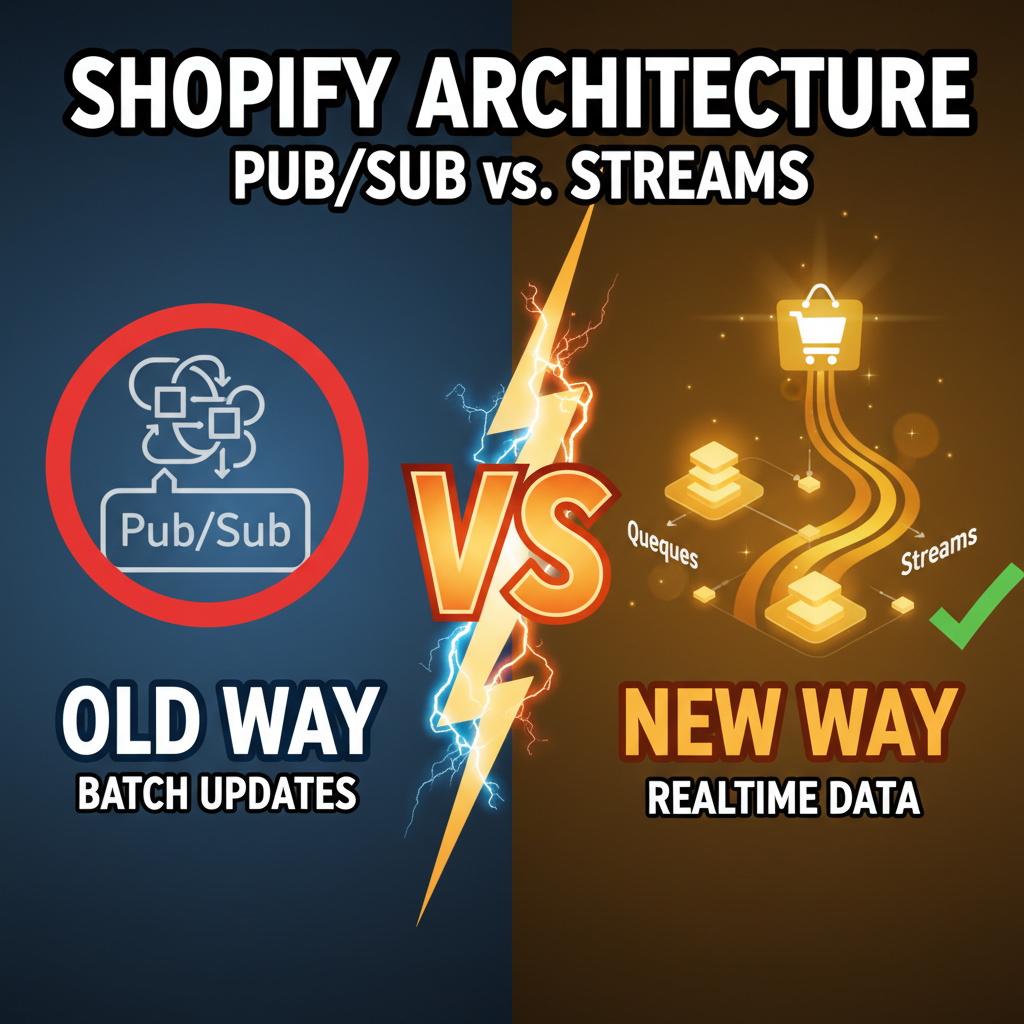
Why Shopify Webhooks Alone Will Fail You at Scale
Shopify webhooks are simple: something happens in Shopify (order created, inventory updated), Shopify sends a POST request to your endpoint. You process it. Done.
This works until it doesn't. Here's where webhook-only architectures break:
-
Delivery failures: Your API is down. Shopify tries 3 times, then gives up. You lose the event. Order never syncs to your fulfillment system.
-
No ordering guarantees: Two webhooks fire at the same time (inventory update and price change). Your service processes price change first, then inventory. Your database now has inventory for a price tier that's wrong.
-
Duplicate processing: Network latency causes Shopify to retry. You process the same order twice. Customer gets charged twice. Now you're fighting refunds.
-
Tight coupling: Your webhook endpoint must stay online and responsive. If your API is slow or unavailable, you block Shopify's delivery queue. This affects other merchants on the platform.
Tenten's architecture for high-volume Shopify stores uses event-driven patterns: webhooks post to a message queue (not directly to your API), and separate workers process events asynchronously. This decouples Shopify from your system and adds resilience.
The Architecture: Webhooks → Queue → Workers
Here's the pattern:
Shopify event (order created)
    ↓
Webhook POST to /webhooks/order (returns 200 instantly)
    ↓
Message posted to queue (RabbitMQ, AWS SQS, GCP Pub/Sub)
    ↓
Worker(s) consume from queue
    ↓
Worker processes event (sync to fulfillment, email, analytics)
    ↓
Event marked as processed
Key insight: Your webhook endpoint does ONE thing—acknowledge receipt and queue the message. Everything else happens asynchronously.
Implementation Comparison
| Architecture | Latency | Durability | Ordering | Complexity |
|---|---|---|---|---|
| Webhook only | Instant | Low (no retries) | No | Low |
| Webhook + Queue | 50-500ms delay | High (queue handles retries) | Yes | Medium |
| Webhook + Streaming | 100-1000ms+ | Very high (append-only log) | Yes | High |
| Async + Long polling | 5-60s delay | Medium | No | High |
Most Shopify stores should use Webhook + Queue. Enterprise stores with complex order workflows use Webhook + Streaming.
Part 1: Setting Up Your Webhook Endpoint
First, your Shopify webhook endpoint must be fast and reliable:
# Flask example (Python)
from flask import Flask, request
import json
import hmac
import hashlib
import base64

app = Flask(__name__)

@app.route('/webhooks/order', methods=['POST'])
def order_webhook():
    # 1. Verify webhook signature
    hmac_header = request.headers.get('X-Shopify-Hmac-SHA256')
    body = request.get_data()

    secret = os.environ['SHOPIFY_WEBHOOK_SECRET']
    hash = base64.b64encode(
        hmac.new(secret.encode(), body, hashlib.sha256).digest()
    ).decode()

    if hash != hmac_header:
        return {'error': 'Unauthorized'}, 401

    # 2. Extract event data
    event = json.loads(body)

    # 3. Post to queue (don't process here)
    queue.post(topic='shopify.orders.create', message=event)

    # 4. Return 200 immediately
    return {'status': 'received'}, 200
This endpoint does nothing except queue the event. It returns in <100ms. Shopify sees 200 and assumes success.
Part 2: Choose Your Queue
| Queue | Best For | Complexity |
|---|---|---|
| AWS SQS | Small-medium stores, managed service | Low |
| RabbitMQ | On-prem, complex routing, high volume | Medium |
| Google Pub/Sub | GCP-native, streaming use cases | Medium |
| Apache Kafka | Enterprise, massive scale (10K+ events/sec) | High |
Most Shopify stores use SQS or RabbitMQ. SQS is AWS-managed (no infrastructure overhead), RabbitMQ is self-hosted (more control, but requires ops).
For Shopify, SQS is the default choice: cheap, reliable, minimal setup.
Part 3: Build a Worker
Your worker reads from the queue and processes events:
# Worker that syncs orders to fulfillment system
import boto3
import json
import time

sqs = boto3.client('sqs')
queue_url = 'https://sqs.us-east-1.amazonaws.com/.../orders'

def process_order(order_data):
    """Sync order to fulfillment system"""
    try:
        fulfillment_api.create_shipment(order_data)
        return True
    except Exception as e:
        # Log error but don't block processing
        logger.error(f"Fulfillment sync failed: {e}")
        return False

def worker():
    """Long-running worker process"""
    while True:
        # Poll queue for messages (every 10 seconds)
        messages = sqs.receive_message(
            QueueUrl=queue_url,
            MaxNumberOfMessages=10,
            WaitTimeSeconds=10
        )

        if 'Messages' not in messages:
            continue

        for message in messages['Messages']:
            body = json.loads(message['Body'])

            # Process the event
            success = process_order(body['order'])

            # Only delete if successful
            if success:
                sqs.delete_message(
                    QueueUrl=queue_url,
                    ReceiptHandle=message['ReceiptHandle']
                )
            else:
                # Leave in queue for retry
                pass

if __name__ == '__main__':
    worker()
This worker:
- Polls the queue
- Processes orders one at a time
- Only deletes successful messages
- Failed messages stay in queue and retry
Part 4: Handling Ordering and Duplicates
Webhooks can arrive out of order or duplicate. Here's how to handle it:
Option 1: Idempotency Keys
Every order webhook includes a unique id. Store processed IDs in your database:
def process_order(order):
    order_id = order['id']

    # Check if already processed
    if db.orders.find_one({'shopify_id': order_id}):
        logger.info(f"Order {order_id} already processed")
        return True  # Idempotent: return success

    # Process order
    result = fulfillment_api.create_shipment(order)

    # Mark as processed
    db.orders.insert_one({'shopify_id': order_id, 'processed_at': now()})

    return True
Option 2: Distributed Transactions
For critical workflows, use distributed transactions (two-phase commit). Tenten uses this for payment processing:
def process_payment(order):
    # Phase 1: Lock
    lock = db.acquire_lock(f"order:{order['id']}")

    try:
        # Phase 2: Check and process atomically
        if db.orders.find_one({'shopify_id': order['id']}):
            return True  # Already processed

        charge = stripe.charge.create(...)
        db.orders.insert_one({'shopify_id': order['id'], 'charge_id': charge.id})

        return True
    finally:
        lock.release()
Advanced: Message Ordering
By default, queues don't guarantee order. If inventory decreases in message 1, then price changes in message 2, but message 2 is processed first, your database state is inconsistent.
Solution: Use message ordering groups (partitioning):
# Partition messages by order_id
# All messages for order 123 go to same partition
# Queue guarantees in-order delivery within a partition

sqs.send_message(
    QueueUrl=queue_url,
    MessageBody=json.dumps(order),
    MessageGroupId=str(order['id'])  # Ensures ordering for this order
)
This guarantees all events for the same order are processed in order.
Monitoring and Observability
Once you have workers running, monitor them:
Key metrics to track:
- Queue depth (messages waiting to be processed)
- Processing latency (how long each event takes)
- Error rate (failed message processing)
- Duplicate count (idempotency checks triggered)
# Example: emit metrics to CloudWatch
cloudwatch.put_metric_data(
    Namespace='Shopify/Orders',
    MetricData=[
        {'MetricName': ' queue_depth', 'Value': queue_depth},
        {'MetricName': 'processing_latency_ms', 'Value': latency},
        {'MetricName': 'error_rate', 'Value': errors / total}
    ]
)
Set up alerts: if queue_depth > 1000, or error_rate > 5%, alert the on-call engineer.
For deeper technical patterns, check out Shopify API security and our technical deep dive on architecture decisions.
Ready to Build Event-Driven Systems?
Webhook-only architectures work for small stores but fail at scale. Event-driven patterns add resilience, order guarantee, and observability. If you're building a high-volume Shopify integration (1K+ orders/day), event-driven is non-negotiable.
We've built production event-driven systems for 50+ Shopify Plus clients. If you want architecture consultation or need help migrating from webhooks, let's talk: Contact Tenten →
Editorial Note
Event-driven architecture sounds complicated, but the core pattern is simple: decouple Shopify's delivery from your processing. Webhook → Queue → Worker. This single pattern solves ordering issues, delivery failures, and duplicate processing. Once you've deployed it, you never go back to webhook-only.
Frequently Asked Questions
What happens if my worker crashes?
Messages stay in the queue and get retried automatically (SQS retries for 4 days by default). When your worker comes back online, it continues processing from where it left off. No data loss.
Do I need Kafka?
Not for Shopify. Kafka is for 100K+ events/second streaming. Shopify stores max out at 100-1000 events/second. SQS or RabbitMQ handles that easily.
How do I handle event ordering across multiple queues?
Use partitioning/message groups. Assign events for the same entity (order ID) to the same partition. The queue guarantees in-order delivery within a partition. Messages for different orders can be processed in parallel.
What if my fulfillment API is slow?
That's the point of the queue. Your webhook endpoint returns instantly to Shopify (avoiding tight coupling). Slow processing happens asynchronously in workers. Scale workers horizontally (add more workers) if processing is bottlenecked.
Can I use webhooks without a queue?
Yes, for simple stores. If you have < 100 orders/day and simple workflows, webhooks directly to your API are fine. Once you hit 1000+ orders/day or complex workflows (inventory + fulfillment + analytics), add a queue.