The Problem Every B2B Company Faces
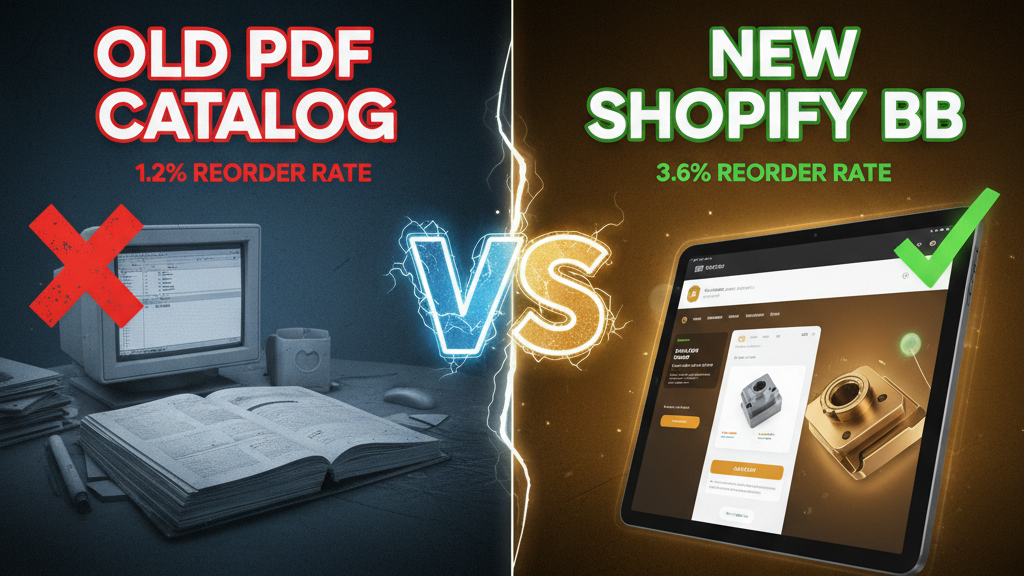
A typical B2B buyer's workflow circa 2020:
- Email the sales team with an order request
- Wait 4-8 hours for response
- Sales team manually creates a quote in Excel or PDF
- Buyer reviews, negotiates, sends back feedback
- Sales re-quotes with new pricing
- Buyer approves via email
- Sales manually enters order into system
- Invoice generated, sent via email
- Payment processed (wire transfer, ACH, or check)
Result: a 3-5 day cycle for a simple $5K order. Your sales team spends 30% of time on non-selling admin tasks. Customers get frustrated by friction.
By 2024, the market has shifted. B2B buyers—especially younger finance teams and procurement professionals—expect self-service. They want to:
- Browse pricing and availability in real-time
- Configure orders with volume discounts applied automatically
- See order history and payment status without email
- Pay via credit card or ACH without friction
This is where Shopify Plus enters the picture. Most B2B companies still use legacy systems (NetSuite, Epicor, SAP). These are powerful but expensive and slow to customize. Shopify Plus is a modern, API-first alternative that can compete.
Why Shopify Plus for B2B? Three Contrarian Insights
Insight 1: B2B is a UX problem, not a fulfillment problem.
Most B2B software (Salesforce, Oracle, NetSuite) assumes that the system's user is internal—the salesperson, the fulfillment manager, the accountant. But the actual bottleneck is the customer's experience. Making it easy for your customer to self-serve is 10x more valuable than internal workflow optimization.
Shopify Plus solves for customer UX first. Your B2B buyers can browse, compare, and order with the friction of a consumer e-commerce site. This changes the game.
Insight 2: Customization speed matters more than feature completeness.
Legacy B2B systems (NetSuite, Epicor) have 500+ features. You'll use 50. The other 450 create bloat and slow down your implementation by 6-12 months.
Shopify Plus has 30 core features but an API-first architecture that lets you build custom features in weeks, not months. This means you can iterate with customers, gather feedback, and improve faster than traditional B2B software vendors.
Insight 3: B2B economics are changing.
Historically, B2B companies relied on "high-touch" sales (1 salesperson per 10-20 customers). This economics is broken if your ACV is <$50K and your sales team costs $200K+ fully-loaded.
Self-service portal UX reduces the sales team burden by 60% while increasing order velocity. Customers love it. Your team loves it.
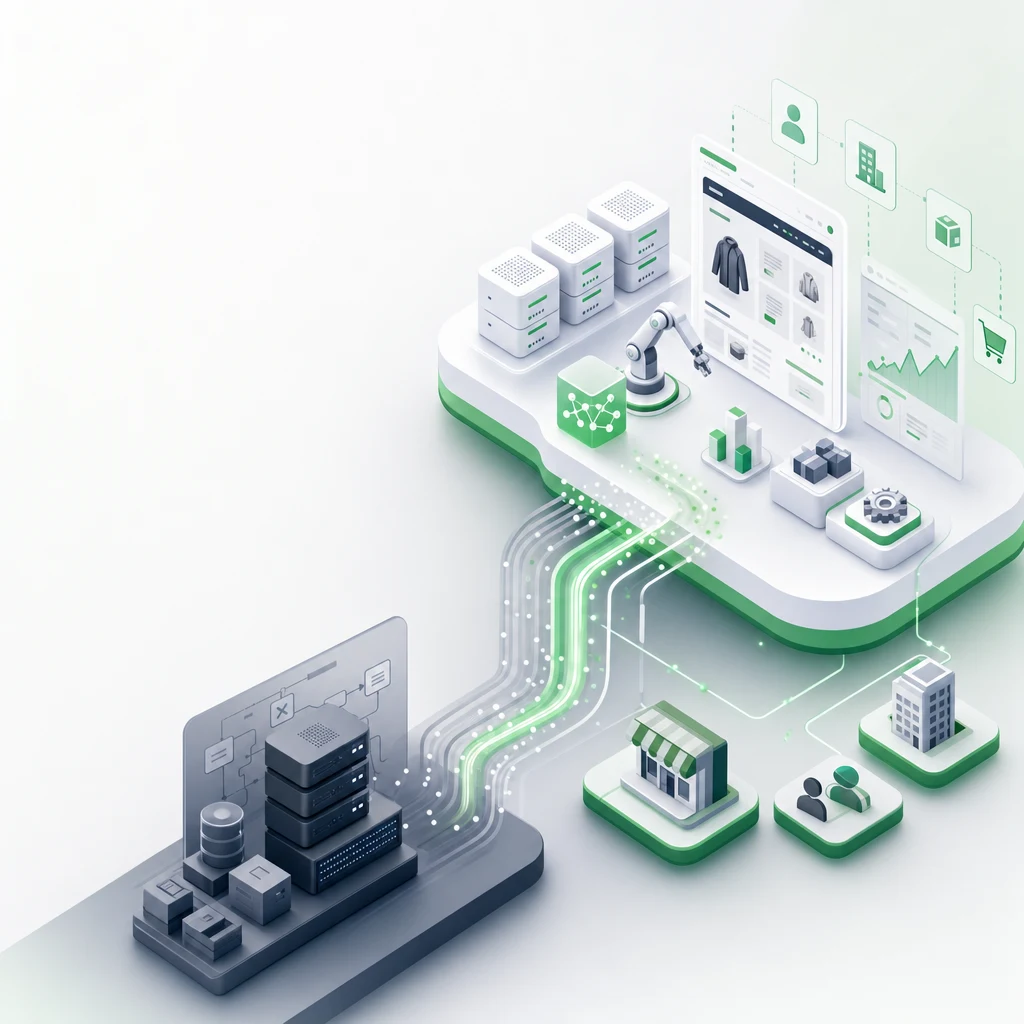
The Architecture: What a B2B Portal on Shopify Plus Looks Like
Here's the basic stack:
Customer Login (Custom Auth)
    ↓
Product Catalog (Shopify Products with custom fields)
    ↓
Quote Engine (Custom app or integration)
    ↓
Cart + Discount Rules (Shopify native + custom rules)
    ↓
Checkout (Shopify native or custom form)
    ↓
Payment Processing (Stripe, PayPal, or ACH via Dwolla)
    ↓
Order Management (Shopify native + custom fulfillment app)
    ↓
Email Notifications (Klaviyo + custom templates)
Let's break this down.
Step 1: Customer Authentication & Portal Access
B2B portals require login. You can't show pricing and inventory to the public.
Option A: Shopify B2B Edition (Native)
Shopify released B2B Edition in late 2023. It includes:
- Multi-user account support (invite team members)
- Role-based access (admin, buyer, viewer)
- Storefront login page (native)
- Account-level order history and invoicing
Caveat: B2B Edition is younger than the core platform. It lacks some flexibility and customization options. If you need advanced custom fields or complex workflows, you'll hit walls.
Option B: Custom Authentication (Hydrogen + Remix)
If you need full control, build a custom front-end using Hydrogen (Shopify's React framework) and custom authentication:
// Hydrogen auth flow
export default function Portal() {
  const {customer} = useShopifyAnalytics();

  if (!customer) {
    return <Login />;
  }

  return <Dashboard customer={customer} />;
}
This gives you 100% control over UI, logic, and customer data. Trade-off: you manage the infrastructure and security (more responsibility).
Recommendation: Start with B2B Edition if you're <$5M in B2B revenue. Move to custom Hydrogen when you hit customization walls (usually around $10M+).
Step 2: Product Catalog with B2B Custom Fields
Shopify's product structure works for B2B, but you need custom fields to support volume pricing, minimum order quantities (MOQ), and lead times.
Setup:
-
Metafields for B2B-specific data:
Product metafields: - minimum_order_quantity (Integer) - lead_time_days (Integer) - volume_tiers (JSON array with pricing breaks) - discontinued_flag (Boolean) - supplier_id (String) -
Organize by customer segment:
- Create separate product collections for each customer type (wholesalers, resellers, integrators)
- Use Shopify's collection logic to control visibility by customer tag
-
Volume pricing tiers:
{
  "volume_tiers": [
    {"qty": 1, "price": 50},
    {"qty": 10, "price": 45},
    {"qty": 50, "price": 40},
    {"qty": 100, "price": 35}
  ]
}
Important: Shopify's native volume discount app works, but it's limited to 10 tiers and doesn't handle complex rules (e.g., different pricing for different customer segments). For complex pricing, build a custom app or use an integration like Bold or Sweet Tooth.
Step 3: Quote Engine (Automate Pricing)
The quote engine is the heart of B2B self-service. It takes the customer's requirements (products, quantities) and automatically applies:
- Volume discounts
- Customer-specific pricing overrides
- Payment term discounts (e.g., 2/10 net 30)
- Promotional offers
Option A: Shopify B2B Quotes (Native)
Shopify B2B Edition includes a native quote builder. Customers can create a quote, send it to their team, and convert to order. Streamlined.
Option B: Custom Quote App
If you need custom pricing logic, build or integrate a custom app:
# Example: Custom pricing logic
def calculate_customer_price(product_id, customer_id, quantity):
    base_price = get_product_price(product_id)
    volume_tier = get_volume_tier(product_id, quantity)
    customer_discount = get_customer_discount(customer_id)

    price = base_price * volume_tier * (1 - customer_discount)
    return price
Deploy this as a Shopify Custom App (Node.js, Python, or REST API). Call it from your front-end when users add items to cart.
Step 4: Cart & Discount Rules
Standard Shopify cart with B2B twist:
- Multiple line items with custom quantities
- Automatic discount application (based on volume, customer segment, or promotion code)
- Save draft orders (for approval workflows)
- Bulk add (paste CSV of items + quantities)
Bulk add is critical for B2B. Buyers often have a list of 50+ items. If they have to add each item individually, they'll abandon.
Implement bulk add via a custom form:
<textarea placeholder="Product ID, Quantity
SKU-001, 100
SKU-002, 50">
</textarea>
Parse the CSV, validate against catalog, apply pricing, and add to cart.
Step 5: Custom Checkout
Shopify's standard checkout works for B2B, but you might need custom fields:
- Shipping vs. billing address (B2B often requires separate)
- Purchase order (PO) number field
- Cost center or project code
- Delivery instructions
Customize checkout via:
- Checkout extensions (native, 2023+): Use Shopify's Checkout UI extension API to add custom fields.
- Custom checkout page (Hydrogen): Build a fully custom checkout if you need complete control.
Payment methods matter for B2B:
- Credit card (Stripe)
- ACH (Dwolla or Stripe Connect)
- Wire transfer
- Net 30/60/90 terms (requires integration with accounting)
Most B2B portals support 2-3 payment methods, not all.
Step 6: Order Management & Fulfillment
After order is placed, your operational team needs to see it in a unified dashboard.
Shopify's order management works, but integrate with your fulfillment/supply chain:
- If you use NetSuite or SAP: custom webhook integration to sync orders
- If you use a 3PL: API integration with their order import (most 3PLs have REST APIs)
- If you handle fulfillment in-house: use Shopify's native fulfillment dashboard
Key metric: Order-to-fulfillment time. For B2B, this should be <24 hours. Slower and customers lose faith in self-service.
Step 7: Email & Notifications
Automate post-order communication:
- Order confirmation: Auto-sent 2 minutes after order placed (includes invoice, delivery estimate, tracking details)
- Shipment notification: 24 hours before fulfillment, send shipping details + tracking link
- Delivery confirmation: Upon delivery, request feedback or follow-up
- Account alerts: Monthly account summary (order history, spend, usage metrics)
Use Klaviyo or Braze for email automation. Connect to Shopify order API to trigger emails based on order status.
Case Study: How a $15M Industrial Supply Company Reduced Sales Overhead by 60%
Company: SupplyCo (fictionalized)
Before Portal: $15M annual revenue, 12-person sales team, 80% of time on quote creation and order entry.
The Problem:
- Average order cycle: 3-5 days
- Customer satisfaction: 6.2/10 (too slow)
- Sales productivity: Each rep could handle ~50 accounts; most handled 30-40 due to admin burden
The Solution:
SupplyCo built a B2B self-service portal on Shopify Plus in 12 weeks:
- Custom authentication (Hydrogen)
- Product catalog with volume pricing (metafields + custom app)
- Quote engine (custom Node.js app)
- ACH payment integration (Dwolla)
- Email automation (Klaviyo)
The Results (6 months post-launch):
- Average order cycle: 8 hours (vs. 3-5 days)
- Customer satisfaction: 8.1/10
- Sales team time on admin: 12% (down from 80%)
- Order volume increase: 23% (customers ordering more frequently due to reduced friction)
- CAC reduction: N/A (B2B), but customer LTV increased 18% due to higher order frequency
Financial impact:
- Sales team reduced from 12 to 8 FTE (retained top performers)
- Salary savings: $400K/year
- Revenue increase from higher frequency: $2.7M additional annual revenue
- Shopify Plus cost: $2K/month + custom dev ($80K for build): ~$4K/month ongoing
- ROI: Positive within 3 months
Challenges: What You'll Actually Face
Challenge 1: Customer Adoption
You build the portal, but customers still email to ask questions or request quotes manually. Why? Inertia. They're used to email + phone calls.
Solution: Force adoption by sunset-ing old methods. Tell customers: "Effective [date], orders must be placed via portal. Email orders will receive a 5-day delay." Harsh but effective. Provide 2-4 weeks notice and training.
Challenge 2: Custom Pricing Complexity
Your pricing logic might be complex: different margins for different customers, regional pricing, seasonal promotions, competitor pricing adjustments. Shopify can handle it, but the custom logic is fragile.
Solution: Document pricing rules obsessively. Version control your custom apps. Test edge cases. Most B2B portal failures come from pricing logic bugs, not UX bugs.
Challenge 3: Integration Hell
If you use legacy accounting (NetSuite, SAP, QuickBooks), integrating with Shopify requires custom middleware. Orders created in Shopify need to sync to accounting, inventory needs to sync back to Shopify.
Solution: Use middleware tools (Zapier, Workato, custom API) to sync data. Expect 3-6 months of integration work. Budget $50-100K for this.
Challenge 4: Multi-Warehouse Inventory
If you have multiple warehouses (US, EU, APAC), you need to sync inventory across all regions. Shopify's inventory system is single-warehouse by default.
Solution: Use metafields to track inventory by location. Build a custom API that syncs across warehouses. Or use a 3PL that manages multi-warehouse inventory for you.
Implementation Timeline & Budget
| Phase | Timeline | Cost | Effort |
|---|---|---|---|
| Requirements & Design | 2-4 weeks | $15K (consulting) | External |
| Shopify Plus setup + B2B config | 2 weeks | $2K (implementation) | Shopify Partner |
| Custom pricing app | 4-6 weeks | $30-50K | Engineering |
| Payment integrations | 2-3 weeks | $10-20K | Engineering |
| Email automation | 1-2 weeks | $5K | Marketing/Engineering |
| Testing + QA | 2-3 weeks | $10K | QA + Engineering |
| Go-live + customer onboarding | 2-4 weeks | $5-10K | Customer Success |
| Total | 16-26 weeks | $77-142K | Mixed |
Cost drivers:
- Custom pricing logic: 30-40% of budget
- Payment integrations: 15-25%
- Testing & QA: 10%
- Contingency (always 20-30% over)
Ready to Build Your B2B Portal?
B2B self-service portals on Shopify Plus are no longer experimental. They're proven to reduce sales overhead, improve customer satisfaction, and increase order velocity.
If you're a B2B company running on legacy software or managing B2B ordering manually, Tenten has built 8+ custom B2B portals on Shopify Plus. We can help you design the architecture, manage the build, and train your team.
Book a strategy session to discuss your B2B portal requirements and get a custom implementation plan.
Editorial Note
This guide reflects real patterns from B2B portal implementations on Shopify Plus, grounded in case studies and industry benchmarks. Timeline and cost estimates are based on typical projects with 2-5 custom integrations. Complex supply chain logistics (multi-warehouse, advanced forecasting) will require longer timelines and higher budgets.
Frequently Asked Questions
Is Shopify Plus the right platform for large B2B companies?
Shopify Plus works well up to $50M+ in B2B revenue. Beyond that, you might need enterprise systems (NetSuite, SAP). Most B2B companies <$20M benefit from Shopify Plus's speed and flexibility.
Can I use Shopify's standard plan for B2B?
Not really. Standard Shopify lacks the customization, API access, and transaction volume headroom for serious B2B operations. Shopify Plus ($2K/month) is the minimum for any B2B portal.
How long does it take to build a B2B portal on Shopify Plus?
16-26 weeks end-to-end (3-6 months). Most of that time is custom integrations (pricing, payments, fulfillment). Simple portals (product browsing + standard checkout) can launch in 8-10 weeks.
What's the biggest mistake B2B companies make when building portals?
Underestimating payment complexity. They think Shopify's standard payment processing (credit card) is enough. But B2B buyers want ACH, wire transfer, and net terms. These require custom integrations that add 4-6 weeks to implementation.
Do I need a Shopify Plus partner to build a B2B portal?
Yes, especially for custom integrations. A good Shopify Plus partner will help you avoid architectural mistakes and integrate with your existing systems (accounting, fulfillment, CRM). Budget 40-50% of total project cost for partner services.