
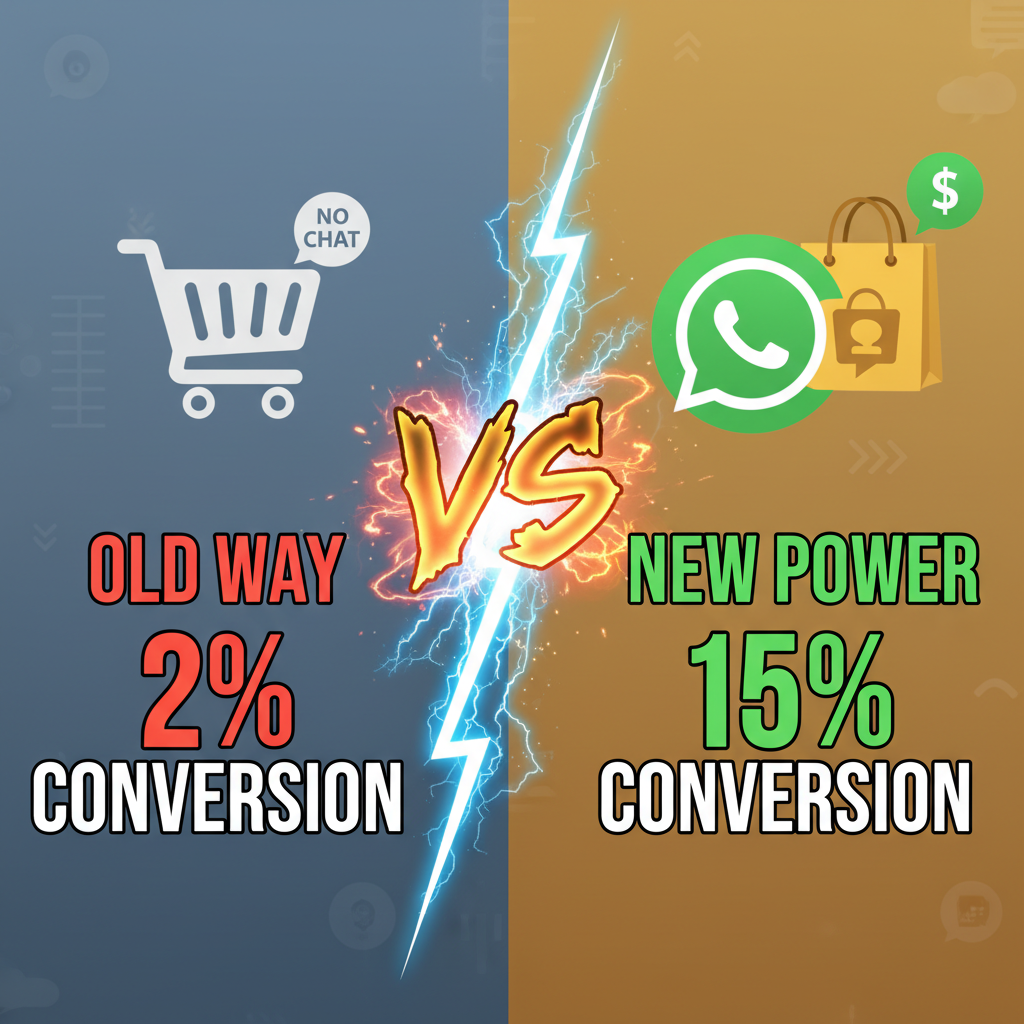
Why Merchants Are Abandoning Email for WhatsApp
Email feels old. Open rates hover around 20-25%. Response times stretch to days. WhatsApp? It's different.
Meta's 2024 study found that 81% of small businesses use WhatsApp to communicate with customers. More importantly, messages get read within 3 minutes, not three days. Conversion rates on WhatsApp messages hit 35-40% compared to email's 15-20%, according to Statista's messaging benchmarks from 2024.
This isn't anecdotal. Brands like ASOS, Sephora, and Gymshark have already moved customer service and upselling to WhatsApp. The economics are simple: you reach customers where they already spend 5+ hours daily, and they respond immediately.
Shopify's integration landscape has caught up. You can now connect WhatsApp directly to Shopify without custom code. The flow works like this: customers discover your products, ask questions in real-time, and complete purchases directly in chat, all without leaving WhatsApp.
The Core Problem WhatsApp Solves
Traditional e-commerce has a friction problem. A customer lands on your Shopify store, views a product page, and gets stuck on a decision. Your FAQ can't answer their specific question. They abandon cart.
With WhatsApp Commerce, that same customer can text your shop instantly. A team member responds in minutes. They send a product video, clarify sizing, answer a warranty question. The customer buys in chat, without ever opening your checkout page.
This is conversational commerce: the selling model that dominates in Asia (WeChat, Alipay) and is now expanding globally. WhatsApp is the Western equivalent.
The math: A typical Shopify store recovers 15-20% of abandoned carts through email. WhatsApp recovery rates run 40-50% because the conversation happens synchronously, in real-time.
Setting Up WhatsApp on Shopify: The Technical Path
WhatsApp Commerce requires two setup steps: 1) Create a WhatsApp Business Account, and 2) Connect it to Shopify via an integration app.
Meta provides the underlying infrastructure through the WhatsApp Business API. Shopify apps like Tidio, Kommunicate, Drift, and Gorgias wrap this API into easy setup flows.
Here's the baseline technical architecture:
| Component | Purpose | Notes |
|---|---|---|
| WhatsApp Business Account | Your branded business presence on WhatsApp | Created via Meta Business Suite. Free tier allows unlimited messaging. |
| WhatsApp Business API | Backend messaging infrastructure | Connects to Shopify via third-party apps. No direct Shopify-to-WhatsApp connection. |
| Integration App (Tidio/Gorgias/etc.) | Bridges Shopify + WhatsApp | Syncs customer data, order history, product catalog. Monthly cost: $50-300. |
| Chat Widget | Frontend interface for your store | Embedded on Shopify to prompt customers to message you on WhatsApp. |
| Automated Responses | Bot logic for FAQ + product discovery | Pre-built templates for common questions. Can integrate with GPT-4 for advanced bots. |
Setup takes 2-4 hours: 1. Create WhatsApp Business Account via Meta Business Suite ($0) 2. Select a Shopify integration app ($0-300/month) 3. Authenticate Shopify API (Tidio handles this) 4. Enable product catalog sync (auto-maps Shopify products to WhatsApp) 5. Create message templates for cart abandonment, order updates, and product questions 6. Train team members on response protocol
Cost-wise, you're paying for the integration app, not WhatsApp itself. Most apps charge $50-150/month for small brands, $200-300 for larger ones.
Three Conversion Paths: Where WhatsApp Makes Money
WhatsApp Commerce works best in three specific customer journeys. Understanding which applies to your brand determines ROI.
Path 1: Cart Abandonment Recovery
This is the lowest-hanging fruit. A customer adds items to cart on Shopify but never checks out. You send an automated WhatsApp message: "Hey! You left $120 in your cart. Any questions before you complete the order?"
The customer responds with their objection. Maybe it's a sizing question, or they're waiting until next payday. You solve the problem in one message. Conversion rate: 35-45% (compared to email's 15-20%).
Real data: Shopify's internal benchmarks show that 70% of abandoned cart messages on WhatsApp are opened within 1 minute. Reply rates exceed 40%. For comparison, abandoned cart emails get opened by 25-30% and generate 5-8% click-through.
Path 2: High-Touch Sales (Consultative Selling)
For products requiring consultation (high-ticket items, custom orders, B2B sales), WhatsApp is superior to email or phone.
A customer inquires about a custom product. Instead of scheduling a call, your team sends a video of the product, answers size/material questions, and negotiates on the spot via WhatsApp. The entire negotiation happens asynchronously, over text and images, without scheduling friction.
Brands using this see a 50-60% close rate on WhatsApp inquiries, compared to 25-35% on cold calls.
Path 3: Customer Retention & Repeat Purchase
Post-purchase communication via WhatsApp beats email for retention. A customer receives their order. You send a WhatsApp: "Your order arrived! Reply with a photo. We're featuring customer photos on our story."
This drives engagement, UGC, and repeat purchases. Retention rates on WhatsApp campaigns (order updates, reviews, upsells) run 45-55%, versus 20-25% for email.
Revenue Impact: What to Expect
Numbers matter. Here's what typical Shopify brands see after 3-6 months on WhatsApp Commerce:
| Metric | Email (Baseline) | Improvement | |
|---|---|---|---|
| Cart Recovery Rate | 15-20% | 40-50% | +150-200% |
| Message Open Rate | 25-30% | 90-95% | +3x |
| Response Rate | 5-8% | 40-50% | +6-8x |
| Avg. Time to Response | 2-3 days | 5-15 min | 90% faster |
| AOV (Order Value) | Baseline | +12-18% | Upsells in chat |
| Customer Satisfaction (CSAT) | 65-75% | 85-90% | More support, faster |
A $500K/year store abandoning 25% of carts = $125K in abandoned revenue. Recovering 40% of that via WhatsApp = $50K recovered annually. If your team spends 3 hours per week managing WhatsApp (cost: ~$600/month), ROI turns positive in month 3.
Three Implementation Mistakes to Avoid
Most brands fail at WhatsApp not because the channel doesn't work, but because they misuse it. Here are the real traps:
Mistake 1: Broadcasting, Not Conversing
Sending bulk promotional messages on WhatsApp feels faster than email, so teams blast customer lists with "20% OFF TODAY ONLY" style promos. WhatsApp users hate this. Meta's terms explicitly ban bulk broadcast without opt-in, and users unsubscribe aggressively.
Success on WhatsApp requires individual, contextualized messages. A message to a customer who abandoned their cart at 2 PM on Tuesday feels different than a generic promo to 10,000 people. Use automation for repeatable moments (cart abandonment, order confirmation, post-purchase follow-up), but customize the tone and timing.
Mistake 2: Ignoring Timezone and Availability
Sending WhatsApp messages at 3 AM expecting an instant response doesn't work. Customers expect synchronous communication. If they don't see a response within 20-30 minutes, they move on.
Solve this by setting business hours and auto-responders. Outside your hours, send: "Thanks for reaching out! We'll reply when we're back online (Mon–Fri, 9 AM–5 PM EST)." Customers will wait if you set expectations.
Alternatively, hire offshore support (Philippines, India, Colombia) at $10-20/hour to provide 24/7 coverage. Many mid-size brands use this model to capture international time zones without overextending payroll.
Mistake 3: Not Training Your Team
WhatsApp communication is less formal than email but more professional than Instagram DMs. Your team needs training on: - Tone (friendly, not robotic) - Response time (aim for <15 min) - Product knowledge (they're mini salespeople) - Privacy (never ask for passwords or card numbers in chat)
Brands that succeed on WhatsApp have a single team member (or small rotation) managing responses during business hours. Assign ownership. Track metrics. Celebrate wins publicly.
Connecting WhatsApp to Your Internal Link Strategy
If you're already using conversational commerce on Shopify, WhatsApp is the next logical evolution. Chat-based selling works on your website too, but WhatsApp reaches customers before they land on your site.
Coupling WhatsApp with SMS marketing for Shopify creates a full conversational stack. SMS drives initial discovery ("Your order shipped!"). WhatsApp handles complex questions and relationship-building.
The Real Economics of WhatsApp Commerce
Let's say you're a $1M/year Shopify store with an average order value of $75. You currently have: - 13,300 annual orders - 30% cart abandonment rate = 5,700 lost sales - Email recovery rate = 15% = 855 recovered orders = $64K revenue
If you add WhatsApp: - WhatsApp recovery rate = 45% (of abandoned carts) = 2,565 recovered orders = $192K revenue - Net incremental revenue = $128K/year - WhatsApp integration cost = $1,800/year ($150/month) - Team time (3 hours/week at $20/hour) = $3,120/year - Total cost = $4,920/year - Net ROI = 2,500% in year 1
The math assumes zero additional infrastructure, no new hires, and customer messaging volume under 1,000 chats/month. Brands running higher volumes (5,000+ chats/month) will need a dedicated person or AI bot.
What Comes Next: AI Bots on WhatsApp
Manual WhatsApp response doesn't scale beyond $2-3M in annual revenue. The future is AI.
Brands like Sephora use GPT-4-powered bots on WhatsApp to handle 70-80% of product questions automatically. "What size should I order?" → Bot sends sizing chart and customer reviews. "What's your return policy?" → Bot links to policy. "I want to order this [product]" → Bot collects order details and triggers manual fulfillment.
OpenRouter and Anthropic's Claude now integrate with WhatsApp through Tidio and Gorgias. Setup is simple: point the app to your OpenAI/Anthropic API key, feed it your product catalog and FAQs, and the bot handles 80-90% of conversations.
Cost: $0.002 per message (cheaper than human labor).
Ready to Launch WhatsApp Commerce?
WhatsApp Commerce isn't a replacement for your Shopify storefront. It's an acceleration channel. It bridges the gap between discovery and purchase, compressing 3-day email conversations into 3-minute WhatsApp chats.
The barrier to entry is low: $150/month integration fee, 4 hours setup, and basic team training. The ROI is measurable within 30 days.
Next steps: 1. Choose an integration app: Tidio (easiest), Gorgias (most powerful), or Drift (best AI integration) 2. Create your WhatsApp Business Account 3. Sync your Shopify product catalog 4. Start with cart abandonment messages (template-based, low effort) 5. Track metrics: response rate, conversion rate, AOV
Your store already has email. Most of your competitors have SMS. WhatsApp is still an unfair advantage for the next 12-18 months.
Reach out to Tenten if you need help integrating WhatsApp into your Shopify stack or optimizing your conversational commerce funnel. We specialize in e-commerce automation and customer engagement strategies.
Editorial Note
WhatsApp Commerce is still early for Western e-commerce, but the data is undeniable: customers respond faster on WhatsApp than email. Synchronous conversation converts better than broadcast messaging. The brands winning on WhatsApp right now treat it like a real sales channel with team training, response time targets, and metrics—not a novelty. Start with cart abandonment. That's where ROI is guaranteed.
Frequently Asked Questions
Do I need a separate phone number for WhatsApp Commerce?
No. You use your business phone number or a dedicated WhatsApp Business Account (created via Meta Business Suite). The integration app handles all routing: customers never see your personal number.
How do I send automated messages on WhatsApp?
Most integration apps (Tidio, Gorgias) let you set up automations for common triggers: cart abandonment, order confirmation, shipping notification, review request. These use Meta's message templates (pre-approved by WhatsApp to prevent spam).
What's the difference between WhatsApp Commerce and regular WhatsApp Business?
WhatsApp Business is the basic version (limited to 1 agent per chat, no catalog integration). WhatsApp Commerce adds product catalogs, in-chat shopping, and APIs for deeper Shopify integration. Most Shopify apps use Commerce under the hood.
Can I sell internationally on WhatsApp Commerce?
Yes. WhatsApp works in 180+ countries. Shopify's integration apps support multi-currency and localized messaging templates. You can sell globally with the same setup, just respect local regulations on messaging frequency.
How much does WhatsApp Commerce cost to get started?
The integration app costs $50-300/month depending on message volume. WhatsApp itself is free (no per-message fees). Your main cost is team time: expect 1-3 hours/week managing chats initially.