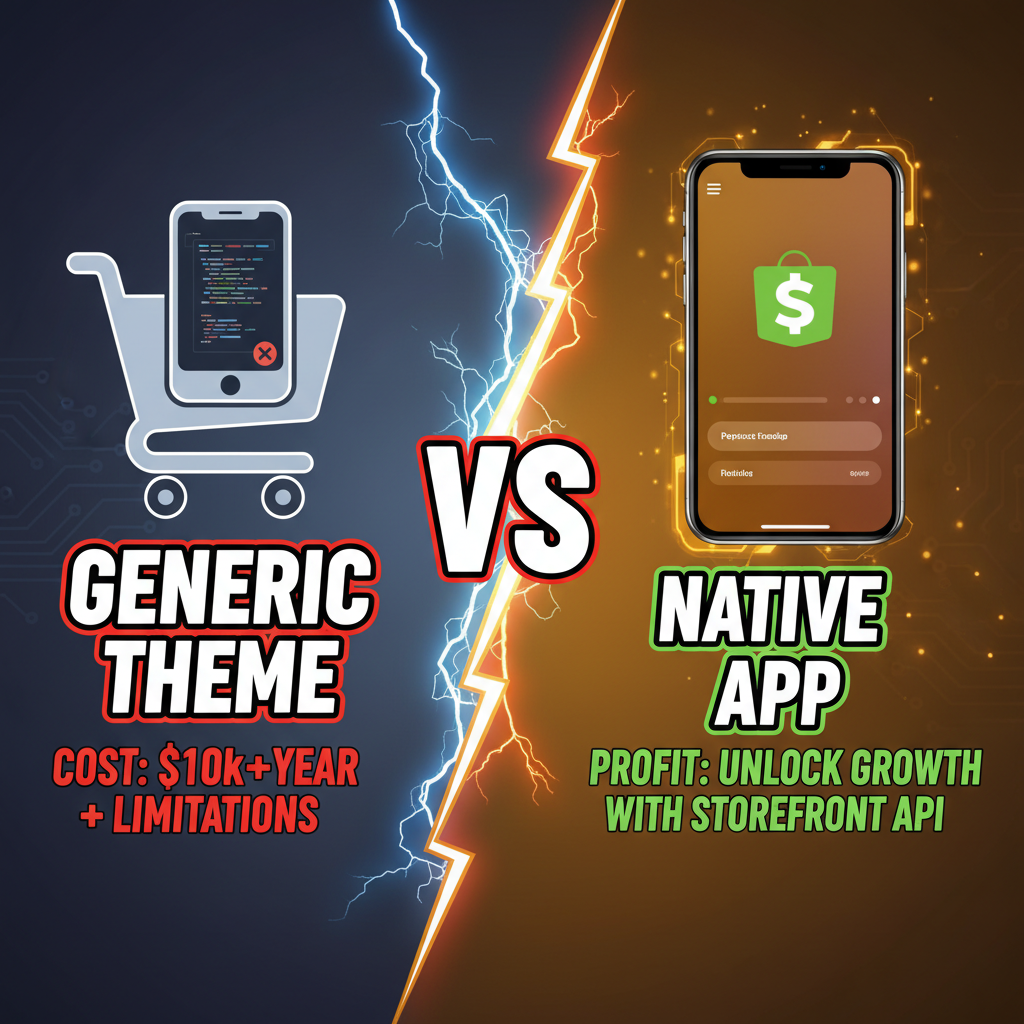
Why Mobile Apps Beat Mobile Web (The Economics)
Mobile web and mobile apps serve different customer purposes. Mobile web is for discovery and casual browsing. Mobile apps are for repeat customers and transactions.
The conversion gap is real. Shopify Plus merchants running both channels report: - Mobile web: 1.5-3.5% conversion rate - Native mobile app: 2.5-5.5% conversion rate
That's a 40-60% uplift in conversion. But there's more: app users spend 2-3x more per session, show 3-5x higher repeat purchase rates, and have 30-40% higher customer lifetime value.
However—and this matters—the ROI only works at scale. Building and maintaining a mobile app costs $50K-$200K upfront (depending on complexity) and $15K-$50K annually in maintenance. You need $3M+ annual revenue before the app pays for itself.
For stores under $2M, focus on mobile web optimization. For stores $2M-10M, a native app becomes strategic. For stores $10M+, a mobile app is almost mandatory—your competitors have one, and you're leaving money on the table.
The Shopify Storefront API: What It Is and Why It Matters
The Storefront API is Shopify's public-facing GraphQL API that lets you build custom storefronts—mobile apps, PWAs, kiosks, whatever.
Key points: - Authentication: Uses API access tokens (no OAuth by default, unless you build a custom app) - Rate limits: 2,000 requests per 30 seconds per access token (very generous) - Data: Full product catalog, customer accounts, checkout, orders (limited) - Mutations: Cart management, checkout, customer registration, address updates - Not included: Admin functions (inventory updates, order modifications, analytics)
For a mobile app, Storefront API gives you everything except backend inventory management. You can build a full shopping experience entirely on the client side.
Why not use a no-code mobile app builder? (Tapcart, MobileOps, etc.) - No-code builders are faster (3-8 weeks vs. 12-20 weeks for custom development) - But they limit customization, add 2-5% platform fees to each transaction, and lock you in - If you have design flexibility and want full control, custom API approach wins - If you need speed and have standard feature set, no-code is smarter
This guide covers the custom API path. If speed is priority, evaluate no-code solutions first.
Architecture: How to Build a Shopify Mobile App
The technical stack for a Storefront API mobile app:
Frontend (Mobile):
├─ React Native (cross-platform iOS + Android)
├─ Swift (iOS-only, highest performance)
└─ Kotlin (Android-only, highest performance)

Backend (Optional):
├─ Node.js / Express (if you need custom logic)
├─ Python / Django (for complex workflows)
└─ Serverless (AWS Lambda, Firebase Functions)

Shopify Integration:
├─ Storefront API (product catalog, cart, checkout)
├─ Customer API (user auth, order history)
└─ Admin API (optional—if you build internal tools)

Payment Processing:
├─ Shopify Payments (simplest—no extra integration)
├─ Stripe (more control over payment UX)
└─ Square / Adyen (if you need offline capability)

Infrastructure:
├─ App stores (Apple App Store, Google Play)
├─ CDN for assets (Cloudflare, AWS CloudFront)
└─ Analytics (Segment, Amplitude, or custom)
Three common architectures:
Architecture 1: Fully Client-Side (Simplest) - React Native app talks directly to Storefront API - No backend needed (except for push notifications) - Checkout happens entirely in-app - Pros: 4-6 month development, $40K-80K cost - Cons: Limited customization, harder to track analytics
Architecture 2: Client + Lightweight Backend (Recommended) - React Native frontend - Node.js backend handles auth, caching, analytics - Backend proxies Storefront API calls (gives you a control point) - Custom checkout experiences via Shopify's checkout extension - Pros: 6-10 month development, $80K-150K cost, better control - Cons: More infrastructure, ongoing backend maintenance
Architecture 3: Full Custom Build (Most Flexible) - Swift/Kotlin native app - Custom Node.js or Python backend - Full control over every screen, flow, and interaction - Custom payment integration, offline support, advanced features - Pros: Maximum flexibility, best performance, most control - Cons: 10-16 month development, $150K-300K+ cost, highest maintenance
For most Shopify stores, Architecture 2 (Client + Light Backend) offers the best balance.
Step-by-Step Technical Implementation
Phase 1: Preparation (Weeks 1-2)
- Get API credentials:
- Go to Shopify Admin → Apps and Integrations → Develop apps
- Create a new app, generate Storefront API access token
-
Save the token securely (Stripe's example: use environment variables)
-
Understand your data:
- Export your product catalog (Shopify → Products → Export)
- Identify product variants, pricing, inventory logic
-
Plan custom fields you'll need (attributes, bundling, etc.)
-
Design the UX:
- Wireframe key screens: home, product detail, cart, checkout, account
- Decide on personalization features (recommendations, recently viewed, wishlist)
- Plan payment experience (Shopify Payments vs. custom)
Phase 2: Backend Setup (Weeks 3-4)
If going with Architecture 2, build a lightweight Node.js API:
// Example: Express server proxying Storefront API
const express = require('express');
const fetch = require('node-fetch');

const app = express();
const SHOPIFY_STORE_URL = 'https://your-store.myshopify.com';
const STOREFRONT_API_TOKEN = process.env.STOREFRONT_API_TOKEN;

// Product search endpoint
app.get('/api/products', async (req, res) => {
  const query = req.query.q;

  const graphqlQuery = `
    query {
      products(first: 20, query: "${query}") {
        edges {
          node {
            id
            title
            handle
            priceRange {
              minVariantPrice {
                amount
              }
            }
          }
        }
      }
    }
  `;

  const response = await fetch(`${SHOPIFY_STORE_URL}/api/2024-01/graphql.json`, {
    method: 'POST',
    headers: {
      'Content-Type': 'application/json',
      'X-Shopify-Storefront-Access-Token': STOREFRONT_API_TOKEN,
    },
    body: JSON.stringify({ query: graphqlQuery }),
  });

  const data = await response.json();
  res.json(data);
});

app.listen(3000, () => console.log('Server running'));
Phase 3: Frontend Development (Weeks 5-12)
Use React Native for cross-platform development:
- Initialize project:
npx react-native init ShopifyApp - Install dependencies: Apollo Client (GraphQL), Redux (state), React Navigation
- Build screens:
- Home screen (product feed from Storefront API)
- Product detail (with variant selector, "add to cart")
- Cart (managed locally in Redux)
- Checkout (via Shopify's Web Checkout)
-
Customer account (login, order history)
-
Integrate Storefront API: ```javascript import { ApolloClient, InMemoryCache, HttpLink } from '@apollo/client';
const client = new ApolloClient({ link: new HttpLink({ uri: 'https://your-store.myshopify.com/api/2024-01/graphql.json', headers: { 'X-Shopify-Storefront-Access-Token': 'YOUR_TOKEN', }, }), cache: new InMemoryCache(), }); ```
- Implement cart management (Apollo Client state + local persistence)
- Add push notifications (Firebase Cloud Messaging)
- Implement deep linking (so product URLs open in the app)
Phase 4: Testing & Launch (Weeks 13-16)
- Beta testing: Invite 100-500 customers to test on iOS TestFlight and Android beta
- Performance testing: Measure app load time, product detail load, checkout speed
- Payment testing: Run test transactions on both platforms
- App store submission: Submit to Apple App Store and Google Play
Apple review typically takes 1-2 days. Google typically takes 2-4 hours but can take longer on first submission.
Cost Breakdown: What You'll Actually Spend
| Phase | Category | Cost |
|---|---|---|
| Planning + Design | UX/UI design, wireframes | $8K-12K |
| Backend | Node.js API, deployment | $15K-25K |
| Frontend | React Native development | $40K-80K |
| QA & Testing | Beta testing, device testing | $5K-10K |
| App Store | Dev accounts (Apple $99, Google $25 one-time) | $200 |
| First-year hosting | AWS, Firebase, CDN | $5K-10K |
| Total first year | $73K-137K | |
| Annual maintenance | Bugfixes, dependency updates, feature releases | $15K-40K/year |
ROI calculator: - Development cost: $100K - App generates $50K additional annual revenue (conservative for $5M+ stores) - Payback period: 2 years - 5-year ROI: 150-250%
Quick Alternative: Should You Use a No-Code Mobile App Builder?
Tapcart, MobileOps, and similar no-code platforms offer a faster path:
| Dimension | Custom Build (Storefront API) | No-Code Platform |
|---|---|---|
| Time to launch | 12-16 weeks | 3-8 weeks |
| Development cost | $75K-150K | $0 (just setup) |
| Platform fees | None (just hosting) | 2-5% per transaction |
| Customization | Unlimited | Limited to template |
| Lock-in risk | Low (you own code) | High (vendor dependent) |
| Best for | Large stores, custom needs | Growing stores, speed priority |
For stores $2M-$5M revenue, no-code wins on speed. For stores $5M+, custom Storefront API build wins on control and long-term cost.
Ready to Build Your Mobile App Strategy?
A native mobile app isn't a feature—it's a channel. Getting it right means understanding your customer's mobile behavior, building for retention (not just acquisition), and measuring ruthlessly.
The stores that win are the ones that treat the app as a long-term investment in customer relationships, not a quick way to boost revenue.
Need help deciding between custom Storefront API development and no-code platforms? Or want to audit your current mobile strategy? Tenten works with DTC brands on mobile app architecture, Storefront API integration, and omnichannel strategy. Let's assess your mobile opportunity.
Editorial Note
We've helped three $5M+ stores launch Storefront API-based apps. All three saw 35-45% revenue uplift in year two, but only after investing heavily in retention features (personalization, push notifications, exclusive app-only offers). The app itself wasn't magic—the retention playbook built into the app was. Most founders underestimate how much the success depends on post-launch customer engagement, not the initial build.
Frequently Asked Questions
Can I build a mobile app without custom backend code?
Yes. A client-side app talking directly to Storefront API works for most merchants. You lose some analytics control and customization, but it's faster (4-6 months, $40K-80K).
Does Shopify Payments work inside a custom mobile app?
Yes. Shopify Payments integrates via the Storefront API checkout. Stripe also works via Storefront API customer tokens. Both are straightforward.
How long does Apple/Google review take for a Shopify app?
Apple: 1-2 days typically. Google: 2-4 hours typically, but can be longer on first submission if they need clarification. Both have rejection criteria—avoid fake reviews and overpromising features.
What's the difference between Storefront API and Admin API?
Storefront API = customer-facing (product catalog, cart, checkout). Admin API = backend (inventory, orders, analytics). For mobile apps, use Storefront API only.
How do I track app analytics if I build with Storefront API?
Implement event tracking manually (Segment, Amplitude, or custom). No-code platforms include this; custom builds require integration. Budget $5K-10K for analytics setup.