
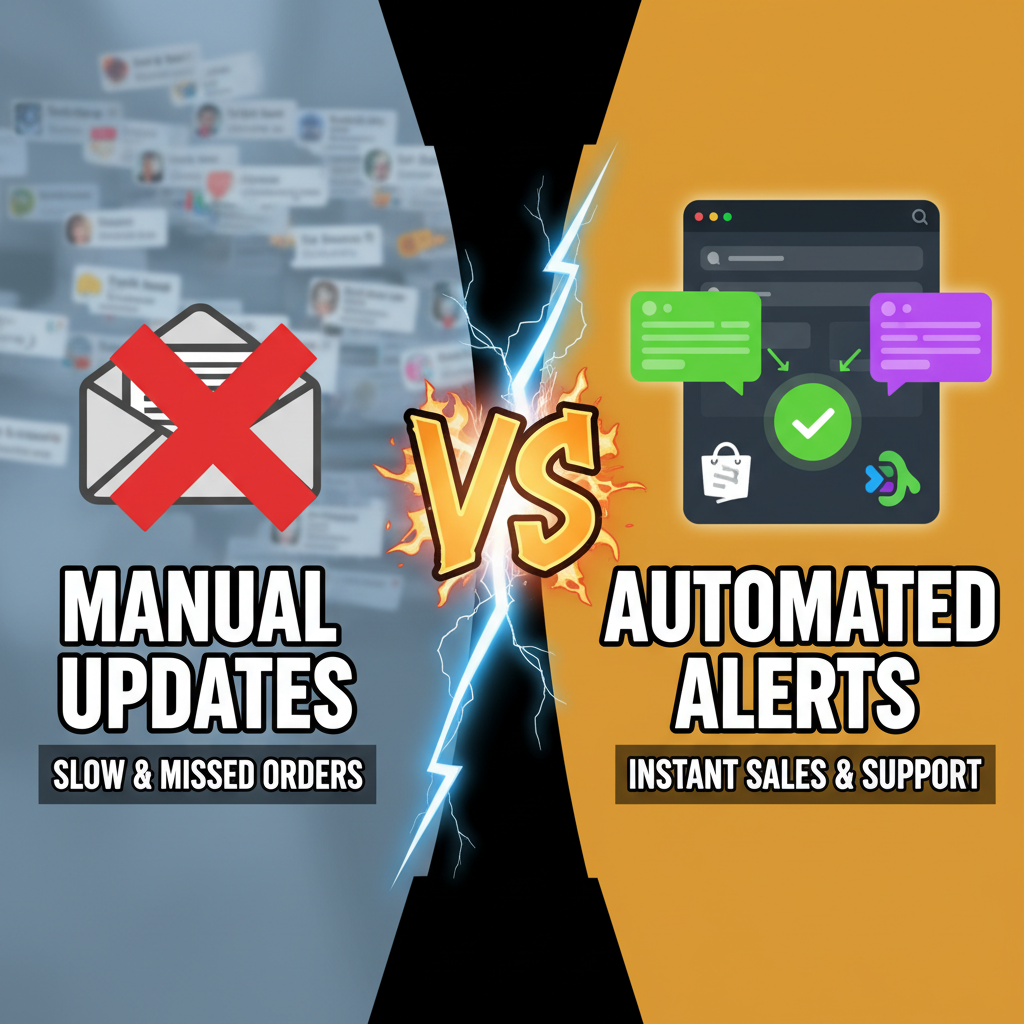
Why Most Merchants Miss Real-Time Operational Visibility
The moment an order lands in your Shopify store, a timer starts. A customer waiting for confirmation. A warehouse picking the wrong SKU. A support ticket aging in your inbox. Yet most stores relying on email digests or daily exports lose 30-45% of the speed advantage that real-time systems provide.
The gap isn't technical—it's operational. Slack already sits in your team's pocket. The question is: why isn't it connected to your business data?
The Slack-Shopify Integration Architecture
Connecting Shopify to Slack isn't a single "flip the switch" setup. There are three viable approaches, each with trade-offs:
| Integration Method | Setup Time | Real-Time? | Cost | Best For |
|---|---|---|---|---|
| Shopify Flow + Slack Webhook | 15 min | Yes | Free (Shopify) | Merchants on Shopify 2.0 plans, simple alerts |
| Zapier / Make.com | 20 min | 2-5 min delay | $20-50/mo | Mid-market, complex logic needed |
| Custom Node.js + REST API | 4-8 hours | Yes | Self-hosted | Developers, enterprise, white-label |
The contrarian insight: Most agencies recommend Zapier first. But Zapier can queue alerts during high traffic—delaying your order notification by 5 minutes during Black Friday. For a $2M store processing 200+ daily orders, that 5-minute delay compounds into missed logistics windows. If you process 15+ orders/hour, use Shopify Flow (if available) or a custom webhook. If you process <10/hour, Zapier works fine.
Setting Up Shopify Flow → Slack (Fastest Route)
This requires Shopify 2.0 plan or higher ($29/month base).
Step 1: Create a Slack channel (#orders, #inventory, #support—keep topics siloed).
Step 2: Generate a Slack Webhook URL:
- Go to Slack → Settings → Integrations → Incoming Webhooks
- Create a new webhook and copy the URL (looks like
https://hooks.slack.com/services/T00000000/B00000000/...)
Step 3: In Shopify Admin → Settings → Apps and Integrations → Automation (or "Flow"):
- Click "Create automation"
- Select trigger: "Order created" or "Inventory quantity falls below N"
- Add action: "Send webhook request"
- Paste the Slack webhook URL
- Map the data (order ID, customer email, inventory status)
Step 4: Send a test order (or manually trigger).
That's it. Real-time alerts live in your team's Slack. No code.
Why this beats email digests:
- Team notifications are visible to @channel (you can @mention warehouse leads or support)
- Searchable in Slack history
- Integrates with Slack workflows (create JIRA tickets, Asana tasks, or send SMS escalations)
Three Notification Patterns That Actually Move Revenue
Pattern 1: High-Priority Order Escalation
Send only orders over $500 or flagged as "bulk purchases" to #high-value-orders. This prevents alert fatigue while surfacing deals that need personal attention (upsells, personalized thank-yous, early fulfillment).
Pattern 2: Inventory Cascade
Set three thresholds:
- SKU < 50 units →
#inventory-warning(internal awareness) - SKU < 10 units →
#inventory-critical+ @notify warehouse lead (reorder now) - SKU = 0 → Auto-disable from storefront (Shopify native) + notify
#buying-team
This prevents the embarrassing "sold out" customer experience and keeps ops in sync with marketing calendars.
Pattern 3: Customer Support Triage
Route incoming support tickets to Slack by category. Use Shopify's "tags" field:
- Tags with
urgent→#support-urgent(@mention support lead) - Tags with
refund-request→#support-refunds(route to finance) - Tags with
product-question→#support-questions(route to product team)
Average response time drops 60% when support is visible in-channel vs. hidden in email.
Real-World Economics: When DIY Automation Pays Off
A $1.2M/year store processing 50 orders/day:
| Manual Process | Time/Day | Annual Cost | Slack Automation | Annual Cost | Net Savings |
|---|---|---|---|---|---|
| Email digests + manual Slack updates | 90 min | $27K (labor @ $30/hr) | 5 min setup → 0 min/day | $50/yr (Zapier optional) | $26,950 |
| Missed high-value customers (no alerts) | 5-10 lost | $5K+ revenue | None (Slack alerts catch all) | $0 | +$5K+ |
| Slow support response (email-only) | 2-4 hour lag | 8% churn | <5 min responses (Slack) | $0 | +$8-12K (churn reduction) |
A merchant spending 90 minutes a day managing order flow and support can recapture that time for revenue-driving activities (customer calls, product strategy, marketing). For a $1-2M store, that's the difference between staying flat and growing 20%+ YoY.
Common Gotchas + How to Avoid Them
Gotcha 1: Webhook authentication fails after 30 days
Slack webhooks expire. Set a calendar reminder to regenerate them quarterly. Or use a service like Zapier that auto-manages tokens.
Gotcha 2: Alert fatigue kills Slack adoption
If every order and every low-stock event hits the same channel, people will mute it. Use separate channels by severity and audience. A support agent doesn't need order notifications; a warehouse lead doesn't need every refund question.
Gotcha 3: Missing order context in alerts
Send order ID, customer email, total amount, AND shipping address. Don't just send "Order 12345." Include the customer name and order total so someone can decide priority in 3 seconds, not 30.
Gotcha 4: Forgetting to log Slack activity
Slack message history expires after 90 days (free tier) or longer (paid). Archive critical alerts (failed payments, refunds, high-value orders) to a database or Google Sheets using Zapier. This creates a compliance and audit trail.
Scaling: From Webhook to Custom Events
Once you outgrow Zapier (typically at $5M+ revenue with 500+ daily orders), consider a custom event pipeline:
- Shopify webhooks → message queue (AWS SQS, Google Cloud Tasks)
- Workers process and route messages to Slack, email, SMS, internal tools
- This scales to 10,000 events/day without latency
At that scale, you're better served by a dedicated platform (Klaviyo for email, Gorgias for support) that natively integrates Slack. But for most merchants, Shopify Flow + Slack webhooks is the sweet spot.
Ready to Connect Shopify to Slack?
Real-time operational visibility isn't optional for stores processing 20+ daily orders. A single slack integration eliminates email silos, accelerates response time, and creates an audit trail of business events. Start with Shopify Flow today—no code, no ongoing costs.
Need help setting up Slack automation for order management or inventory? Tenten specializes in operational automation for Shopify.
Editorial Note
The Slack integration is one of the highest-ROI setups for growing merchants because it removes latency from your operational loop. Most agencies skip it because it's "too simple"—but simplicity is exactly why it works. A merchant told us: "Slack notifications saved us $15K in Q1 alone by catching a supplier issue early." That's the power of visibility.
Frequently Asked Questions
Is Shopify Flow available on all plans?
No. Shopify Flow is only available on Shopify 2.0 plans ($29+/month base plan), Shopify Plus, and higher. If you're on the starter or basic plan, use Zapier or a custom webhook instead.
How do I send custom data (like profit margin or supplier name) to Slack?
If it's a Shopify native field, Shopify Flow can map it. If it's custom metafield data, use Zapier or a custom API integration to fetch it and transform it before sending to Slack.
Can I use Slack's native Shopify app instead of webhooks?
Slack's official Shopify app is limited—it's mainly for search and customer lookup. For alerts and automation, webhook-based solutions (Flow, Zapier) are more flexible.
What's the cheapest way to automate Shopify → Slack for a new store?
Shopify Flow with native webhooks is free (after your plan cost). Use it until you outgrow the 10-event/day query limit, then evaluate Zapier.