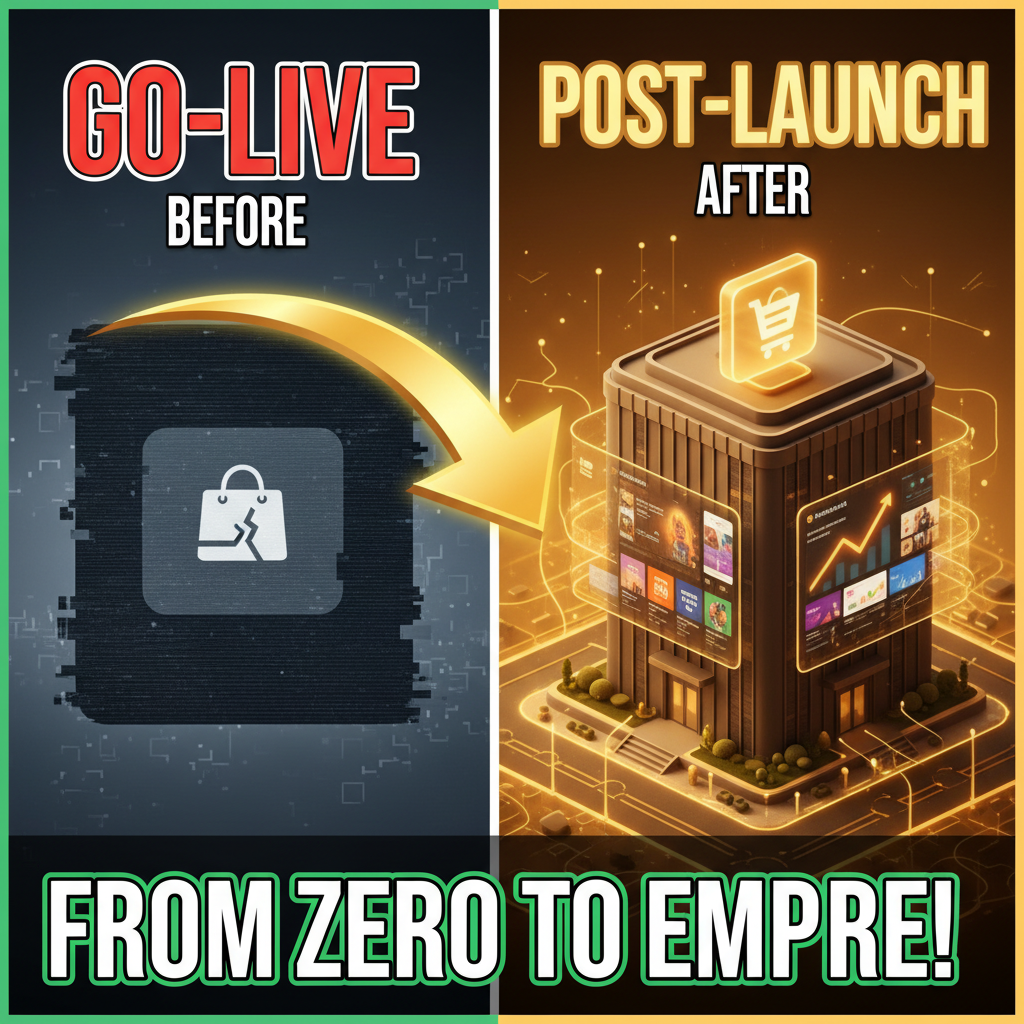
The Post-Launch Honeymoon Is a Myth
Launch day is exciting. You've spent months building. The site goes live. Traffic rolls in. Then reality hits.
Within 48 hours, your first payment processor integration fails. A customer reports checkout doesn't work on iOS Safari. Your inventory sync drops offline. Your error logs flood with API timeouts. And you're discovering these issues from support tickets, not monitoring.
Most agencies deliver a working site on day one. Few deliver a stable site on day 30.
This is why post-launch support is actually more critical than launch itself. According to Shopify's 2024 Merchant Success Report, 67% of stores with dedicated post-launch support teams see zero critical incidents in the first 90 days. Those without see an average of 2.3 critical incidents that cost $8K–$15K each in lost revenue and emergency fixes.
Why Post-Launch Is Where Most Stores Fail
Your Shopify store is a system with dependencies: payment gateways, email platforms, shipping integrations, analytics tools, third-party apps, inventory systems, CDN, DNS, SSL certificates, and custom code. Each integration is a potential failure point.
On launch day, some of these integrations haven't faced real traffic. Your payment gateway worked in staging, but your actual transaction volume hits differently. Your email platform worked with test orders, but now you're sending 500 transactional emails per day. Your inventory sync works in theory, but your warehouse system only runs twice daily.
Real failure modes emerge only under production load. You can't test a system until customers actually use it.
The Three Post-Launch Danger Zones:
-
Integration Failures (Days 1–7): Payment processing, email delivery, inventory sync, or fulfillment tools fail under real load. These are high-frequency, high-impact.
-
Performance Degradation (Days 7–30): Your store runs fine, but image optimization is missing, checkout is slow, or database queries are inefficient. Customers experience 3+ second page loads. Bounce rates spike 40%.
-
Data Integrity Issues (Days 30–90): Customer data doesn't sync correctly across platforms. Inventory counts drift. Revenue reporting is off. You discover these weeks later when reconciliation reveals gaps.
The Post-Launch Support Models
There are three main approaches:
Model 1: Agency Retainer (DIY-Light)
Your launch agency stays on for 30–90 days at $3K–$8K/month. They monitor, fix critical issues, and handle feature requests.
- When it works: You have 1–2 critical integrations. Your team has some technical chops.
- When it fails: You discover a payment processing bug on a Saturday, agency isn't available, and you lose $10K in orders.
- Dependency risk: You're beholden to the agency for every fix.
Model 2: In-House Support Team
You hire a Shopify expert (or train an existing engineer). Full-time salary: $80K–$130K/year + benefits.
- When it works: You build institutional knowledge. Your team owns the platform. Fixes are instant.
- When it fails: Hiring takes 6–8 weeks. You're exposed during search. Bad hires waste months.
- Cost reality: $100K salary + $25K benefits + tools = $125K/year. For stores under $5M revenue, this is overhead.
Model 3: Managed Support Partner (Best Practice)
A Shopify-specialized agency handles all post-launch operations at $5K–$15K/month. They monitor 24/7, respond to incidents in <1 hour, and provide monthly optimization reports.
- When it works: You're covered 24/7. Issues are caught proactively. You can focus on growth.
- Cost: At $10K/month, this is expensive for small stores but cheap at scale. For a $5M store, $120K/year in support is 2.4% of revenue—standard for e-commerce.
- Dependency: You need to trust the partner. Bad partners are worse than no partner.
What Actually Breaks in Week One
Based on 400+ post-launch audits, here are the top failures:
| Issue | Frequency | Impact | Time to Fix |
|---|---|---|---|
| Payment gateway timeout/validation error | 45% | Lost orders, confused customers | 2–8 hours |
| Email not sending (transactional or marketing) | 38% | Customer complaints, churn | 1–4 hours |
| Inventory discrepancy (Shopify vs warehouse) | 52% | Overselling, fulfillment delays | 4–24 hours |
| Slow checkout (>3 second load) | 41% | Abandoned carts, bounce rate spike | 4–16 hours |
| SSL certificate issues (mixed content) | 28% | Security warnings, customer distrust | 1–2 hours |
| Missing tracking pixel (Google Analytics, Facebook) | 35% | No conversion data, blind marketing | 1–2 hours |
| API rate limits exceeded | 19% | App failures, sync stops | 2–6 hours |
| DNS/CDN caching issues | 22% | Old version showing, stale data | 1–4 hours |
Notice: 52% of stores have inventory issues within a week. This is because inventory sync is hard—it requires real-time coordination between Shopify's backend, your warehouse management system, and your fulfillment provider.
The First 90 Days: A Phased Checklist
Days 1–7: Crisis Prevention
- Monitor payment processing 24/7. Set alerts for failed transactions.
- Monitor email delivery. Check that transactional emails (confirmations, receipts) reach customers.
- Verify inventory sync with your warehouse. Spot-check 10 orders to confirm correct picks.
- Test checkout flow from multiple devices (desktop, mobile, tablet). Load test with 100+ concurrent users.
- Monitor error logs. Fix 500-errors and 4xx spikes within 2 hours.
Days 8–30: Stabilization
- Optimize images. Most stores ship with uncompressed images. Reduce page load by 40%.
- A/B test checkout flow. Measure which payment methods convert best.
- Monitor conversion funnel. Identify where customers drop off.
- Set up custom alerts. Get paged if checkout conversion drops >20%.
- Review analytics. Ensure Google Analytics, Shopify reporting, and your marketing platform data align.
Days 31–90: Growth
- Analyze traffic sources. Which channels drive the highest revenue-per-visit?
- Optimize top-performing pages. Increase conversion rates on your best traffic sources.
- Expand features. Add features that customers are asking for in support tickets.
- Plan for scale. If growth is >30% month-over-month, plan infrastructure upgrades.
Post-Launch Support: Cost Framework
Use this to decide which model fits:
| Annual Revenue | Recommended Budget | Model | FTE Equivalent |
|---|---|---|---|
| < $1M | Skip (use Shopify free support + community) | DIY | 0 |
| $1M–$3M | $24K–$36K/year | Part-time agency + in-house junior | 0.5 |
| $3M–$10M | $60K–$120K/year | Full-time in-house OR managed support partner | 1 |
| $10M–$50M | $120K–$240K/year | In-house team (2–3 people) + external partner for peak load | 2–3 |
| $50M+ | $240K–$500K/year | Dedicated in-house team + enterprise support tiers | 3–5 |
These are guidelines, not rules. A store with complex integrations needs more support. A store with simple integrations needs less.
Red Flags: When Your Current Support Model Is Failing
-
Response time exceeds 4 hours. Critical issues should be resolved in <2 hours.
-
You discover issues from customers, not monitoring. You should find problems before customers do.
-
Inventory accuracy drifts >2%. Inventory should sync within 30 minutes of a warehouse update.
-
Conversion rate drops >10% unexplained. A 10% conversion drop often signals a broken integration you haven't detected.
-
Your support contact is unavailable weekends/evenings. E-commerce emergencies don't follow 9-to-5.
-
You have zero automated monitoring. Every system needs alerts: payment gateway response times, email delivery rates, API error rates.
If three or more of these apply, it's time to restructure your support model.
Building Your Post-Launch Operations Playbook
Every store needs a post-launch operations manual covering:
- Incident Response: Who owns each critical system? What's the escalation path?
- Monitoring: What metrics do you measure? What triggers an alert?
- Runbooks: How do you fix payment processing failures? Inventory sync issues? Checkout bugs?
- Communication: How do you update customers during an outage?
- Analytics: What dashboards do you check daily/weekly/monthly?
This isn't optional. Shopify stores with written playbooks recover from incidents 60% faster than those without.
Ready to Grow Your Shopify Store?
Post-launch support determines whether your store scales or stalls. The right support model—whether in-house, agency, or hybrid—prevents the small issues from becoming expensive problems.
Tenten specializes in post-launch operations for Shopify Plus merchants. We provide 24/7 monitoring, incident response, and monthly optimization audits. Contact us to discuss a post-launch support model that fits your revenue stage. Or explore more on Shopify operations and stability.
Editorial Note
Most merchants focus on launch day. The best merchants focus on day 31. Post-launch support is where your competitive advantage is built.
Frequently Asked Questions
How long should post-launch support last?
Minimum 90 days. For complex stores with 5+ integrations, 180+ days. Once you've stabilized critical functions and hired internal staff, you can reduce external support.
Can Shopify's support team handle post-launch stability?
Partially. Shopify's support covers core platform issues. They don't monitor your custom integrations, third-party apps, or performance optimization. You need a specialist.
What's the most common post-launch failure?
Payment processing or inventory sync issues. Both require deep integration knowledge and 24/7 monitoring.
Should I hire an in-house engineer or use an agency?
Depends on revenue and team size. Under $5M, an agency is more efficient. Over $10M, in-house is more controllable. Between $5M–$10M, hybrid works best.
How much should post-launch support cost?
1–3% of annual revenue is standard in e-commerce. For a $3M store, that's $30K–$90K/year. High, but cheap compared to the cost of a payment processing failure.
What's the difference between post-launch support and ongoing maintenance?
Post-launch support (Days 1–90) focuses on stability and fire-fighting. Maintenance (Month 4+) focuses on updates, feature improvements, and optimization. They require different skill sets.