
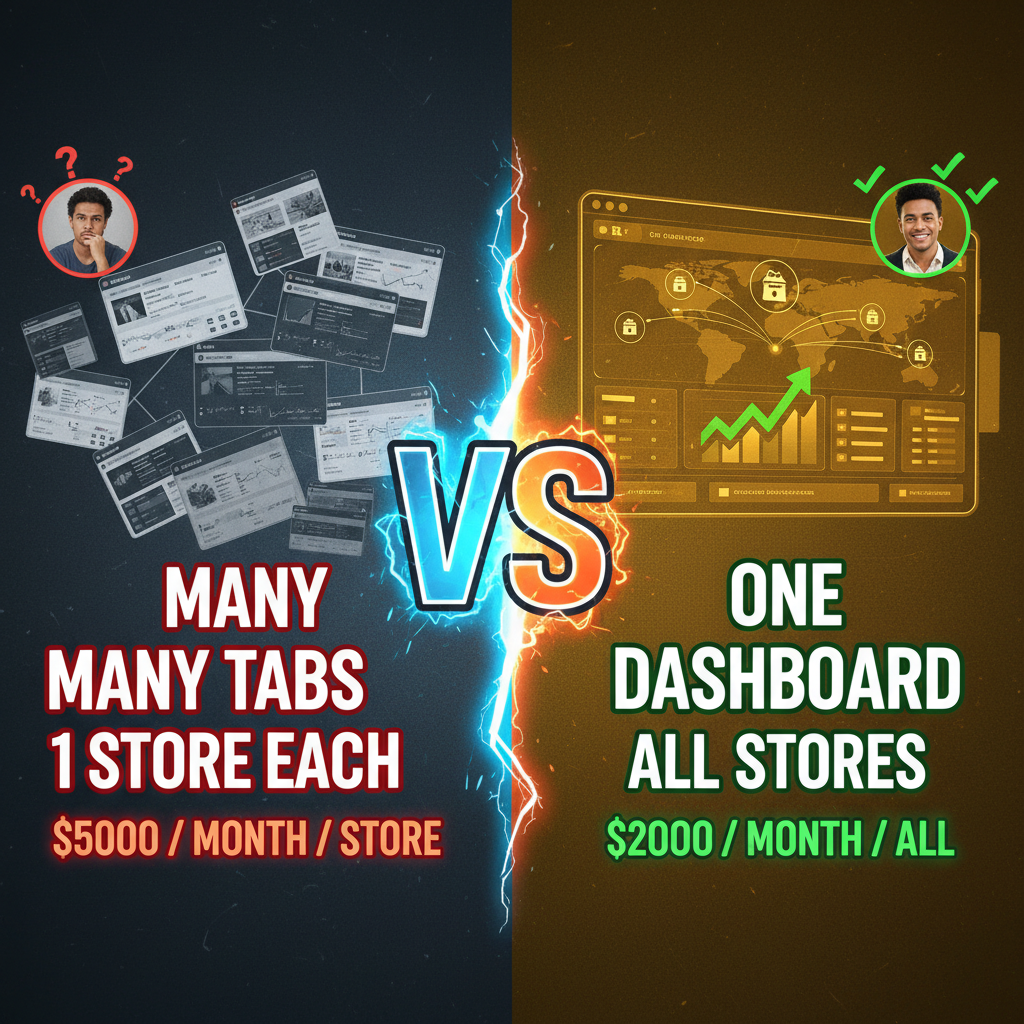
Shopify Plus Organization Admin: The Hidden Scalability Tool
Most people think Shopify Plus is for "big stores."
But the real power of Shopify Plus isn't handling one massive store. It's handling dozens of stores simultaneously.
Enterprise brands with multiple sub-brands, regional stores, or product-line-specific stores quickly hit a problem: How do you manage 20 separate Shopify instances without losing your mind?
Shopify Plus Organization Admin solves this. It's a centralized governance layer that lets one team manage multiple stores, enforce brand consistency, and operate across different markets without duplicate effort.
The Pre-Org-Admin Problem
Before Organization Admin, multi-store operations looked like:
| Task | Process |
|---|---|
| Update return policy | Edit in store 1. Edit in store 2. Edit in store 3... (repeat 20 times) |
| Audit user access | Login to store 1. Check roles. Logout. Login to store 2... (repeat 20 times) |
| Enforce compliance | Manually check each store's CCPA/GDPR settings |
| Brand consistency | Hope all stores use similar templates (spoiler: they don't) |
| Reporting | Pull data from each store. Consolidate in spreadsheet. Pray the math is right. |
This is operational bankruptcy. Your team spends 40 hours/week on administrative tasks instead of strategy.
Organization Admin eliminates 80% of this overhead.
How Organization Admin Works
Architecture Overview:
Organization Admin Dashboard (Central Hub)
    ├── Store 1 (Brand A, US)
    ├── Store 2 (Brand A, EU)
    ├── Store 3 (Brand B, US)
    ├── Store 4 (Brand C, APAC)
    └── ... (up to 50+ stores)
From the Organization Admin dashboard, you can:
- See all stores at a glance (inventory, orders, revenue)
- Manage users across all stores (create, assign roles, rotate credentials)
- Set organization-wide policies (required fields, security rules, compliance)
- Enforce themes/templates (brands can't go rogue with custom storefronts)
- Centralize reporting (consolidated P&L, inventory across all stores)
Setting Up Organization Admin (4 Steps)
Step 1: Define Your Store Hierarchy
First, decide: What stores do you need?
| Structure | Use Case |
|---|---|
| By brand | Parent brand (e.g., "Nike") with sub-brands (Nike Golf, Nike Kids) |
| By region | US store, EU store, APAC store with different compliance rules |
| By channel | D2C store, B2B wholesale store, marketplace integration store |
| By product line | Apparel store, accessories store, footwear store |
Most enterprises use a hybrid: Main brand store + regional stores + channel-specific stores.
Step 2: Create Store Accounts
Each store gets its own Shopify Plus instance. But instead of isolated accounts, they're connected to an Organization.
Setup: - Create "Store A" with your primary domain - Create "Store B" with regional domain (mystore.de, mystore.co.uk, etc.) - Link both under one Organization in Settings → Organization Settings
Step 3: Set Up User Roles & Permissions
Organization Admin lets you define custom roles:
| Role | Permissions | Use Case |
|---|---|---|
| Organization Admin | Full access to all stores, user management, policies | Founder, COO |
| Store Manager | Can edit products, orders, design within one store | Store-specific managers |
| Brand Manager | Can edit products, design across all stores in a brand family | Brand owners (sub-brands) |
| Finance | Read-only access to orders, fulfillment, revenue across all stores | CFO, accounting |
| Compliance Officer | Audit access (read-only) to all stores' settings and data policies | Legal, data privacy |
You can create granular permissions: - Store A: Can edit products? Yes. Can delete users? No. - Store B: Can edit inventory? Yes. Can change payment gateway? No.
This prevents chaos. A store manager in the EU can't accidentally change US store settings.
Step 4: Set Organization Policies
Enforce company-wide rules:
| Policy | Example |
|---|---|
| Required product fields | All products must have a description (not blank) |
| Brand template rules | All stores must use "Brand 2026" Shopify theme (can't use custom) |
| Compliance fields | GDPR checkbox required at checkout (enforced across EU stores) |
| Inventory sync | Inventory synced every 30 minutes (not 12 hours) |
| Password requirements | 16-character minimum (not 8-character) |
These are enforced at the system level, not guidelines. You can't accidentally break them.
Use Case 1: Multi-Regional Ecommerce
You sell globally. You need: - US store (USD, English, US tax rules) - EU store (EUR, German/French/Spanish, VAT compliance) - APAC store (SGD/JPY, Asia-specific payment methods, local compliance)
Without Organization Admin: - Three separate Shopify Plus accounts - Each needs its own team (ops manager, designer, compliance officer) - Products synced manually (copy from US, paste to EU, translate, verify) - Return policies managed separately - You have no unified inventory view
With Organization Admin: - One Organization with three stores - One team of 8 people (shared across regions) - Product catalog synced automatically (template enforces same fields) - Return policy set once at Organization level (inherited by all stores) - Unified inventory dashboard shows stock across all regions
Operational savings: $300K–$500K/year in duplicate staff.
Use Case 2: Multi-Brand Portfolio
You own 5 brands (acquired or internal). Each brand has its own store, but they share: - A backend team (engineering, design) - A compliance/finance team - A logistics operation (same 3PL)
Without Organization Admin: - 5 separate Shopify Plus accounts - Each brand has a manager + designer - You have 5 separate fulfillment integrations - Revenue reporting requires consolidating 5 spreadsheets
With Organization Admin: - One Organization with 5 brand stores - Shared design team (enforces brand consistency, manages templates) - One fulfillment integration (all stores send to same 3PL, 3PL routes to correct warehouse) - Unified reporting (CEO sees all 5 brands' P&L in one dashboard)
Case Study: Luxury Fashion Conglomerate
Company: Multi-brand luxury fashion holding. Brands: 7 independent sub-brands, $500M revenue.
Challenge: Each brand ran its own Shopify store independently. No consistency. Different designers, different payment processors, different 3PLs. Chaos.
Solution: Migrate to Shopify Plus Organization Admin. - 7 stores in one Organization - Shared design system (all brands use consistent navigation, checkout flow) - Unified 3PL integration (all orders → central warehouse, distributed by brand) - Centralized user management (rotating team across brands, no duplicate login credentials) - Consolidated reporting (CEO sees revenue by brand, region, category)
Results: - Design team reduced from 10 to 4 people (40% savings, $300K/year) - Order processing errors dropped 30% (consistent workflows) - Time to market for new products: 8 weeks → 3 weeks (shared design templates) - Finance reconciliation: 40 hours/month → 2 hours/month (unified reporting)
The Reporting Advantage
Organization Admin unlocks consolidated analytics:
| Report | Scope |
|---|---|
| Revenue by store | All 7 brands' P&L consolidated |
| Inventory across stores | Where is SKU X in stock? Answer: 150 units in warehouse A, 200 in warehouse B, 50 in store C. |
| Customer behavior | Which regions convert best? Which products have highest repeat rate across all stores? |
| Fulfillment performance | Average order-to-ship time across all stores (some stores are 24 hours, others are 72; identify outliers) |
This intelligence is impossible when stores are siloed.
Limitations & Gotchas
Limitation 1: Theming
You can't enforce one theme across all stores if they need different designs. Each store can have its own theme, but Organization Policies can require certain sections/components (e.g., "all stores must have a returns widget").
Workaround: Create a multi-brand theme with CSS variables for brand colors. Each store loads the same theme but customizes colors/fonts via settings.
Limitation 2: Apps
Each store has its own app subscription. If you use 5 apps across 7 stores, you're paying for 35 app subscriptions, not 5.
Workaround: Negotiate volume discounts with app vendors. Many offer "multi-store" pricing.
Limitation 3: User Role Granularity
You can't say "User X can edit products in Store A and Store B, but only in the Apparel category." Roles are store-level, not product-level.
Workaround: Use separate team members or rely on store-level managers to enforce category restrictions internally.
Migration Path: Moving to Organization Admin
If you're already running 3+ separate Shopify Plus stores, migration is straightforward:
Phase 1 (Week 1): Set up Organization. Link existing stores.
Phase 2 (Week 2–3): Migrate user accounts. Create role hierarchy.
Phase 3 (Week 4): Set Organization Policies. Enforce compliance rules.
Phase 4 (Week 5): Integrate third-party systems (3PL, ERP, analytics). Test fulfillment sync.
Phase 5 (Week 6–8): Run pilot. Move one region/brand to Organization Admin. Verify no data loss or sync errors.
Phase 6 (Week 9): Full rollout. All stores now operate under Organization.
Cost: $50K–$100K (engineering setup, migration, testing).
ROI: 6–12 months (operational savings exceed implementation cost).
Ready to Scale Your Multi-Store Operation?
If you're managing 3+ Shopify stores, Organization Admin is not optional—it's infrastructure. Tenten's enterprise team can architect your Organization structure and oversee migration.
Editorial Note
Organization Admin is the difference between growing through acquisition and growing through chaos. Brands that consolidate under Organization Admin scale faster, operate leaner, and make better decisions. It's the hidden competitive advantage of Shopify Plus.
Frequently Asked Questions
What's the minimum number of stores that justify Organization Admin?
3+. If you have 2 stores, it's probably overkill. At 3+, the operational savings outweigh setup complexity.
Can I move an existing Shopify Plus store into an Organization?
Yes. It's called "adding a store to an existing Organization." No data loss. Takes 1–2 weeks.
How much does Organization Admin cost?
It's included in Shopify Plus ($2,300/month). Additional stores beyond 3 may incur +$500–$1,000/month per store, depending on volume.
Can I have stores in different countries under one Organization?
Yes. But each store may need different tax settings, payment processors, and compliance rules. Organization Policies can enforce consistency where needed, but stores can override at their level if required by law.
What happens if a store is breached? Can hackers access other stores?
No. Each store is isolated at the data level. User credentials are organization-wide, but data access is store-specific. A compromised Store A user can't access Store B's data.