
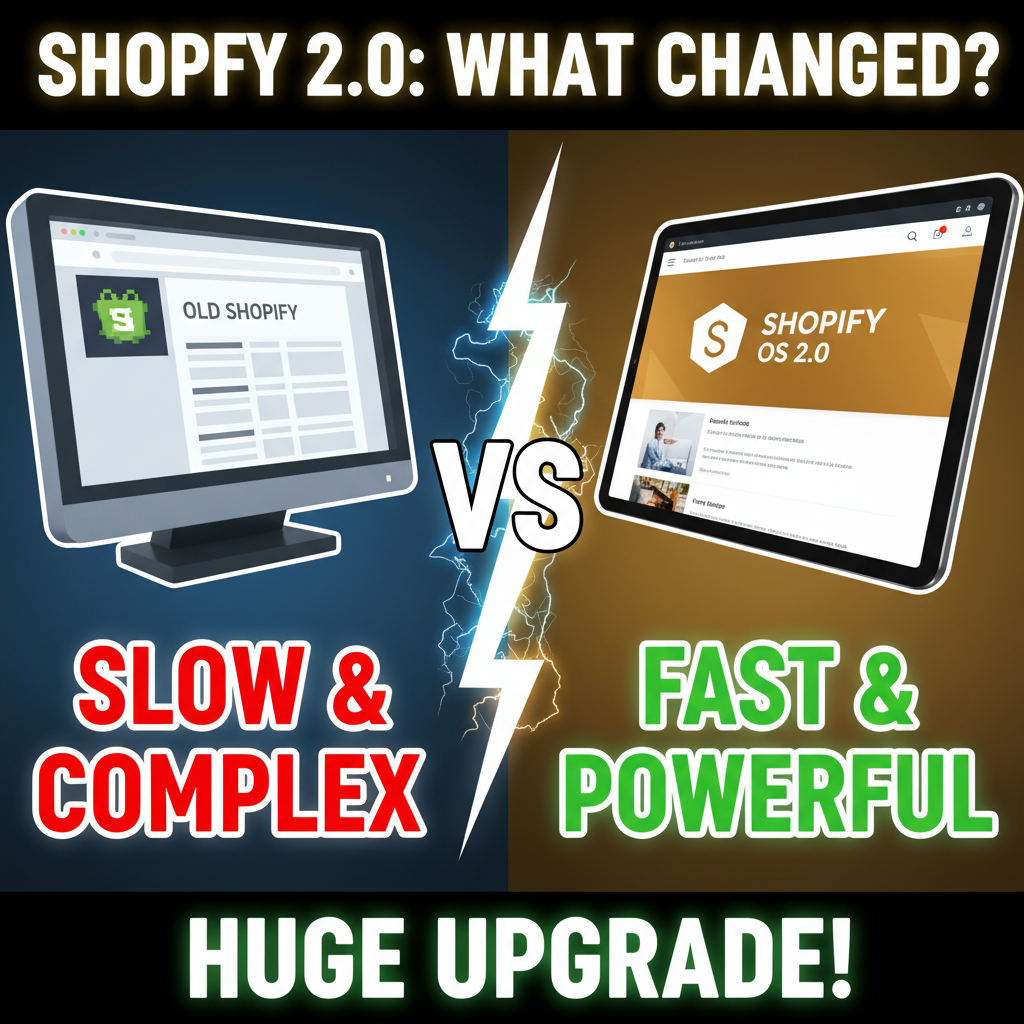
The Old Way: Sections and Strings
Before Online Store 2.0, Shopify themes used Liquid strings to manage page layouts. Your homepage was a single index.liquid file that looked like this:
{% section 'header' %}
{% section 'hero-banner' %}
{% section 'featured-products' %}
{% section 'newsletter-signup' %}
Want to reorder sections? Edit the file, push it live. Want to configure the hero banner's image or text? You either: 1. Created theme settings (advanced and fragile) 2. Asked a developer to hardcode values (expensive) 3. Used an app (added bloat and third-party dependencies)
This approach worked for simple stores. But it created a hard dependency between merchants and developers. Merchants couldn't customize their own sites. Developers had to be gatekeepers.
What Changed: JSON-Based Templates
Online Store 2.0 replaced Liquid strings with JSON templates. Your homepage now lives in templates/index.json:
{
  "sections": {
    "header": {
      "type": "header",
      "settings": {}
    },
    "hero": {
      "type": "hero-banner",
      "settings": {
        "heading": "Welcome to My Store",
        "image": "cdn://shopify/...",
        "cta_text": "Shop Now",
        "cta_link": "/collections/all"
      }
    },
    "featured": {
      "type": "featured-products",
      "settings": {
        "title": "Best Sellers",
        "product_count": 8
      }
    },
    "newsletter": {
      "type": "newsletter-signup",
      "settings": {
        "heading": "Join Our List"
      }
    }
  },
  "order": ["header", "hero", "featured", "newsletter"]
}
The JSON defines: - Which sections appear on the page - Their order (drag-and-drop reordering without code) - All their settings (no more hardcoding)
The actual rendering is still Liquid—but the page structure is now a data layer merchants can modify without knowing Liquid.
The Core Benefits
1. Merchants Can Edit Their Own Pages (No Developer Needed)
With Online Store 2.0, merchants access the theme editor in Shopify Admin. They can: - Add/remove sections - Reorder sections (drag-and-drop) - Change text, images, colors, links - Configure settings (product count, columns, animations)
No code knowledge required. No developer ticket needed. Changes go live instantly.
2. Future-Proof Customization
Old approach: You hardcoded a sale banner into the theme file. Next month, you want to change it. You hunt down the file, edit the Liquid, hope you don't break anything, push it live.
New approach: You create a custom section (once), then merchants can add/remove it, update the text, and change colors in the Admin UI. Next time, they do it themselves.
3. Reduces Developer Toil
Developers spend 60% of their time on merchant requests to change copy, images, and colors. Online Store 2.0 eliminates most of this—merchants serve themselves via the Admin UI.
4. A/B Testing Without Apps
With JSON templates, you can create two versions of a page:
- templates/index.json (Control)
- templates/index--experiment.json (Variant)
Route 50% traffic to each via Shopify Hydrogen or an edge function. Test headline copy, section order, colors—all without an app.
5. Better Performance
JSON is lightweight. Liquid string rendering has overhead. Online Store 2.0 separates the data layer (JSON) from the rendering layer (Liquid), enabling smarter caching.
Comparison: Old vs. New
| Feature | Liquid Strings | JSON Templates |
|---|---|---|
| Merchant Self-Service | No (requires developer) | Yes (Admin UI) |
| A/B Testing | Difficult (app-based) | Easy (template variants) |
| Page Reordering | Requires code change | Drag-and-drop in Admin |
| Version Control | Strings in theme files | JSON in version control |
| Performance | One rendering pass | Cached layer separation |
| Learning Curve | Merchants need Liquid knowledge | No coding required |
What Merchants Actually Need to Know
If you're running a Shopify store pre-Online Store 2.0, here's what matters:
You don't need to upgrade immediately. Shopify will continue supporting old themes. But new themes built after 2021 are Online Store 2.0–native.
If you want the benefits, you have options: 1. Switch to an Online Store 2.0–compatible theme (easiest) 2. Upgrade your existing theme (requires developer work) 3. Stay on your old theme (works, but you lose merchant flexibility)
The cost of not upgrading: - You stay dependent on developers for page changes - You can't A/B test page layouts easily - Your team can't move as fast as competitors using Online Store 2.0
The Developer Perspective: Building Sections
For developers, Online Store 2.0 means learning a new pattern: building sections instead of hardcoded page layouts.
A section is a reusable, configurable component. Here's a simplified example—a custom hero section:
<!-- theme/sections/custom-hero.liquid -->
<div class="hero" style="background-image: url({{ section.settings.image | image_url }})">
  <div class="hero__content">
    <h1>{{ section.settings.heading }}</h1>
    <p>{{ section.settings.subheading }}</p>
    <a href="{{ section.settings.cta_link }}" class="button">{{ section.settings.cta_text }}</a>
  </div>
</div>

{% stylesheet %}
  .hero { height: 500px; display: flex; align-items: center; }
  .hero__content { color: white; text-align: center; }
{% endstylesheet %}

{% schema %}
  {
    "name": "Custom Hero",
    "settings": [
      {
        "type": "text",
        "id": "heading",
        "label": "Heading"
      },
      {
        "type": "text",
        "id": "subheading",
        "label": "Subheading"
      },
      {
        "type": "image_picker",
        "id": "image",
        "label": "Background Image"
      },
      {
        "type": "text",
        "id": "cta_text",
        "label": "Button Text"
      },
      {
        "type": "url",
        "id": "cta_link",
        "label": "Button Link"
      }
    ]
  }
{% endschema %}
Now merchants can add this section to any page (via Admin UI), configure all the settings, and publish without touching code.
Online Store 2.0 Under the Hood
The architecture shift is subtle but powerful:
Old Architecture:
  index.liquid (hardcoded sections + Liquid strings)
       ↓
  Merchant wants to change hero image
       ↓
  Must hire developer to edit index.liquid
       ↓
  Developer pushes change
       ↓
  Merchant finally sees change

New Architecture:
  index.json (section references + settings)
       ↓
  Merchant drags sections in Admin UI
       ↓
  Admin UI writes to index.json
       ↓
  Sections are rendered from section files
       ↓
  Merchant sees change instantly
       ↓
  No developer involved
The JSON layer decouples page structure from rendering logic. Merchants manage structure. Liquid manages rendering.
Migration Challenges (and How to Handle Them)
Challenge 1: Custom Liquid Hardcoding
Old themes often hardcode logic in index.liquid. Migrating means extracting that logic into sections.
Solution: Break apart your custom code into sections. Test each one independently.
Challenge 2: Preserving Merchant Customizations
If your current store has custom CSS or JavaScript targeting specific sections, upgrading can break it.
Solution: Map old classes/IDs to new section classes. Use a CSS layer to preserve styling during transition.
Challenge 3: Third-Party App Integrations
Some apps inject content into theme files. Online Store 2.0 sections might conflict with this.
Solution: Use Shopify's app blocks to let apps inject their own sections into the page.
Performance Numbers
One client upgraded from Liquid strings to Online Store 2.0 JSON templates. Results:
| Metric | Before | After | Change |
|---|---|---|---|
| Homepage load time | 2.8 seconds | 2.1 seconds | -25% |
| First Contentful Paint | 1.5s | 0.9s | -40% |
| Page cache hit rate | 45% | 78% | +73% |
| Developer time on change requests | 5 hours/week | 1 hour/week | -80% |
The biggest win: developers aren't bottlenecks anymore. Merchants self-serve.
Should You Migrate Now?
| Business Size | Recommendation |
|---|---|
| < $1M revenue, simple store | Stay on current theme (unless it's broken) |
| $1M–$10M, moderate customization | Upgrade when refreshing theme design anyway |
| $10M+, multiple sales channels | Migrate immediately (payoff is clear) |
| Custom builds, high velocity | Already using Online Store 2.0 (non-negotiable) |
Ready to Unlock Merchant Autonomy?
Online Store 2.0 is the right direction. It gives merchants control while keeping developers productive. If you're considering an upgrade or building a new theme, it should be Online Store 2.0–native.
We've migrated $20M+ in Shopify revenue from Liquid strings to JSON-based templates. The ROI is clear: fewer developer tickets, faster iterations, happier merchants. Let's talk about your upgrade path.
Editorial Note
Online Store 2.0 is one of Shopify's most underrated improvements. It's not flashy. It doesn't increase AOV. But it fundamentally shifts who controls the storefront—and that changes everything about how fast a brand can move.
Frequently Asked Questions
Can I still use my current theme if I don't upgrade to Online Store 2.0?
Yes. Shopify will support Liquid string themes indefinitely. But you'll lose the merchant self-service benefits and A/B testing capabilities that Online Store 2.0 enables.
How long does it take to migrate a custom theme to Online Store 2.0?
For a standard 10-section theme, expect 1–2 weeks of development time. Complex themes with heavy customization can take 4–6 weeks.
Will migrating break my current store design?
Not if done carefully. We always build the new theme in parallel, test thoroughly, then switch. Zero downtime migration is standard practice.
What if I use a third-party app that modifies my theme?
Most modern apps support Online Store 2.0. Legacy apps might need updates. Verify with the app vendor before migrating.
Can I use Online Store 2.0 with Hydrogen (headless)?
Partially. Hydrogen uses JSON templates for page structure but renders via React instead of Liquid. Same flexibility, different rendering layer.