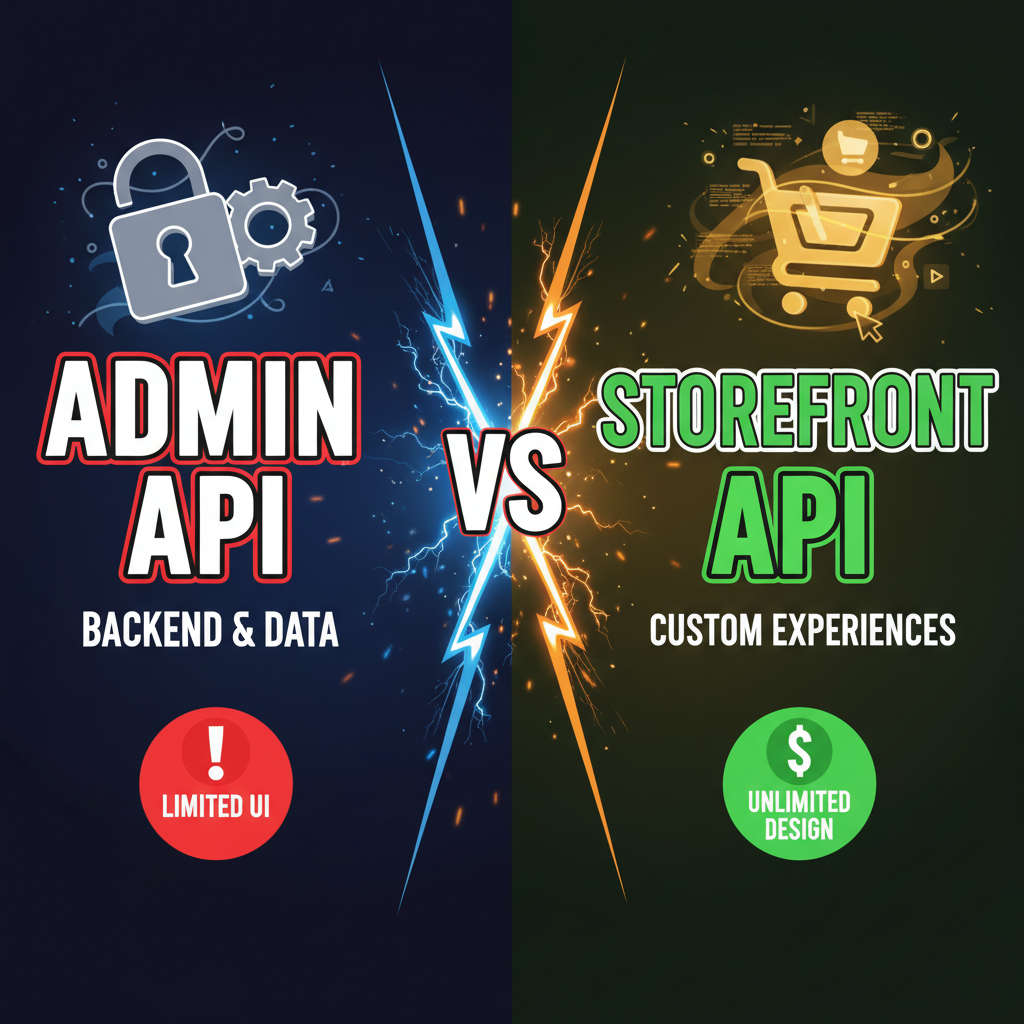
Admin API vs Storefront API: A Direct Comparison
Choosing the right API is critical. Here's what each one does best—and where it falls short.
Shopify Admin API: Full Power, Server-Only
The Admin API gives you complete read-and-write access to your Shopify store data: orders, customers, products, inventory, fulfillment, analytics, and more. If you're building an internal dashboard, analytics tool, or order management system, this is your API.
What you can do:
- Read and modify products, variants, inventory, pricing
- Create, update, and cancel orders programmatically
- Query customer data and purchase history
- Manage fulfillment, shipping, and refunds
- Access financial reports and analytics
- Create webhooks for real-time event notifications
Authentication: Private app credentials (API key + password) or OAuth 2.0. For security, always use OAuth if building an external app. Private apps are only for internal custom apps built and hosted by your team.
Limitations: Admin API requests must originate from a secure server. You can't call it directly from a browser or mobile app—that would expose your credentials. All requests are authenticated and rate-limited.
Storefront API: Fast, Public Catalog
The Storefront API (GraphQL) is designed for headless commerce—displaying products and enabling checkout without Shopify's stock theme. It's also much faster for client-side catalog queries.
What you can do:
- Query product catalogs, collections, and search
- Fetch product variants, pricing, and inventory counts
- Create customer checkouts and cart operations
- Query customer data (requires customer login)
- Subscription and pre-order handling
- No product or order writes—read-only for products
Authentication: Public access token (no secret required). You can call it safely from a browser, mobile app, or server. It's designed for public-facing frontends.
Limitations: Storefront API intentionally lacks administrative functions. You can't modify orders, manage inventory, or access internal analytics. It's build for customer-facing features, not backend automation.
Direct Comparison
| Feature | Admin API | Storefront API |
|---|---|---|
| Authentication | OAuth 2.0 or private app credentials | Public access token (no secret) |
| Where it runs | Server-side only (must be secure) | Browser, mobile, or server (public) |
| Product data | Read & write (full control) | Read only (catalog viewing) |
| Order management | Full CRUD (create, read, update, delete) | Checkout creation only |
| Customer data | All data (private & internal) | Customer login data only |
| Inventory | Read & update levels | Read availability only |
| Fulfillment | Full management | View shipments only |
| Analytics | Full access to reports | None |
| Rate limits | 2 requests/second (computed) | 10 requests/second (burst) |
| Ideal for | Internal tools, automation, reporting | Headless storefronts, customer portals |
Decision Framework: Which API Should You Use?
Use the Admin API if you're building:
- A custom inventory or order management dashboard
- An analytics or reporting tool for your store
- Automation scripts for bulk product updates, order fulfillment, or customer data
- An internal app for your team that needs full store access
- A custom workflow integrating Shopify with your ERP or accounting system
Use the Storefront API if you're building:
- A headless storefront (custom React, Vue, or Next.js frontend)
- A mobile app (iOS or Android) for your store
- A customer account portal or loyalty program
- A marketplace or multi-vendor integration (public-facing)
- Any customer-facing product catalog or checkout
Common Mistakes and Best Practices
Mistake 1: Using Admin API credentials in client-side code
This exposes your shop credentials to the public. Always keep Admin API calls on a secure backend server. If you need client-side access to store data, use the Storefront API instead.
Mistake 2: Over-querying with Admin API
The Admin API is rate-limited. If you're building a real-time dashboard, cache data and query periodically (not on every user action). Use Shopify's GraphQL to batch queries and reduce request count.
Mistake 3: Forgetting webhooks for async operations
Instead of polling the Admin API every 5 seconds to check for new orders, subscribe to order webhooks. Shopify pushes data to your server when events occur. This is faster, cheaper, and more reliable.
Mistake 4: Not reading the API docs for permission scopes
Both APIs have scopes that limit what your app can access. Storefront API public tokens are scoped to read products and manage checkouts. Admin API tokens require explicit OAuth scopes. Always request minimum scopes needed (principle of least privilege).
Ready to Build on Shopify?
Both APIs are powerful. The right choice depends on whether you're building internal tools or customer-facing features. Most advanced Shopify implementations use both—Admin API for backend automation and reporting, Storefront API for the customer-facing storefront.
Let's discuss your API strategy. Contact us for help building custom integrations, headless storefronts, or automation workflows on Shopify. Our team has implemented both APIs at scale.
Frequently Asked Questions
Can I use Storefront API for order management?
No. Storefront API supports checkout creation but not order modification. Use Admin API for order management, fulfillment, and refunds.
Which API is faster?
Storefront API has higher rate limits (10 req/sec burst vs Admin's 2 computed req/sec). But Admin API lets you batch queries in GraphQL, so both can be optimized for speed.
Do I need both APIs?
Yes, typically. Use Admin API for backend automation and internal dashboards. Use Storefront API for your customer-facing storefront and checkout.
What's the difference between REST and GraphQL?
Both APIs offer GraphQL. Admin API also offers REST for backward compatibility. For new projects, use GraphQL—it's more efficient and supports batching.
How do I get started with Admin API?
Create a private app in your Shopify admin (Settings > Apps & Integrations > Develop apps). Get your API credentials and start building on a secure backend.
Can I expose the Storefront API token in client-side code?
Yes. The Storefront API token is public-facing and intentionally safe for browser and mobile apps. The Admin API token must always be kept server-side secret.