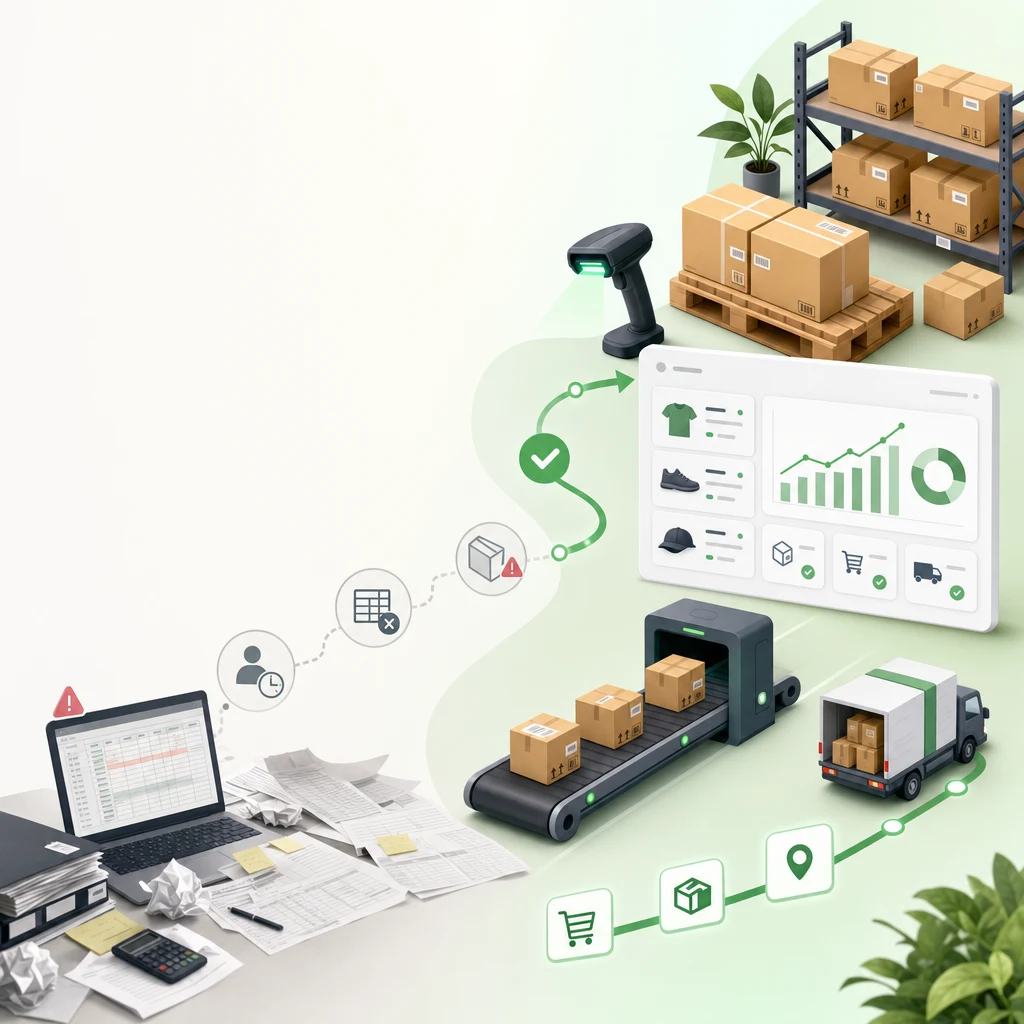
PIM Prevents Data Chaos in Multi-Channel Commerce
Product Information Management (PIM) is the centralized database for all product data—SKUs, descriptions, pricing, images, variants, attributes, compliance info. Instead of managing product info separately in Shopify, Amazon, Google Shopping, and your ERP, a PIM syncs all channels from a single source of truth.
For DTC brands selling on Shopify + Amazon + TikTok Shop, PIM is the difference between "our description is out of sync across 3 channels" and "we update product info once, it syncs everywhere."
The problem it solves: Mid-market DTC brands with 500+ SKUs spend 20-40 hours/month manually updating product info across channels. One pricing change requires updates in Shopify, Amazon, and your inventory system. One product image requires re-uploading to 4 platforms. Data becomes inconsistent. Margins suffer.
This guide covers what PIM is, when you need it, and the 6 most popular tools for Shopify-first brands.
What Is PIM (And When Do You Need It?)
PIM centralizes product master data and synchronizes it across sales channels.
What a PIM system manages: - Product name, description, long-form content - SKU, UPC/EAN, variant identifiers - Pricing (wholesale, retail, channel-specific) - Images and videos (master library) - Attributes (color, size, material, care instructions) - SEO metadata (meta title, description, keywords) - Inventory/stock levels (linked to your ERP or warehouse system) - Compliance/regulatory info (certifications, warnings, country restrictions) - Rich content (specifications, usage guides, compatibility tables)
When you need PIM: - 100-500 SKUs: Spreadsheet management breaks down. Manual sync errors spike. - Selling on 2+ channels: Shopify + Amazon, TikTok Shop, Walmart, your own wholesale portal. - Frequent product updates: Regular pricing changes, seasonal variants, or new product launches. - Global/multi-market: Different descriptions, pricing, compliance for each region/currency. - Team collaboration: Marketing, ops, and inventory teams need to update product info without overwriting each other.
When you don't need PIM yet: - <100 SKUs and selling Shopify-only - Product info changes <2x/month - Your Shopify admin is managing updates fine
Reality: Most brands don't need PIM until they hit 500+ SKUs or 3+ sales channels. Before that, a spreadsheet + Shopify bulk editor often suffice.
PIM Architecture: How It Works
Master PIM Database (single source of truth)
        ↓
Product data (name, description, price, images, variants, attributes)
        ↓
Sync Layer (APIs to each channel)
        ↓
Shopify | Amazon | TikTok Shop | Google Shopping | Wholesale Portal | Analytics
Workflow: 1. Create/edit product in PIM: Marketing team uploads images, writes description, sets pricing 2. Define channel rules: Different description length for Amazon vs. Shopify. Different pricing tiers. 3. Set sync schedule: Auto-sync every hour OR on-demand 4. Monitor syncs: Dashboard shows sync status, errors, last updated timestamp 5. Update inventory: Connect PIM to warehouse/ERP → inventory auto-syncs across channels
Key point: PIM doesn't replace Shopify. It sits upstream, feeding data into Shopify (and other channels). Shopify still manages transactions, customer data, orders.
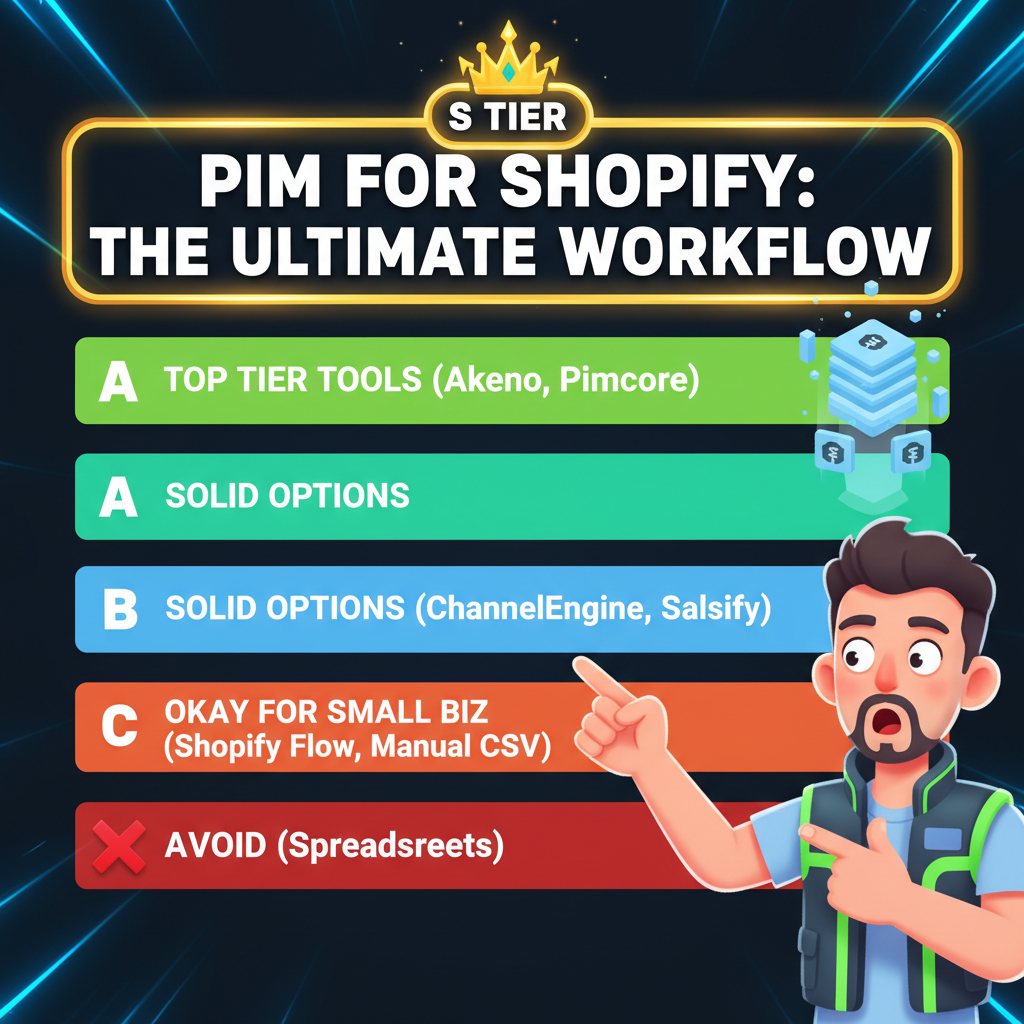
The 6 Leading PIM Tools for Shopify (Comparison)
| Tool | Best For | Pricing | Ease of Use | Shopify Integration |
|---|---|---|---|---|
| Salsify | Large enterprises, multi-market | $2K+/month | Steep learning curve | Native API, advanced |
| Contentstack | Headless/API-first brands | $500-2K/month | Developer-friendly | Custom webhooks |
| Inriver | Complex multi-channel (Amazon, Marketplace) | $1K-3K/month | Moderate | Native Shopify connector |
| Syndigo | Enterprise, regulated industries | $3K+/month | Complex setup | Enterprise integration |
| Shopify Flow + Apps | Small-to-mid, Shopify-native | $0-100/month | Very easy | Built-in, native |
| Airtable + Zapier | DIY, budget-conscious (<500 SKUs) | $20-100/month | Simple | Via Zapier, native API |
1. Salsify — Enterprise-Grade PIM
Best for: Brands with 5,000+ SKUs, 5+ sales channels, global operations.
Strengths: - Powerful attribute management and taxonomy - Advanced governance (approval workflows, role-based access) - Strong multi-language, multi-currency support - Built-in DAM (Digital Asset Management) for image/video library - Pre-built connectors for 50+ channels (Amazon, eBay, Walmart, Shopify, etc.)
Weaknesses: - Very expensive ($2,000-5,000+/month) - Steep learning curve (weeks to fully implement) - Overkill for smaller brands
Shopify integration: Salsify has native Shopify connector—auto-syncs products, variants, pricing, images.
Who uses it: Nike, Staples, Uniqlo, Procter & Gamble.
2. Contentstack — Headless/API-First PIM
Best for: Headless Shopify (Hydrogen, custom frontend), or brands that need API-first architecture.
Strengths: - Pure API-based (no bloated UI) - Fast, lightweight - Great for custom frontends and mobile apps - Strong developer documentation - Flexible content modeling (define your own attributes)
Weaknesses: - Requires developer involvement (not ideal for non-technical teams) - No pre-built connectors—use webhooks/APIs - Smaller community compared to Salsify
Shopify integration: Custom webhooks. You'll build integration or use a middleware (like Zapier).
Who uses it: Fashion brands using Hydrogen, agencies building custom frontends.
3. Inriver — Multi-Channel Operator Favorite
Best for: Brands selling Shopify + Amazon + Marketplaces, needing strong multi-channel sync.
Strengths: - Dedicated Amazon sync (critical for FBA sellers) - Strong Shopify connector (includes variants, metafields) - Good marketplace support (eBay, Walmart, Cdiscount) - Reasonable pricing ($1,000-2,500/month) - Approval workflows for product content
Weaknesses: - Smaller UI/UX compared to Salsify - Less robust for enterprise-scale (100K+ SKUs)
Shopify integration: Native Shopify connector. Syncs products, variants, images, pricing, metafields.
Who uses it: Mid-market DTC brands selling on multiple channels.
4. Syndigo — Regulated Industries (Food, Pharma, CPG)
Best for: Brands in regulated industries (food, beauty, pharma) needing compliance tracking.
Strengths: - Strong compliance/regulatory management (allergen info, certifications) - Global governance (country-specific attributes, warnings) - Large ecosystem (50+ integrations) - Good data governance and audit trails
Weaknesses: - Very expensive ($3,000-8,000+/month) - Slow to implement (3-6 months typical) - Overpowered for non-regulated brands
Shopify integration: Enterprise integration (custom middleware likely needed).
Who uses it: P&G, Colgate-Palmolive, Nestlé, health/beauty brands requiring compliance.
5. Shopify Flow + Native Apps — Lightweight, Integrated
Best for: Shopify-only sellers with <500 SKUs, limited budget.
Strengths: - Free (part of Shopify) - Native to Shopify (no learning curve) - Great for simple syncing (bulk pricing updates, inventory sync) - Many app partners extend Flow capability
Weaknesses: - Limited to Shopify channel (can't sync to Amazon in-app) - Not a true PIM (lacks DAM, approval workflows, attributes) - Can't manage multi-language descriptions easily
Use case: Update 100 products' pricing at once, or sync inventory from a connected ERP.
Who uses it: Solo merchants, small DTC brands.
6. Airtable + Zapier — DIY/Budget Option
Best for: Bootstrapped brands, <300 SKUs, Shopify-only.
Strengths: - Super cheap ($20-100/month for Airtable + Zapier) - Easy to customize (build your own schema) - Great for teams already using Airtable - Surprisingly powerful for product data + light workflows
Weaknesses: - Not a "true" PIM (lacks some features like DAM, approvals) - Manual trigger-based syncing (not real-time) - Can hit rate limits at scale (1000+ products)
Setup: Create Airtable base with product fields, connect to Shopify via Zapier.
Who uses it: Indie brands, startups, side projects.
PIM Implementation Roadmap
Phase 1: Assessment (Week 1) - Audit current product data: How many SKUs? How many channels? - Map data structure: What fields do you manage? Where do inconsistencies occur? - Calculate current pain: How many hours/month spent on manual updates?
Phase 2: Tool Selection (Week 2) - Estimate ROI: "If PIM saves 30 hours/month at $50/hour, that's $18K/year" - Compare tools: Does tool sync to all your channels? Easy implementation? - Negotiate: Ask vendors about discounts, free trial period (30 days is standard)
Phase 3: Pilot (Weeks 3-6) - Start with 100 products (one category) - Test sync to Shopify (check pricing, descriptions, images) - Train one team member - Measure: Are syncs working? Is data accurate? Is team productive?
Phase 4: Scale (Weeks 7+) - Roll out to full catalog - Migrate historical product data - Set up ongoing governance (who updates what, approval workflows) - Monitor syncs, troubleshoot issues
Timeline: For Airtable DIY, 2 weeks. For Salsify enterprise, 3-6 months.
Cost-Benefit Analysis (Typical Mid-Market Brand)
Scenario: 800 SKU brand, selling Shopify + Amazon, 10 product updates/month
Current state (no PIM): - Marketing manager: 3 hours/week updating descriptions, pricing, images across 2 channels = 12 hours/month - Ops manager: 2 hours/week syncing inventory = 8 hours/month - Total labor: 20 hours/month @ $50/hour = $10K/year - Data errors: 2-3 sync errors/month costing $500-1,000 in lost sales = $6K-12K/year - Annual cost of status quo: $16K-22K
With PIM (Inriver, $1,500/month): - PIM cost: $18K/year - Labor reduction: 15 hours/month saved = $7.5K/year labor savings - Error reduction: 80% fewer sync errors = $5K/year savings - Net cost: $18K - $7.5K - $5K = $5.5K/year
Net benefit: $16K-22K (current pain) - $5.5K (PIM cost) = $10.5K-16.5K/year net positive ROI
Payback period: 7-12 months.
Common PIM Pitfalls
Mistake 1: Choosing the wrong tool for your scale
Don't buy enterprise Salsify if you have 200 SKUs. Don't use Airtable if you have 10,000 SKUs and 8 channels.
Fix: Match tool to current SKU count + channel count + budget.
Mistake 2: Not mapping data before implementation
Jumping into PIM without defining your data structure = chaos. "What fields do we track?" "What's required vs. optional?"
Fix: Spend 1-2 weeks mapping your product data structure before selecting a tool.
Mistake 3: Neglecting image/video management
PIM without a DAM (Digital Asset Management) for images = still managing images manually.
Fix: Ensure your PIM (or connected app) has robust image library, versioning, and easy sync.
Mistake 4: Over-automating without quality checks
Syncing bad data automatically = bad data everywhere.
Fix: Include approval workflows. Have a human review before auto-sync to live channels.
Mistake 5: Not planning for ongoing governance
Who updates product descriptions? Who approves new products? Who syncs inventory?
Fix: Document roles, responsibilities, and approval workflows before launch.
PIM for Global & Marketplace Sellers
If you're selling on Amazon + Shopify + international channels:
Must-have PIM features: - Multi-language support (descriptions in EN, ES, FR, JP, etc.) - Multi-currency pricing (USD, EUR, GBP, etc.) - Channel-specific attributes (Amazon requires ASIN, UPC; Shopify doesn't) - Marketplace connectors (Amazon, Walmart, Cdiscount, etc.) - Compliance tracking (tariff codes, country restrictions, certifications)
Tools built for this: Inriver, Salsify, Syndigo. Airtable DIY is too limiting.
Expected ROI: For a $5M+ brand selling on 5+ channels, PIM ROI is 200-300% annually.
Ready to Grow Your Shopify Store?
PIM is the backbone of scalable multi-channel commerce. If you're manually managing product data across Shopify, Amazon, and other channels, PIM will save you 10-20 hours/month and eliminate costly sync errors.
Start small (Airtable + Zapier for <300 SKUs) or invest in a proper PIM (Inriver for $1K+/month) once you hit 500+ SKUs or 3+ channels. Either way, centralize your product data and watch operational efficiency improve.
For brands scaling to Shopify Plus with complex multi-channel architecture, Tenten's PIM and data engineering services build custom integrations and data pipelines that unify Shopify, ERP, warehouse, and marketplace systems.
Editorial Note Most DTC founders realize they need PIM only after they've spent months manually syncing product data. Implement early (around 300 SKUs or when you add a 2nd channel) and avoid the manual data chaos that slows down scaling.
Frequently Asked Questions
Is PIM the same as DAM (Digital Asset Management)?
No. PIM manages product data (descriptions, pricing, attributes). DAM manages image/video files. Some PIM tools include DAM; others integrate with standalone DAMs.
Can I use Shopify bulk editor instead of PIM?
For <100 SKU updates, yes. For ongoing multi-channel syncing, no. Bulk editor is one-time batch; PIM is ongoing sync automation.
Does PIM replace my ERP?
No. PIM syncs to your ERP. ERP handles accounting, orders, inventory; PIM handles product information and channel sync.
How long does PIM implementation take?
Airtable DIY: 2-4 weeks. Mid-market tools (Inriver): 6-12 weeks. Enterprise (Salsify): 3-6 months.
Can PIM sync inventory to Shopify in real-time?
Depends on the tool and connection. Most sync every 15 minutes to 1 hour. True real-time requires API webhooks (Contentstack, custom builds).