
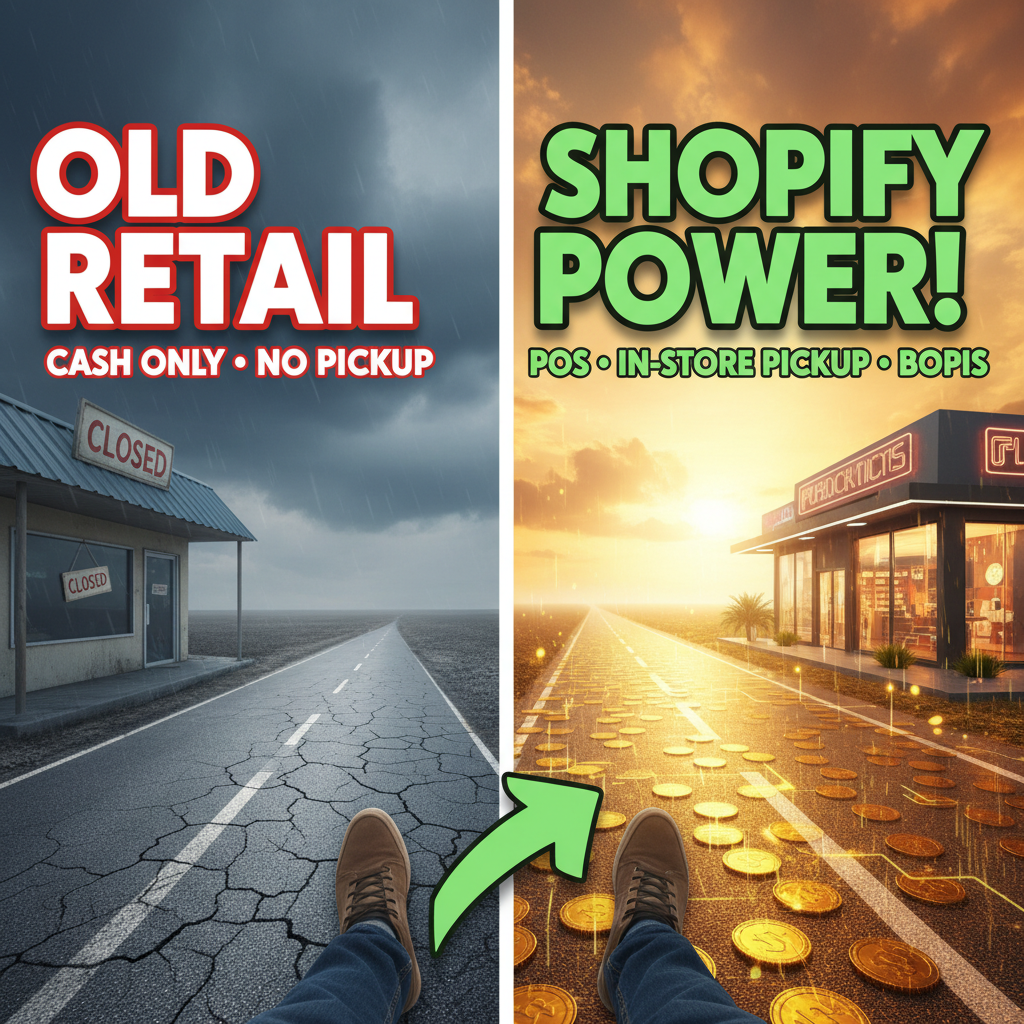
The Retail Shift: Why Physical + Digital Matter
Retail is no longer split between online and in-store. It's unified. Customers expect to buy online and pick up in-store (BOPIS), reserve online and try in-store, and return online purchases at physical locations. If your inventory isn't synced across channels, you'll oversell, disappoint customers, and lose repeat business.
The data is stark: 67% of US retail purchases involve both online and offline touchpoints (Forrester Retail Survey, 2024). If you operate only online OR only in-store, you're leaving revenue on the table. The winners use Shopify POS + online store as a unified system.
Shopify POS specifically: merchants using Shopify POS + inventory sync report 22% higher inventory accuracy and 18% faster checkout times compared to legacy POS systems (Shopify Merchant Pulse Report, 2024). The ROI compounds across transactions.
Understanding Shopify POS & Its Role
Shopify POS is not just checkout. Most merchants misunderstand what POS is. It's a complete in-store operating system: inventory management, staff workflows, cash management, customer data, and transactions. Shopify POS integrates directly with your online store, syncing inventory in real-time.
Here's what Shopify POS does:
| Feature | Impact | Required? |
|---|---|---|
| Real-time inventory sync | Prevents overselling online when stock runs out in-store | Critical |
| Unified customer profiles | Track purchase history across online and physical | High priority |
| Staff workflows | Cashierless checkout, Apple Pay, payment flexibility | Operational |
| Sales reporting | Track sales by location, staff, product | Analytical |
| Discount & promotions | Apply same rules online and in-store | Marketing |
| Customer segments & loyalty | Target repeat customers across channels | Revenue |
Shopify POS runs on iPad or Android, so setup is hardware-agnostic. You don't buy expensive proprietary terminals. This makes it accessible to small retailers while remaining powerful enough for enterprise chains.
Pricing: Shopify POS is free with any Shopify plan ($29–$299/month for base subscription). You pay separately for hardware (iPad ~$350) and card readers (~$50–$150). Compare to legacy systems like Square, Toast, or NCR—which charge $50–$200/location/month—and Shopify's model is cost-effective.
The BOPIS Advantage & How to Set It Up
BOPIS = "Buy Online, Pick-up In Store". A customer buys on your online store, selects a nearby location for pickup, and retrieves the order in-store 1-2 hours later. BOPIS increases online conversion rates by 25% and reduces cart abandonment by 18% (Baymard Institute, 2023).
Why? Friction-free delivery. Many customers hesitate on shipping costs or don't want delivery delays. BOPIS removes both. For apparel, electronics, and beauty, BOPIS is now table stakes.
How to set up BOPIS on Shopify:
- Enable local pickup in Settings > Checkout > Local Pickup. Shopify handles this natively.
- Configure pickup locations: Define each physical store location (address, hours, fulfillment time).
- Link inventory to locations: Assign product stock to specific stores. Shopify's inventory system lets you set location-level stock quantities.
- Set fulfillment rules: Specify pickup time (1-2 hours is standard). Customers see this at checkout.
- Sync to POS: Shopify POS automatically retrieves orders marked for pickup. Staff pack and notify customer.
- Notification automation: Send SMS/email when order is ready. Customers pick up within 24 hours.
The entire flow takes 4–8 hours to set up depending on location count. No custom code required. Shopify handles the customer communication and order management.
Pro tip: Offer a 5–10% discount for BOPIS vs. shipping. This incentivizes pickup, reduces fulfillment costs, and increases foot traffic. Smart retailers use BOPIS as a traffic driver to upsell in-store.
In-Store Pickup: Logistics & Expectations
Customers expect speed. If you promise 1-2 hour pickup, you must deliver. Missed pickup windows tank customer satisfaction and lead to bad reviews.
Operationally, BOPIS orders must flow from online store → POS system → staff notification → packing → ready status → customer pickup. Any break in this chain frustrates customers.
Inventory accuracy is non-negotiable. If a customer buys a size M shirt for in-store pickup and you can't find it, you fail. Real-world retail inventory is messy (misplaced items, shrinkage). Use:
- Periodic cycle counts: Reconcile inventory in Shopify weekly or bi-weekly.
- ABC analysis: Count high-value items more frequently (A-items weekly, B-items monthly, C-items quarterly).
- Mobile inventory tools: Shopify POS lets staff update stock on iPad as they restock shelves. No separate inventory system needed.
Staff training matters. BOPIS orders are separate from walk-in customers. Train your team to prioritize BOPIS packing. Missed pickup deadlines generate chargebacks and lost customers.
Shipping Integration: Unified Fulfillment
For merchants with both in-store and online fulfillment, Shopify lets you route orders intelligently:
- Location-based routing: Fulfill online orders from the nearest store if in-stock, reducing shipping time.
- Click-and-collect: Customers order online, pick up at any location.
- Distributed fulfillment: Large chains can fulfill online orders from multiple locations, reducing delivery times.
Shopify integrates with major shipping carriers (UPS, FedEx, USPS, DHL). If an order can't be fulfilled locally, it's shipped. If it can be picked up, BOPIS takes priority.
Example workflow:
- Customer orders online for delivery.
- Shopify checks inventory at nearest store.
- If in stock: Fulfills via BOPIS (1-2 hour pickup).
- If out of stock locally: Ships via carrier (3-5 day delivery).
This flexibility drives higher fulfillment accuracy and faster delivery.
Managing Multiple Locations: Inventory & Forecasting
Multi-location retail gets complex. You have store A, store B, and online inventory. One product runs out in store A but overstocks in store B. How do you manage?
Shopify's multi-location dashboard: View and manage inventory across all locations from a single dashboard. Adjust stock, transfer between locations, and set location-specific fulfillment priorities.
Transfer workflows: If store A is out of stock but store B has excess, you can initiate a stock transfer via Shopify. This is especially valuable for seasonal items or trending products.
Predictive inventory: Use Shopify's analytics to forecast demand by location. High-traffic stores need more stock. Low-traffic locations can be allocated lower quantities.
Integration with Shopify Plus: Enterprise merchants on Shopify Plus get API access for advanced inventory optimization. You can build custom tools to auto-rebalance inventory across locations based on demand signals.
Payment Processing: Omnichannel Flexibility
In-store checkout must match online. Customers expect:
- Multiple payment methods: Credit cards, Apple Pay, Google Pay, PayPal, gift cards.
- Buy now, pay later: Affirm, Klarna, Sezzle integration in Shopify POS.
- Loyalty rewards: Points, discounts, and member tiers applied at checkout.
- Instant refunds: Process returns and refunds from POS without calling the office.
Shopify Payments integrates directly with POS, processing in-store transactions at the same rates as online (2.9% + 30¢ for standard Shopify). No separate processor needed. No extra fees.
Omnichannel Analytics: Understanding Customer Behavior
A customer buys online on Monday, returns in-store on Tuesday, then buys again on Wednesday. One unified record tracks all interactions. Shopify's analytics show:
- Cross-channel behavior: Which customers buy both online and in-store (higher lifetime value).
- Location performance: Which stores drive the most revenue, traffic, and conversion.
- Product velocity: Which products sell better in-store vs. online (signals for inventory allocation).
- Staffing insights: Which team members generate highest sales and conversion.
Use this data to optimize:
- Staffing schedules: Allocate more staff during peak hours (identified via analytics).
- Product assortment: Stock high-velocity products in-store; move slow movers online only.
- Promotional campaigns: Run location-specific promotions based on local demand.
Common Challenges & Solutions
| Challenge | Impact | Solution |
|---|---|---|
| Inventory falling out of sync | Overselling, customer disappointment | Real-time sync to Shopify; automated cycle counts |
| BOPIS order delays | Missed pickup windows, returns, bad reviews | Clear SLAs; staff training; order packing SOP |
| Missing product data | Customers can't find items in-store | Centralized product catalog linked to all channels |
| Payment processing errors | Checkout failures, lost sales | Shopify Payments integration; redundant payment methods |
| Customer data fragmentation | No single view of customer | Unified Shopify customer profile across POS + online |
Your Omnichannel Rollout Checklist
- Audit current systems: Map existing inventory, POS, and fulfillment processes.
- Choose hardware: iPad or Android devices for Shopify POS. Budget $350–$500 per location for device + card reader.
- Set up locations: Define each physical store in Shopify (address, hours, fulfillment time).
- Configure inventory: Assign product stock to each location. Enable real-time sync.
- Enable BOPIS: Turn on local pickup in checkout. Set fulfillment SLAs (1-2 hour target).
- Integrate shipping: Connect to UPS, FedEx, or other carriers for non-local fulfillment.
- Train staff: Run POS training covering checkout, inventory updates, BOPIS packing, returns.
- Set analytics dashboards: Track sales by location, inventory accuracy, and omnichannel behavior.
- Test end-to-end: Place test orders online, pick up in-store. Verify inventory sync, notifications, and staff workflows.
- Monitor & iterate: Track BOPIS conversion rates, fulfillment times, and customer satisfaction. Optimize based on data.
Ready to Grow Your Shopify Store?
Omnichannel retail is the future—and it's now. Whether you're adding a storefront to your existing e-commerce business or unifying multiple locations, Shopify POS + BOPIS removes friction and increases revenue.
We've helped retail brands from boutiques to multi-location chains implement Shopify POS, BOPIS, and omnichannel workflows. From location setup to staff training to analytics optimization, we handle the operational complexity.
Contact Tenten to design your omnichannel retail strategy. Let's turn your physical stores into fulfillment engines for your online business.
Editorial Note BOPIS adoption is accelerating. Retailers who implemented in-store pickup reported 18% higher online conversion within 3 months. The investment pays for itself quickly. Your physical footprint is your competitive advantage—use it.
Frequently Asked Questions
Do I need a separate POS system, or can Shopify POS replace my current system?
Shopify POS replaces most legacy systems. If you use Square or Toast, you can migrate to Shopify POS without major disruption. However, if you have industry-specific integrations (e.g., accounting software, advanced time/attendance), ensure those integrate with Shopify first.
Can I use Shopify POS for both in-store sales and BOPIS orders?
Yes. Shopify POS handles both in-store walk-in customers and BOPIS fulfillment. The system flags BOPIS orders as distinct so staff can prioritize packing.
What's the fulfillment time for BOPIS orders?
Standard is 1-2 hours from purchase to ready-for-pickup. You set this in Shopify. Customers see the estimated pickup time at checkout.
How does Shopify sync inventory between online store and physical locations?
Shopify syncs in real-time across all channels. When a customer buys online, inventory decreases immediately. When a staff member sells in-store via POS, inventory syncs back to your online store within seconds. No manual updates needed.
Can I transfer inventory between locations via Shopify?
Yes. Use Shopify's inventory transfer feature to move stock between locations. This is useful for rebalancing inventory when one store oversells and another understocks.
What payment methods does Shopify POS support?
Credit cards (Visa, Mastercard, Amex, Discover), Apple Pay, Google Pay, PayPal, Shopify gift cards, and BNPL (Affirm, Klarna, Sezzle). All integrate directly into POS with no additional setup.