
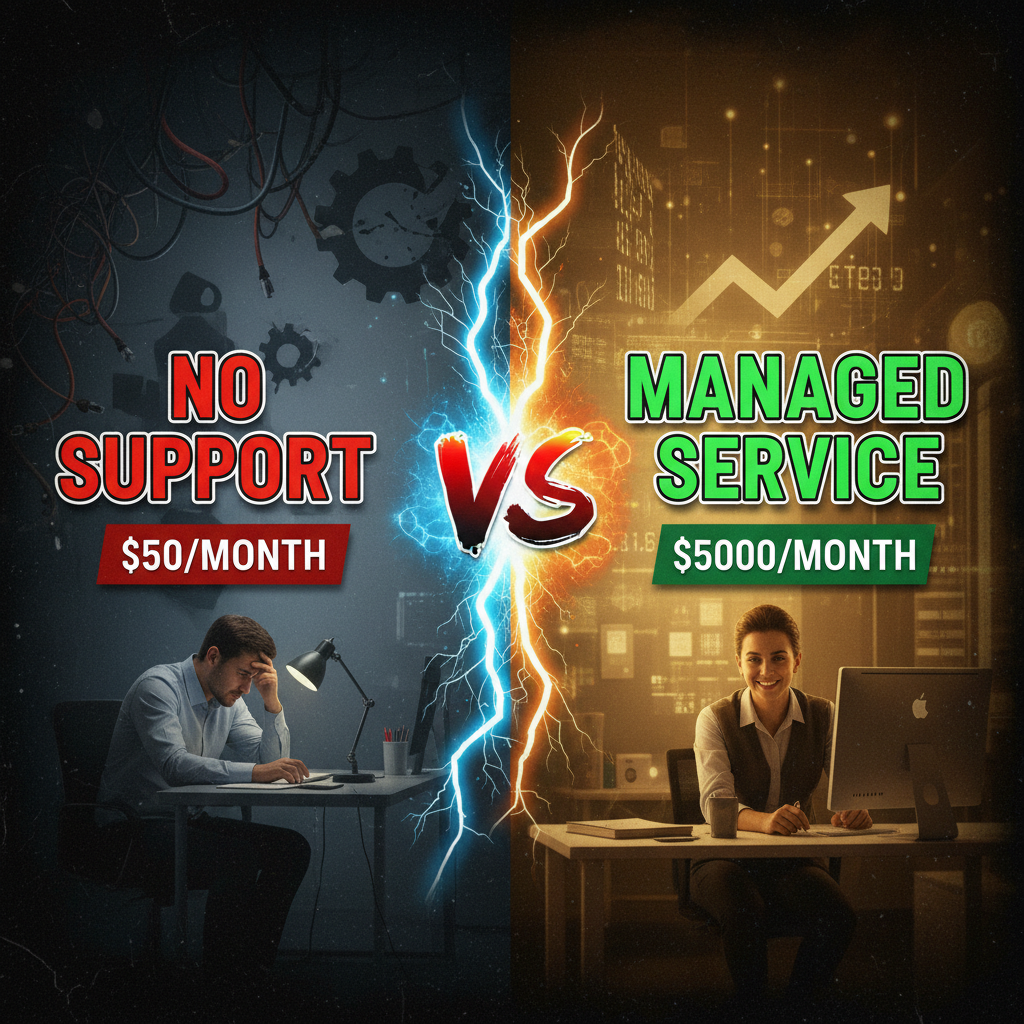
The Difference Between Hourly Support and Managed Services
Most merchants default to hourly support. "I'll call my developer when something breaks." It works until it doesn't.
Hourly support is reactive. Your store goes down at 2 PM on a Friday during peak traffic, and you're hunting for a developer who answers the phone. Or you need a security update, so you schedule a call, wait 2 weeks, pay $150/hour for 4 hours of work, and hope nothing else broke in the meantime.
Managed services flip this. You pay a flat monthly fee ($500-2,000, depending on complexity and scale), and an agency or managed provider takes ownership of your store. They monitor it, patch it, optimize it, and fix issues before they become crises.
The difference compounds: Hourly support is expensive, reactive, and stressful. Managed services is predictable, proactive, and scales.
What's Actually Included in Managed Services
Not all managed services are created equal. Here's the breakdown.
| Service Component | Tier 1 (Budget) | Tier 2 (Standard) | Tier 3 (Premium) |
|---|---|---|---|
| Monthly Monitoring | Basic uptime checks | 24/7 monitoring + alerts | 24/7 + performance dashboards |
| Security Updates | Manual, as-needed | Automatic, tested patches | Zero-day rapid response |
| App Updates | Quarterly batch updates | Monthly review + selective updates | Continuous monitoring + testing |
| Performance Optimization | Monthly report | Monthly optimization work | Weekly optimization cycles |
| Backup Management | Monthly backups | Daily backups + test restores | Hourly backups + RTO/RPO SLA |
| Support Hours | Business hours only | Business hours + emergency | 24/7/365 |
| Dedicated Account Manager | None | Yes, email-based | Yes, dedicated person |
| Monthly Price Range | $300-600 | $1,000-2,000 | $2,500-5,000+ |
Tier 1 works for stores doing <$100K/month with simple setups (no custom apps, standard theme). You get basic monitoring and updates; nothing fancy.
Tier 2 is the sweet spot for stores doing $100K-$1M/month. You get proactive monitoring, regular optimization, and someone who knows your store. Most merchants should be here.
Tier 3 is for Shopify Plus customers or stores with complex custom integrations doing >$1M/month. This includes 24/7 support, rapid incident response, and strategic optimization.
The Monitoring & Uptime Component
Here's what "24/7 monitoring" actually means.
A managed services provider sets up automated monitoring that pings your store every minute. They're checking:
- Site uptime: Is your store responding? Are checkout pages loading?
- Response time: Is your store slow? (>3 seconds is a red flag)
- SSL certificate expiration: Will your security certificate expire without notice?
- Theme errors: Are there JavaScript console errors breaking the front-end?
- App conflicts: Are any apps throwing errors that might crash checkout?
If something fails, the monitoring system sends an alert. A human reviews it. If it's a real issue (checkout is down), they start investigating immediately.
Most merchants never see this work. That's the point. You're asleep; the monitoring system caught the issue at 2 AM, the team investigated, and it was fixed by morning. You wake up to a summary email, not a crisis.
Typical response time: 15-30 minutes for a genuine outage. Most issues are resolved within 1 hour.
Cost of uptime: If your store does $50K/month in revenue and goes down for 4 hours during peak time, you lose $8,300 in sales. Managed services at $1,500/month breaks even on preventing just one outage per year.
Security & Patch Management
This is non-negotiable. Your store runs Shopify infrastructure, but it also runs apps, custom themes, and integrations. All of these get security updates.
Here's the typical workflow:
Week 1: Shopify releases a security patch for a theme framework. Or a popular app (like Gorgias or Klaviyo) releases a bug fix that also patches a vulnerability. The managed services team gets the alert.
Week 2: They review the patch in a staging environment (a copy of your store). Does it break anything? Does it conflict with your custom code? Does it affect performance?
Week 3: If safe, they apply it to your live store during off-peak hours (typically 2-4 AM). They monitor for 30 minutes after the update. All good? The work is done.
Without managed services, you either: 1. Never update (security risk) 2. Update yourself and break something (customer-facing risk) 3. Pay $200-300/hour for a developer to do it (expensive)
For most merchants, option 1 or 2 happens. That's a problem.
Shopify's core platform is secure; Shopify maintains that. But you own your apps, theme customizations, and integrations. Managed services takes that burden.
Performance Optimization Work
This is where the value really compounds.
A typical optimization cycle looks like:
Month 1: Audit. Load-test your store. Check Lighthouse scores (Google's performance metric). Review analytics—where are customers dropping off? Where are page loads slow?
Month 2: Quick Wins. Compress images. Lazy-load below-the-fold content. Remove unused JavaScript. Usually +5-10 points on Lighthouse; 10-15% faster page loads.
Month 3: Deep Optimization. Refactor the checkout flow. Implement server-side rendering for product pages. Integrate a CDN for static assets. +15-20 Lighthouse points; 25-30% faster overall.
Month 4+: Continuous Tuning. Monitor Core Web Vitals. Test new features. A/B test layout changes.
Why does this matter? Every 1-second improvement in page load speed correlates to a 7% increase in conversion rate (Google/Deloitte benchmark). If your store does $200K/month with a 2% conversion rate, a 1-second speedup is worth $14K/month.
Managed services costs $1,500/month. It pays for itself in 3 months if it delivers a 1-second page-speed improvement.
Most merchants never invest in optimization work because it feels like a luxury. With managed services, it's part of the package. The economics work out.
Backup & Disaster Recovery
Shopify backs up your store daily. That's baseline; it comes with every plan.
Managed services adds layers:
- Hourly backups instead of daily (critical if you sell $10K+/day)
- Test restores (they regularly test that backups actually work—most companies never do this)
- RTO/RPO SLAs (Recovery Time Objective = how long until you're back online; Recovery Point Objective = how much data loss is acceptable)
Example: Your store gets hacked on a Tuesday. The managed team detects it Wednesday morning. They restore from Tuesday 6 PM backup (30 minutes of data loss). Your store is live by Wednesday 10 AM. Total downtime: ~18 hours. Lost revenue: ~$5K.
Without managed services, you call Shopify's support, wait 2-4 hours for a response, and then wait another 6-12 hours for restoration. Total downtime: 24+ hours.
That 6-hour difference is worth thousands of dollars for a high-revenue store.
For stores doing <$10K/month, daily backups are probably sufficient. For stores doing >$100K/month, hourly backups are insurance.
The Hidden Value: Strategic Guidance
This doesn't show up in most managed services contracts, but the best providers include strategic guidance.
Examples: - "Your Shopify Plan is costing $300/month but you're not using the advanced features. Switch to the Standard plan and save $100/month." - "Your conversion rate dropped 15% last month. Your checkout process now requires 8 clicks instead of 4—let's streamline it." - "You have 40 inactive apps slowing down your store. Let's audit and remove the ones you're not using." - "Your payment processor is charging 2.9% + $0.30 per transaction. Shopify Payments is 2.7% for your region. Switch and save $300/month."
This guidance, applied over 12 months, often saves merchants $5K-$20K per year. It's strategic optimization work that hourly developers rarely do because it's not billable.
Comparing Managed Services vs. DIY vs. Hiring In-House
| Factor | Managed Services | DIY + Hourly Support | In-House Developer |
|---|---|---|---|
| Monthly Cost | $800-2,000 | $300 + $100-200/hr ad-hoc | $5,000-8,000 |
| Uptime SLA | 99.9%+ | None | Internal only |
| Security Updates | Proactive | Reactive/Manual | Reactive/Manual |
| Performance Optimization | Yes, included | Rare | Yes, but distracted |
| Emergency Response | <1 hour | 4-24 hours | On-call burden |
| Strategic Guidance | Yes | No | Yes, but biased |
Managed services wins for stores doing $200K-$5M/month that need predictable costs and don't want to manage developers.
DIY + hourly works for stores <$100K/month with simple setups and an owner who has time to coordinate contractors.
In-house developer works for Shopify Plus merchants or $5M+ stores where a dedicated engineer is justified and can focus exclusively on your store.
What to Look for in a Managed Services Provider
Not all managed services are equal. Here's what matters:
- Uptime SLA: Do they guarantee 99.9% uptime? Anything less is risky.
- Response time: What's their guaranteed response time for emergencies? (Should be <1 hour.)
- Security certifications: Are they Shopify Plus Partner certified? Do they have SOC 2 Type II certification?
- Incident communication: When something goes wrong, do they proactively notify you, or do you find out when customers complain?
- Pricing transparency: Are there hidden fees? Is optimization work included or billed separately?
- Reviews: Ask for references. Talk to 2-3 other merchants using their service.
A reputable provider will have case studies showing what they've optimized. They'll share specific metrics: "Reduced page load time by 35%, increased conversion by 8%."
Beware of providers who sell managed services as a bundled package with custom development work. The incentives get misaligned—they'll recommend expensive custom features because that's where they make real money, not on the managed services retainer.
Key Takeaways
- Managed services are insurance + optimization. You're paying for 24/7 monitoring, proactive security updates, and strategic optimization work.
- The math works for stores >$100K/month. Prevention of one outage per year pays back the entire managed services contract.
- Performance optimization is the hidden value. Most merchants never invest in optimization work. Managed services makes it automatic.
- Backup & disaster recovery matters more than you think. Hourly backups, test restores, and RPO/RTO SLAs reduce crisis recovery time from 24+ hours to 1-2 hours.
- Compare apples to apples. Not all managed services are equal. Ask for SLAs, response times, and security certifications.
For growing merchants, managed services shifts you from "call someone when it breaks" to "building a world-class store." The cost is modest for the peace of mind and optimization work.
Editorial Note
Tenten offers managed services for Shopify merchants doing $100K-$10M/month. The typical engagement includes 24/7 monitoring, weekly optimization cycles, rapid security updates, and a dedicated account manager. This article reflects operational experience from 50+ ongoing managed services relationships.
Article FAQ
Q: Is Shopify's built-in support enough? A: Shopify support is helpful for platform questions, but they won't optimize your store, monitor performance, or manage security patches. They're reactive, not proactive. For stores >$500K/month, managed services pays for itself.
Q: What if I want to hire a developer instead of managed services? A: If you hire full-time, expect to pay $5,000-8,000/month salary + taxes and benefits. A part-time contractor at $50/hour is cheaper but won't provide 24/7 monitoring. The economics usually favor managed services for stores <$5M/month.
Q: Can I use managed services from one provider and custom development from another? A: Yes, this is common. The key is communication. If both teams are working on your store, they need to coordinate so updates don't conflict. Use staging environments for testing.
Q: How often should I expect optimization work? A: Standard managed services includes 4-8 hours/month of optimization work. This might be: 1 audit, 2-3 quick wins, 1-2 hours of testing A/B changes, 1-2 hours of monitoring and tuning. It's steady, strategic work.
Q: What's included in the "dedicated account manager" tier? A: A person you can email or call (within business hours) who knows your store, understands your business goals, and can recommend changes without waiting for you to ask. They attend monthly review calls with you.
Q: Do I still need backup insurance if the provider has hourly backups? A: Hourly backups protect against data loss and hacks. They don't protect against catastrophic platform failure or the provider going out of business. Consider a third-party backup service (like BackupSeat) for extra security, especially if your store is >$5M/month.