The Data Problem Every Ecommerce Brand Faces
You're running Shopify and you have the most important asset: customer transaction data. But it's trapped. Raw Shopify data flows into Google Sheets, Looker Studio, and whatever analytics tool you're paying $500/month for. Yet your data is still fragmented, hard to trust, and impossible to query.
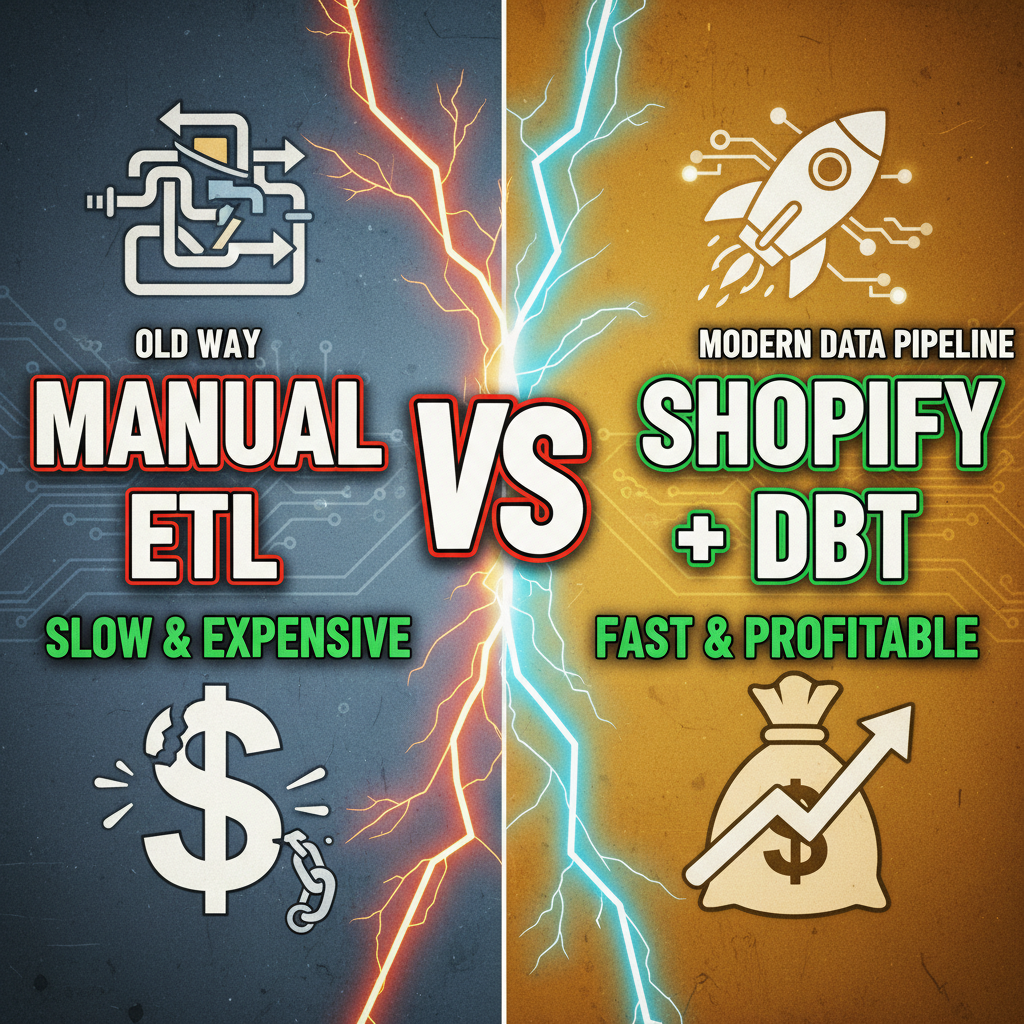
The typical workflow is broken: - Raw Shopify data in Google BigQuery or Segment - Multiple manual ETL jobs pulling inconsistent versions - Analysts rebuilding metrics from scratch in every dashboard - No single source of truth for "revenue," "retention," or "customer value" - When business definitions change (e.g., "What counts as a repeat customer?"), everything breaks
This is where dbt (data build tool) comes in. dbt transforms raw Shopify data into clean, documented, versioned data models that analysts and dashboards can trust. It's the missing piece between your Shopify raw data and your analytics.
Forget custom Python pipelines and data engineers debugging SQL at 2 AM. dbt makes data engineering accessible to anyone with SQL skills—and with Shopify, you get started in an afternoon.
What Is dbt and Why It Matters for Shopify
dbt is a command-line tool that lets you write SQL transformations and deploy them as reproducible data models. Here's why it's revolutionary for ecommerce:
Before dbt: You write SQL, paste it into a spreadsheet, email it to the analytics team, they paste it into Looker Studio, it breaks next month, nobody knows why.
With dbt: You write SQL once in version control. dbt tests it. dbt documents it. dbt deploys it. Everyone uses the same definition of "repeat customer." Everything is auditable.
dbt works with any data warehouse (BigQuery, Snowflake, Redshift, Postgres). Most DTC brands use BigQuery because it's cheap ($7.25 per TB queried) and Shopify's native data connector (via Shopify's official Fivetran integration or Replicaitor) pipes raw Shopify tables directly into BigQuery.
The architecture is simple:
Shopify (raw data)
    ↓
Fivetran / Replicator (ELT tool)
    ↓
BigQuery (raw tables: shopify_orders, shopify_customers, etc.)
    ↓
dbt (transforms raw → models)
    ↓
Clean models: fact_orders, dim_customers, fact_revenue
    ↓
Looker Studio / Tableau / Metabase (visualization)
This is ELT (Extract, Load, Transform) instead of ETL. Raw data lands first, dbt transforms second. It's faster, cheaper, and easier to debug.
The Shopify dbt Ecosystem
You don't start from zero. The community maintains dbt-shopify, a collection of pre-built models that handle common Shopify ecommerce metrics.
| Model | Purpose | Inputs |
|---|---|---|
| fact_orders | Denormalized order data with customer, product, and revenue metrics | shopify_orders, shopify_line_items |
| dim_customers | Customer dimensions: lifetime value, first/last purchase, repeat status | shopify_customers, fact_orders |
| fact_daily_revenue | Daily revenue aggregation by product, collection, source | fact_orders |
| fact_customer_cohorts | Cohort retention: who purchased when, who came back | fact_orders, shopify_customers |
| fact_product_performance | Product-level metrics: units sold, revenue, margin, repeat rate | fact_orders, shopify_products |
dbt Packages for Shopify:
dbt-shopify(official dbt community package) — Pre-built models for orders, customers, and daily aggregatesdbt-expectations— Data quality tests (check for nulls, duplicates, freshness)dbt-audit— Audit metadata (who changed what, when)
Step 1: Set Up Your Data Warehouse
Most Shopify + dbt shops use BigQuery. Here's the setup:
- Create a BigQuery project (if you don't have one)
- Install Fivetran connector for Shopify (or use Shopify's native data sharing) to sync raw Shopify tables to BigQuery
- Raw tables appear:
shopify_orders,shopify_customers,shopify_line_items,shopify_products - Set up dbt Cloud (free tier available) or dbt Core locally
- Point dbt to your BigQuery warehouse
Total setup time: 30 minutes. Total cost: $0 if you stay under BigQuery's free tier (1TB/month).
Step 2: Install dbt-shopify Package
In your dbt packages.yml:
packages:
  - package: dbt-labs/shopify
    version: 0.13.1
Run dbt deps to install. dbt-shopify will generate pre-built models for orders, customers, and daily metrics.
Step 3: Customize Models for Your Business Logic
The pre-built models are a starting point. Real value comes from customizing them for your specific metrics.
Example 1: Repeat Customer Cohorts
-- models/fact_repeat_customers.sql
with first_purchase as (
  select
    customer_id,
    min(order_date) as first_purchase_date,
    month(min(order_date)) as cohort_month
  from {{ ref('fact_orders') }}
  where status != 'cancelled'
  group by customer_id
),

repeat_status as (
  select
    fp.customer_id,
    fp.first_purchase_date,
    fp.cohort_month,
    max(case when o.order_number > 1 then o.order_date end) as second_purchase_date,
    case when max(o.order_number) > 1 then true else false end as is_repeat_customer,
    count(o.order_id) as total_purchases
  from first_purchase fp
  left join {{ ref('fact_orders') }} o
    on fp.customer_id = o.customer_id
  group by fp.customer_id, fp.first_purchase_date, fp.cohort_month
)

select * from repeat_status
This single model gives you cohort retention: "Of customers acquired in Jan 2026, what % made a second purchase by April?" This is the foundation of retention analysis.
Example 2: Margin-Aware Revenue
Most Shopify data doesn't include COGS. You need to join product cost data.
-- models/fact_orders_with_margin.sql
select
  o.order_id,
  o.customer_id,
  o.order_date,
  o.total_price,
  o.total_tax,
  o.total_shipping,
  sum(li.quantity * p.cost_per_unit) as total_cogs,
  o.total_price - sum(li.quantity * p.cost_per_unit) as gross_profit,
  (o.total_price - sum(li.quantity * p.cost_per_unit)) / o.total_price as margin_pct
from {{ ref('fct_orders') }} o
left join {{ ref('fct_order_line_items') }} li on o.order_id = li.order_id
left join {{ ref('dim_products_with_cost') }} p on li.product_id = p.product_id
group by o.order_id, o.customer_id, o.order_date, o.total_price, o.total_tax, o.total_shipping
Now every order has margin data. You can filter by profitable orders, segment customers by margin contribution, and calculate real profitability metrics.
Example 3: Attribution via UTM Parameters
Shopify stores the UTM source in orders.source_name and orders.referring_site. dbt makes it queryable:
-- models/fact_orders_by_source.sql
select
  source_name,
  referring_site,
  count(order_id) as order_count,
  sum(total_price) as total_revenue,
  avg(total_price) as avg_order_value,
  count(distinct customer_id) as unique_customers,
  round(sum(total_price) / count(distinct customer_id), 2) as revenue_per_customer
from {{ ref('fct_orders') }}
where status != 'cancelled'
group by source_name, referring_site
order by total_revenue desc
One query, repeatable. Every time you refresh dbt, this is updated.
Step 4: Set Up Data Quality Tests
Data quality is where most analytics pipelines fail. A missing column, a schema change, and suddenly your dashboard is wrong for a week.
dbt tests catch this.
# models/schema.yml
models:
  - name: fact_orders
    description: Core order fact table
    columns:
      - name: order_id
        description: Unique order ID
        tests:
          - unique
          - not_null

      - name: customer_id
        description: Customer ID (foreign key to dim_customers)
        tests:
          - not_null
          - relationships:
              to: ref('dim_customers')
              field: customer_id

      - name: order_date
        description: Order date
        tests:
          - not_null
          - dbt_expectations.expect_column_values_to_be_of_type:
              column_type: timestamp

      - name: total_price
        description: Order total (revenue)
        tests:
          - not_null
          - dbt_expectations.expect_column_values_to_be_between:
              min_value: 0
Run dbt test before you deploy. If tests fail, dbt stops. No bad data reaches your dashboard.
Step 5: Deploy and Schedule
dbt Cloud handles scheduling (free tier: daily runs). Once daily, dbt will: 1. Run all models in dependency order 2. Run all tests 3. Generate lineage and documentation 4. Alert you if anything fails
No cron jobs, no manual SQL, no guessing.
The Real ROI: From Data Chaos to Data Confidence
Here's what changes when you deploy dbt + Shopify:
| Before | After |
|---|---|
| Metrics defined 5 different ways in different tools | One source of truth |
| Analytics takes 2 weeks per new metric | New metrics in 1 day |
| Dashboard breaks on schema changes | Tests catch schema changes automatically |
| "Which revenue number is right?" | Everything is documented and versioned |
| CAC analysis requires manual joins | CAC is a query away |
| No one understands data flow | Every model is documented, version-controlled, tested |
The time savings compound. Your first 3 models take a week. Models 4-10 take days. By month 2, you're shipping metrics at 10x velocity.
Real DTC brands report that dbt saves 40-50% of analytics engineering time annually. One Shopify brand reduced dashboard refresh time from 2 hours/day to 2 minutes/day.
Ready to Build Your Data Pipeline?
If you want to build a production dbt pipeline for your Shopify store and need guidance on architecture, modeling, or scaling to millions of orders, contact Tenten. We help DTC brands architect data infrastructure that actually scales.
You can also explore our technical Shopify services for data and analytics work.
Editorial Note
dbt is the missing link between Shopify raw data and trusted analytics. It's not a magic tool—it's a discipline. But it's a discipline that every data-driven DTC brand should adopt. Once you experience querying clean, tested data, you'll never go back to manual SQL and broken dashboards.
Frequently Asked Questions
Does dbt require a data warehouse? Can I use it with Google Sheets?
dbt requires a data warehouse (BigQuery, Snowflake, Redshift, Postgres). You can't use it directly with Google Sheets. However, BigQuery is cheap ($7.25/TB) and Google provides a free tier (1TB/month free), so cost isn't a barrier. Many DTC brands start on BigQuery and stay there for years.
How often should I run dbt transformations?
This depends on your business rhythm. Most DTC brands run daily (overnight). If you need real-time metrics (e.g., hourly dashboards), you can run hourly. dbt Cloud handles scheduling automatically. Start with daily and adjust based on your analysis cadence.
Can I use dbt with Shopify's native analytics?
dbt is separate from Shopify's native analytics. Shopify analytics are limited to product performance and sales trends. dbt lets you build custom metrics that Shopify doesn't offer: cohort retention, customer LTV, margin analysis, attribution, etc. Both can coexist, but dbt is where you get real analytical depth.
What if I have custom product costs in a spreadsheet?
dbt can read from multiple sources. You can load your cost spreadsheet into BigQuery (via Google Sheets integration or manual CSV load), then join it in dbt models alongside Shopify data. This is a common pattern for brands managing COGS manually.
Do I need a data engineer to build and maintain dbt?
No. If someone on your team knows SQL, they can build dbt models. No Python, no DevOps needed. That said, for production pipelines at scale, you might want a data engineer. Start DIY and hire when you have complex requirements.