
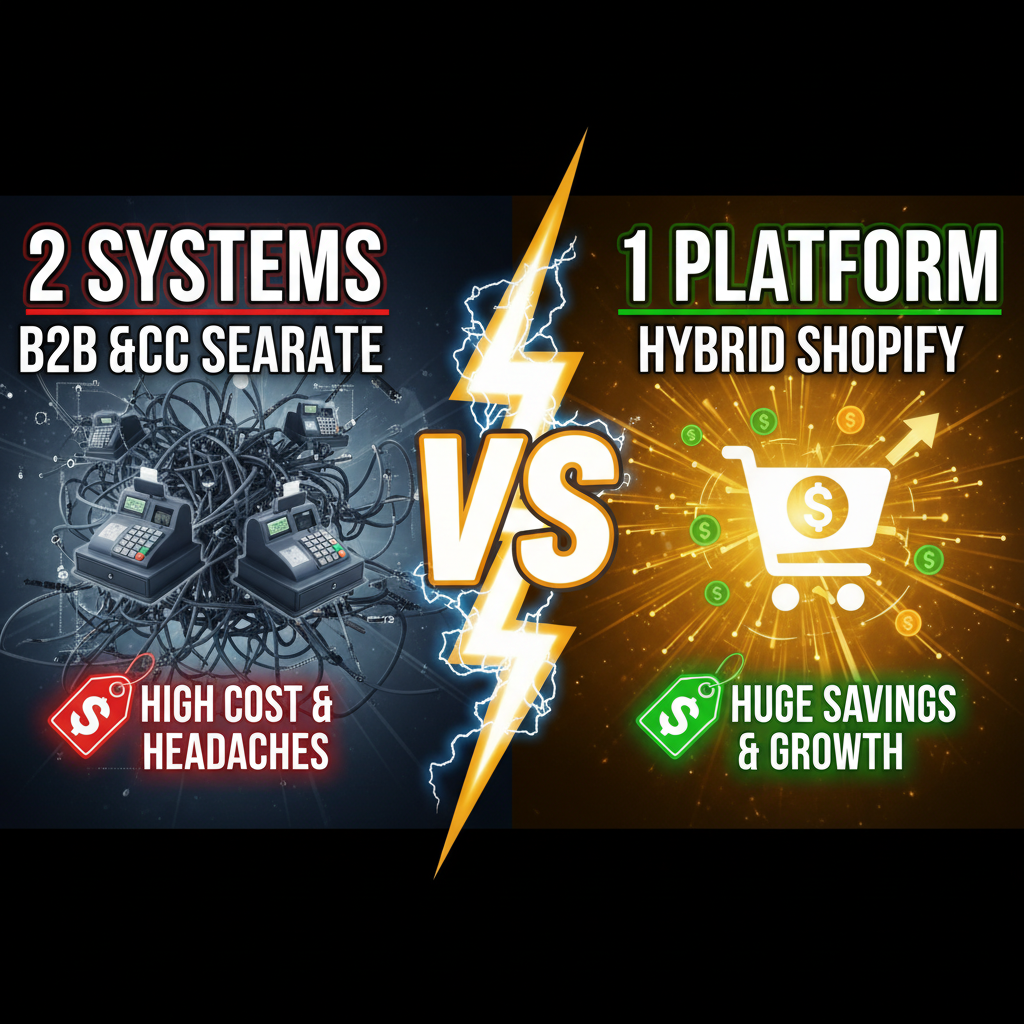
The Hybrid Seller Problem
You manufacture a product. Retailers buy at wholesale prices. Consumers buy at retail. You currently operate two stores—one for each. Cost, complexity, and inventory hell.
Here's the reality: 41% of manufacturers and brands operate on dual-channel models (B2B wholesale + B2C DTC). Many waste $5,000–$50,000 annually maintaining separate platforms, syncing inventory across systems, and managing duplicate customer data (Forrester B2B Commerce Report, 2024).
The solution: one unified Shopify store with B2B and B2C customer segmentation. Different pricing, catalogs, and checkout workflows—all from one backend.
Why One Store Matters
Unified inventory: Sell a product to a wholesale buyer at 2 PM. The inventory immediately reflects on your B2C storefront. No manual syncing. No overselling.
Single source of truth: One product database, one customer list, one fulfillment queue. When inventory runs low, both channels feel the impact—forcing intelligent allocation decisions.
Lower operational cost: One Shopify plan ($29–$299/month). One fulfillment system. One customer service team. Two separate stores = double the overhead.
Better data: Combined B2B and B2C sales data reveals product velocity, seasonality, and channel performance. Retail buyers love products that sell well to consumers (proof of demand). Consumers trust products sold to retailers (proof of quality).
Shopify B2B Edition vs. Custom Segmentation
Shopify launched Shopify B2B Edition in 2023—a dedicated B2B platform built on Shopify's architecture. It handles:
- Tiered pricing (volume discounts)
- Sales rep workflows
- Bulk quotations
- Net-30 / Net-60 payment terms
- Custom catalogs per buyer
Should you use Shopify B2B Edition or manage B2B on standard Shopify?
| Factor | Shopify B2B Edition | Standard Shopify + Custom |
|---|---|---|
| Setup complexity | 2-3 weeks (turnkey) | 4-8 weeks (custom coding) |
| Monthly cost | $2,300+ (separate instance) | $29–$299 (shared plan) |
| B2B pricing automation | Built-in, rules-based | Requires Shopify Plus or custom apps |
| Multi-buyer catalogs | Native, per-buyer rules | Manual per-app management |
| Checkout experience | Optimized for B2B workflows | Hybrid (same checkout for both) |
| Integration with B2C | Manual / via APIs | Seamless (same database) |
| Best for | Enterprise B2B only | Hybrid (B2B + B2C) sellers |
Recommendation: If you're 80%+ B2B, use Shopify B2B Edition. If you're hybrid (40% B2B, 60% B2C), use standard Shopify with customer segmentation and dynamic pricing apps. B2B Edition adds cost and complexity for hybrid sellers.
Building a Hybrid Store: Customer Segmentation
Your foundation is customer segmentation. You need:
- Customer tags: Tag each customer as "Wholesale" or "Retail"
- Dynamic pricing: Show different prices to different customer groups
- Custom catalogs: Show or hide products per customer group
- Distinct checkout: Different payment terms, MOQ (minimum order quantities), and shipping
How to implement:
Step 1: Create customer groups
Use Shopify's built-in customer tags or a Customer Segmentation app (Segment, Bold, Yext). Tag wholesale customers as "B2B" or "Wholesale" at signup.
Step 2: Dynamic pricing
Shopify doesn't natively support dynamic pricing per customer group. Use one of these:
- Shopify Plus: Access to advanced pricing rules and custom apps. Cost: $2,000–$40,000/month.
- Third-party apps: Drip, Personalized Pricing, Price Rules Pro. Cost: $50–$300/month.
- Hydrogen + Storefront API: Build a custom headless storefront with rules-based pricing. Cost: Custom dev (10-20 hours).
For most hybrid sellers, an app like Personalized Pricing is sufficient. You create pricing rules: - IF customer tag = "B2B" AND product tag = "Wholesale-Available" THEN apply 40% discount - IF customer order total > $1,000 THEN apply 10% bulk discount
Step 3: Custom catalogs
You may not want to show all products to all customers. Example: Show premium SKUs to wholesale buyers, but limit retail customers to standard variants.
Use Shopify's Collection rules to create hidden collections: - Collection 1: "Wholesale Only" (visible only to B2B customers) - Collection 2: "Retail Standard" (visible to B2C customers) - Collection 3: "All Products" (visible to both, but with different pricing)
Step 4: Checkout customization
Hybrid sellers need different checkout flows:
| Aspect | B2B Checkout | B2C Checkout |
|---|---|---|
| Minimum order | $500 MOQ (wholesale) | No minimum |
| Shipping | LTL/Pallet (pickup) | Standard shipping |
| Payment | Net-30 terms or bank transfer | Credit card + PayPal |
| Tax | Reseller certificate exemption | Sales tax applied |
| Discount | Volume-based | Promotional code only |
Shopify's native checkout doesn't support conditional payment terms. Use: - Shopify Plus: Custom post-purchase workflows - Third-party: Affirm (BNPL), QuickBooks integrations - Manual: Route B2B orders to manual payment processing (Net-30 invoicing by sales rep)
Pricing Strategy for Hybrid Sellers
Retail markup vs. wholesale cost:
Standard formula: - Wholesale cost: $20 (cost to make) - Wholesale price: $40 (100% markup, 2x cost) - Retail price: $99 (2.5x wholesale, 60% margin)
Volume-based tiering (wholesale):
| Order Quantity | Unit Price | Total discount |
|---|---|---|
| 1–10 units | $40 | 0% |
| 11–50 units | $36 | 10% |
| 51–100 units | $32 | 20% |
| 100+ units | $28 | 30% |
Implement via Shopify Plus pricing rules or a dynamic pricing app. The key: incentivize larger orders without eroding margin too much.
Flash sales (retail only):
Avoid running promotions visible to both B2B and B2C. B2B buyers get upset when they see retail discounts. Use a hidden discount code for retail promotions:
- Code: RETAIL20 (visible on your B2C marketing, hidden from B2B)
- Only applies to products tagged "Retail-Eligible"
- Excludes wholesale-only items
Inventory Allocation & Fulfillment
With one inventory, you must decide: prioritize B2B or B2C?
Smart allocation strategy:
- Forecast demand: How much product do you anticipate selling to B2B vs. B2C this month?
- Reserve inventory: Allocate 60% to wholesale (fewer, larger orders) and 40% to retail (many small orders).
- Flexible reallocation: If retail inventory runs low mid-month, reduce wholesale allocations for the remainder (not ideal, but necessary).
Shopify's inventory tools don't support allocation splits natively. Use:
- Inventory management apps: Stocky, Traktor, Inven.ly. They add allocation logic.
- Google Sheets + API: Track allocation manually (low-tech but works).
- Shopify Plus: Custom app development.
Fulfillment routing:
- B2B orders: Batch weekly. Ship on Friday. Use LTL (less-than-truckload) carriers for large orders.
- B2C orders: Ship daily or next-day. Use USPS, UPS, or FedEx for individual parcels.
Shopify's fulfillment tools let you tag orders and route manually. Automate with a fulfillment app (ShipBob, Flexport) if volume justifies the cost.
Managing B2B Customer Relationships
B2B wholesale requires sales engagement that B2C doesn't.
Sales reps and approval workflows:
- Assign each wholesale customer to a sales rep in Shopify (via customer note or CRM integration).
- Use Shopify's draft order feature for custom quotations. Rep creates a draft, customer reviews, rep converts to order.
- Track rep performance: Orders closed, average order value, repeat rate per rep.
Payment terms and invoicing:
- Most wholesalers expect Net-30 or Net-60 (pay after 30–60 days).
- Shopify Payments doesn't support deferred payment. You have two options:
- Manual invoicing: Accept order in Shopify, send separate invoice via QuickBooks/Wave, customer pays separately.
- Third-party financing: Affirm for Business, PayPal Commerce (Business Payments), or Stripe Connect for flexible terms.
Example workflow: 1. Wholesale customer places $5,000 order via Shopify. 2. Order tagged "B2B-Pending-Invoice" 3. Sales rep generates PDF invoice from Shopify order and emails customer 4. Customer sends check or bank transfer (Net-30) 5. Payment received, order ships
Low-tech but works. For higher volume, migrate to Shopify B2B Edition or a wholesale-only platform.
Inventory-Syncing Best Practices
One inventory. Two customer segments. One mistake = overselling.
Daily reconciliation:
- Audit inventory levels daily (5 min task via Shopify dashboard)
- Check actual stock in warehouse
- Update Shopify quantity if discrepancy > 5%
Forecast reserves:
- Review pending B2B orders weekly
- Allocate inventory to likely wholesale demand
- Flag retail orders if inventory drops below reserve
Safety stock:
- Keep 10-15% buffer (dead stock). Better to have slow-moving inventory than stock-outs.
Common Mistakes to Avoid
| Mistake | Impact | Solution |
|---|---|---|
| Mixing B2B & B2C pricing | Wholesale buyers see retail prices, abandon; retail customers see wholesale discounts, cannibalize | Use distinct pricing rules per segment |
| No inventory reserve | Oversell to retail, can't fulfill wholesale orders | Allocate inventory with forecast reserves |
| One checkout for both | B2B needs Net-30; retail needs credit card. Confusing. | Custom checkout per segment or B2B Edition |
| Duplicate product data | Different product info for B2B vs. B2C | Single product database; hide/show variants per segment |
| No sales rep assignment | Wholesale orders get treated like retail; no follow-up, no upsell | Tag orders, assign to reps, track by rep |
Your Hybrid Store Checklist
- Segment customers: Tag wholesale buyers as "B2B" or "Wholesale" in Shopify.
- Plan pricing: Create wholesale (tiered) and retail (fixed) price schedules.
- Choose pricing tool: Shopify Plus for native rules, or third-party app (Personalized Pricing, Price Rules Pro).
- Set up collections: Create separate collections for wholesale-only, retail-only, and hybrid products.
- Define payment terms: Decide on payment method per segment (B2B = invoice/Net-30, B2C = credit card).
- Test checkout: Place test orders as B2B and B2C customers. Verify pricing, shipping, and payment.
- Integrate fulfillment: Route B2B and B2C to different fulfillment processes (batch vs. individual).
- Train team: Sales reps need to understand customer segmentation and pricing rules.
- Monitor daily: Track inventory, flag oversell risks, rebalance allocations weekly.
- Iterate: Gather feedback from B2B and B2C customers. Refine pricing, catalogs, and workflows quarterly.
Ready to Grow Your Shopify Store?
Hybrid commerce is complex—but one unified store eliminates redundancy and unlocks data. Whether you're adding B2B to an existing B2C store or adding retail to a wholesale business, Shopify's flexibility scales with you.
We've helped manufacturers and brands build hybrid Shopify stores with custom pricing logic, inventory allocation, and B2B workflows. From pricing strategy to fulfillment automation to sales rep enablement, we handle the operational design.
Contact Tenten to architect your hybrid commerce strategy. Let's unify your inventory and accelerate growth on both channels.
Editorial Note The biggest win with hybrid commerce isn't just cost savings—it's demand intelligence. B2B orders signal retail demand. Retail sales prove product-market fit to wholesale buyers. When both channels see the same data, smarter decisions follow.
Frequently Asked Questions
Can I use standard Shopify for hybrid B2B + B2C, or do I need Shopify Plus?
Standard Shopify works for hybrid sellers under $1M annual revenue. Use customer tags and third-party pricing apps to segment pricing. For enterprise scale (multi-million), Shopify Plus unlocks custom pricing rules and advanced APIs.
How do I prevent B2B customers from seeing B2C prices?
Use dynamic pricing apps (Personalized Pricing, Price Rules Pro) to display different prices per customer tag. The app detects logged-in customers and applies rules in real-time before checkout.
Should I show wholesale and retail products in the same store or separate them?
Show both in the same store but use separate collections (Wholesale-Only, Retail-Only, Hybrid). Tag products accordingly. This unifies your inventory while giving customers clarity on which products apply to them.
How do I handle Net-30 payment terms for B2B on Shopify?
Shopify's native checkout doesn't support deferred payments. Use manual invoicing (Shopify order → PDF invoice → customer pays separately) or third-party financing (Affirm for Business, PayPal Commerce). For high B2B volume, consider Shopify B2B Edition.
What's the minimum order quantity for B2B wholesale?
Typical range: $250–$1,000 minimum order value or 10–50 units minimum. Set based on your margin and fulfillment costs. Use pricing rules to enforce MOQ—orders below trigger a discount rejection or require manual approval.
How do I track which sales rep sold to each B2B customer?
Use Shopify's customer notes or a CRM integration (HubSpot, Salesforce). Tag orders with rep initials. Use Shopify's analytics to report revenue by rep, customer lifetime value, and repeat purchase rate.